Executable Items: Create Your Own Weapon
- By
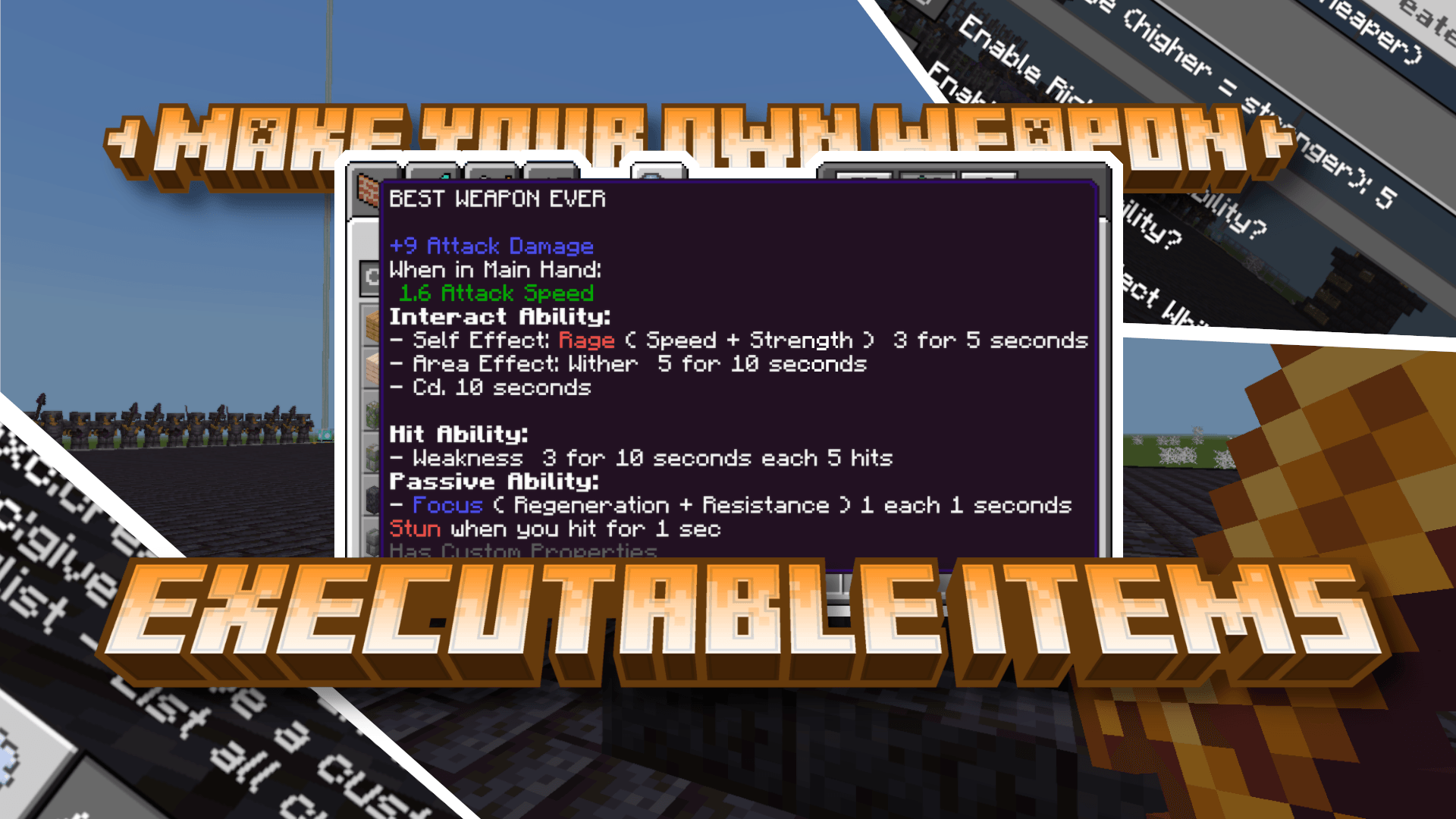
You can use this addon to make your own weapon with custom interact, hit and passive abilities right in-game without any coding.
MCPEDL
Description

Executeable Items addon allows you to create your very own custom weapon with custom damage, interact, hit, passiveablity and custom looks. Modify ability settings to make the weapons your own. Here is a quick tutorial on how to create your own weapon.
THIS IS A CONCEPT RELEASE v0.1. THERE WILL BE MORE UPDATES ADDING MORE ABILITIES AND VISUALS> IF YOU HAVE ANY IDEAS TELL THEM IN THE COMMENTS OR JOIN DISCORD
Compatible with Beyond's Java PvP Addon
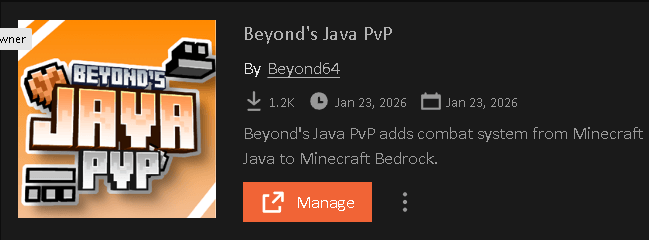
Beyond's Java PvP introduces the weapon attack speed and combat system from Minecraft Java to Minecraft Bedrock in a clean and simple way. Adding this addon will give all the weapons in the addon Java style attack animation and attack speed.
Click Here To Download Beyond's Java PvP Addon
Make sure that Beyond's Java PvP addons bp and rp are bellow all the other addons. It will work otherwise but keeping it bellow is recommended.
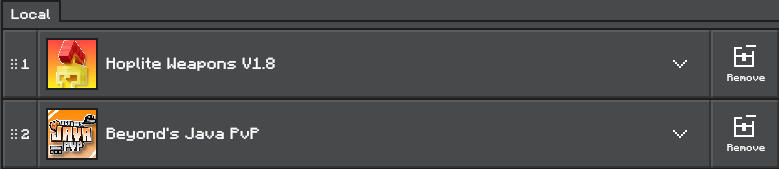
STEP 1: Create your weapon
First while you are a OP or ADMIN of the world run the command /exc:create @s

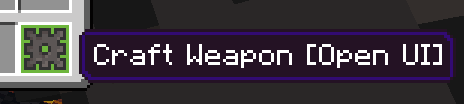
or while in creative interact with this item
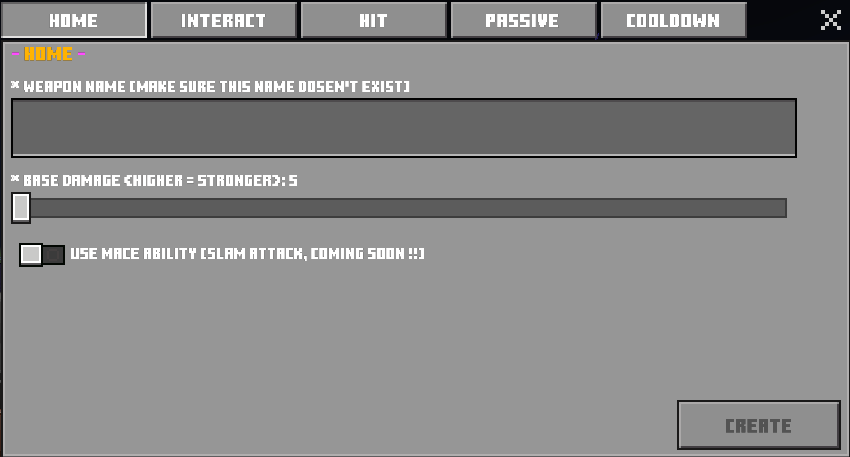
After running the command a UI will appear that will ask you to name your weapon and set the damage value of the weapon. Damage value can be 5-12. After then there will be toggle of additional settings like interact ability, hit ability, passive ability etc. Turn on which you want and hit NEXT STEP.
If you had the ability toggles selected you will be taken through each ability settings. There you can set ability to your weapon. For example you can add custom effects to weapon on interact. You can make you weapon X effect when you hit a entity or have X effect when you hold the weapon. There is alot of settings in the addon so far and more to be added. Interact abilities comes with its in-build cooldown system that you can set in the settings.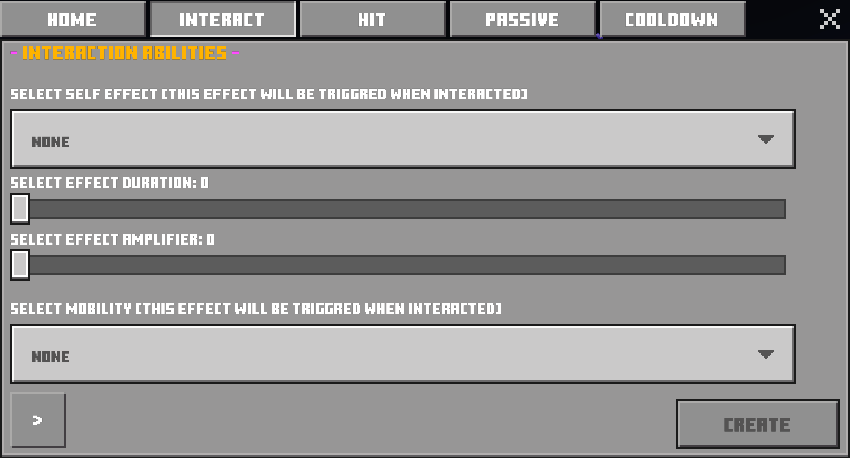
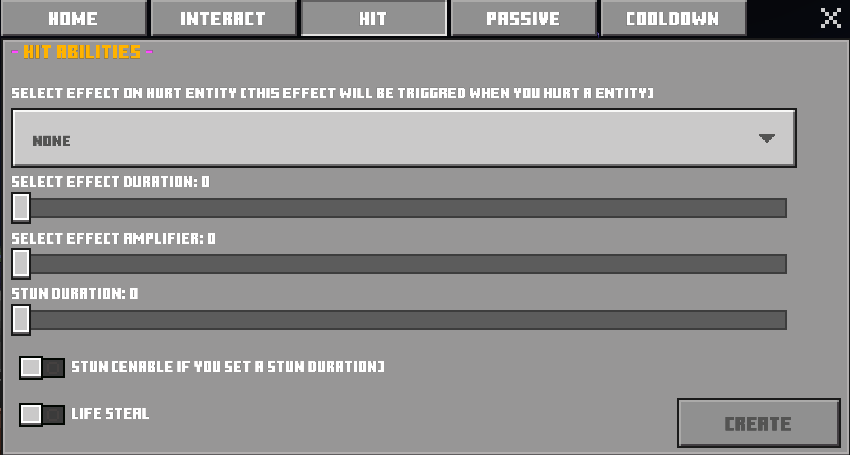
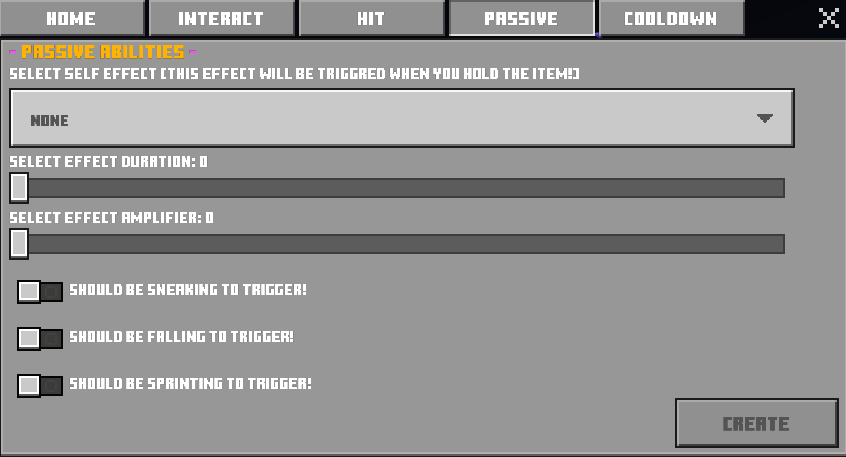
After doing all the settings work hit NEXT STEP for one last time. After that you will be shown with a selection of premade visuals for your weapon. You can select vanilla item texture or through the collection of the other custom made weapon textures. More texture will be added each update.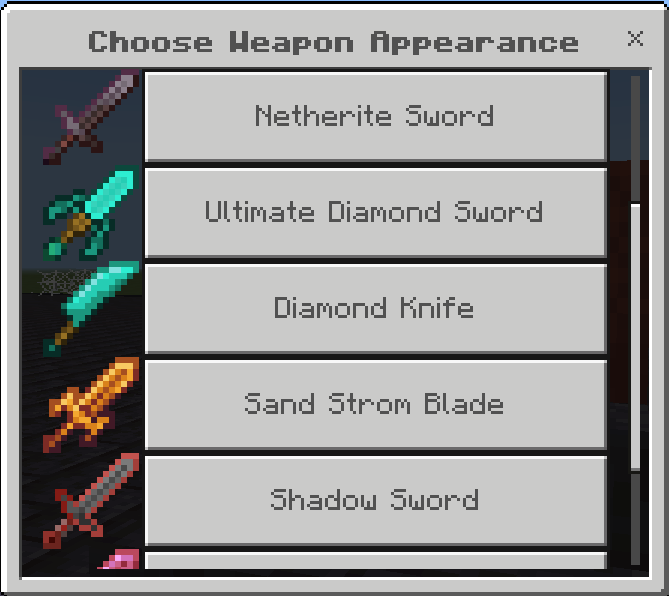
After you select the look your weapon will be created and given in your hand.
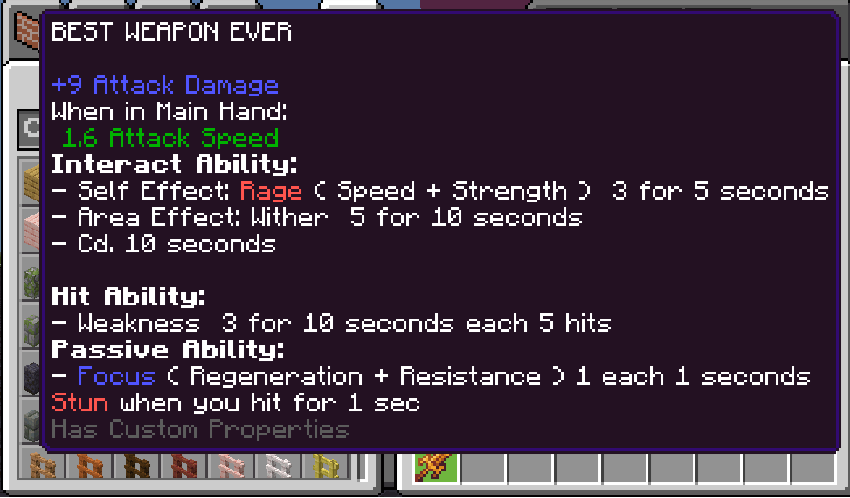
If you want to regain the same weapon without needing to create it again you can use /exc:give command. While you are OP or ADMIN of the world run the command /exc:give <target like @s @a or Name> "<Weapon Name>". Make sure the structure is the same and weapon name is inside ""

or, use the controll item
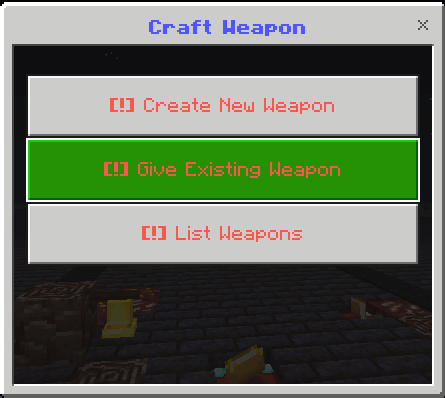
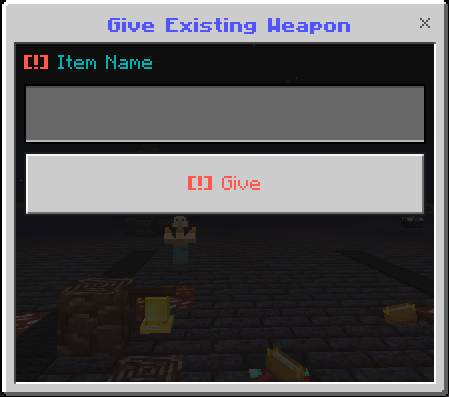

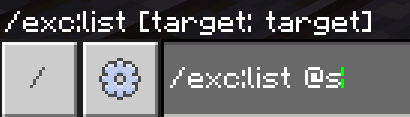
You can also use /exc:list command to show the names of all the weapon you have ever created. You should run the command like this, /exc:list @s
or, use the controller item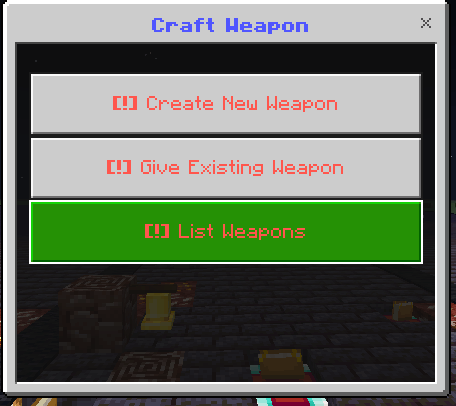

Credits:
- Beyond64: Programmer and Creator
- ColdBearLC2: Tester
For more updates or any additional questions reach us on Discord.
The Executable Items: Create Your Own Weapon Team


Owner