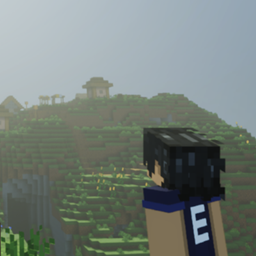
EuForia Nightvision Goggles
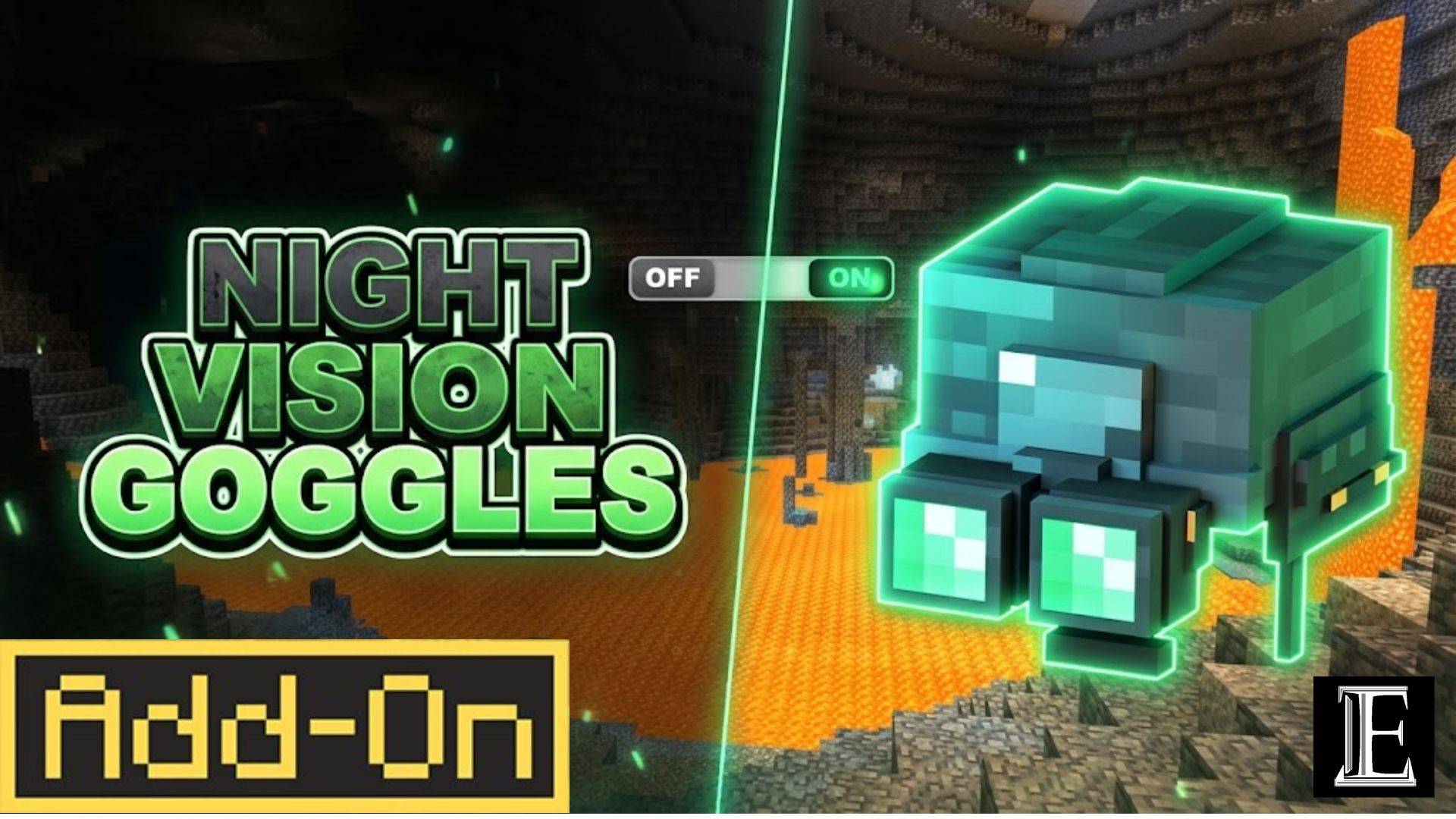
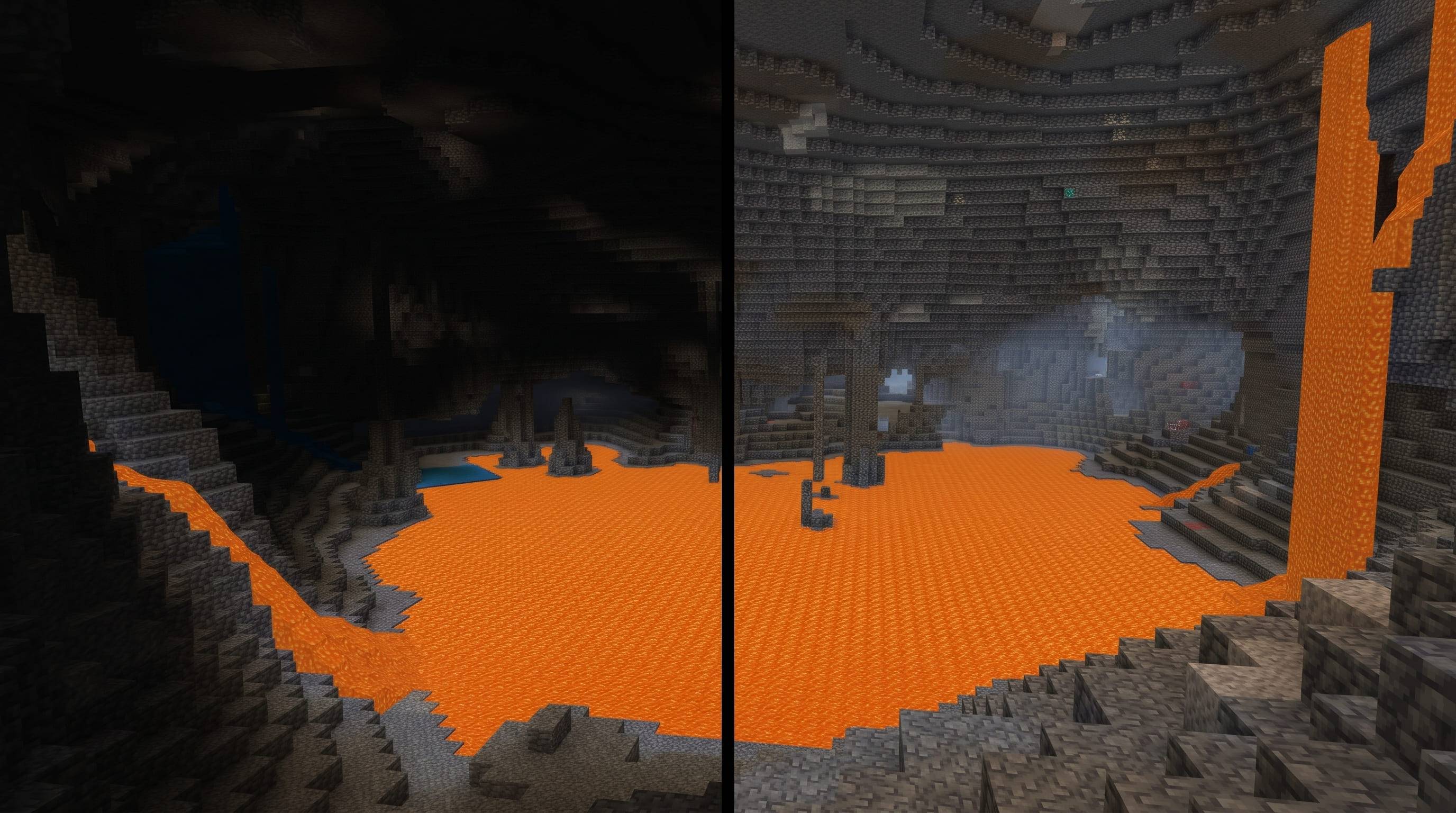
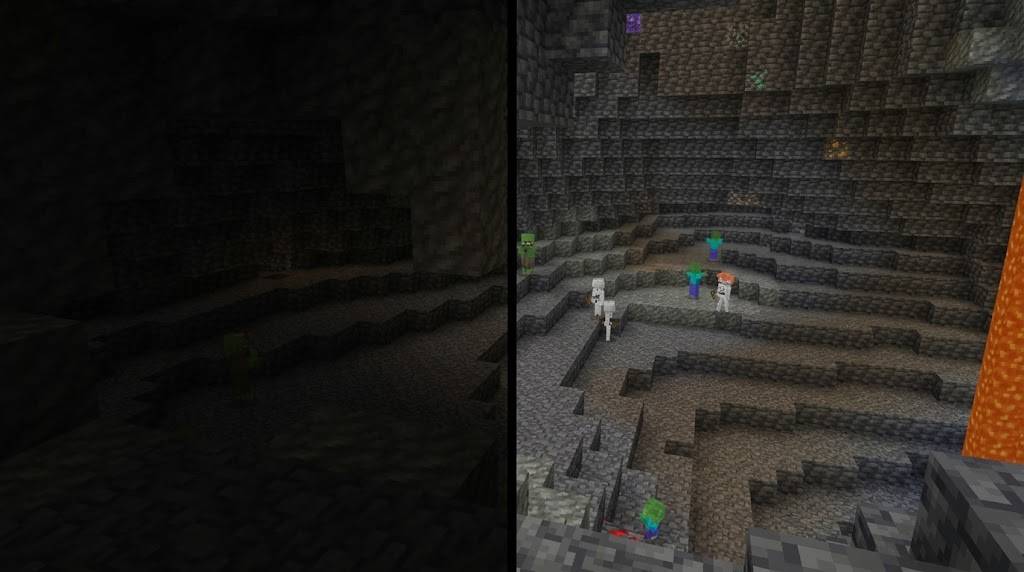
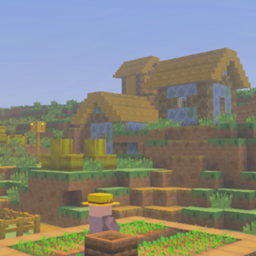
Night Vision Goggles are tactical headgear for Minecraft Bedrock. Wear them and the world stays lit — caves, ravines, and the ocean floor all show up in full colour, day or night.
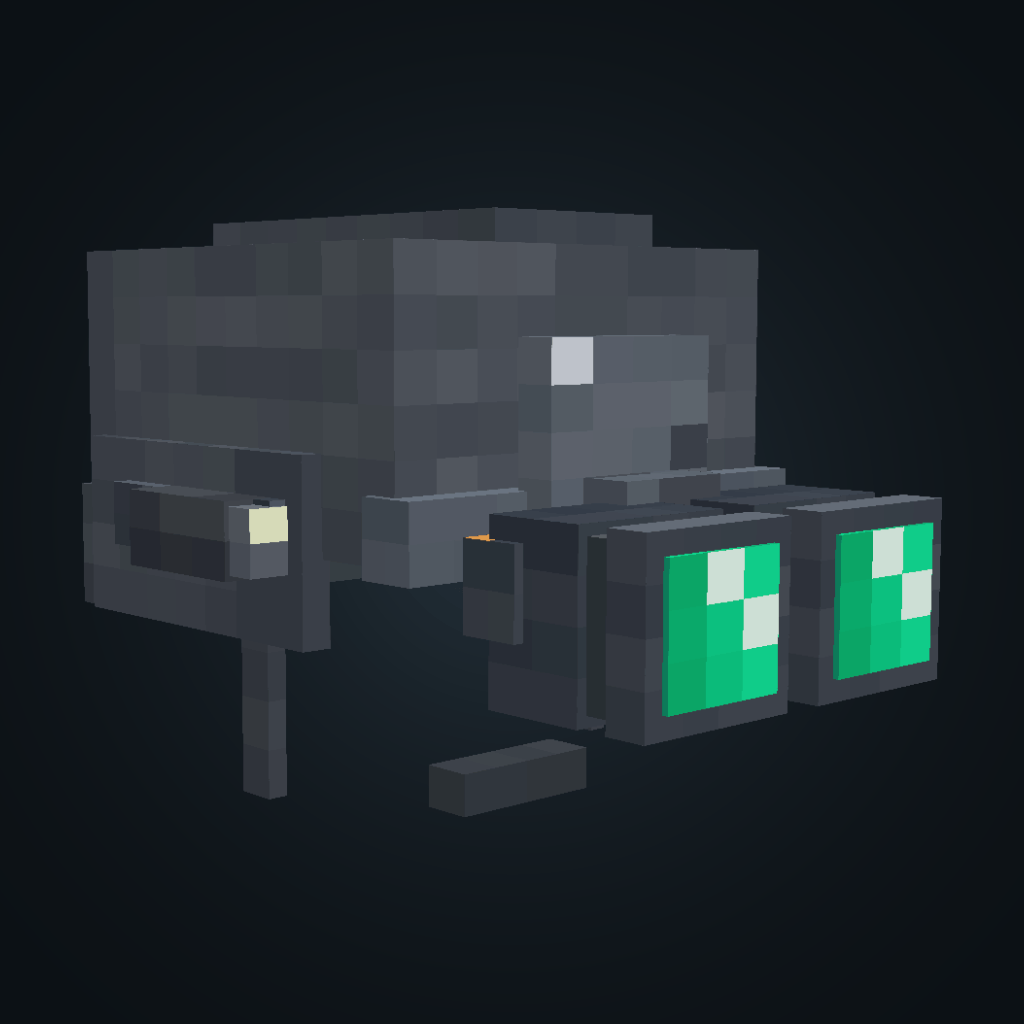
Craft them in survival, wear them in your helmet slot, and they show on your character as a helmet with two glowing green lenses, straps, and a battery pack on the back.
✅ Achievement-friendly — uses product_type: addon metadata; world achievements remain enabled
🔗 Full wiki: euforiaproject.com and discord https://www.euforiaproject.com/discord If you want to request addons, leave suggestions, or give us direct feedback, feel free to visit our website!
What it does
- Turns the dark into daylight. While you're wearing them, night vision stays on. Walk into a cave at midnight and you can mine, fight, and find your way without placing a single torch.
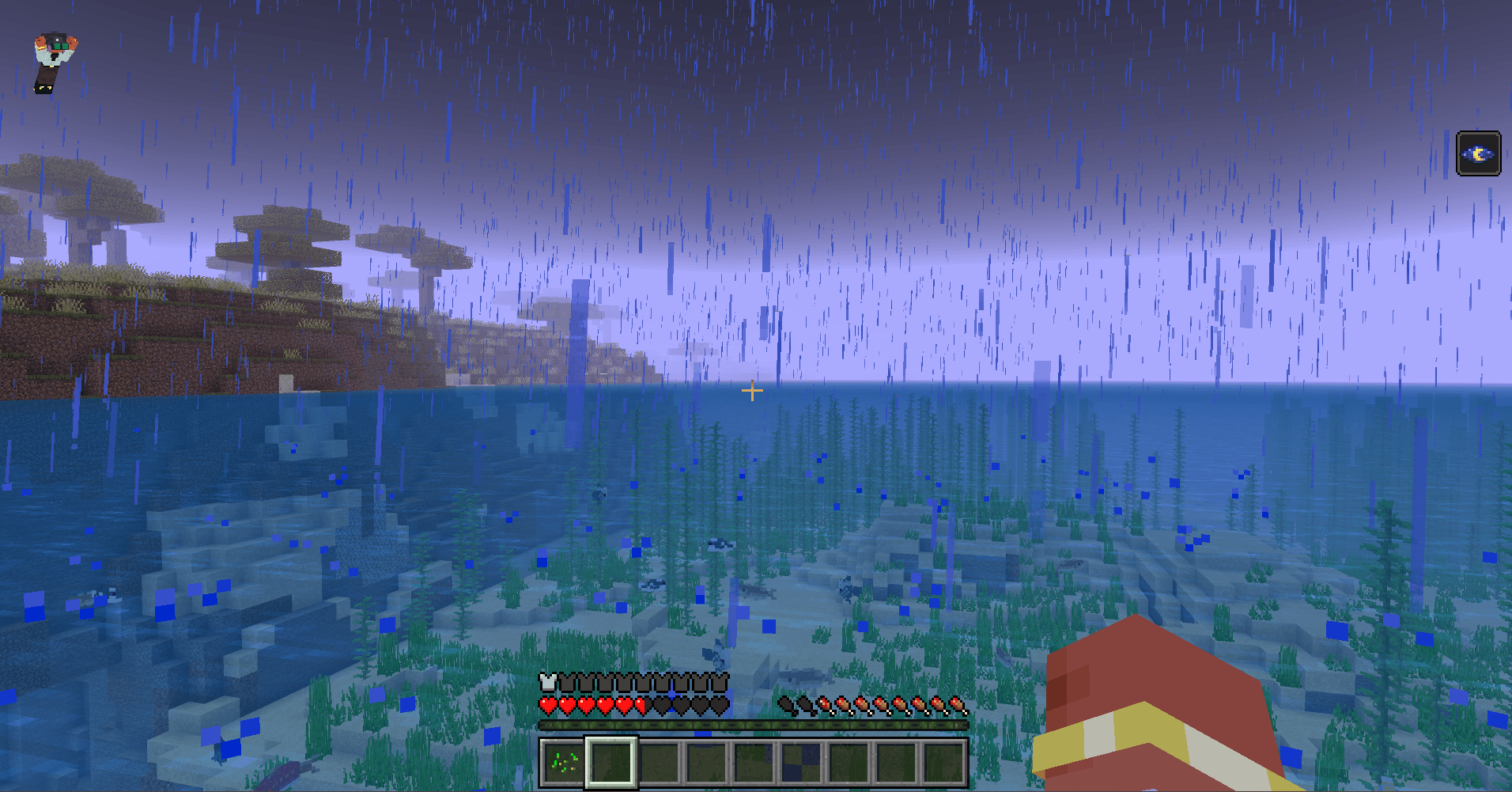
- Keeps your screen clean. A night vision potion covers your view in purple bubbles. The goggles switch the effect on and hide the bubbles, so you see the cave instead of the potion.
- Clears the fog. Caves and water stop looking hazy — the fog is pushed back so you can see where you're going.
- Turns off when you don't need it. Hold sneak for 1.5 seconds, or type
/euforia:nvg, to pause it. Do it again to switch it back on.
- Protects your head. It works like a helmet: 2 armor points, and it lasts about 320 uses before it breaks.
Crafting
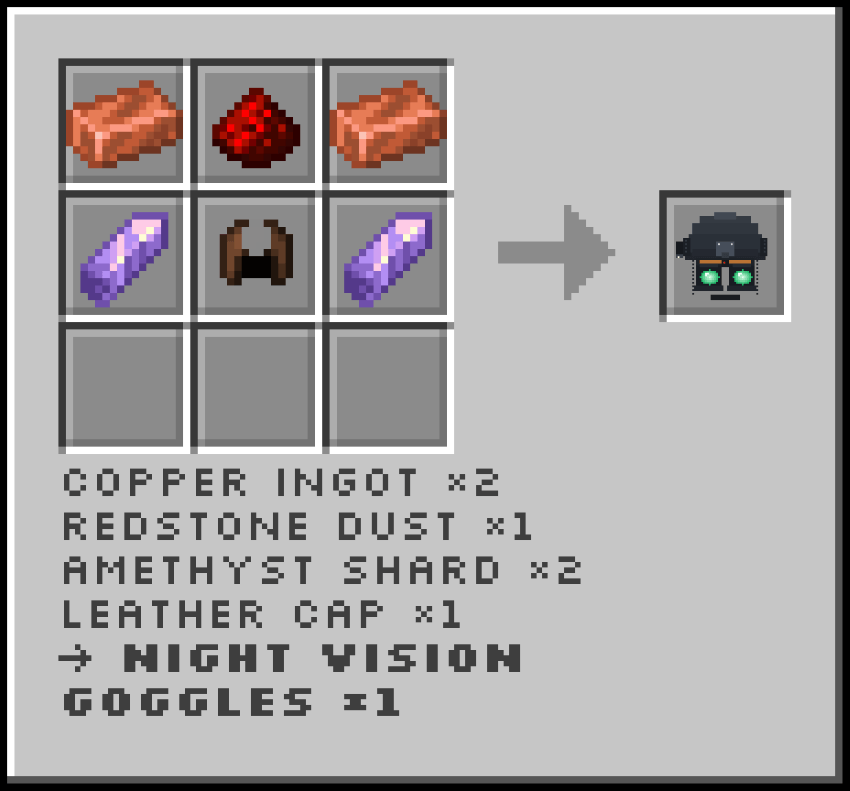
That's 2 copper ingots, 1 redstone, 2 amethyst shards, and 1 leather cap — six items in a crafting table. Repair it with copper or amethyst at an anvil.
How to use
- Craft it, then wear it on your head.
- Night vision turns on by itself.
- Hold sneak for 1.5 seconds — or type
/euforia:nvg — to pause it. Do it again to turn it back on.
- Take it off and it's off.
Pausing keeps the helmet on your head. Useful when you walk into daylight and don't want to lose the slot.
What you need
- Minecraft Bedrock 1.26.60 or newer — phone, tablet, Windows, or console.
- Works in normal worlds, on Realms, and on servers.
- Achievements still work.
How to install
- Download the behavior pack and the resource pack.
- Open both files — Minecraft adds them to your game for you.
- Turn on the behavior pack in your world. The resource pack turns on by itself.
Developed by EuForia Project
🌐 Website & Full Documentation: euforiaproject.com
Feedback & Community
Found a bug? Have a feature request or an idea to make this addon better? We would love to hear from you.
💬 Join our Discord: euforiaproject.com/discord
Drop your suggestions, bug reports, or just say hello — the EuForia community is always open.
License
Creative Commons Attribution-NonCommercial 4.0 International (CC BY-NC 4.0)
What you can do:
- Use this addon in your own worlds, servers, and content
- Modify, remix, and build upon it for personal or community projects
- Share it with friends, communities, and players
What you cannot do:
- Sell it, bundle it in paid products, or use it for commercial monetization
- Re-upload it as-is (direct rehost) on CurseForge, MCPEDL, or any other platform — substantial modification and added value are required before redistribution
Attribution policy: By downloading and using EuForia Bedrock Debug, you are automatically considered to have given appropriate credit. You do not need to write out attribution text or include a credit line — using the addon is credit enough.
Full license terms: creativecommons.org/licenses/by-nc/4.0/
"Let's see what you cannot see."
— EuForia Project
Minecraft Bedrock 1.26.0+ · Stable API · Native Feel · No Experiments · Achievement Friendly · All Platforms | euforiaproject.com