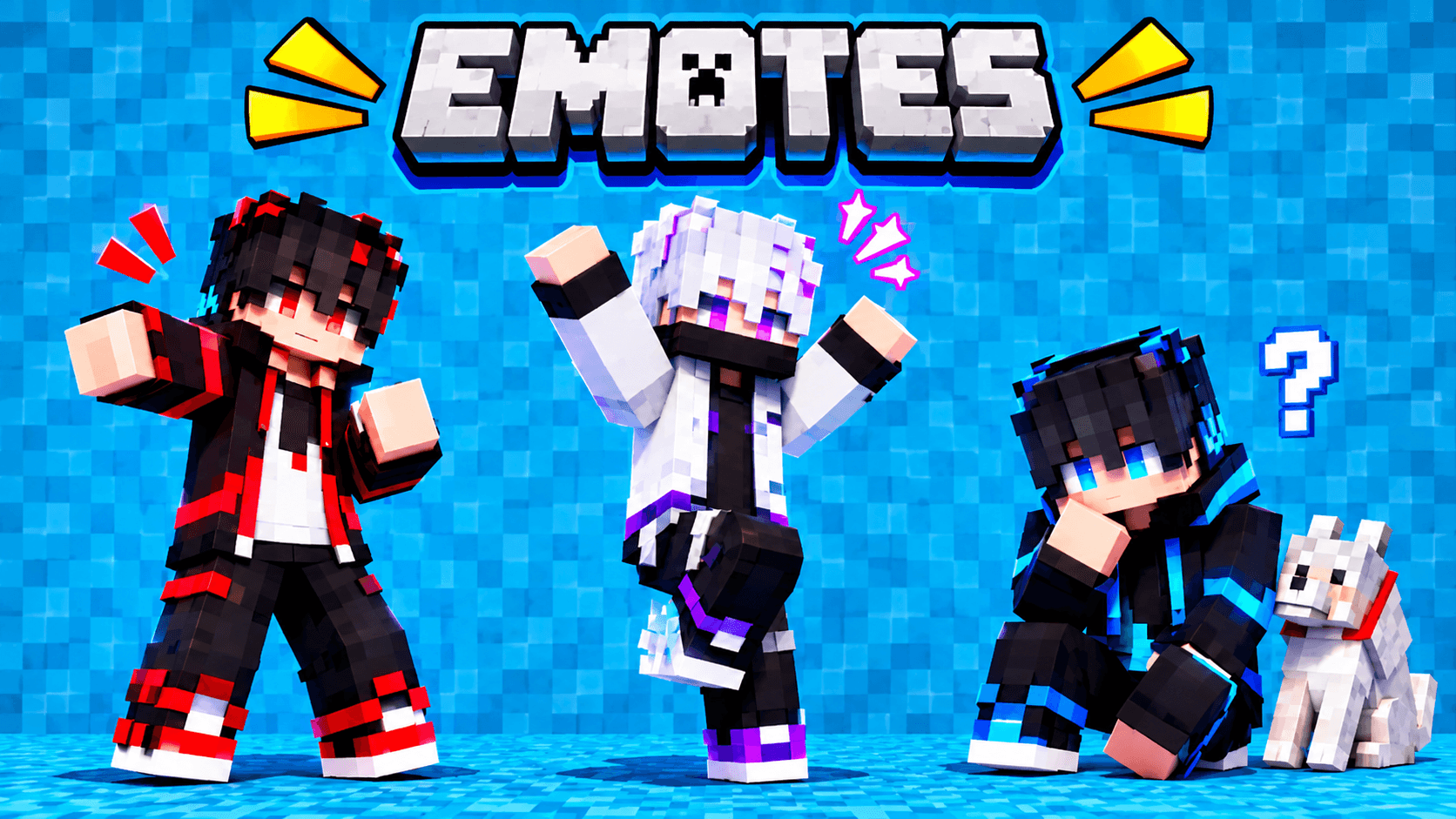
Emotes
- By
Emotes: 20 animated emotes for Minecraft Bedrock. Open the Emote Wheel and make your character wave, dance, bow or celebrate. Every player on the server can see your emotes.
mcpedl
Description
Emotes
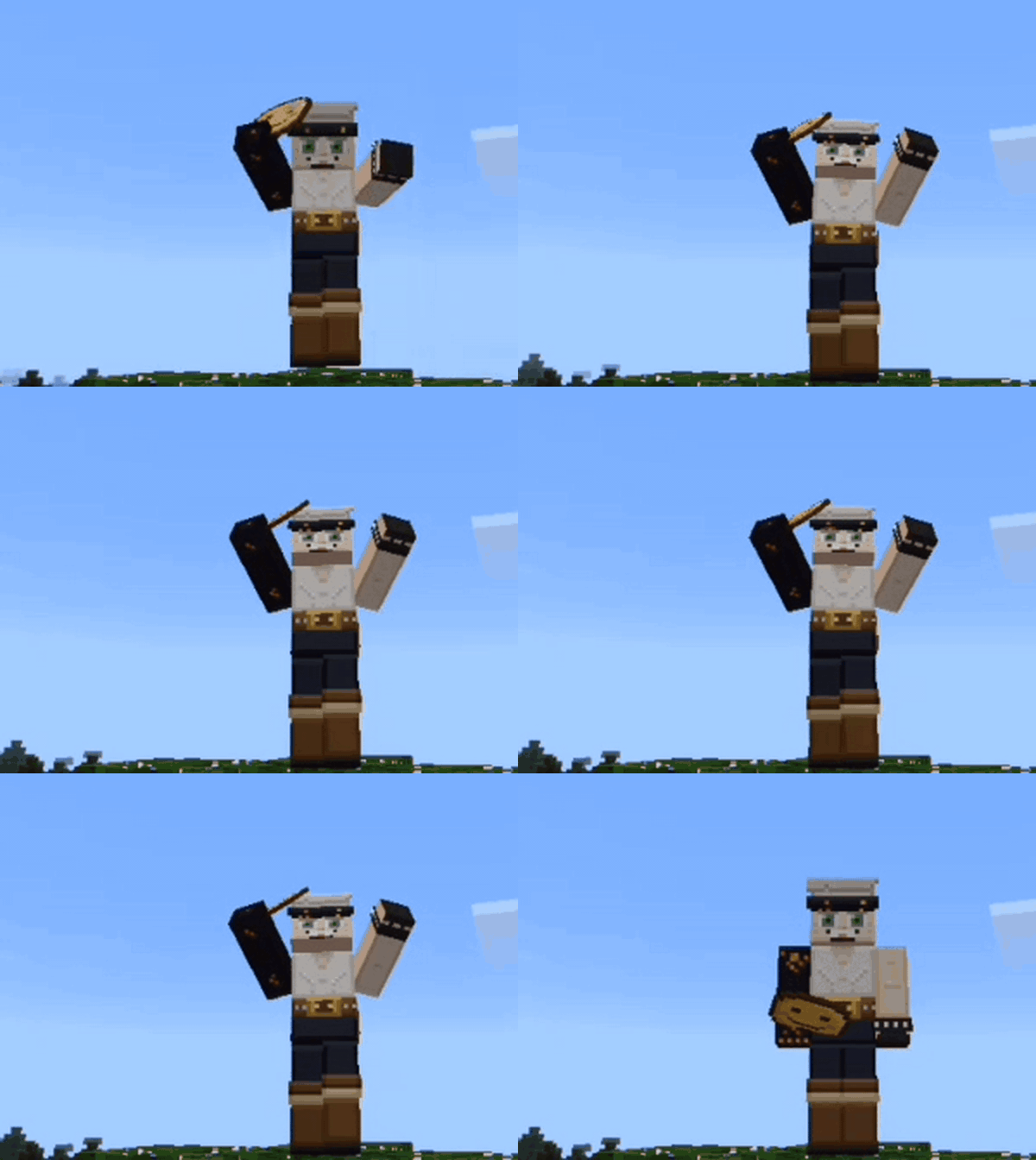
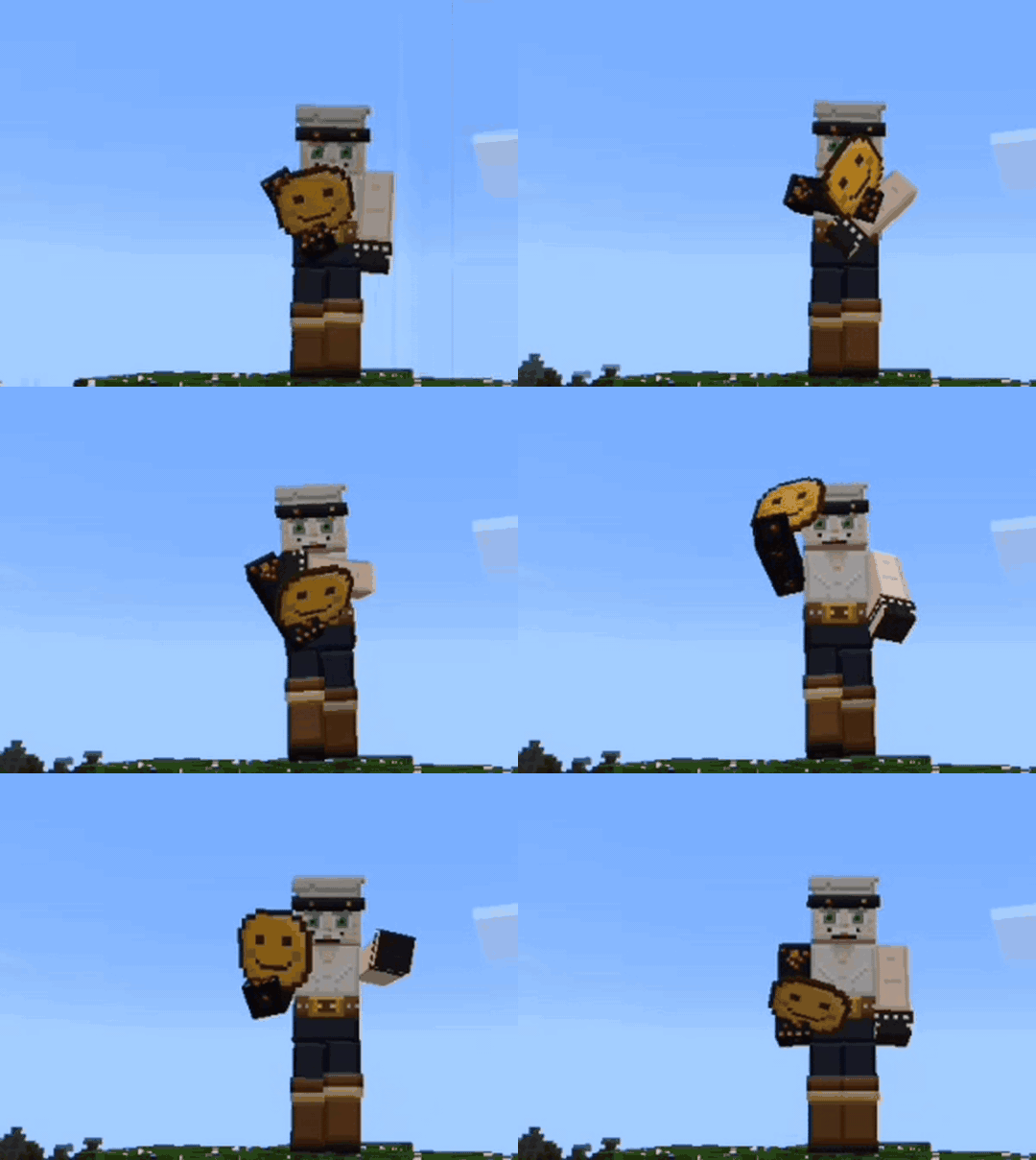
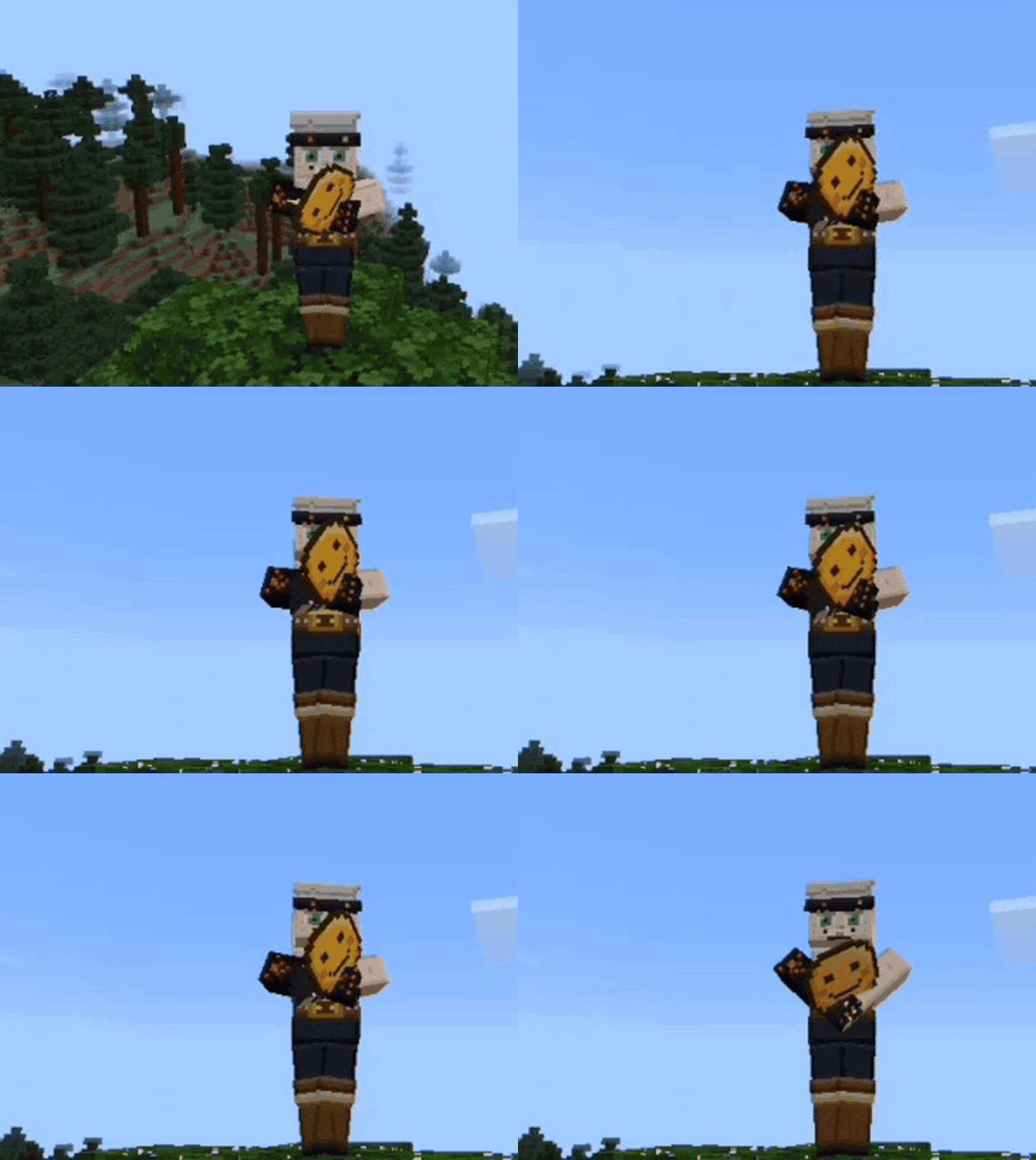
Express yourself in Minecraft. 20 hand-crafted emotes, one simple Emote Wheel, and no setup. Install it, join a world and start using it.
✨ Features
- 20 unique emotes, each with its own movement
- Smooth animation: a gentle wind-up, the main movement, then an easy return to the normal pose
- Multiplayer friendly: one player’s emote never affects another player
- Safe for gameplay: nothing is locked while you emote, and an emote stops as soon as you move, jump or sneak
- Subtle sounds: a few emotes have soft game-style sounds (Clap, Cheer, Dance, Victory Dance, Celebrate, Salute, Bow)
- Lightweight: no extra mobs, no heavy background loops
🕹️ How to use
- You receive an Emote Wheel the first time you join a world
- Use the Emote Wheel (right-click or tap)
- Pick an emote from the list
- To stop early, move or sneak
Lost your wheel? Craft it with Paper + Feather, or find it in the Creative inventory.
You need to be standing still on the ground to start an emote.
😀 Emote list
| 👋 Wave | 👏 Clap | 👍 Thumbs Up | 👎 Thumbs Down |
| 🎉 Cheer | 😂 Laugh | 😎 Cool Pose | 💪 Flex |
| 🤔 Thinking | 😴 Sleepy | 🙏 Namaste | 🤷 Shrug |
| 😱 Scared | 😢 Cry | 😠 Angry | 💃 Dance |
| 🕺 Victory Dance | 🥳 Celebrate | 🫡 Salute | 🙇 Bow |
📦 Installation
- Download
Emotes.mcaddonand open it (Minecraft imports it automatically) - Activate Emotes under both Behavior Packs and Resource Packs for your world
- If you have an older version, delete it first in Settings → Storage
Emotes Team

Owner