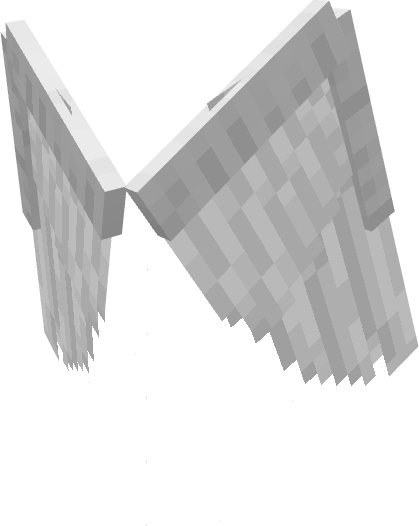
angel.png
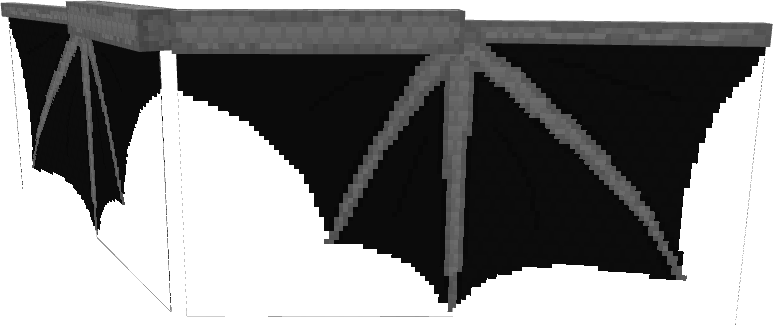
dragon.png
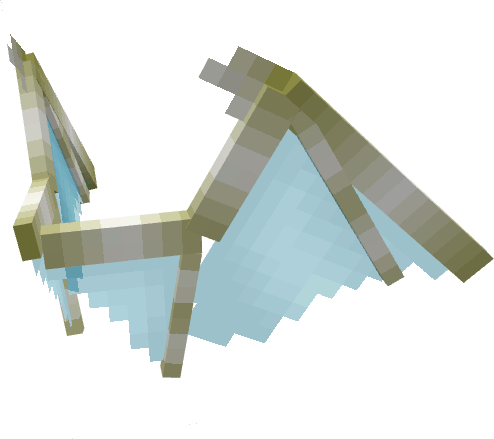
ghostdemon.png
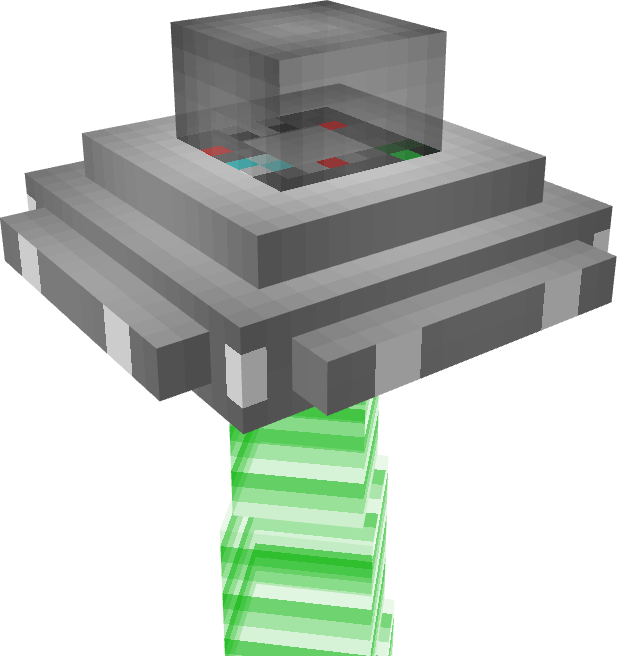
ufo.png
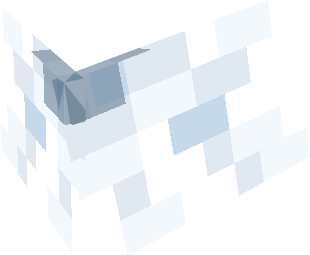
vex.png
Description
Elytra Models
Want a more exciting way to glide through your Minecraft worlds? The Elytra Models Pack transforms the default Minecraft elytra into custom 3D models and wings! Whether you want to soar through the skies on mythical wings, take off in a classic da Vinci invention, or cruise in a UFO, this pack gives your elytra a major upgrade.
Highlights & New Additions
-
Allay Wings: Take to the skies with the serene, glowing blue aesthetic of Allay wings!
-
Upgraded Vex Wings: Updated to match modern Minecraft mob designs with refreshed model styling and textures.
Included Models List
Using the subpack slider in your resource pack settings, you can switch between any of these custom models whenever you like:
- Alien Ship
- Allay Wings (New!)
- Angel Wings
- Fallen Angel Wings
- Bee Wings
- Butterfly Wings (Monarch, Blue Monarch)
- Dragon Wings (Ender Dragon, Skeletal Ender Dragon)
- Demon Wings (Gray, Purple, Red, Skeletal)
- Dragonfly Wings
- Fairy Wings
- Jetpack
- Ornithopter (by Leonardo da Vinci)
- Paper Airplane
- Pegasus
- Phantom
- Unicorn
- Vex Wings (Upgraded!)
How to Choose Your Elytra Model
- Go to Settings > Global Resources (or Resource Packs in World Settings).
- Activate the Elytra Models Pack.
- Click the Gear Icon (⚙️) on the pack to open the subpack slider.
- Drag the slider to select your desired wing or model.
- Equip an Elytra in-game and enjoy your new look!
The Elytra Models 5.2 Team