

![[Economy System] Add-on – Trading, Town Building, and Vending Machines logo](https://media.forgecdn.net/avatars/thumbnails/2099/202/64/64/639269629939513854.png)
[Economy System] Add-on – Trading, Town Building, and Vending Machines
- By
Overview
This is an economy/currency system add-on for Minecraft Bedrock Edition.
→ This add-on adds the following items and blocks.
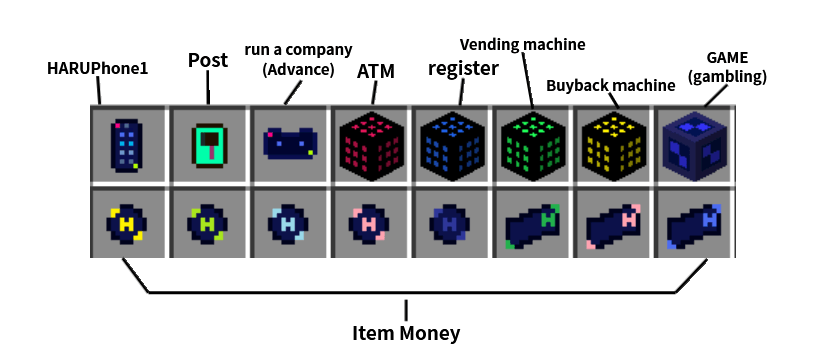
With the HARUPhone1 item, you can use features such as sending money to other players, a flea market, community management, social systems (territories/nations), creating homepages and ads, maps, and cash-in/purchase.
This add-on lets you pick and use only the features you want. Admins can freely disable or hide any systems you don't need, so customize it to suit your world and enjoy!
HARUPhone1 Menu
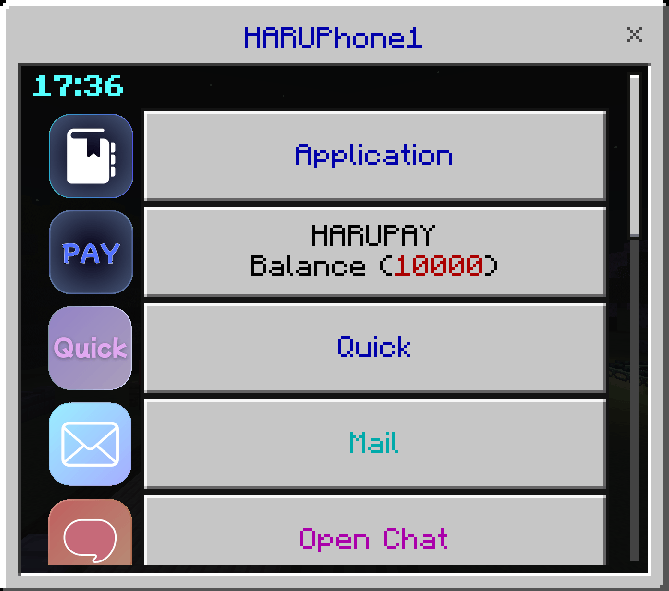
Basic Features
Opening "HARUPhone1" gives you access to a variety of features.
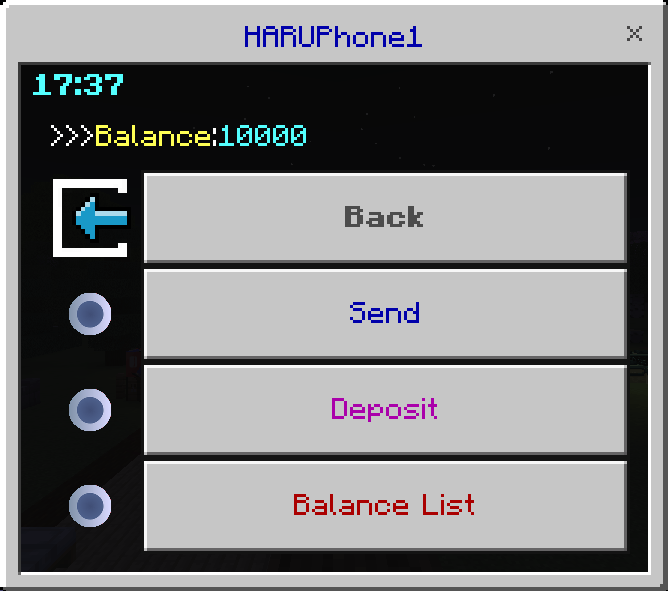
HARUPAY
- Sending money to players: Select "Send," then specify the recipient and the amount. Money is sent from your balance.
- Charging: There are items called "Coin/Bill." Admins can set a value for each item and charge that amount. You can also choose to run the system without using these items.
Quick (Flea Market)
- Listing: Select "List," then enter and submit the name of the item you want to sell and your asking price. You can sell items you've obtained to other players.
- Buying: Select "Buy" from "Quick" to see a list of currently listed items. Just pick the product you want to buy.
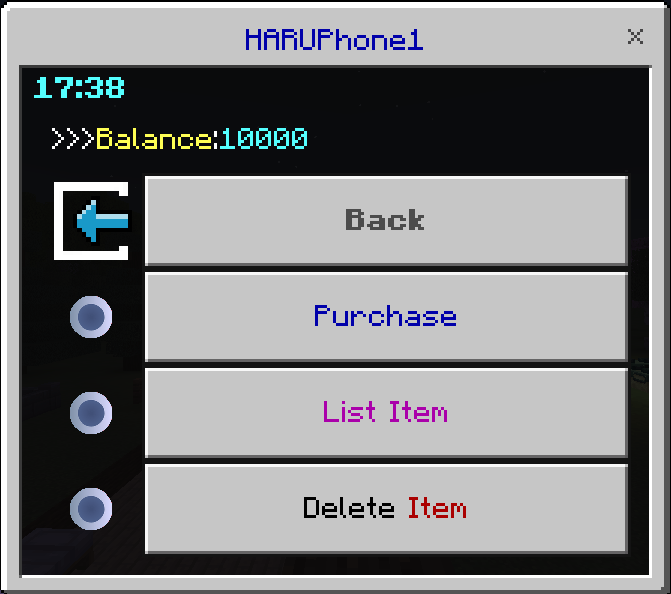
Quick alone does not deliver items automatically. We recommend using the Post item, which enables delivery as well.
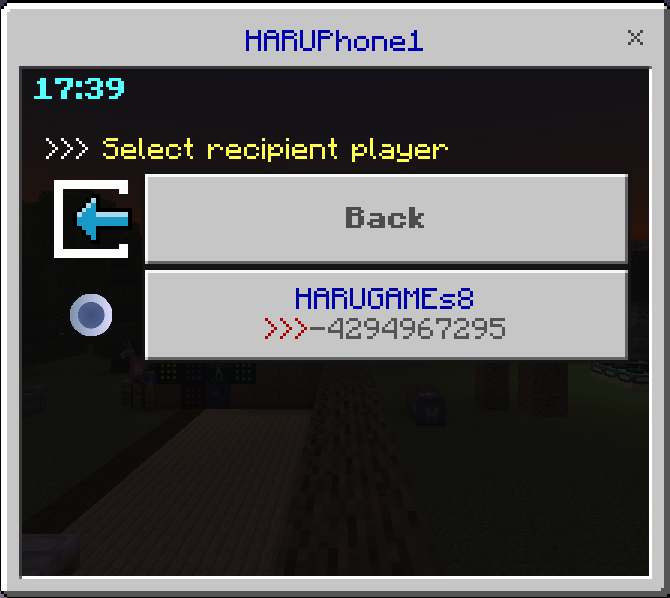
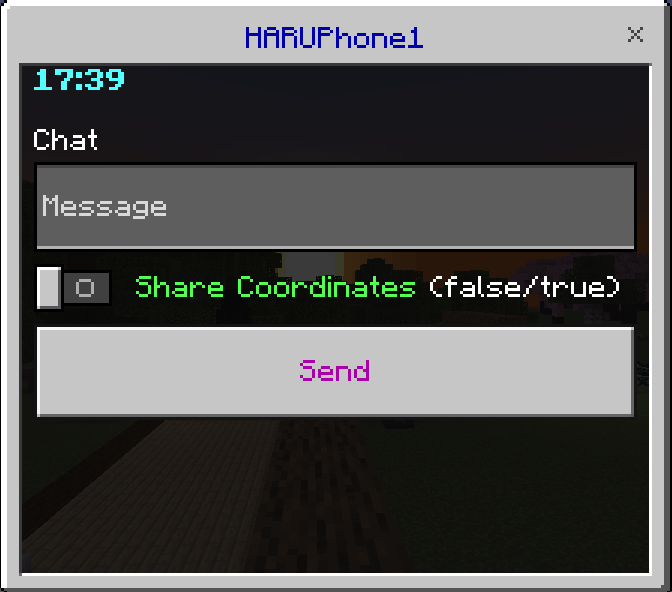
Mail (Direct Messages)
Select a player and send them a message.
[Mail] Received from HARUGAMEs8 >>> Hello!
[Mail] Coordinates received (HARUGAMEs8): X:100, Y:64, Z:-200
Cash-in/Purchase
The familiar economy-system features of cashing in and purchasing are also available. Admins can freely add items and more.
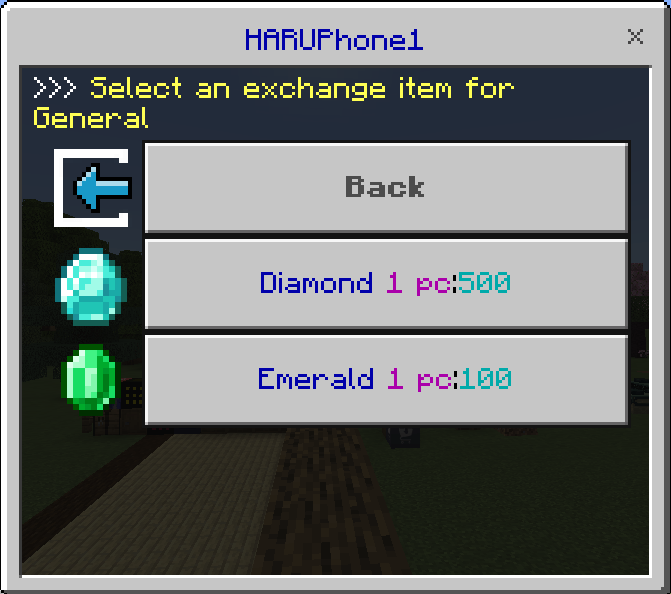
If you'd rather energize the economy through player-to-player trading, you can also disable (hide) this feature.
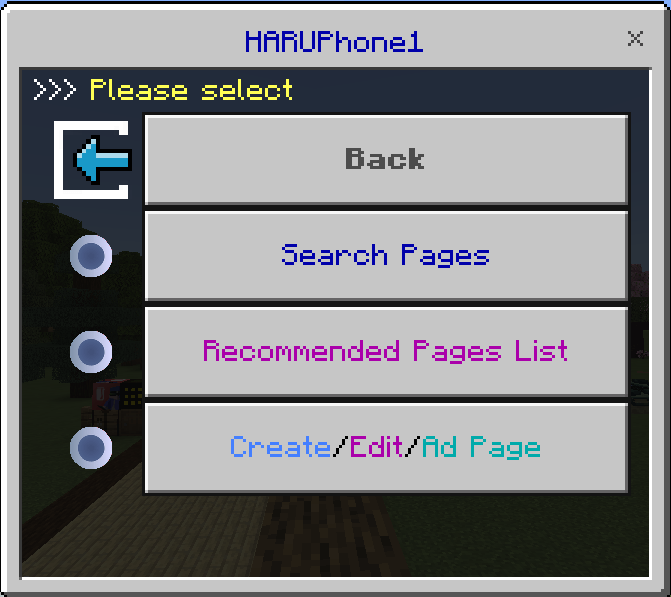
Browser
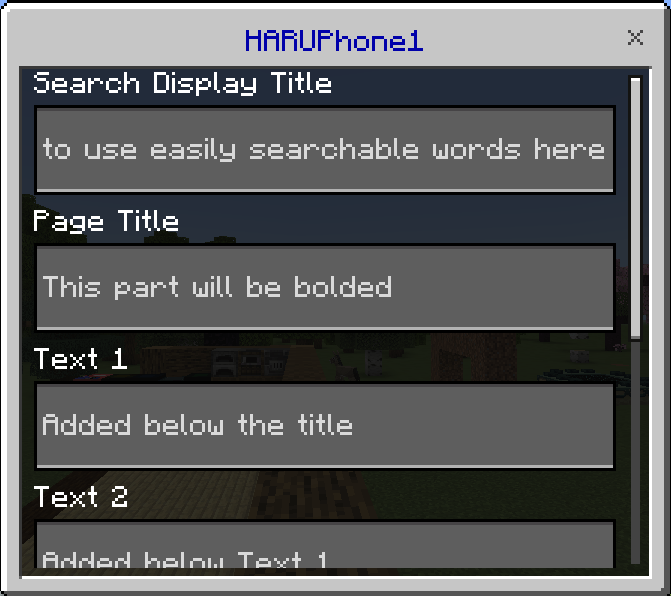
You can build an internet within your world. For example, you can create shop homepages or blogs, and even post ads (HARUPhone1 buttons).
Social System (Territories/Nations)
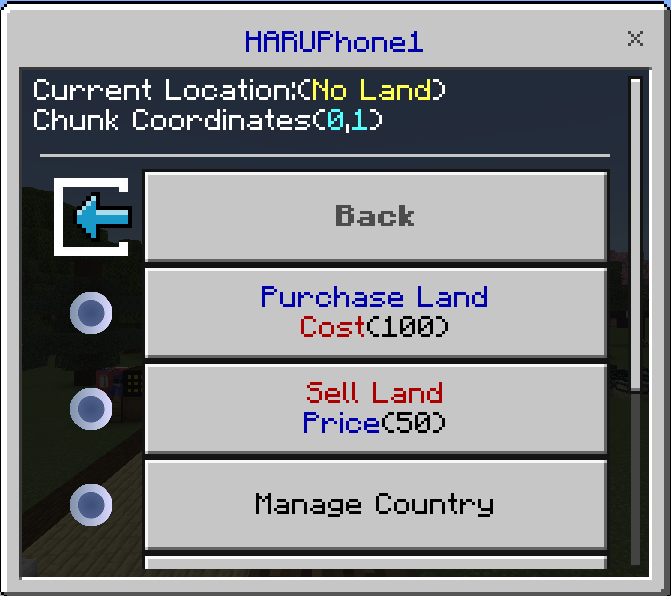
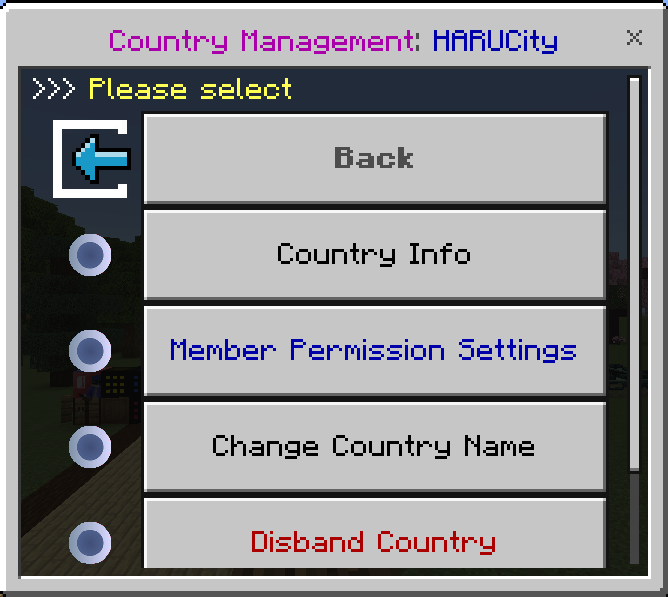
You can create "nations" and "towns." You can purchase territory and manage members. Build a grand city with your friends, interact with other communities, and enjoy new possibilities for roleplay.
Map
A system for registering coordinates such as town centers or specific facilities. Navigation to your destination is available.

Other Items and Block Features
Vending Machine (Block)
It works when you place the auto-purchase machine on top of a barrel.
By placing collected items in the barrel below, you can automatically sell them to other players even when you're offline. Recommended for anyone who wants to easily open their own shop and sell items.
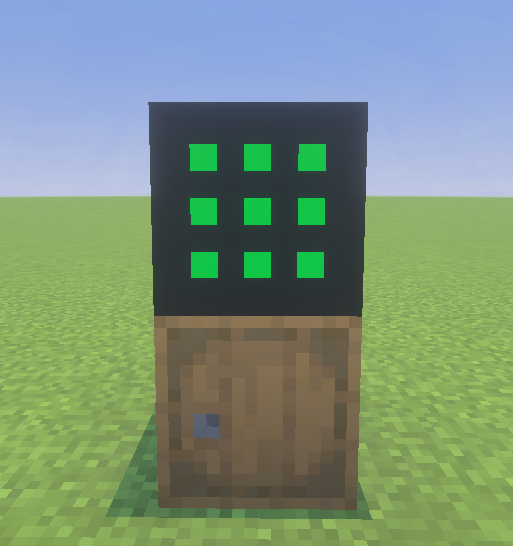
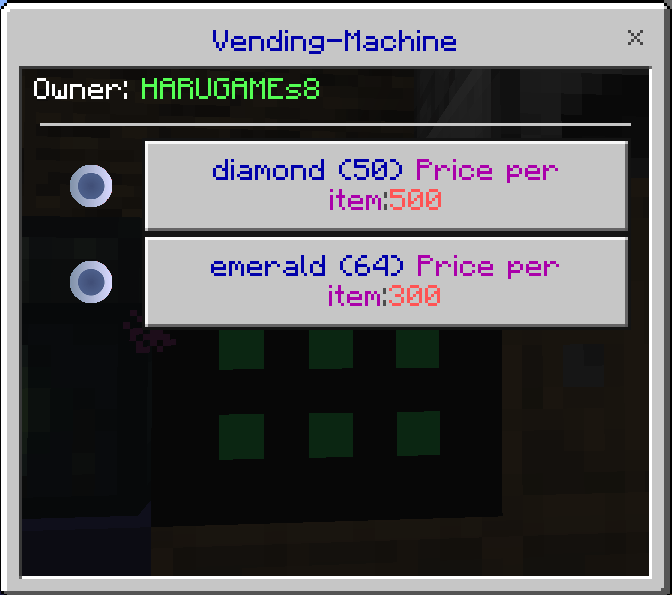
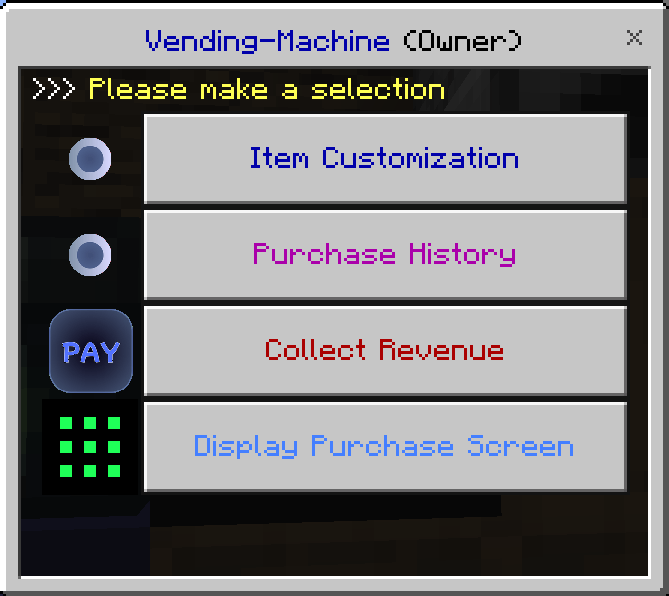
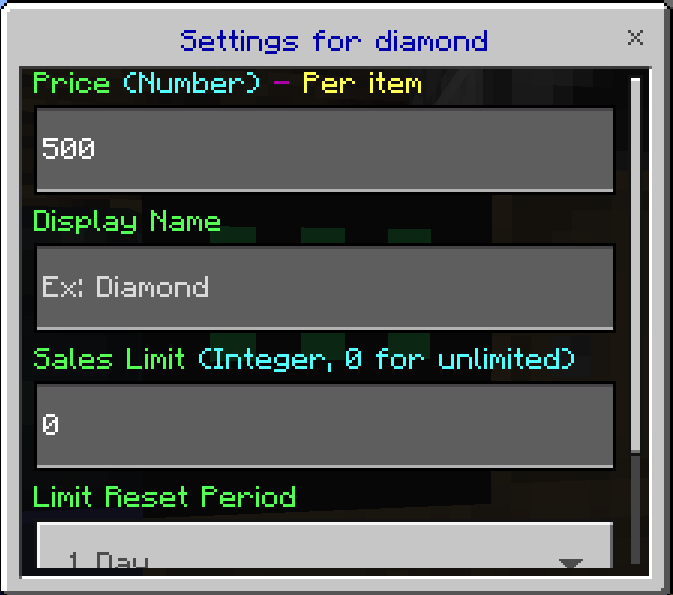
Only the owner can collect sales proceeds, change prices, and access or break the barrel.
Post (Item)
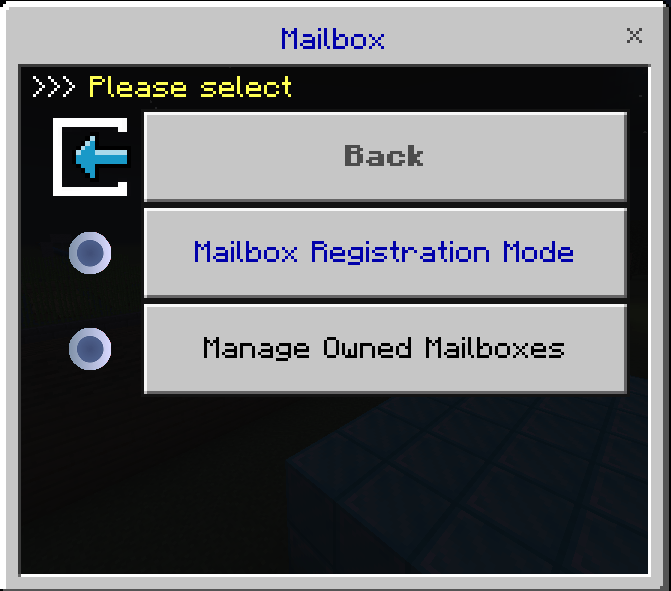
A system that lets you send items from a distance to a chest or barrel each player has registered. The money required for sending can be set by the admin. Note that at least 2 free slots are required in the ticking area.
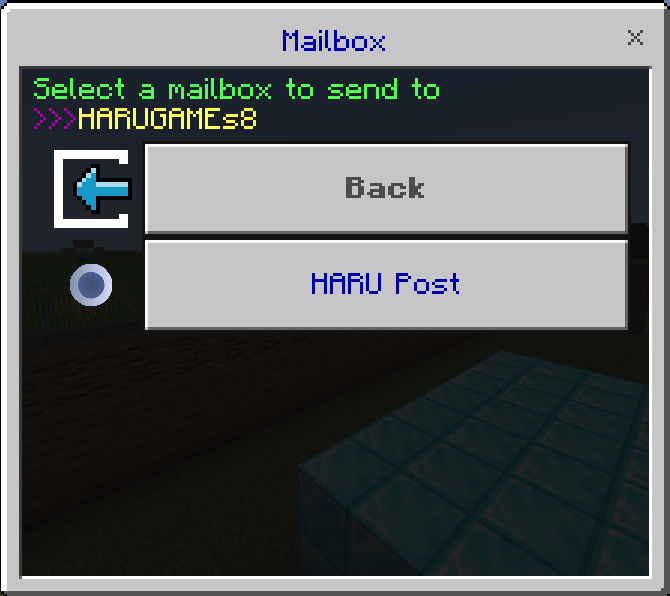
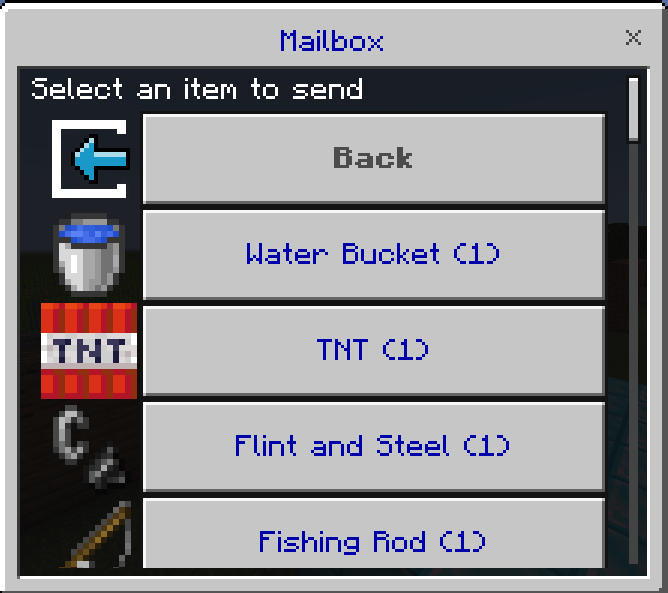
Using the Post item lets you register a barrel or chest as a post box.
Advance (Company Management)
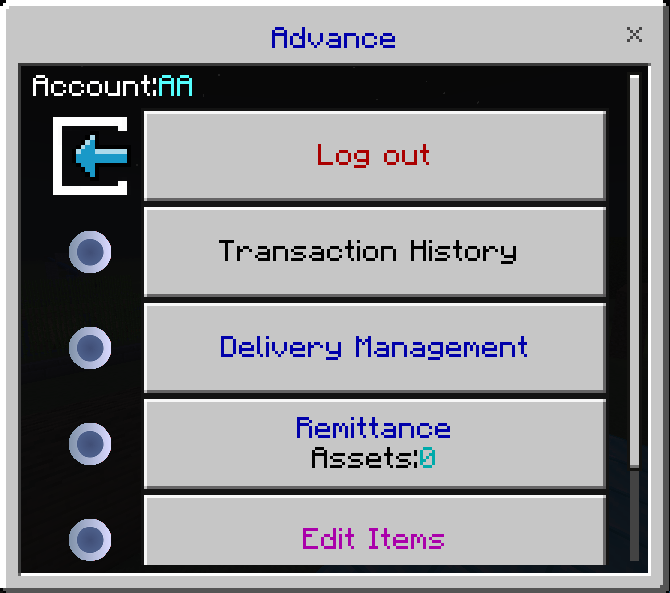
A system for creating a company and managing everything from sales to delivery and inventory with multiple players.
This feature comes in two types. The one shown in the HARUPhone1 menu is the system for buyers.
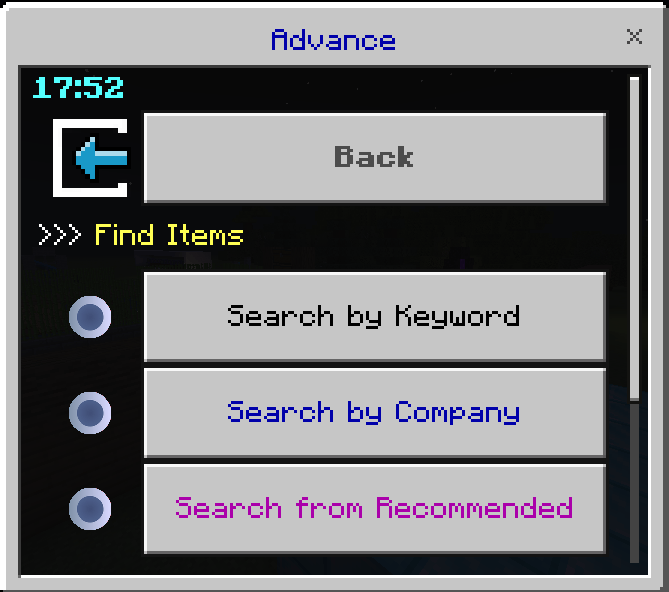
The Advance item is the system for sellers (company management).
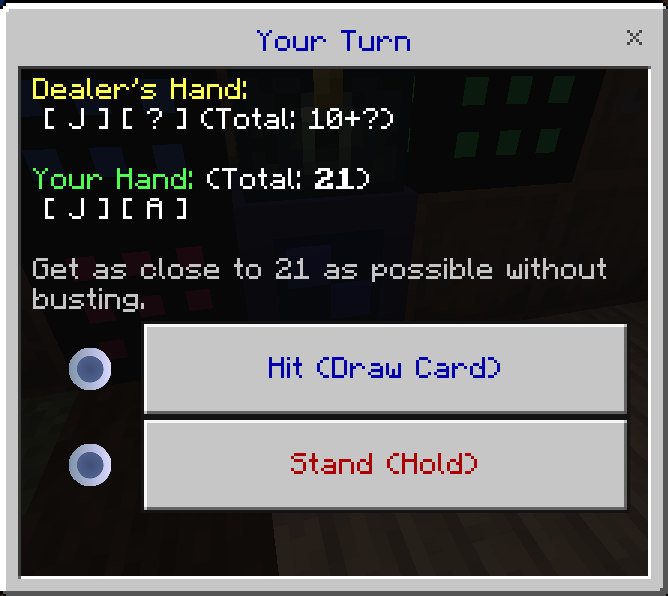
GAME (Gambling)
You can enjoy gambling with the following four games:
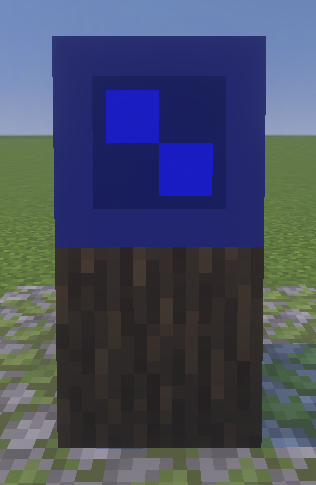
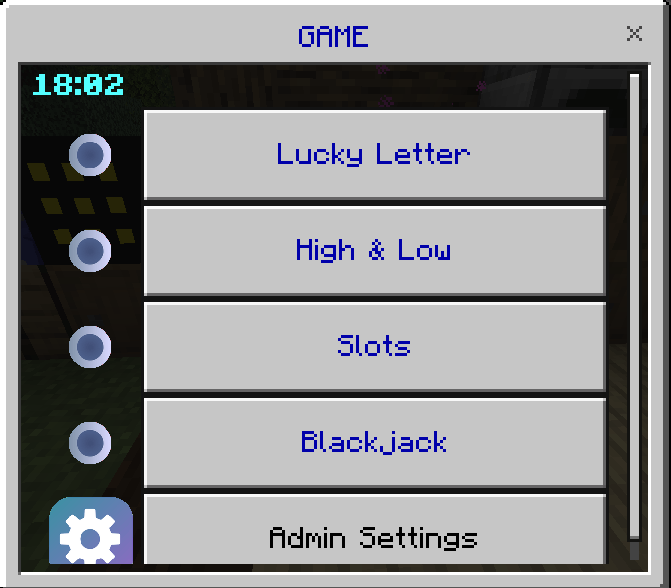
Admins can fine-tune settings such as probabilities.
- Lucky Letter
- High and Low
- Slots
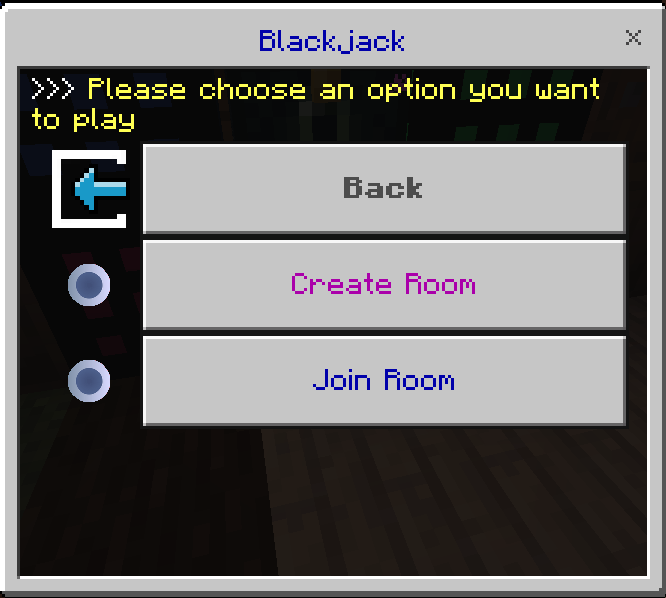
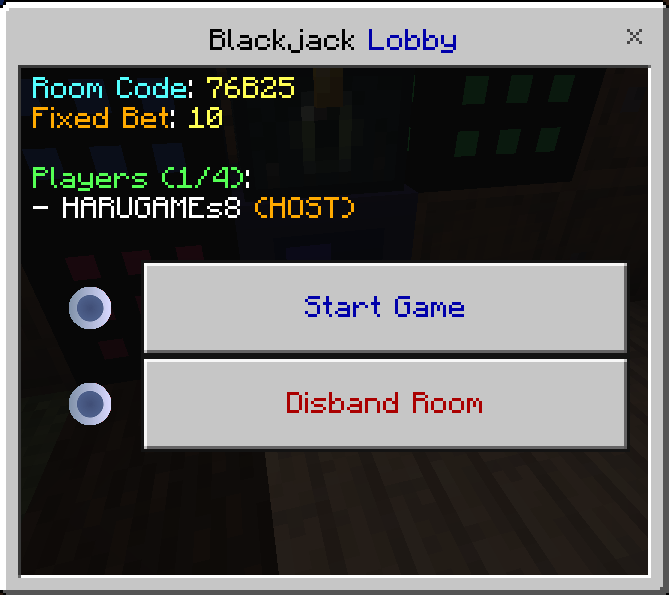
- Blackjack (multiplayer supported)
Integration with Other Add-ons (HARUApps)
HARUApps-compatible add-ons are currently available in Japanese only, and no English version has been released yet. If there's enough demand in the comments, we'll consider it!
Installation
Be sure to complete the following settings when installing the add-on.
① World Settings
Enable cheats.
Enabling Beta APIs is currently optional, but it may become mandatory due to future specification changes.
② In-World Setup
Run the initial setup command:
/function op
This gives you the core item, "HARUPhone1," in your inventory.
How to use HARUPhone1:
- PC: Right-click
- Mobile: Long-press the screen
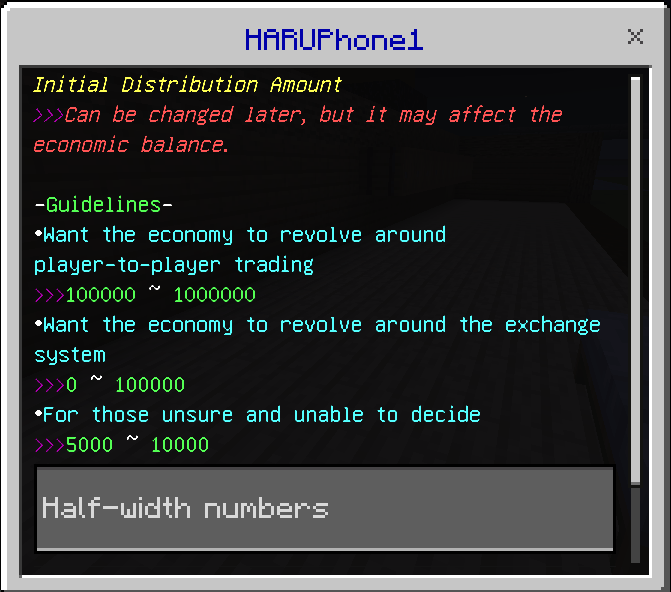
After running the initial setup command, open HARUPhone1 and set the starting amount.
The starting amount is the amount granted to each player when they first join.
Terms of Use
We ask for your cooperation on the following when using this add-on.
- No redistribution: Please do not redistribute this add-on on other sites or services without permission.
- Inclusion in distributed worlds is OK: You may include this add-on in worlds you create and distribute.
- Streaming is OK: We welcome the use of this add-on in streams on YouTube, Twitch, and similar platforms.
- Commercial use is OK: Use in monetized videos and servers is permitted.
- No modification: Modifying or decompiling the add-on's code is prohibited.
Update History
2026/8/20: Added HARUApp2 (easier integration with other add-ons) / Budget display for auto-purchase
Past major updates:
- 2024/7/8: Distribution started
- 2024/8/20: Major update (improved usability, bug fixes)
- 2024/10/12: Added cash-in system / Added Quick market-price sharing
- 2024/12/14: Started development of Short (messaging feature) / Fixed ATM bug
- 2025/2/22: Added kill point system / Added Advance feature
- 2025/2/27: Major UI changes and optimization, bug fixes
- 2025/3/4: Advance bug fixes
- 2025/3/18: ATM and register optimization, bug fixes – Added HARUAssistant
- 2025/3/24: Added HARU-X-Editor; Quick data can now be kept permanently (on/off)
- 2025/4/2: Each HARUPhone1 feature can now be shown/hidden (order can also be rearranged)
- 2025/4/9: Added icons for each feature / Optimized cash-in/purchase / Fixed UI customization bugs
- 2025/4/17: Improved Operator Controller usability / Added Coin/Bill (Coin100 discontinued)
- 2025/4/18: Fixed a bug where some UI buttons were hidden when updating from older versions
- 2025/4/23: Added Vending Machine (BETA) / Optimized Browser and Billing / Adjusted some textures
- 2025/5/10: Added Social System / Added Map / Added HARUPAY ranking display
- 2025/5/10: Fixed some Map bugs
- 2025/5/13: Added public land registration to Social System and made some fixes / GAME block update
- 2025/5/15: Mobs can now be added to the kill count system / Added genre categories for cash-in/purchase / Some UI and Social System fixes
- 2025/5/22: Social System and Vending Machine updates / Some kill count system fixes
- 2025/5/30: Fixed Social System land capacity limit error / Vending Machine update
- 2025/6/7: Fixed some Social System bugs / UI texture update
- 2025/6/24: Added particles showing land edges in Social System / Added Post item
- 2025/6/27: Added Social System interaction restriction (on/off) / Major optimization / Added sound settings
- 2025/6/28: Fixed some bugs caused by the optimization
- 2025/7/1: Fixed Social System border particle bug / Support for HARUApps
- 2025/7/7: Fixed a border particle display bug on spawn
- 2025/7/10: Social System now supports dimensions other than the Overworld, with individual control
- 2025/7/27: Updates to HARUPAY / Browser / Social System / Vending Machine / Post / GAME
- 2025/8/12: Fixed a bug caused by Social System interaction restriction
- 2025/10/18: Added HARUPhoneAPI / Other major updates
- 2025/10/19: Fixed a bug that occurred when selecting a quantity of 65 or more in the purchase feature
- 2025/11/15: Enhanced Advance/Post / Support for FilesSetting / Other updates
- 2025/12/25: UI improvements / Glitch countermeasures
- 2026/1/21: UI improvements / Vending Machine improvements / Added Advance settings / Texture improvements / Other feature updates
- 2026/3/23: Added auto-purchase machine / Advance improvements / Added Blackjack to GAME block
- 2026/4/4: Blackjack improvements
- 2026/8/20: Added HARUApp2 (easier integration with other add-ons) / Budget display for auto-purchase
[Economy System] Add-on – Trading, Town Building, and Vending Machines Team
