Easy Build is inspired from the mod "Effortless Building" from Minecraft Java Edition.
Make creations in your world effortlessly with Easy Build!
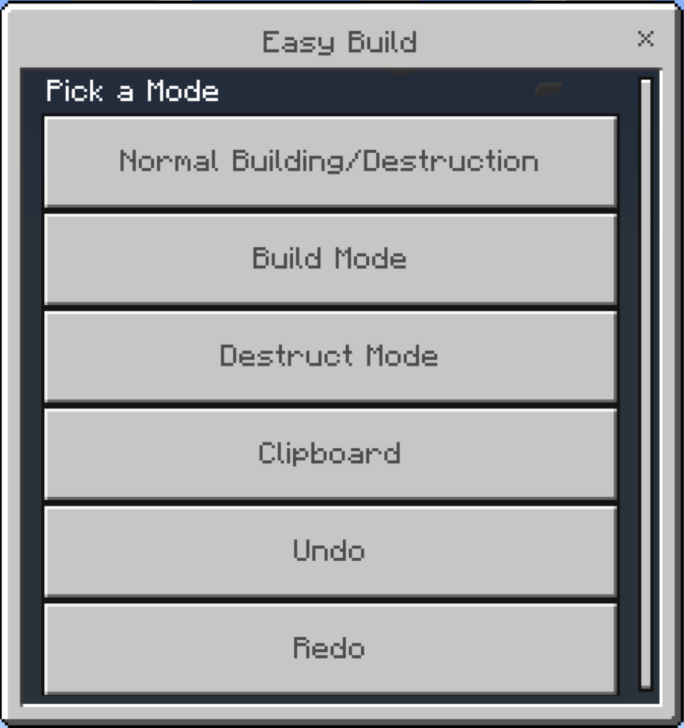
Using the Easy Build Menu to change Modes:
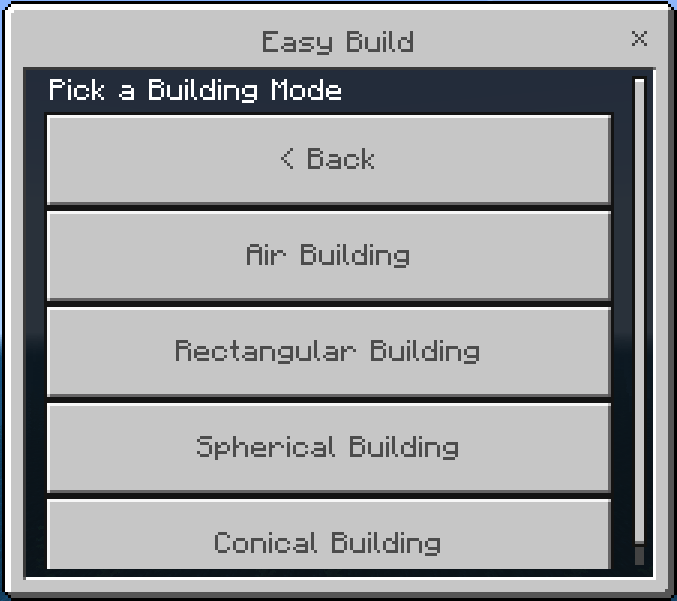
Building Modes
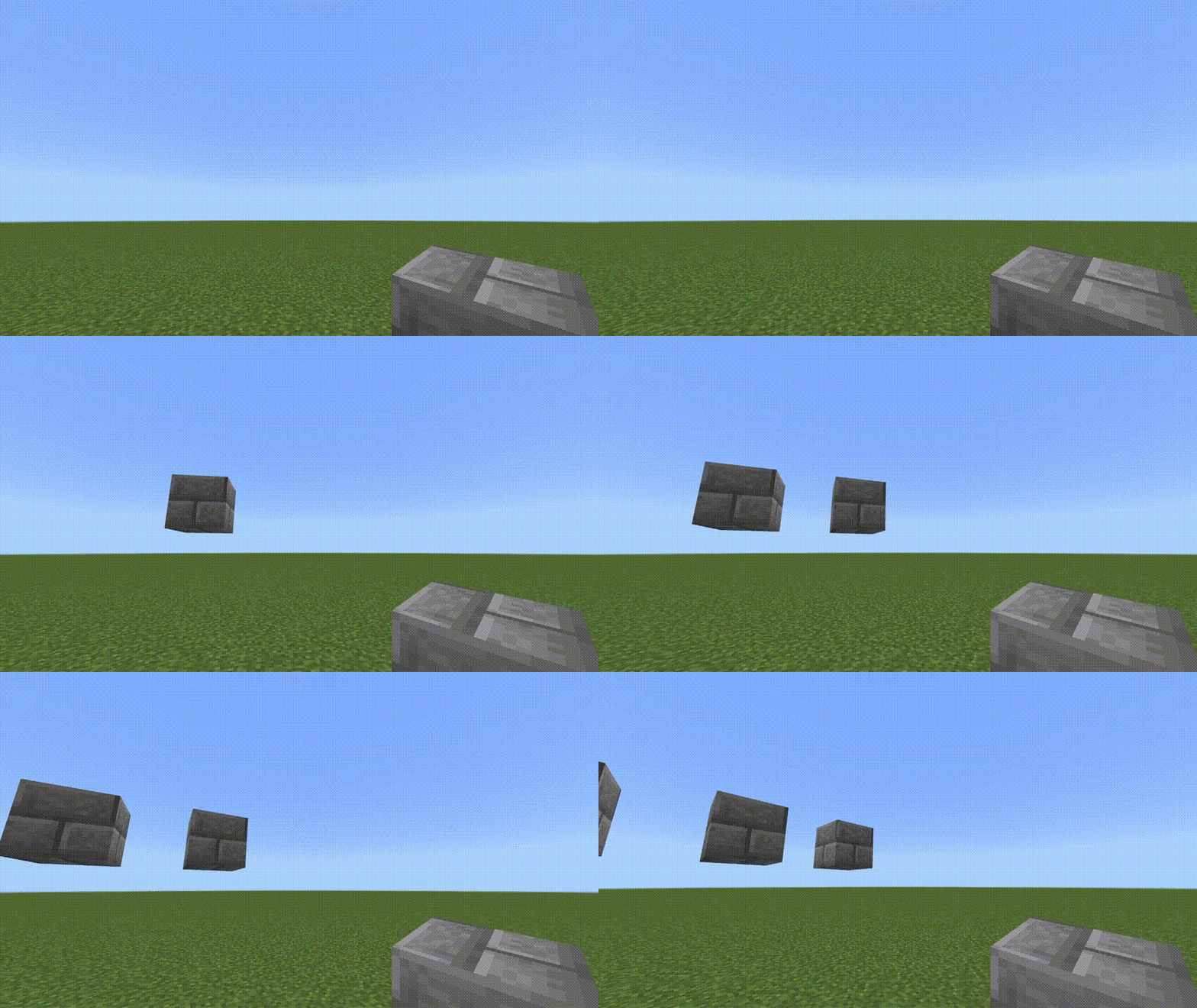
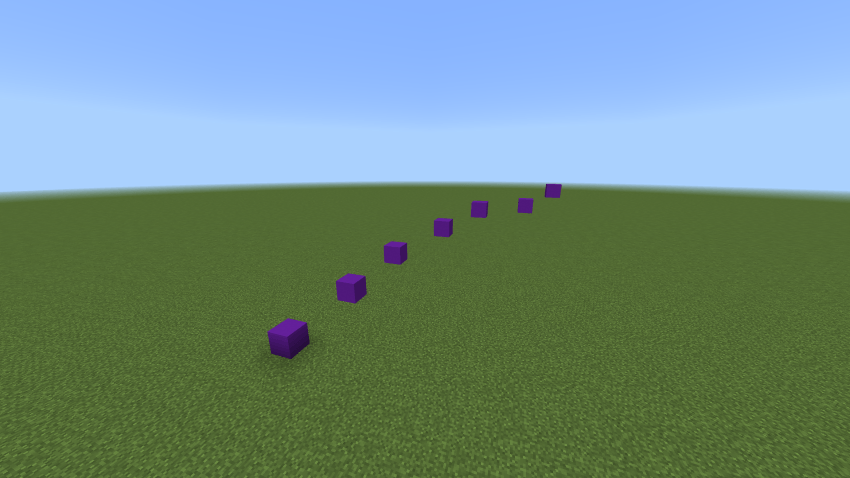
Air Building
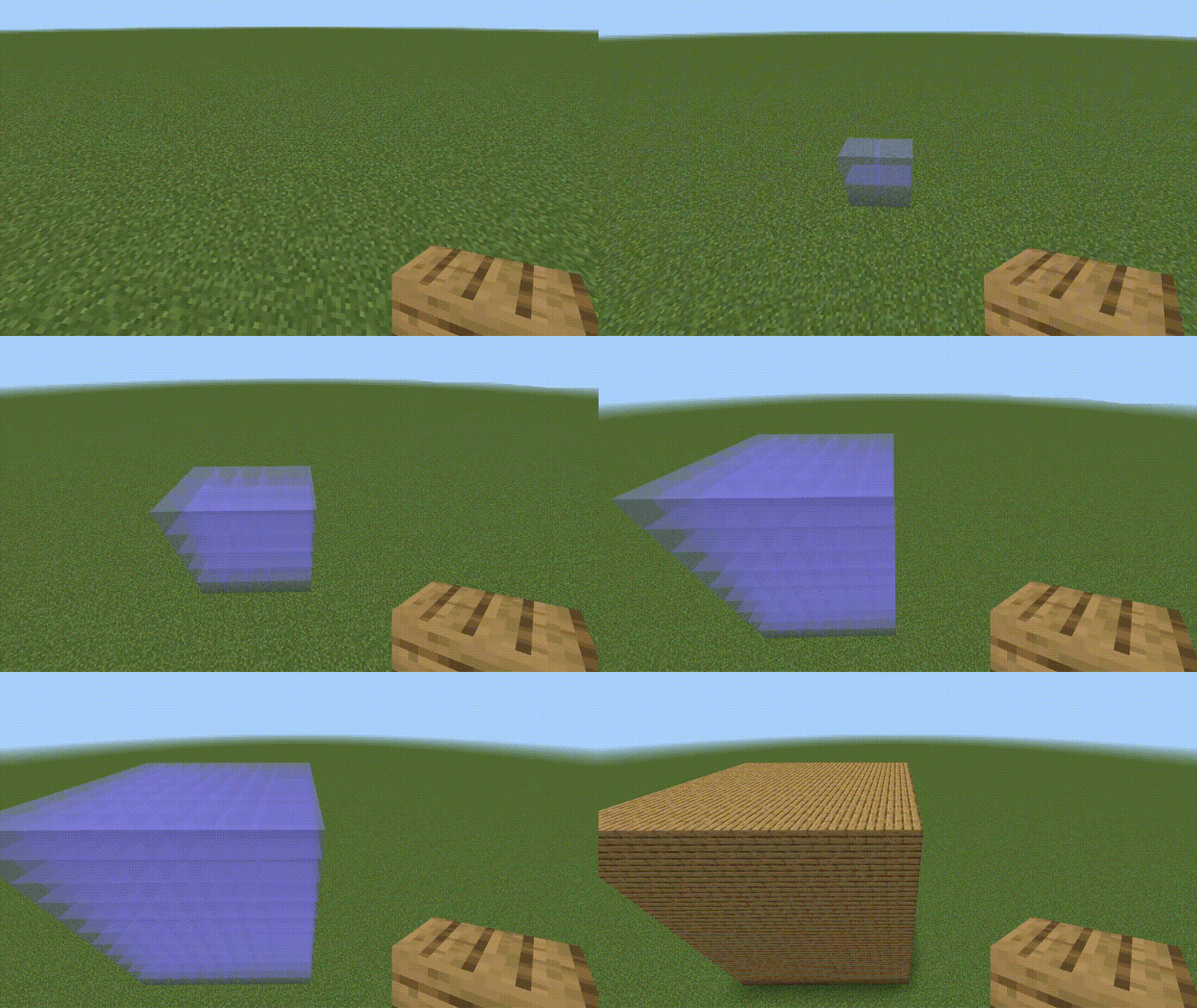
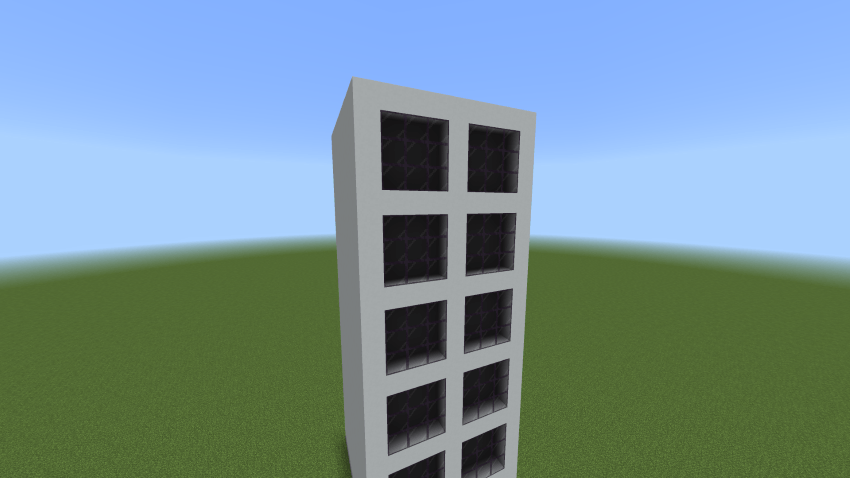
Rectangular Building
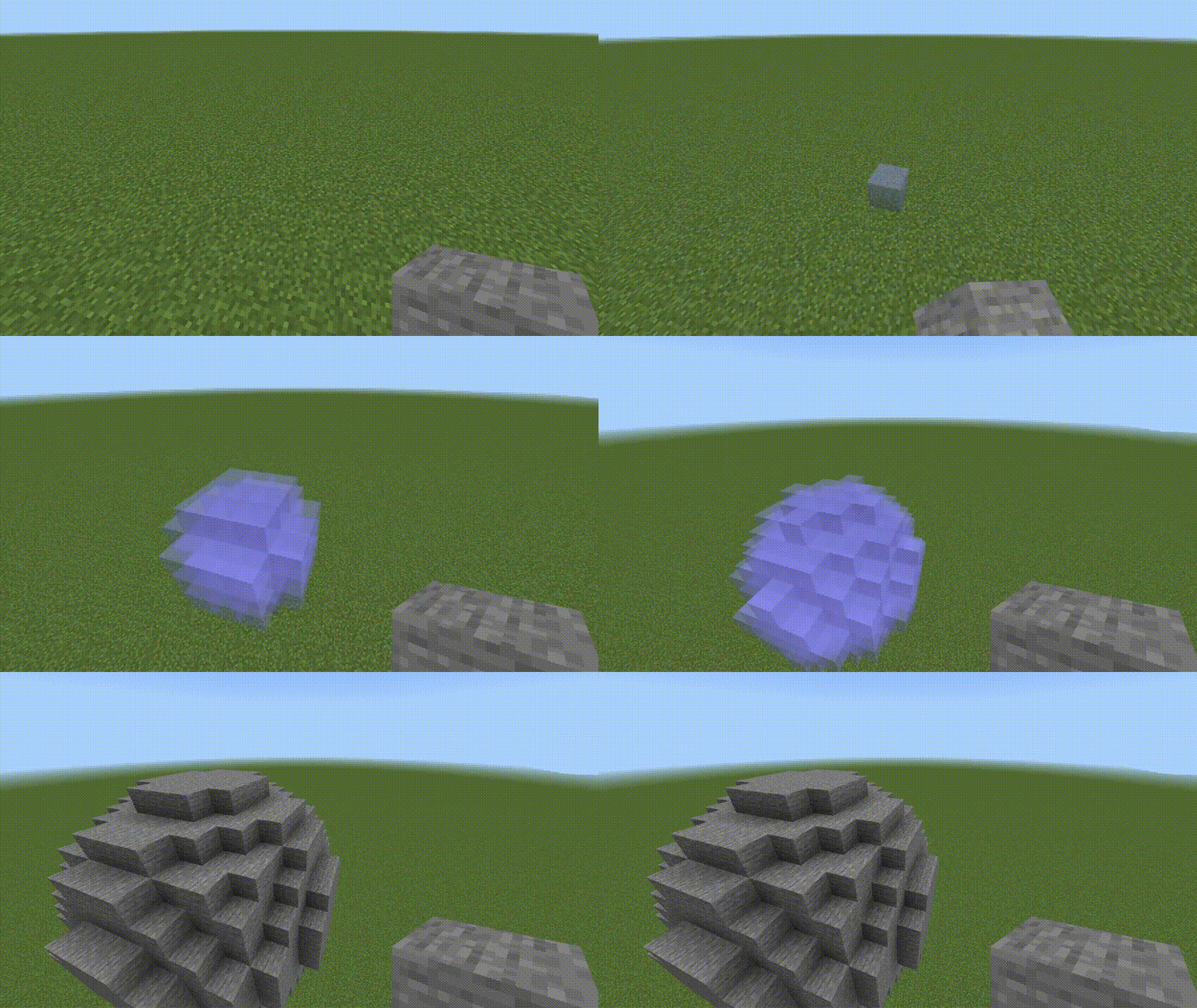
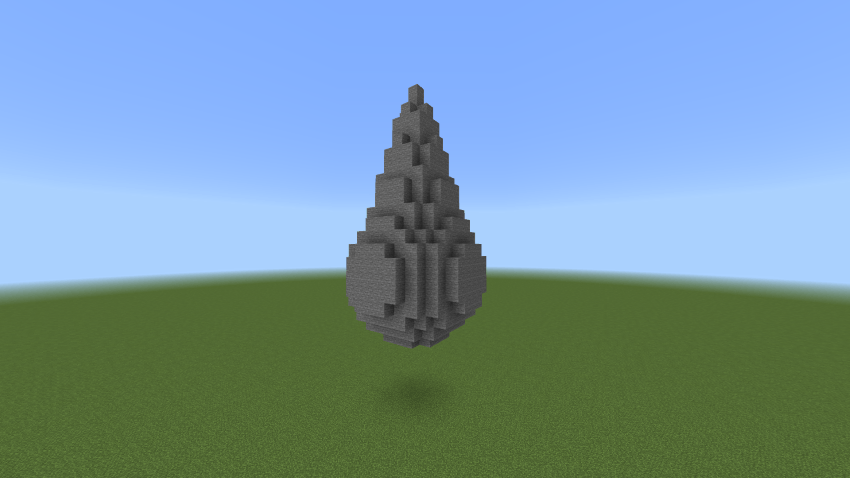
Spherical Building
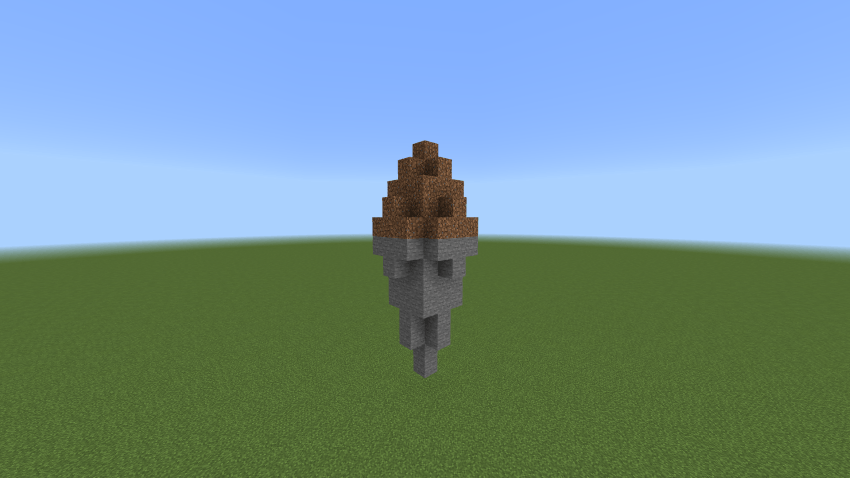
Conical Building
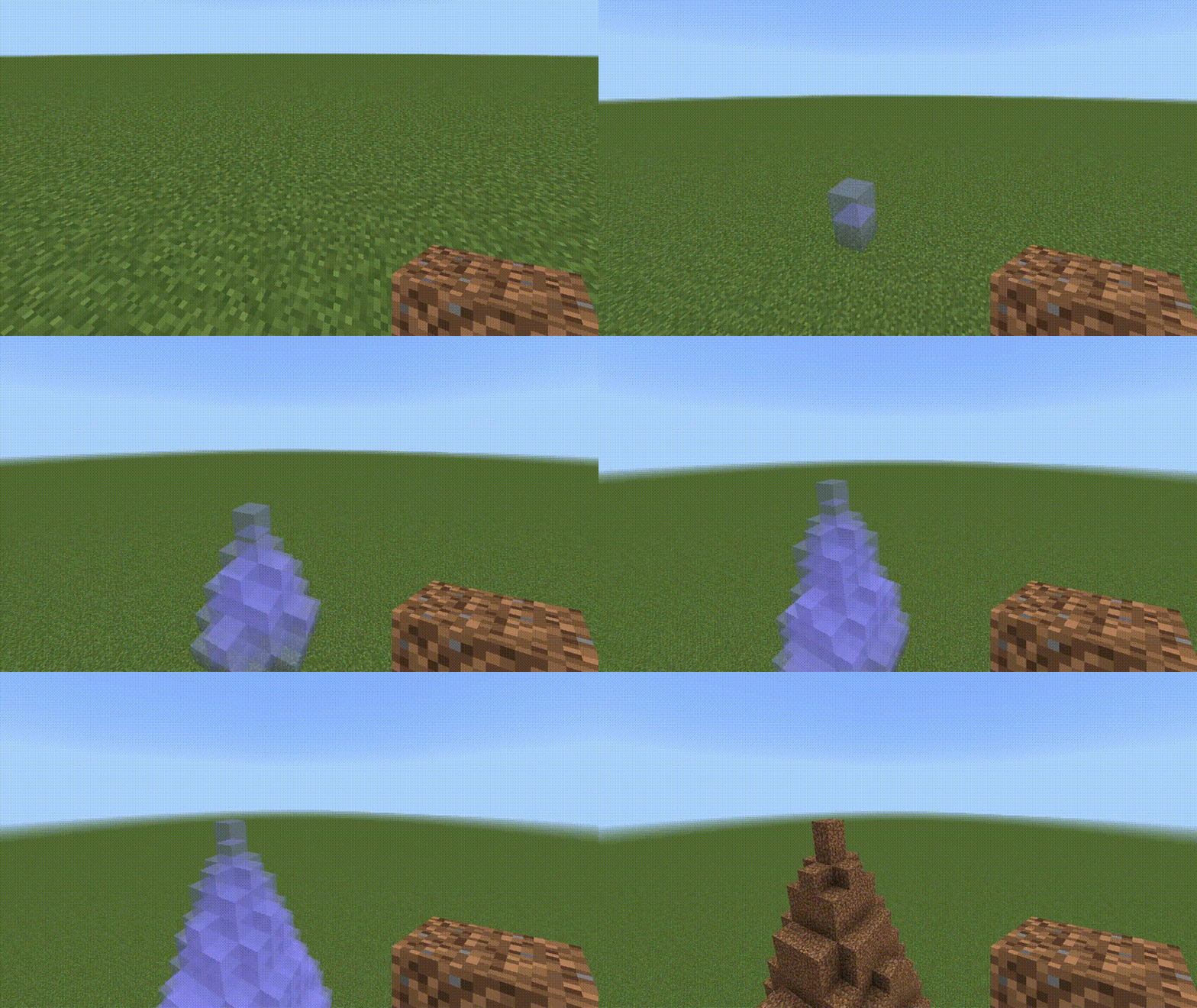
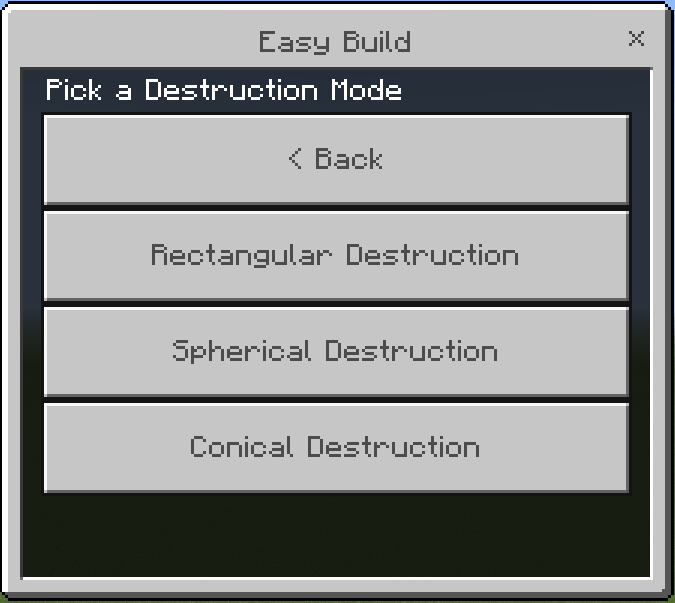
Destruction Modes
Rectangular Destruction
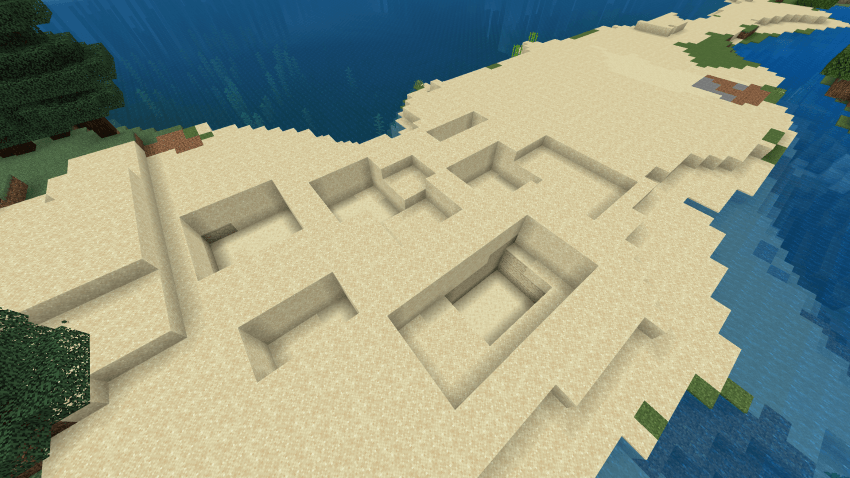
Spherical Destruction
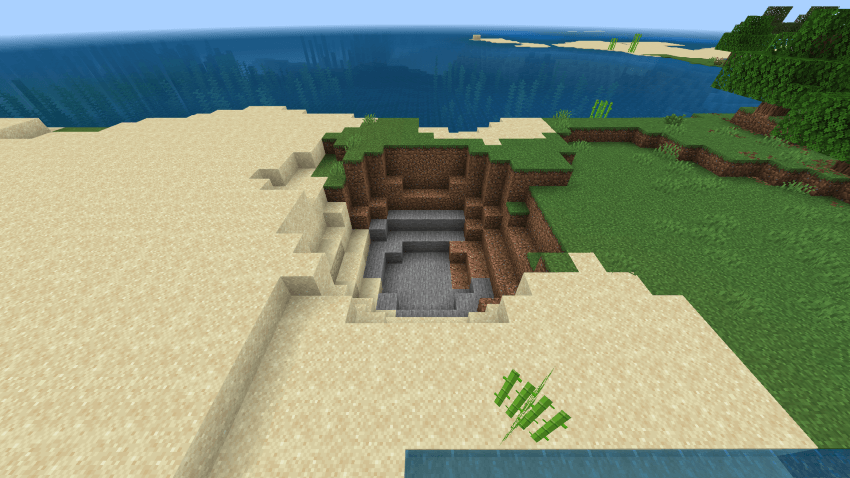
Conical Destruction
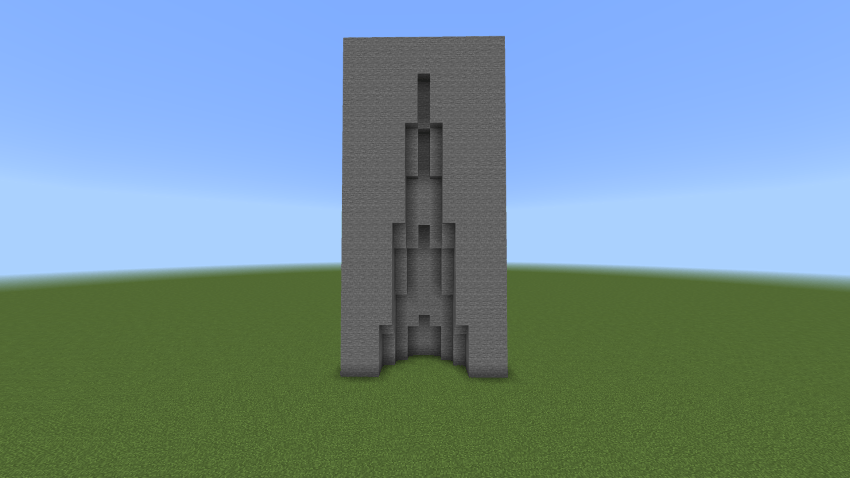
You can combine this Building Modes to create unique Builds:
Air Building (Parkour):
Rectangular Building:
Spherical Building + Conical Building:
Conical Building:
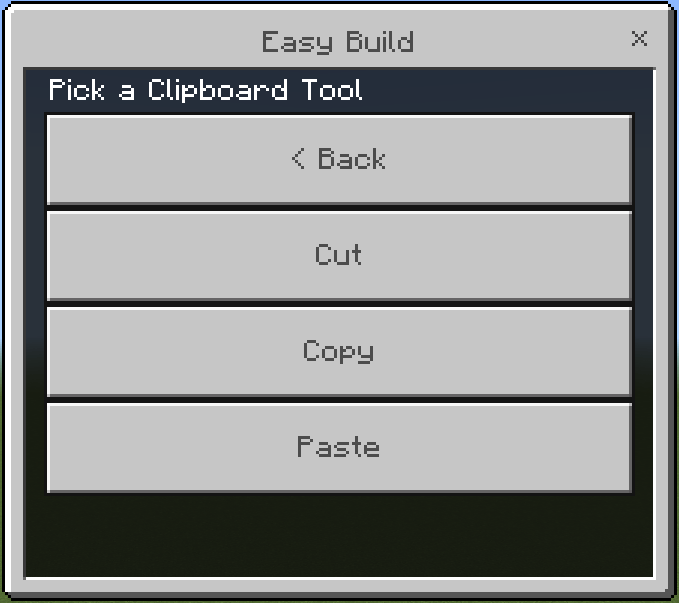
CLIPBOARD
Cut and Copy:
- Use a stick to set position1 and position2
- Then go to the menu and click Cut/Copy
Paste:
- Stand where you want the structure to be pasted
- Then go to the menu and click Paste
Undo and Redo
Settings: Fill Mode (Solid, Hollow, Outline)
NEW UPDATE
Fixed Main Menu Bugs
Fixed Icons for Settings, Undo, Redo
Now Mobile Friendly, Instead of holding, use the interact button 2 times!
Fixed Bug where the rotation of a block doesnt follow the first block.
Please note that when using these building modes for huge builds, it will take 1-2 seconds to load.
Also don't forget to switch to Normal Building/Destruction to avoid mistakes on your builds