
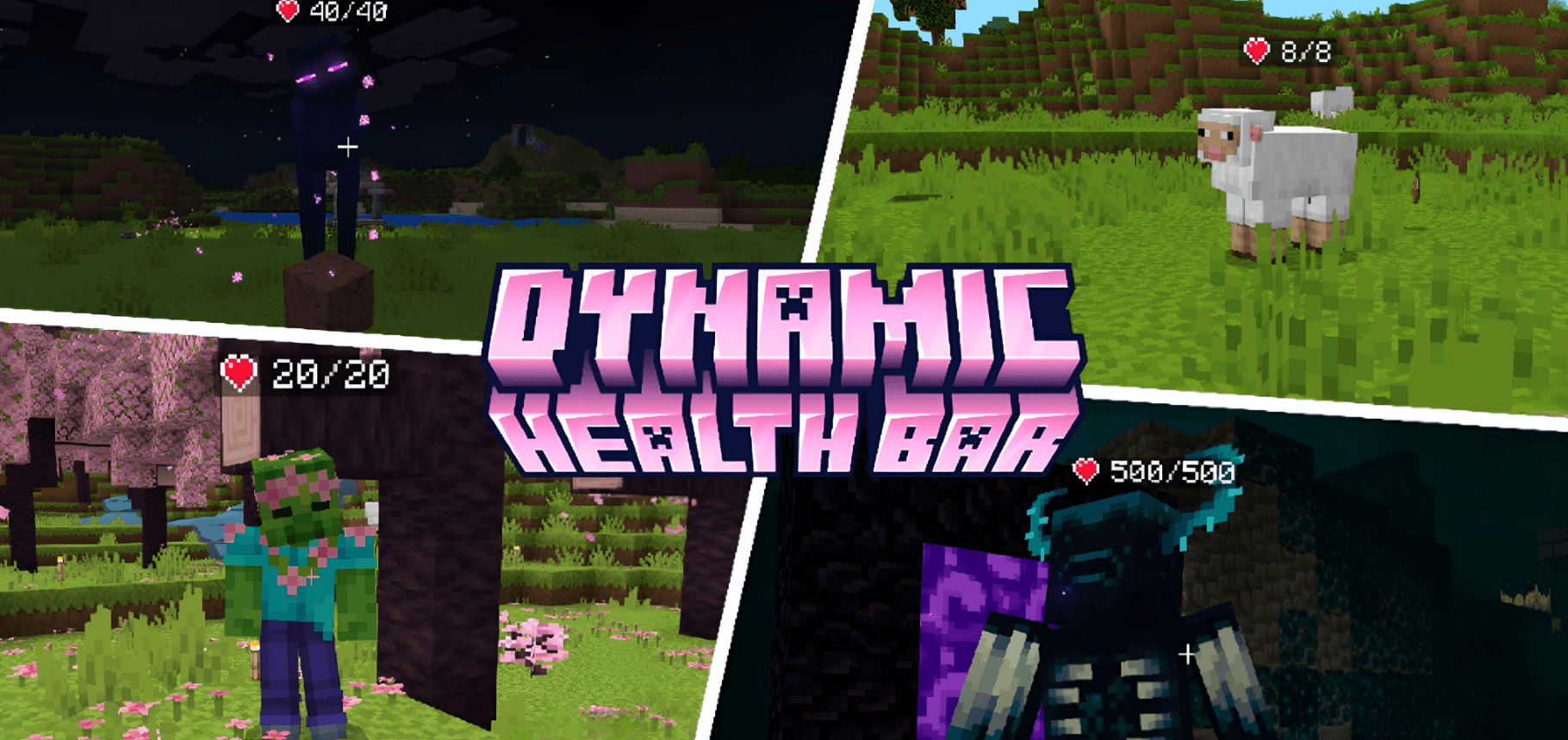
See any mob's health above its head, and keep every other addon you already have. Look at any mob to see a clean heart and HP counter above it, updating live as it takes or recovers damage, and see other players' health at a glance. No entity edits, no animations, no experiments, just apply it and play.
About
Dynamic Health Bar Indicator reads each mob's health directly and writes a tidy heart readout above its head, so it never overrides a single entity file. That one design choice is what makes it sit on top of anything: shaders, overhaul packs, custom mob addons. It even shows health on custom mobs added by other addons, because if it has health, it gets a bar. This is a lightweight behavior + resource pack combo, and it needs no experimental toggles to run.
Compatibility
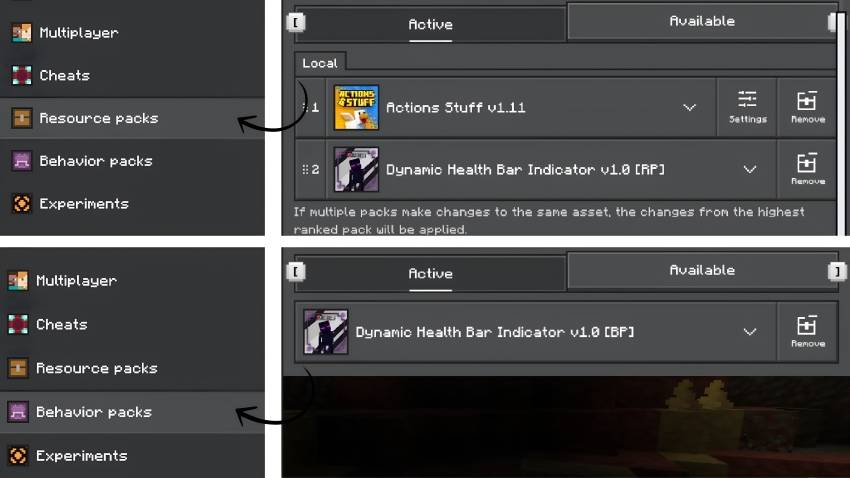
Built to work alongside everything. Because this addon adds no entity, texture, or model overrides, it layers cleanly on top of your existing setup:
- Actions & Stuff - Fully compatible. Keep all the animations and visuals from Actions & Stuff and still see mob health on top.
- Other resource packs - Shaders, texture packs, and model packs are unaffected; load order doesn't matter for this pack.
- Other behavior addons & custom mobs - Health bars appear on custom entities other addons add, as long as they have health.
Place it anywhere in your pack list, there's nothing for it to collide with.
Features
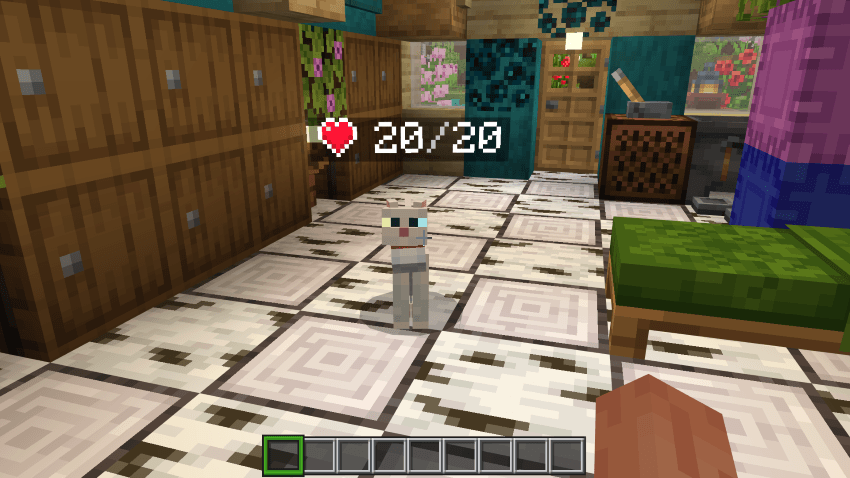
- Clean heart + HP readout - A crisp heart and health count above any mob you look at, using a custom heart icon
- Works on every mob - Vanilla and custom mobs from other addons are supported automatically
- Players too - See other players' health in multiplayer
- Real-time updates - The count changes the instant a mob takes damage or heals
- In-game settings - Change everything from one menu, no commands or cheats needed
- Performance-friendly - Only mobs near a player are processed, and a bar is only updated when that mob's health actually changes, so it stays light even in busy worlds and on servers
- Keeps named mobs' names - Custom name tags are preserved; the health count simply sits below the name
- No clutter - Armor stands, dropped items, projectiles and map-maker NPCs never get a bar
- Zero conflicts by design - No entity edits, no animations, no experiments required
Settings
Craft a Health Bar Settings item from 1 Paper + 1 Red Dye, then use it to open the menu. Settings save to your world.
- Show health - above mobs, or on your screen for the mob you're looking at
- Bar distance - how far away a mob can be and still show its bar (4-64 blocks)
- Bars on players - show or hide health above players
- Only damaged mobs - hide bars on mobs at full health
- Colour by health - colour the count by remaining health
- Show mob names - keep the mob's name above its bar
- Bars on mobs attacking you - off by default so death messages stay clean
- Remove all bars - clears every health bar; use this before removing the addon
Installation
- Download the
.mcaddon file
- Double-tap/click the file to auto-import into Minecraft
- Activate BOTH packs in your world: the
[BP] behavior pack and the [RP] resource pack
- No experiments needed, just load in and play
Removing the addon: open the Settings item, turn on Remove all bars, and save first. Health bars are saved on the mobs themselves, so skipping this leaves them behind. It only cleans mobs in loaded areas, so if you have far-away bases with mobs, visit them and run it again there.
Requires Minecraft Bedrock 1.21.80 or newer.





![Night Vision [ON/OFF] project image](https://media.forgecdn.net/avatars/thumbnails/1753/763/256/256/639116119058592147.png)