1000619335.png
Description
DuplicateAny:-
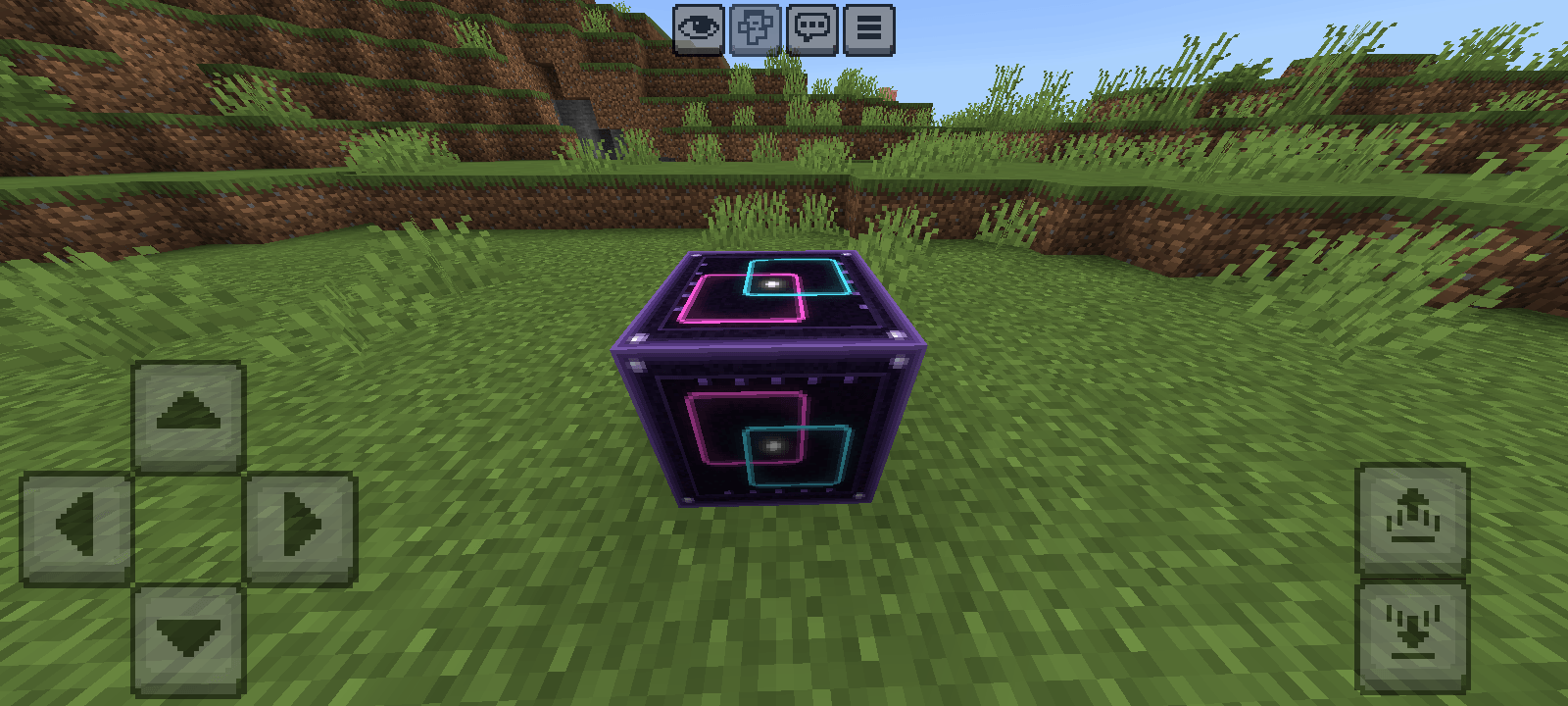
Duplicate any item with one block. Place the DuplicateAny Block, left click it, pick an item and choose how many copies you want.
## Features
- **Custom block:** left click or right click it to open the menu
- **Duplicate anything:** vanilla items, custom items, and items from other addons
- **Exact copies:** enchantments, custom names, lore, durability and custom data are kept
- **Choose the amount:** a slider sets how many copies you get per use
- **Admin limit:** operators can change the max copies per use, from 1 to 10000 (default 64)
- **No experiments:** no experimental toggles are needed
- **Addon friendly:** it does not edit or replace any vanilla or other addon files
- **Overflow protection:** if your inventory is full, extra copies drop at your feet
## How to use
1. Craft the DuplicateAny Block, or find it in the creative Items tab.
2. Place it down.
3. Left click it (right click also works) to open the menu.
4. Tap "Duplicate an item" and pick an item from your inventory.
5. Choose how many copies you want and confirm.
6. To pick the block back up, sneak and left click it.
## Recipe
Diamond in the four corners, ender pearls on the four sides, obsidian in the center.
## Admin settings
Operators, or players with the tag `dup_admin`, see a "Settings (admin)" button in the menu. Use it to set the maximum copies per use.
To give yourself the block:
/give @s dith:duplicator_block
## Requirements
- Minecraft Bedrock 1.21.80 or newer
- Works on Windows, Android, iOS, consoles and realms (anywhere addons are supported)
- Enable both the behavior pack and the resource pack
## Notes
- Bedrock menus can't hold real item slots, so you choose the item from a list of your inventory instead of dragging it in.
- Please report bugs with your Minecraft version and any Content Log errors.
## Credits
Made by [dith444]
DuplicateAny Team