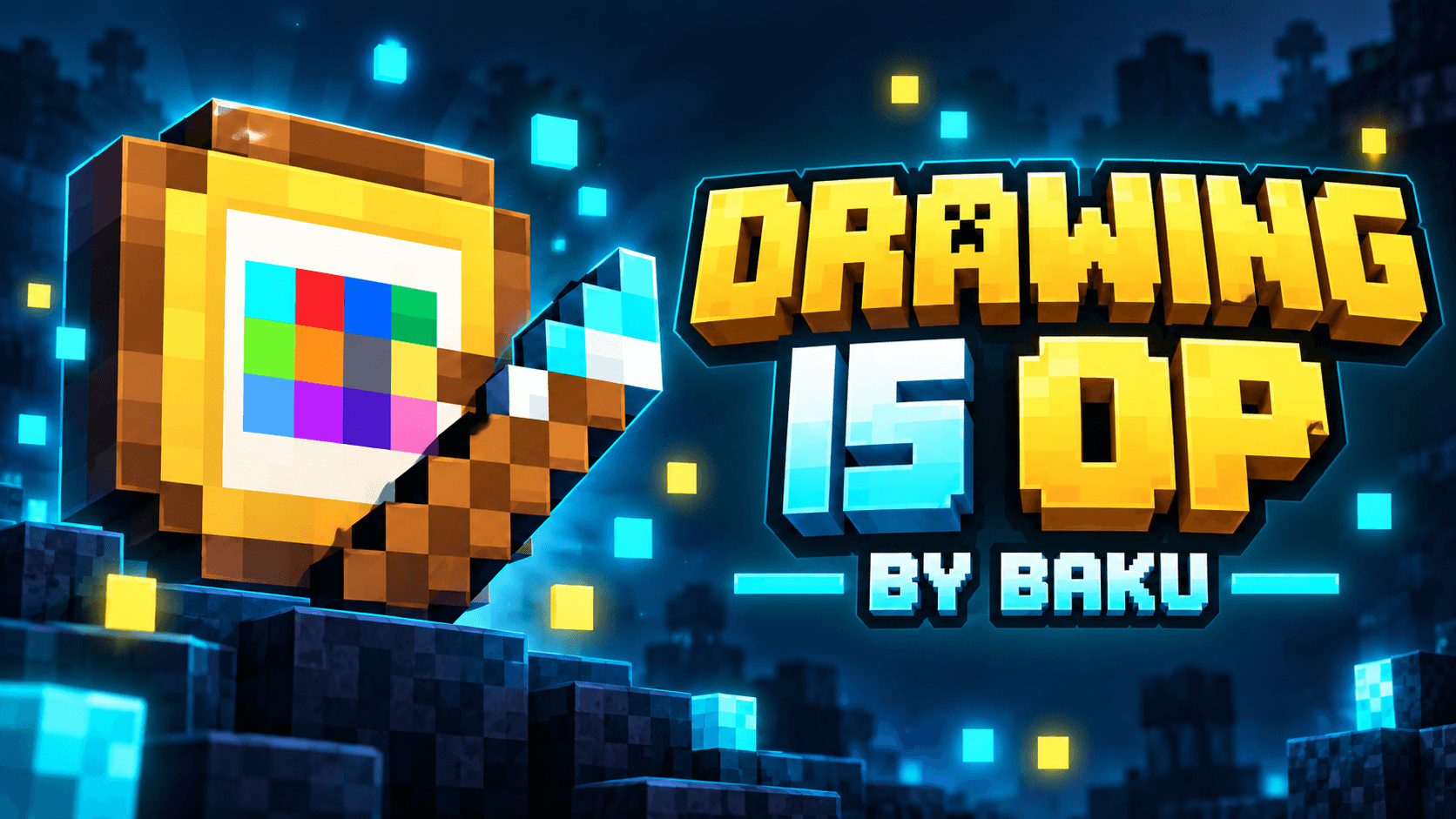
🎨 DRAWING IS OP BY BAKU
Draw it. Recognize it. Get it.
🖌️ About The Addon
Drawing Is OP by Baku introduces a unique drawing-based item system to Minecraft Bedrock. Instead of crafting or searching for certain supported items, players can draw them on a custom 8×8 Drawing Board.
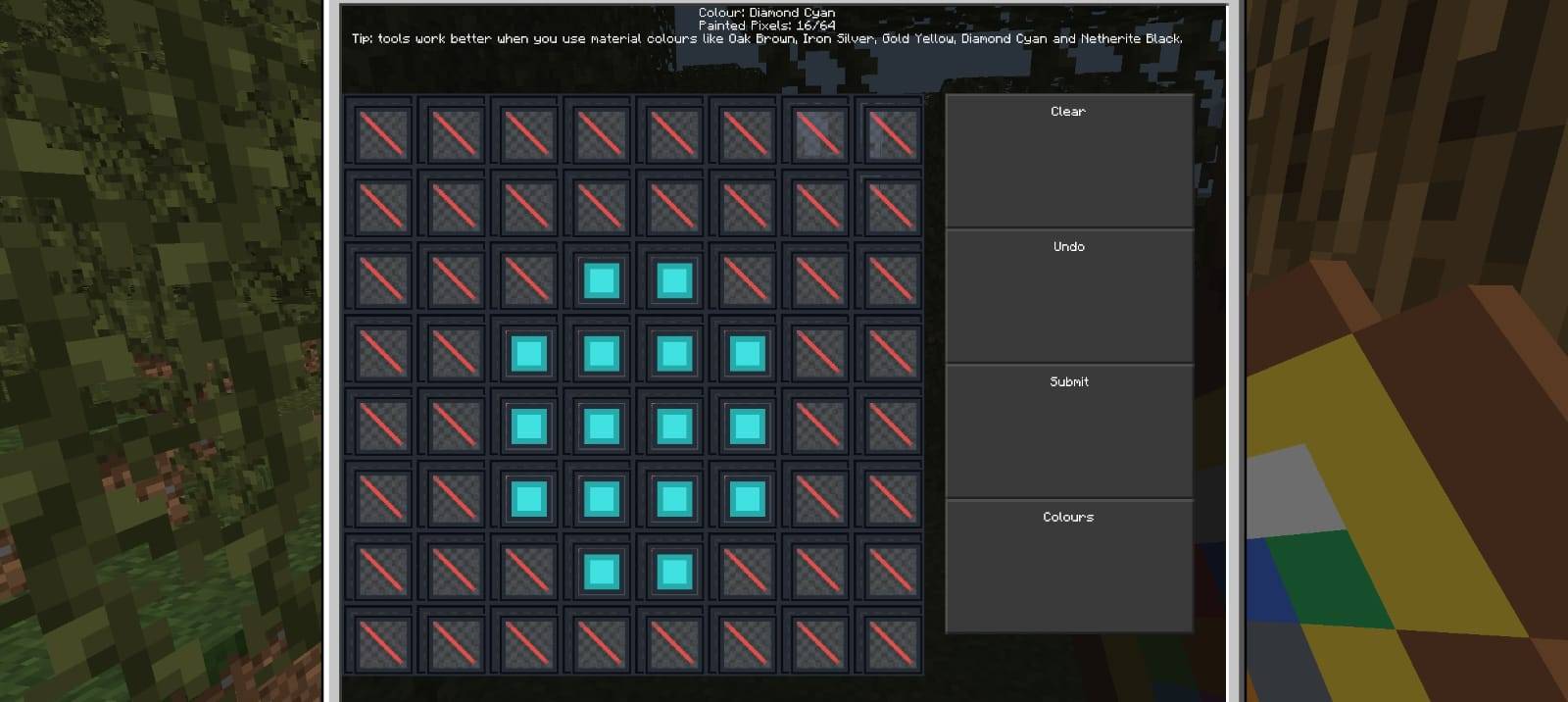
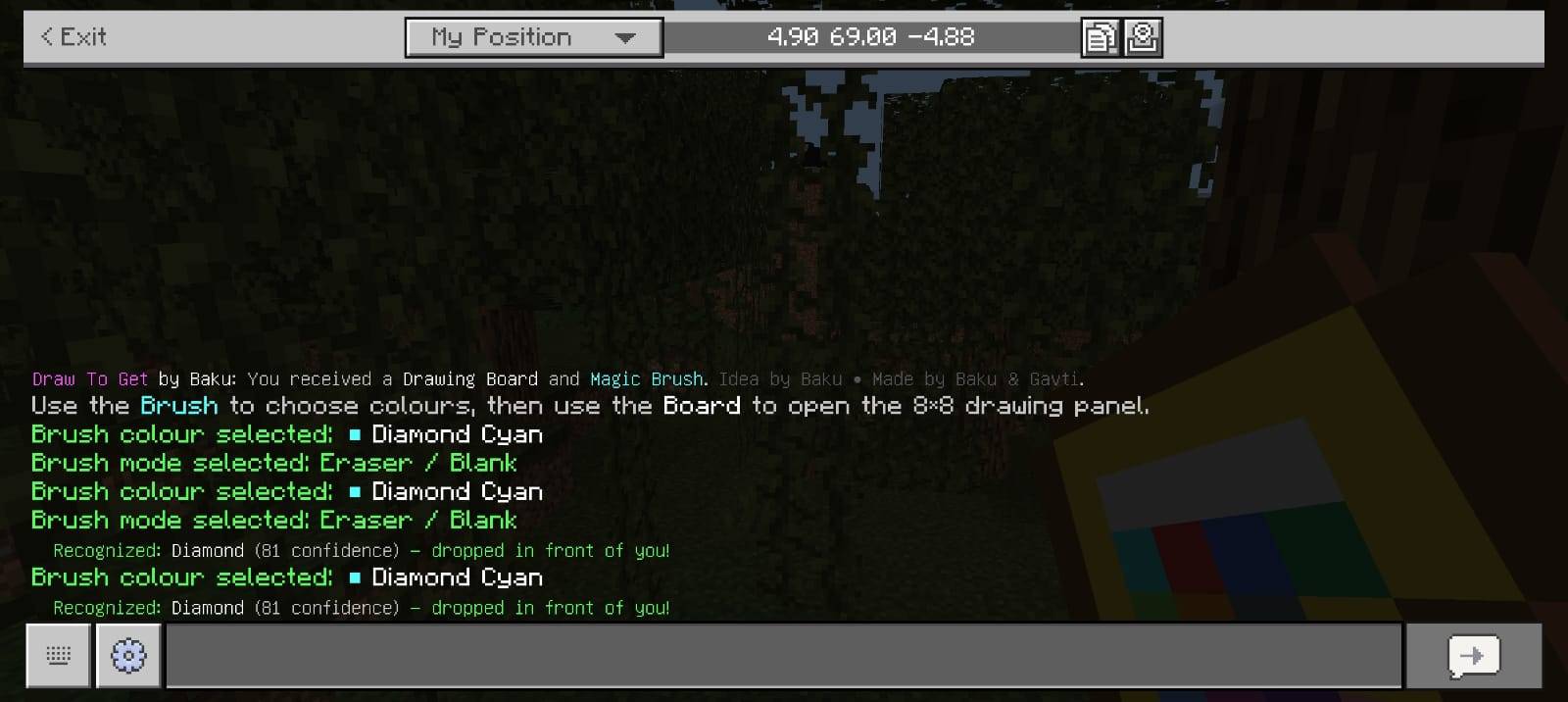
Use the Magic Drawing Brush, choose your colour, create your drawing, and press Submit. If the addon successfully recognizes the drawing, the matching Minecraft item will instantly drop in front of the player.
✨ Main Features
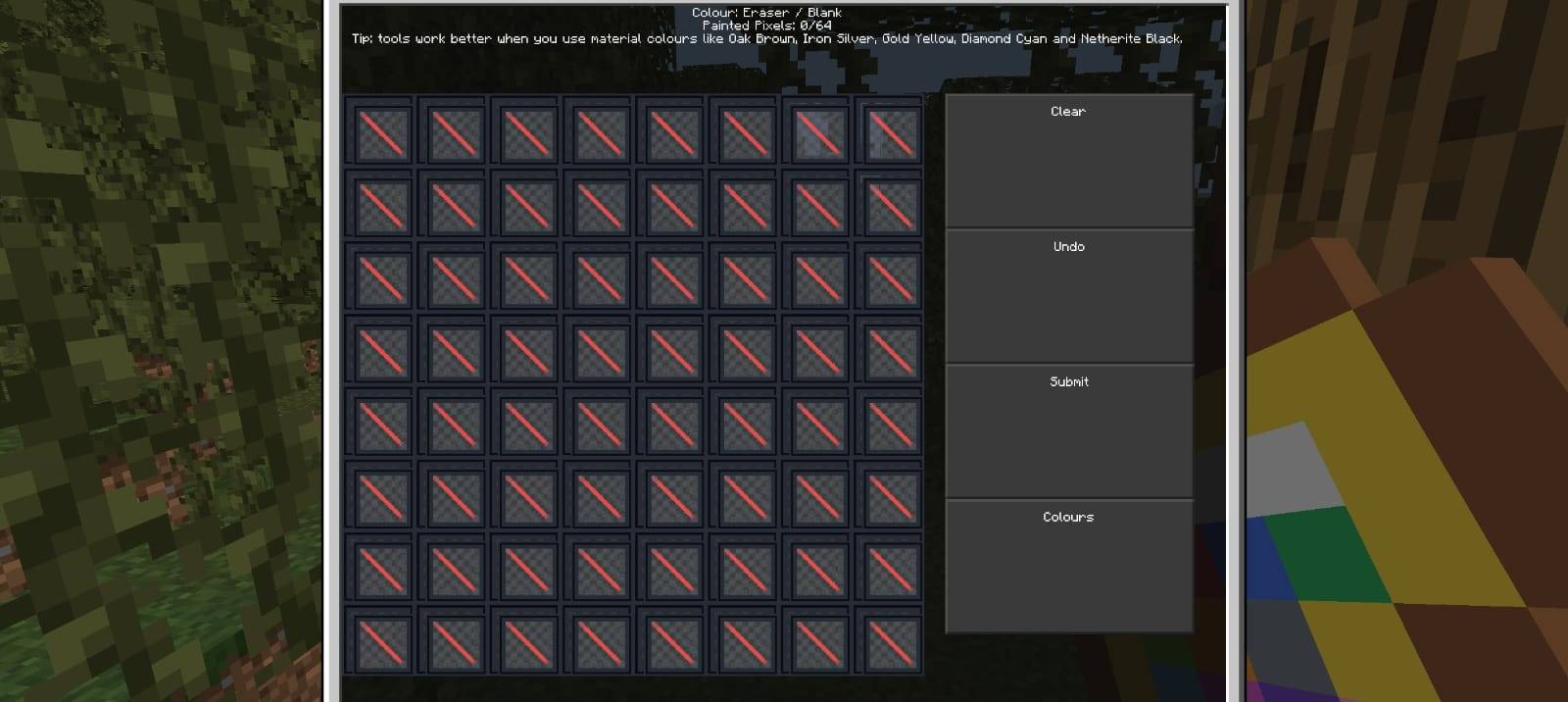
🎨 8×8 Drawing Canvas — Create pixel-style drawings using 64 individual drawing cells.
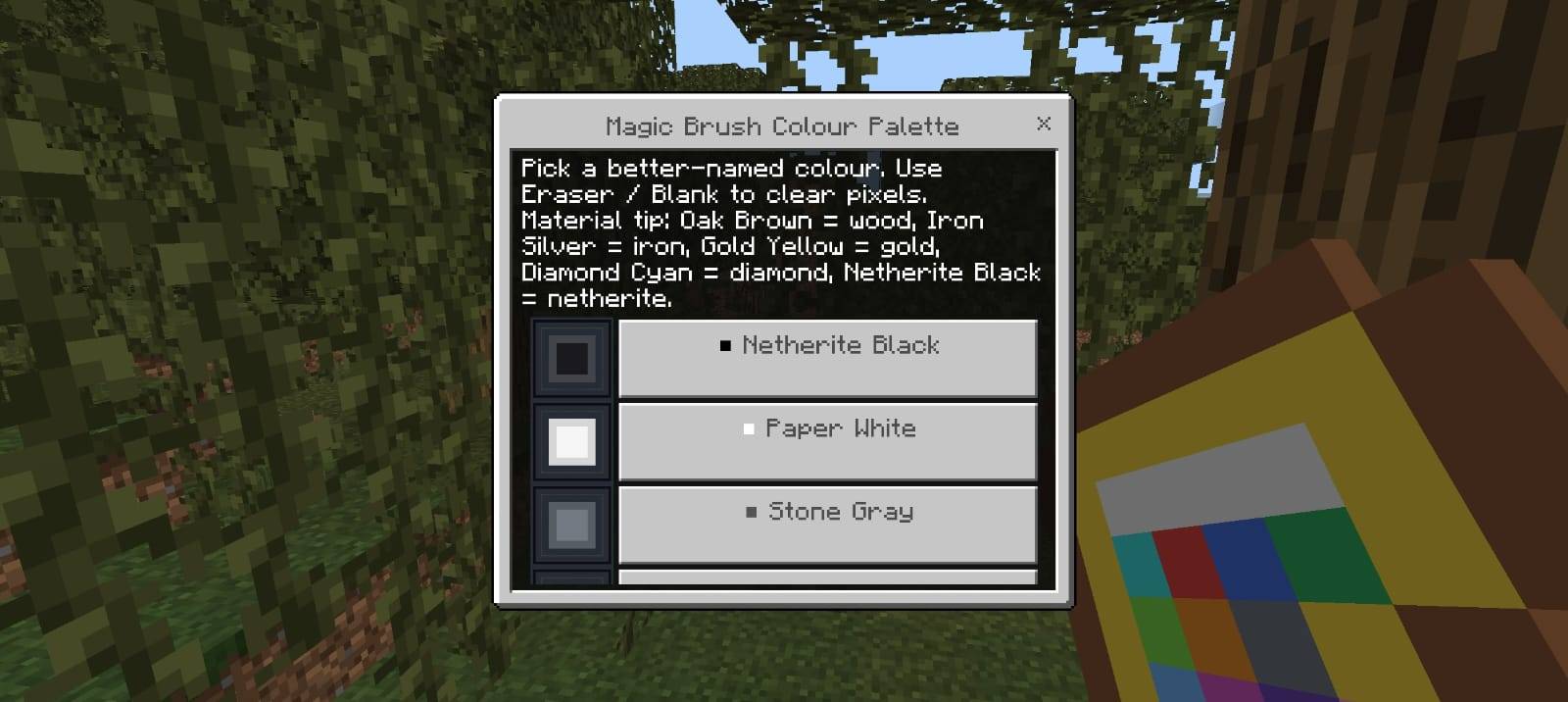
🖌️ Magic Drawing Brush — Change colours anytime using the custom colour palette.
🌈 Multiple Brush Colours — Includes material-based and decorative colour options.
🧠 Smart Recognition System — Checks shape, size, proportion and colour information.
🛡️ Strict Guessing System — Unclear drawings are rejected instead of giving random items.
📐 Shape Detection — Supports shifted and slightly resized drawings.
🎯 Material Recognition — Colours help identify Iron, Gold, Diamond, Netherite and more.
↩️ Undo Button — Remove your latest drawing action.
🧹 Clear Canvas — Instantly reset the entire drawing board.
✅ Submit Drawing — Scan your drawing and attempt to generate the matching item.
🌈 Brush Colours
The Magic Drawing Brush includes specially named colours designed to make item identification easier:
⬛ Netherite Black • ⬜ Paper White • Stone Gray • Iron Silver • Oak Brown • Ruby Red • Copper Orange • Gold Yellow • Lime Glow • Emerald Green • Diamond Cyan • Sky Blue • Deep Blue • Void Purple • Magic Magenta • Blush Pink
There is also an Eraser / Blank option for removing individual pixels.
⚒️ Material Detection
The same tool shape can produce different items depending on the colours used.
Oak Brown → Wooden tools
Stone Gray → Stone tools
Iron Silver → Iron tools
Gold Yellow → Golden tools
Diamond Cyan → Diamond tools
Netherite Black → Netherite tools
🎮 How To Use
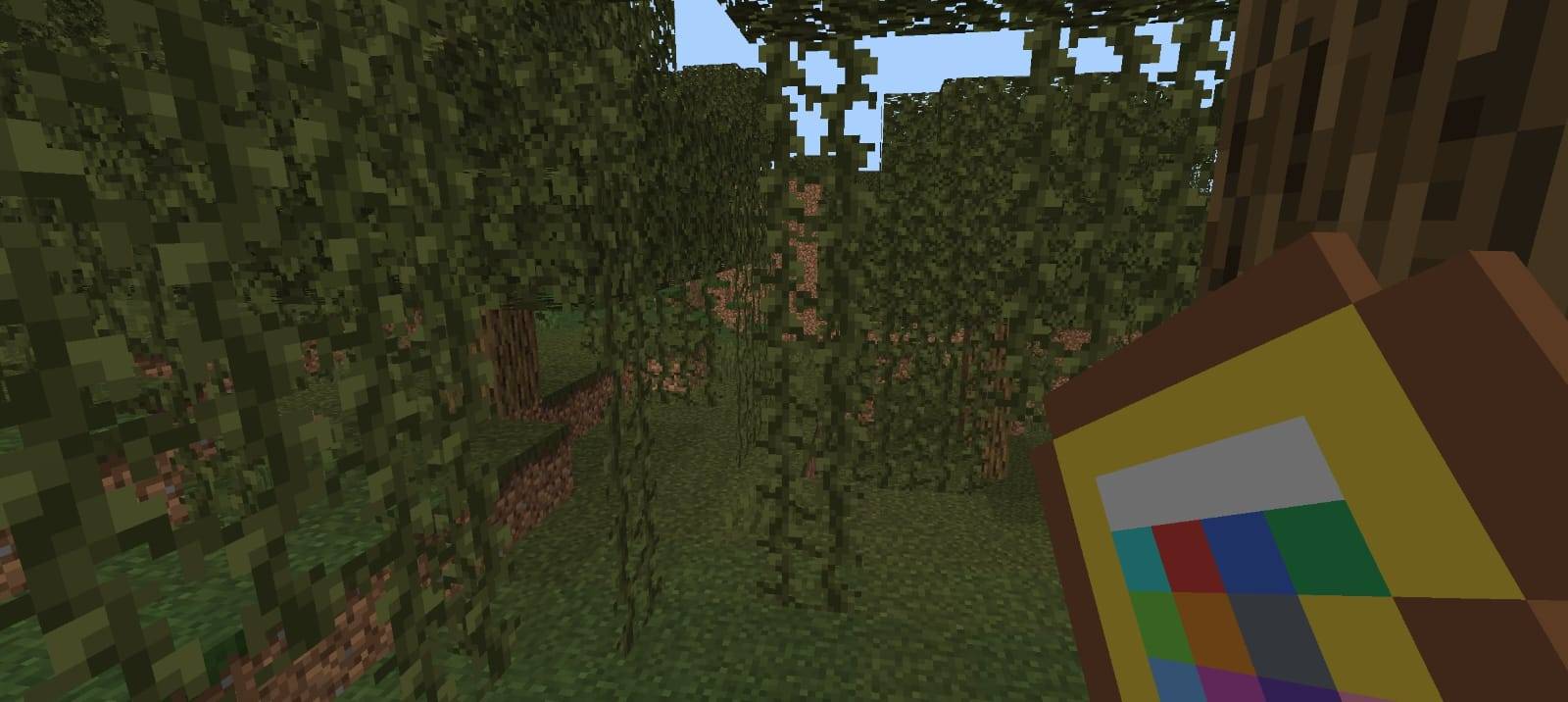
1. Enter the world and receive the Drawing Board and Magic Drawing Brush.
2. Use the Magic Brush to open the colour palette.
3. Select the colour you want to use.
4. Use the Drawing Board to open the 8×8 drawing canvas.
5. Tap individual pixels to create your drawing.
6. Use Undo, Clear or Colours whenever needed.
7. Press Submit when your drawing is complete.
8. If recognized, the matching item drops directly in front of you.
🧠 Improved Recognition
The addon does not simply select the closest item. The recognition system checks multiple properties before accepting a drawing, including:
✔ Overall shape
✔ Drawing proportions
✔ Pixel distribution
✔ Width and height
✔ Material colours
✔ Position tolerance
✔ Similarity confidence
If the drawing is too different or unclear, the addon will show Drawing Not Recognized instead of giving an incorrect random item.
📌 Important Note
This addon uses a custom drawing and recognition system. For the best results, keep drawings simple, use clear Minecraft-style pixel shapes, and use the correct material colours when drawing tools.
👑 Credits & Rights
Addon: Drawing Is OP by Baku
Creator: Baku
All Credits: Baku
All Rights Reserved by Baku
Please do not re-upload, redistribute, modify, copy or claim this addon as your own without permission from Baku.
🎨 DRAW • RECOGNIZE • GET 🎨