


Double Hotbar 9 + 9 (Touch, Controller & PC)
- By
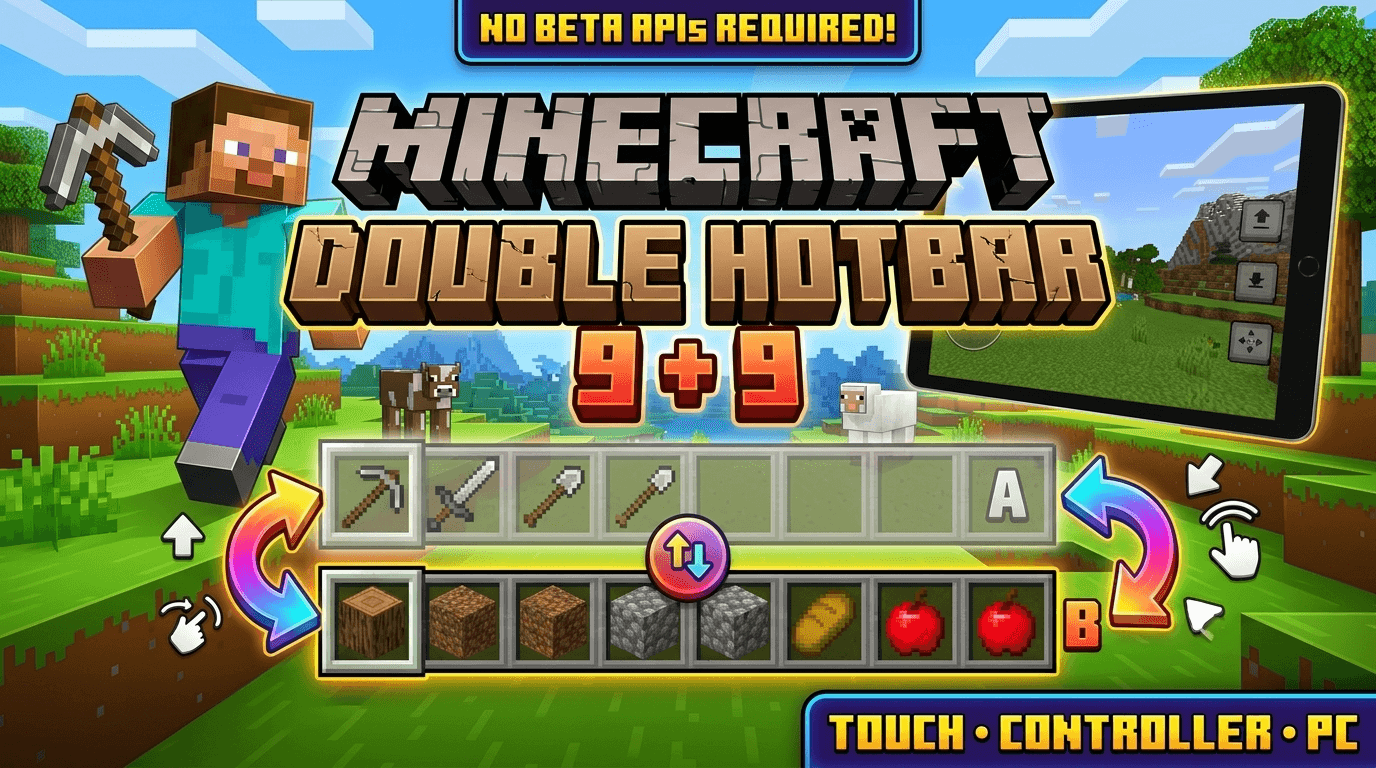
Swap your hotbar with the top inventory row using touch, keyboard or controller gestures. Switch between two sets of 9 existing slots without opening your inventory.
Double-Hotbar-Thumbnail-16x9.png
Double-Hotbar-Showcase-Short.gif
Description
Double Hotbar 9 + 9 — Instant Inventory Row Swap!
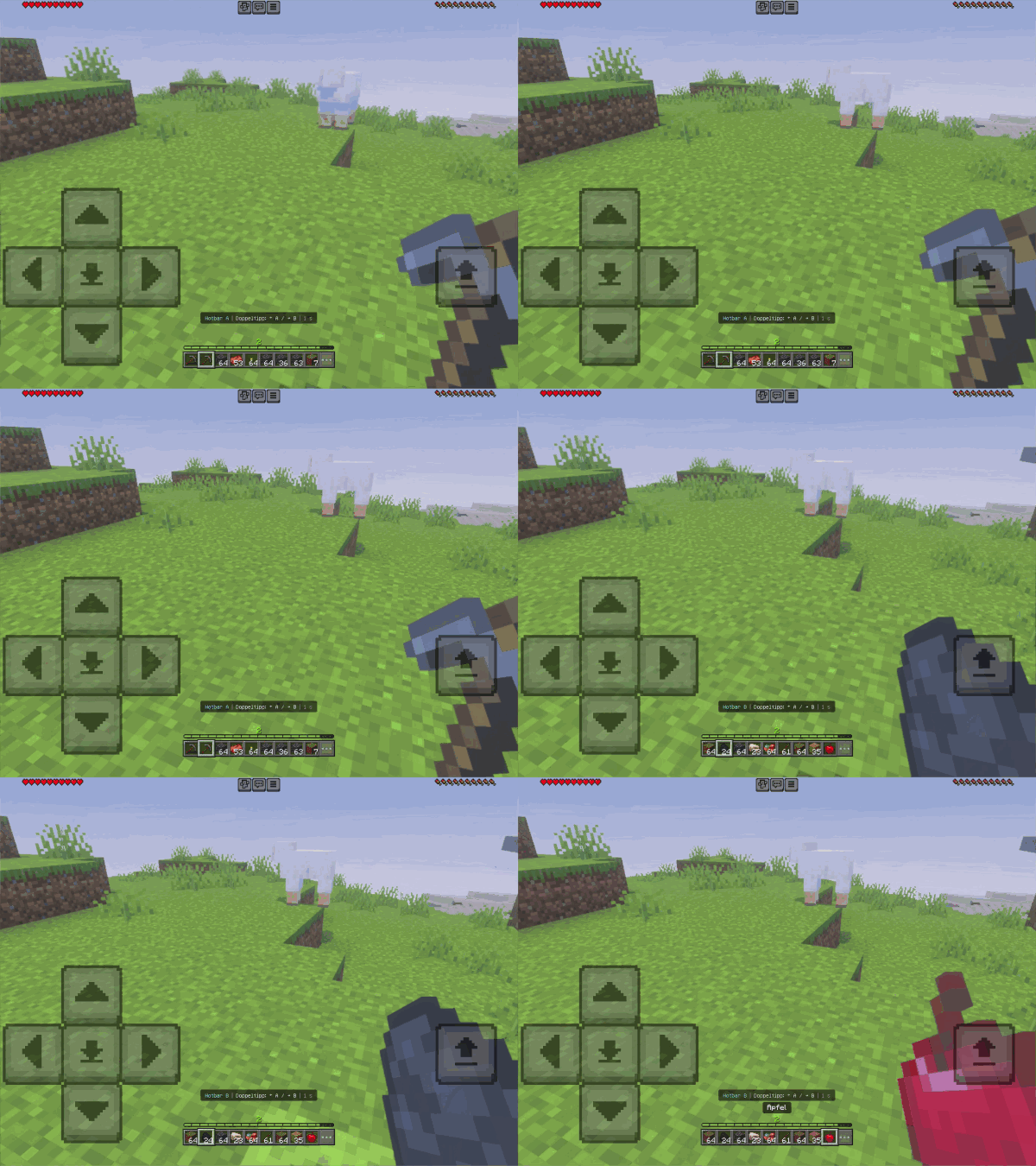
Running out of hotbar space while building, mining, or fighting? Double Hotbar makes 18 existing inventory slots quickly accessible by exchanging your 9 active hotbar slots with the 9 slots in the top row of your main inventory in a split second—without ever opening your inventory
Runs 100% on the stable Script API (Minecraft Bedrock 1.21.90+).
-
No Cheats Required for gesture controls! Achievements stay active!
-
Automatic Language Support: Automatically displays texts in English or German (en_US / de_DE) based on each player's individual client language.
Smart Controls (Automatic Input Detection)
The add-on automatically detects your active input device (even when switching mid-game) and adapts the swap gesture:
-
Touch (iOS / Android) & Keyboard (PC):
-
Switch to Hotbar B: Double-tap Right (D-Pad Right / Joystick Right / D key) within 1 second.
-
Return to Hotbar A: Double-tap Left (D-Pad Left / Joystick Left / A key) within 1 second.
-
-
Controller (Console / Gamepad):
-
Toggle A ↔ B: Double-press your assigned Sneak button within 1 second (moving the analog stick sideways will never accidentally trigger a swap!).
-
Before:  visible hotbar   [ A1 A2 A3 A4 A5 A6 A7 A8 A9 ]
         inventory row    [ B1 B2 B3 B4 B5 B6 B7 B8 B9 ]
                       ↓ (Double-Tap Right / Double-Press Sneak)
After:   visible hotbar   [ B1 B2 B3 B4 B5 B6 B7 B8 B9 ]
         inventory row    [ A1 A2 A3 A4 A5 A6 A7 A8 A9 ]
Key Features & Safety
-
100% Safe Item Handling: Uses native Container.swapItems calls. All custom names, enchantments, durability, shulker contents, and item data stay completely intact in your normal inventory (no hidden entities or external databases).
-
Maximum Compatibility: Does not override player.json or replace HUD files—combine it seamlessly with almost any other add-on or texture pack.
-
Multiplayer & Server Ready: Every player swaps only their own inventory and sees messages in their own language. Includes a 0.6s cooldown and analog stick jitter protection.
Optional Commands (Requires Command Permissions)
If you ever want to pause gestures during intense parkour or PvP, you can run these in chat:
-
/scriptevent double_hotbar:swap– Manually toggle between row A and B once -
/scriptevent double_hotbar:disable– Disable gesture controls for yourself -
/scriptevent double_hotbar:enable– Re-enable gesture controls -
/scriptevent double_hotbar:help– Show the in-game guide again
Installation (Minecraft Bedrock 1.21.90+)
-
Download and open Double-Hotbar-1.3.1.mcaddon with Minecraft (imports both Behavior and Resource Pack automatically).
-
Open your World Settings and enable Double Hotbar | 9 + 9 under Behavior Packs (the companion Resource Pack activates automatically).
-
Load your world—no experimental toggles needed! (Note: If upgrading from an older version, return to Hotbar A and remove the old pack before activating v1.3.1).
Double Hotbar 9 + 9 (Touch, Controller & PC) Team
