Dorios' Builder Wands
- By
Dorios’ Builder Wands makes building faster and easier by letting you place multiple connected blocks at once.
MCPEDL
Description
Dorios’ Builder Wands is a Minecraft Bedrock add-on designed to make large building projects faster, easier, and more intuitive.
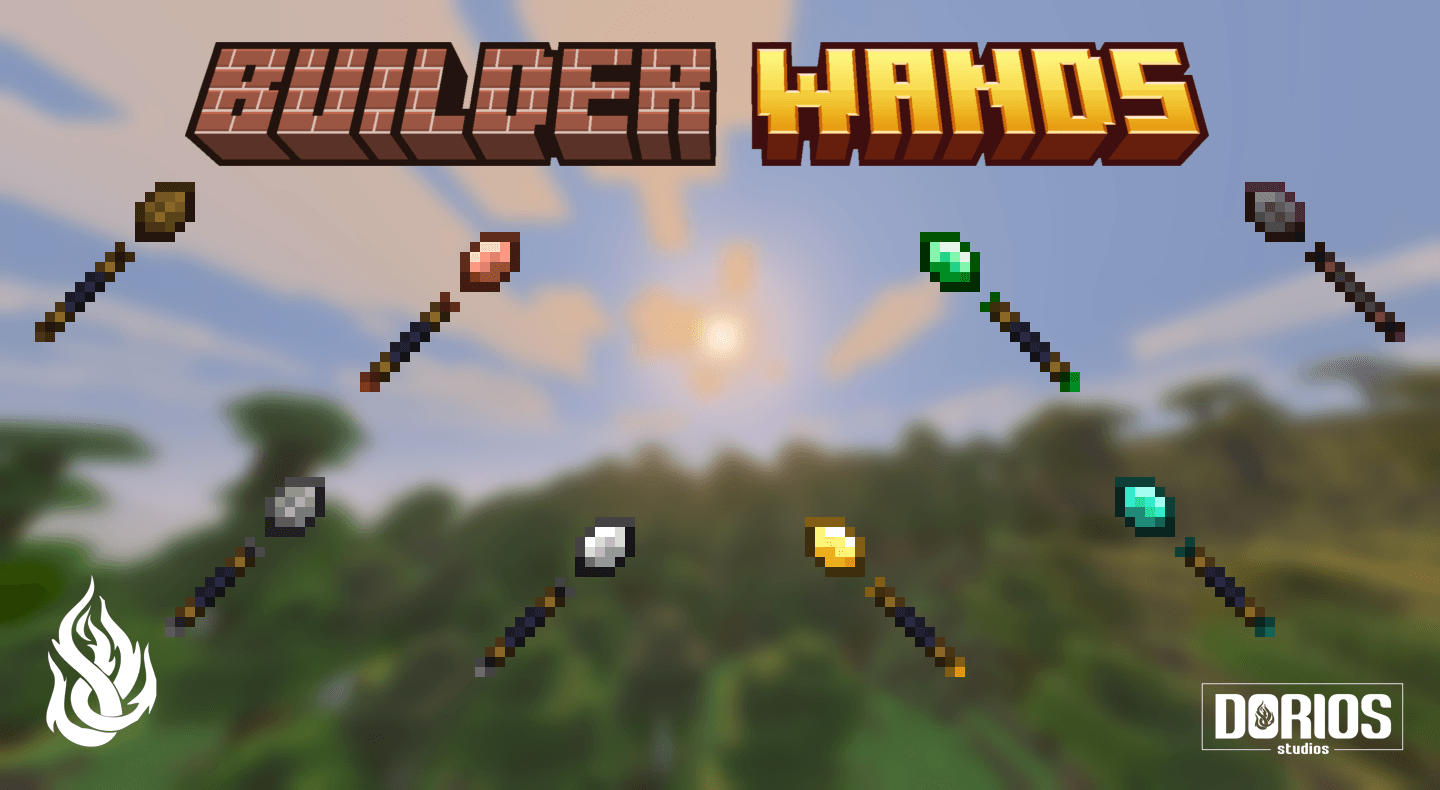
Builder Wands copy connected blocks onto the selected face, allowing you to quickly extend floors, walls, ceilings, platforms, and other surfaces. The add-on includes eight tiers, placement previews, Survival crafting recipes, durability, repairs, inventory costs, collision protection, and Creative Mode support.
How Builder Wands Work
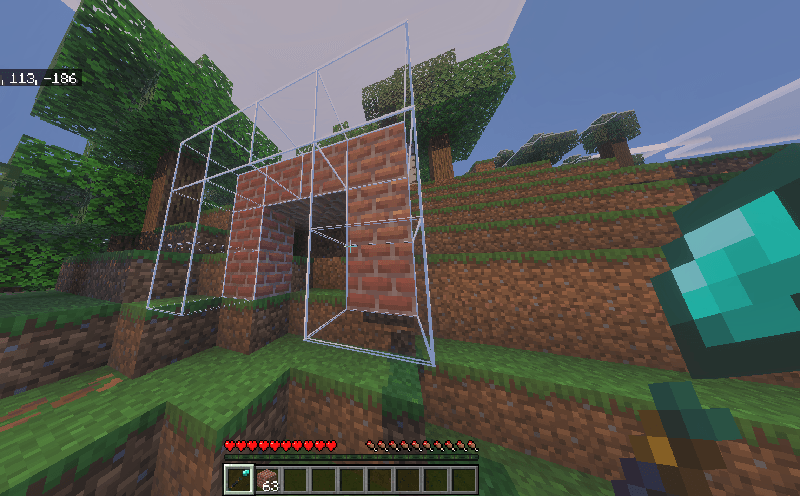
Hold a Builder Wand and use it on the face of an existing block.
The wand searches for connected blocks of the same type across that surface and copies them onto the adjacent layer. The placement starts near the selected block and expands outward until it reaches the wand’s placement limit, runs out of matching blocks, or encounters an invalid position.
Available Builder Wands

Each tier has its own placement limit and durability:
| Builder Wand | Blocks per Use | Durability |
|---|---|---|
| Wood Builder Wand | 4 | 59 |
| Stone Builder Wand | 9 | 131 |
| Copper Builder Wand | 16 | 250 |
| Golden Builder Wand | 25 | 59 |
| Iron Builder Wand | 25 | 250 |
| Emerald Builder Wand | 36 | 870 |
| Diamond Builder Wand | 49 | 1,561 |
| Netherite Builder Wand | 64 | 2,031 |
The placement limit is the maximum number of blocks the wand can place in one use. The actual amount may be lower if you do not have enough matching blocks or some positions are unavailable.
Gold and Iron have the same placement capacity, but Iron has significantly more durability.
Toggle the Preview
Use this command to enable or disable your placement preview:
/builder_wands:toggle_previewThe preview is enabled by default.
The command can be used by any player, does not require cheats, and only changes the preference of the player who uses it.
Change the Preview Mode
Use this command to switch between the two available rendering modes:
/builder_wands:toggle_preview_modeThe available modes are:
- Full Block: Displays an outline around every individual target block. This is the default mode.
- Smart Outline: Removes unnecessary shared edges and displays a cleaner outline around the planned structure.
Run the command again whenever you want to switch between the modes.
The Dorios' Builder Wands Team


Owner