DisasterCore
- By
Trigger tornadoes, meteors, blizzards and four more disasters with weather effects and real terrain changes. Play in Creative or Survival.
itens_e_ativadores.png
gameplay_real_06_cratera.png
gameplay_real_01_tornado.png
gameplay_real_02_erosao.png
Description
Bring the power of nature to Minecraft Bedrock!
Tempestade introduces 7 unique natural disasters to your Minecraft world, featuring immersive visual effects, environmental destruction, and new survival challenges.
Take control of every disaster using the Weather Controller. Choose an event, adjust its intensity, customize performance settings, or let disasters occur automatically.
🌪️ Natural Disasters
-
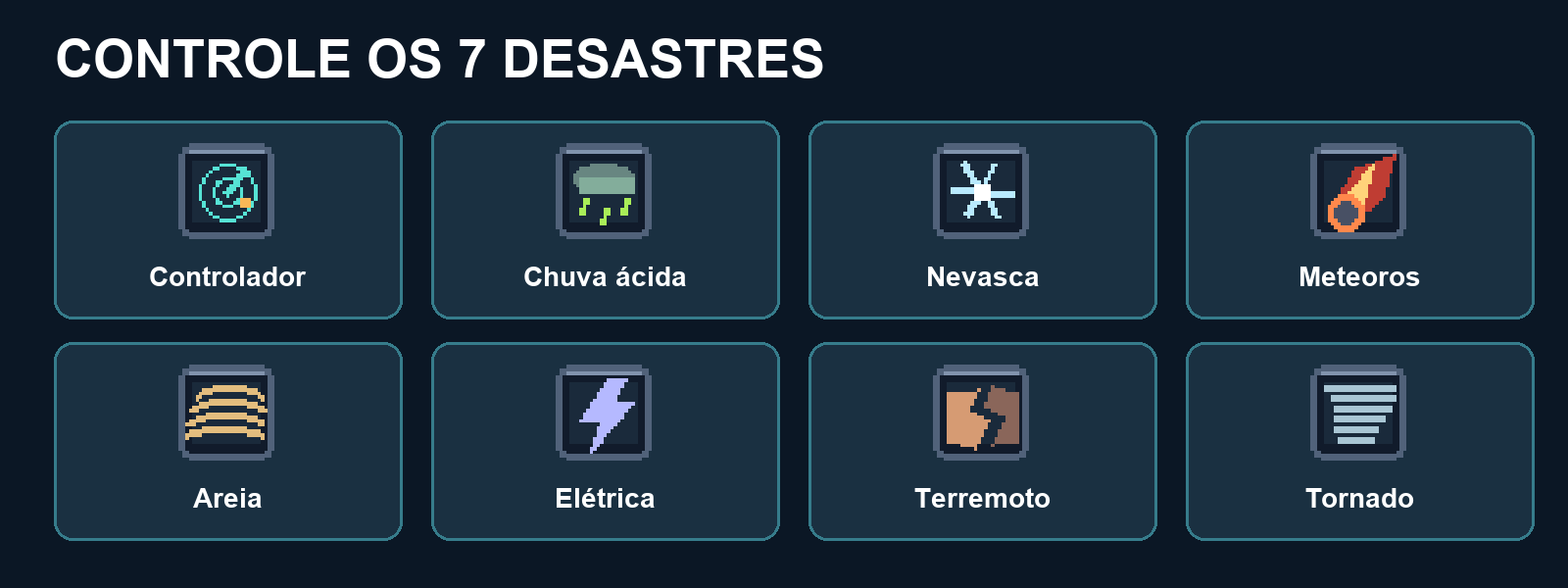
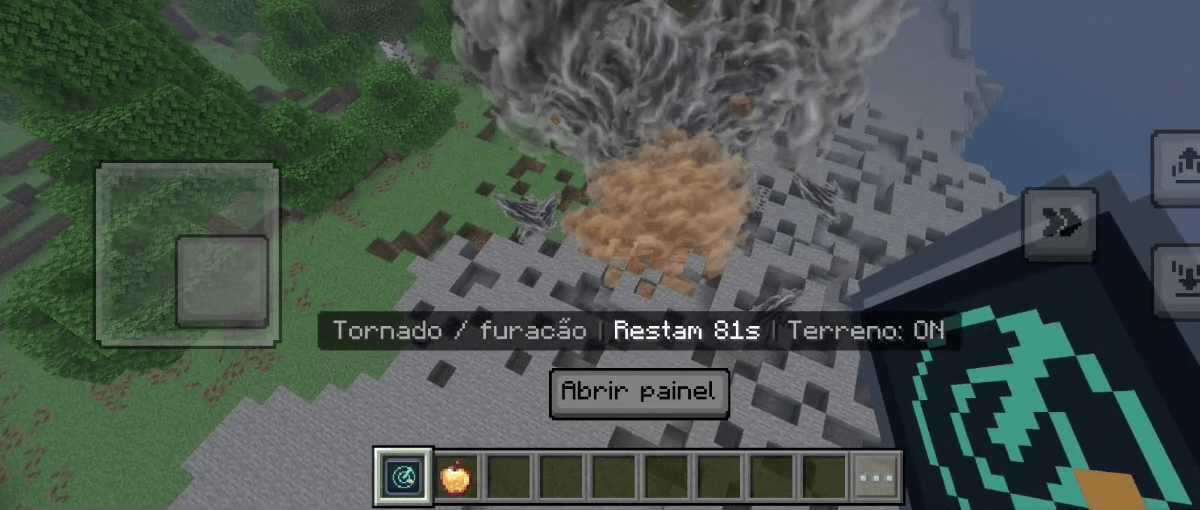
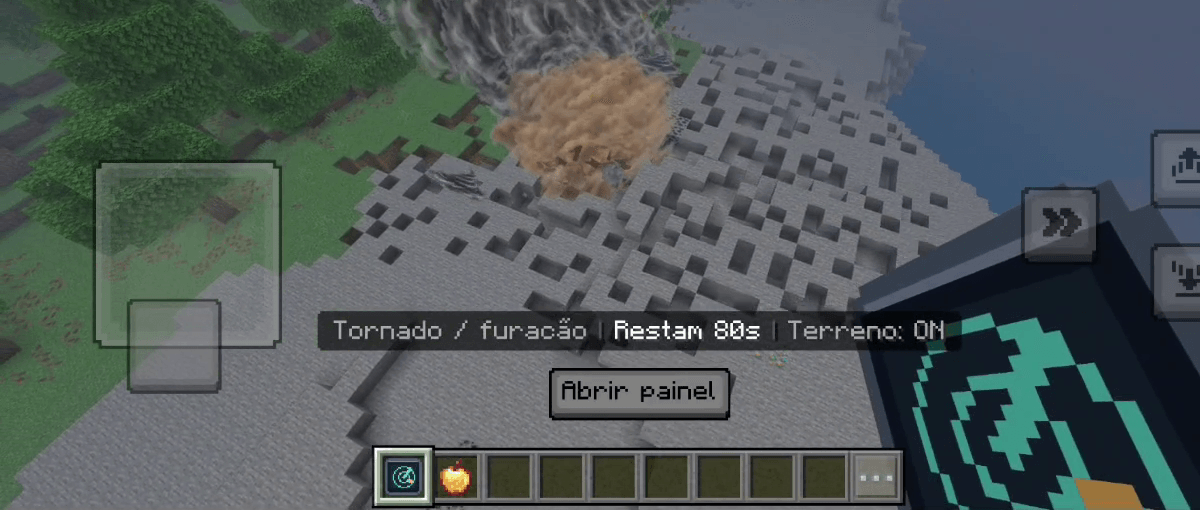
Tornadoes & Hurricanes — Powerful winds pull entities into the air, scatter debris, and damage the terrain.
-
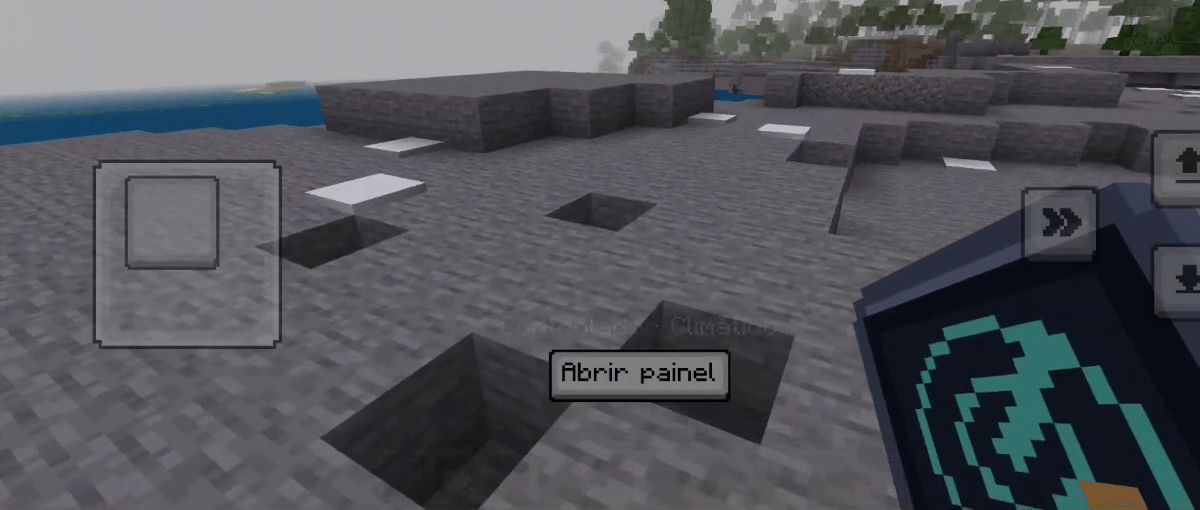
Meteor Showers — Watch meteors fall from the sky, causing explosions, impact damage, and craters.
-
Blizzards — Freezing winds, heavy snowfall, ice formation, and dangerous cold exposure.
-
Sandstorms — Dense dust clouds, strong winds, reduced visibility, and environmental damage.
-
Thunderstorms — Dark skies, heavy rain, lightning strikes, thunder, and dangerous electrical impacts.
-
Acid Rain — Toxic rainfall damages exposed entities and destroys vegetation.
-
Earthquakes — Ground shaking, dust, surface cracks, and collapsing terrain with expanding sinkholes.
⚙️ Features & Customization
-
Weather Controller — Start, stop, and customize disasters through an interactive menu.
-
7 Disaster Items — Trigger each natural disaster instantly.
-
3 Intensity Levels — Light, Moderate, and Extreme.
-
Performance Presets — Mobile, Balanced, and PC / High.
-
Automatic Disasters — Enable optional naturally occurring events.
-
Terrain Destruction — Enable or disable environmental damage.
-
Survival Guide — Learn how to survive each disaster.
-
Creative & Survival Support — Experience disasters in either game mode, with Creative players protected from disaster damage and wind effects.
-
Mobile & PC Controls — Compatible with touch and mouse interactions.
🛠️ Weather Controller Recipe
Craft the Weather Controller using:
[ Empty    ] [ Iron Ingot ] [ Empty    ]
[ Redstone ] [ Compass    ] [ Redstone ]
[ Empty    ] [ Iron Ingot ] [ Empty    ]
You also receive a Weather Controller automatically when joining a world if you don't already have one.
📦 Installation
-
Download Tempestade_1.4.0.mcaddon.
-
Open the file with Minecraft Bedrock Edition.
-
Enable both Tempestade | Behavior and Tempestade | Resources in your world settings.
-
Enter your world and use the Weather Controller to get started.
When updating, make sure only the latest versions of both packs are enabled.
⚠️ Important Information
Terrain destruction is enabled by default. Modified terrain is not automatically restored after a disaster ends. Back up important worlds before enabling destructive events.
Compatibility: Minecraft Bedrock 1.21.90+ is the declared technical minimum. Gameplay has been tested on Android Beta 26.70.22. Compatibility with other versions and PC has not yet been fully verified.
No experimental features are required.
🌩️ Control the weather. Face the disasters. Survive nature's fury!
DisasterCore Team