![Destory Wand [Achievement Friendly] logo](https://media.forgecdn.net/avatars/thumbnails/1178/495/64/64/638751281994495363.jpg)
Destory Wand [Achievement Friendly]
- By
The Destroy Wand addon allows players to quickly break multiple blocks in Minecraft using a special wand and a pickaxe. Select two points, confirm, and watch the blocks vanish instantly!
How to Use the Destroy Wand?
How to Use the Destroy Wand in Minecraft (3 Steps):
1. Equip Wand and Pickaxe: Equip the Destroy Wand and ensure a pickaxe (wooden, stone, iron, golden, diamond, or netherite) is in a nearby inventory slot.
2. Select Area: Right-click to mark two corner positions of the area you want to destroy. Heart particles appear at the first point, and the wand saves the second point after the second click.
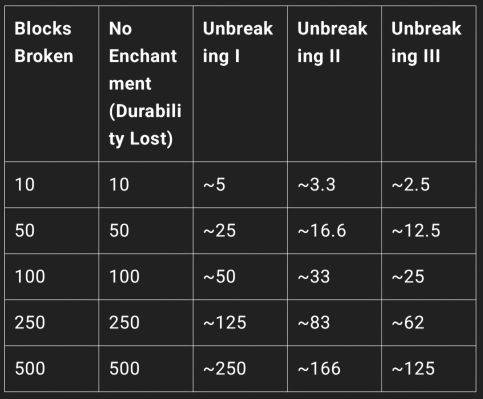
3. Confirm and Destroy: A confirmation menu appears showing the number of blocks (max 1000). Select "Yes" to destroy all valid blocks in the area (excluding unbreakable ones like bedrock). The pickaxe's durability decreases, and blocks are replaced with air, with particle and sound effects.
Destroy Wand Addon - Quickly destroy large areas with ease! No experimental features required.
▲ Warning: If the Destroy Wand is in the 1st or last hotbar slot, it will not work!
V 3

V3.1.0
Max Blocks break limit
Before :- 1000
After :- 2000
V3.2.0
• Creative Mode Freedom:
• No durability loss when used in Creative mode.
• Max block limit is removed in Creative.
• Pickaxe is no longer required for block destruction in Creative.
The Destory Wand [Achievement Friendly] Team


Owner

![Ore Tree [Bug Fix] project image](https://media.forgecdn.net/avatars/thumbnails/1352/53/256/256/638878488868524471.jpg)