Creative Zone
Bored of your world, but don't want to start a new one and lose progress? Jump into the Creative Zone and play in any way you want! Use commands, play any game modes, change up the world rules. Do what you want, when you want!
Description
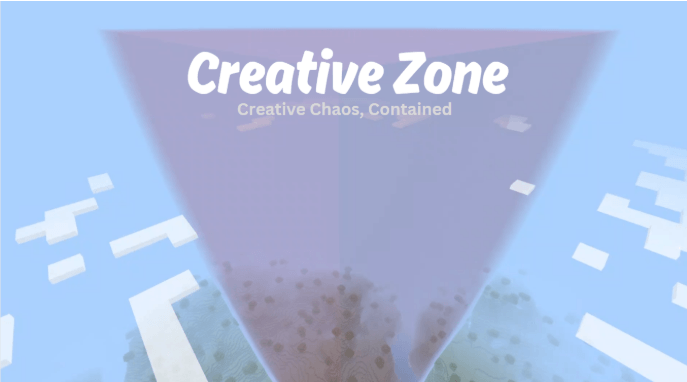
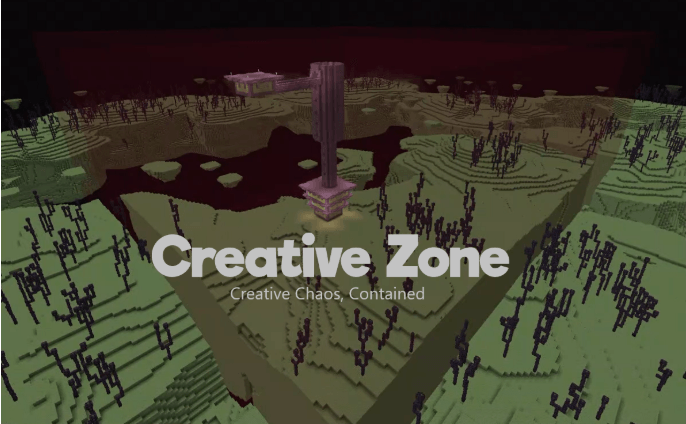
Creative Zone is a completely sealed off area where anyone can use commands, regardless of permissions. The only way to get in or out is with the commands ‘!cz enter’ and ‘!cz exit’, which prevents smuggling anything to the outside. Additionally, the barrier enclosing the area is transparent so you can show off your builds to the rest of the world.
Features
Complete Containment - The barrier is intangible, so it cannot be destroyed even in Creative mode. And things like ender pearls are deleted as they pass through the barrier, so no escaping by any means.
Your game state is saved - When you use '!cz enter' (or '!cze') to enter, your characters exp/lvl, location, spawn point, inventory, and even current game mode, are saved. On exit with ‘!cz exit’ (or '!cze'), all of it is restored to what it was before you entered. It’s as if you never left!
Custom command parser - All commands inside CZ have to start with ! instead of /. This allows restricting access to some of the more dangerous commands, while still permitting most of the commonly used ones like ‘kill’, ‘give’, ‘tp’, and ‘summon’. The list of these can be accessed from within the game with ‘!cz bannedcommands’, and can be easily adjusted within the code.
‘!cz allowedcommands’

‘!cz bannedcommands’

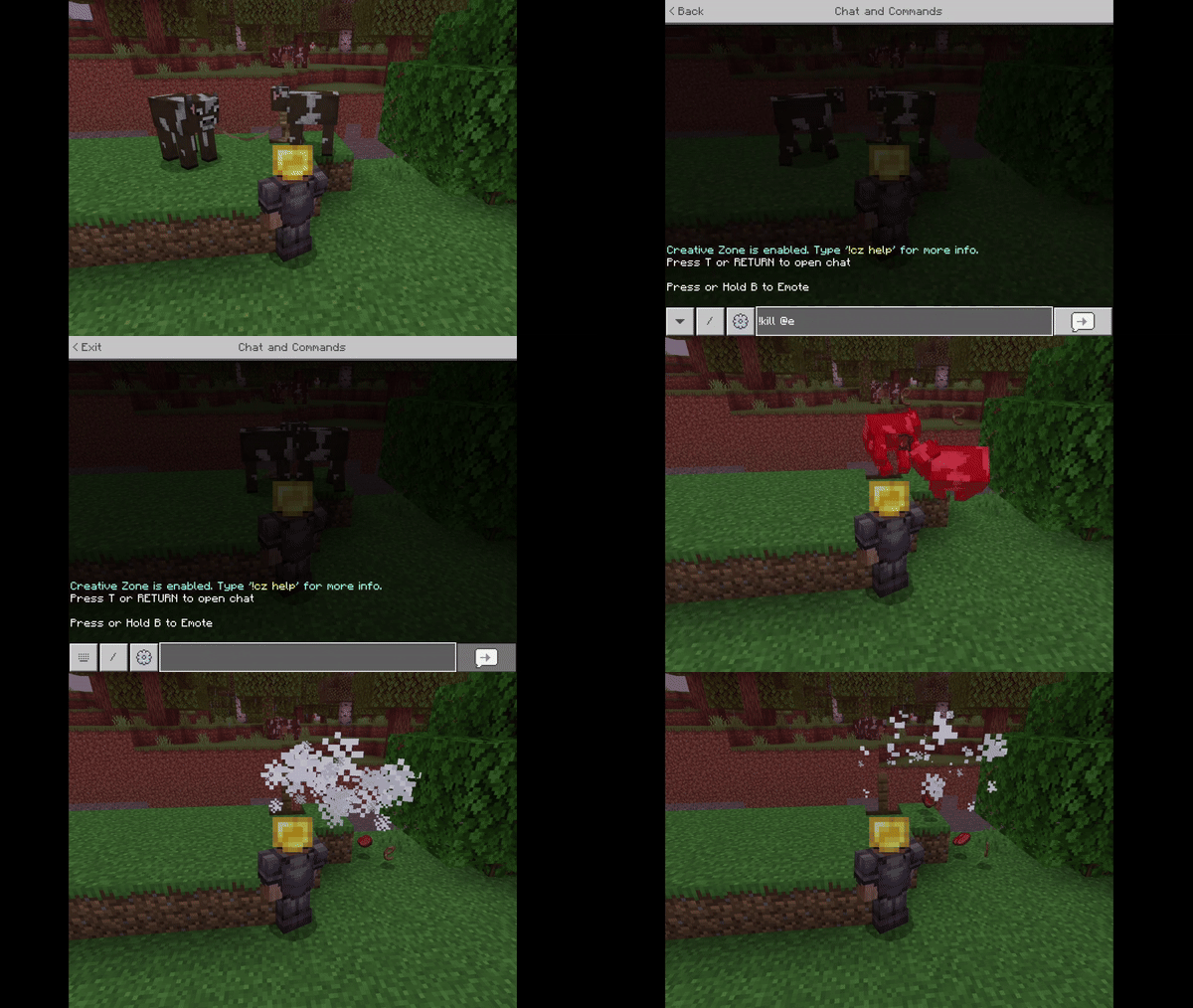
Commands can’t reach beyond CZ - This means that commands like ‘/kill @e’ can be run without risk of affecting entities outside. This works because selectors are appended to each command to constrain them to within the Creative Zone boundaries. Additionally, any command that uses coordinates will have them verified (and adjusted, if needed) to fall within CZ bounds. Even ~ and ^ are allowed!
Easy learning curve - On world join, players are notified if Creative Zone is enabled, and how to learn more about it. All functionality is documented and accessible from within the game.

‘!cz help’

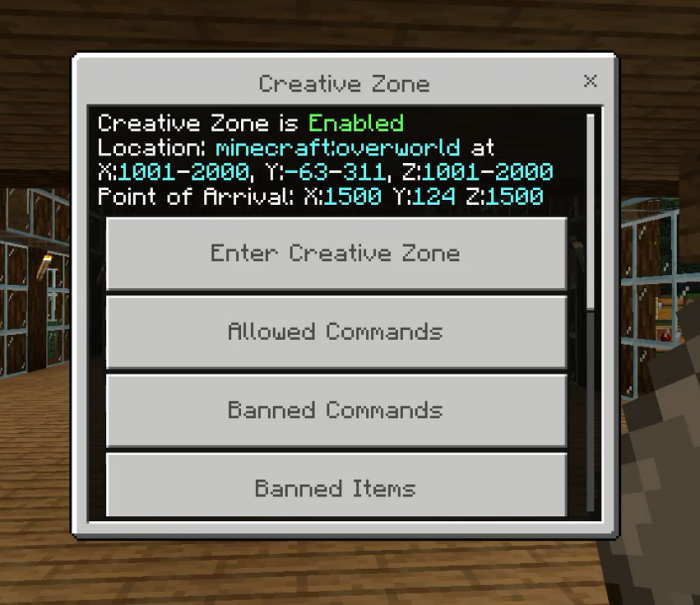
Easy to use UI - Instead of typing all commands, now you may use the UI to do everything from enter/exit the Creative Zone, to accessing the same info provided by other commands like the help section and the lists of banned things. Simply type '!cz' or '!cz form' in chat to get started.
Admin controls CZ - The Admin is currently set to be the first person to log into the world. The Admin can toggle ‘!cz on’ and ‘!cz off’ to enable or disable access to the Creative Zone. The Admin also has the duty to construct the Creative Zone boundaries as one of the first tasks after creating the world. The Admin can utilize the Operator UI to perform these tasks through the interface, which can be accessed through typing '!czo' or starting with '!cz' and then selecting Operator Commands.
Limitations
Due current API limitations, as well as a few bugs in the vanilla game itself, some limitations exist. ‘!cz banneditems’, ‘!cz bannedblocks’, and ‘!cz bannedentities’ are there to help maintain Creative Zone’s integrity by banning items/blocks/entities that can be used to escape it or cause other unintended consequences.
- Building CZ walls and floor/ceiling may not succeed on 1st attempt. To construct such a large structure, ticking areas have to be set up and taken down; they need to be fully loaded before building in them goes smoothly. Since the current API does not have a way to definitively tell when a ticking area is fully loaded, the wait times between each build step are hard-coded. This means that on slower devices/busy worlds, the wall/ceiling/floor may have gaps remaining after build (because that area didn't fully load before building started there). In such a case, use ‘!cz patchwall’ and ‘!cz patchfloor’/'!cz patchceiling'.
- When running commands with !, the usual messages of command results won’t be shown. This is due to current API limitations.
Known Issues
- Hunger level is not preserved (API limitation).
Setup
1) Create a world. Under ‘Experiments’, enable ‘Beta APIs’.
2) Run the command ‘!cz on’. You should see this message.

3) Run ‘!cz buildwall’ to build the walls. Let it finish before continuing to the next step, as it is resource intensive.
4) Run ‘!cz buildfloor’ OR ‘!cz buildceiling’ to build floor AND ceiling (each command does both). Let it finish as it’s resource intensive.
5) Optional: Enter the Creative Zone with ‘!cz enter’ and set yourself into Creative Mode with ‘!gamemode 1’. Fly around and verify that the barrier has been built correctly.
Helper Commands
If for any reason the wall or ceiling/floor fail to build, or have gaps, or just need repairs, here are 3 helper commands.

You can also define your own point of entry. Stand at the location you wish to set as the entry point, and type '!cz setarrival'

Everyone online will see the new coords as a confirmation message:

undefined
For More Awesome Content…
For news on fixes and updates on this Addon, as well as all the others, follow me on discord and patreon!
Please share your thoughts and report bugs here too.

The Creative Zone Team