Create: Nixie Tube
- By
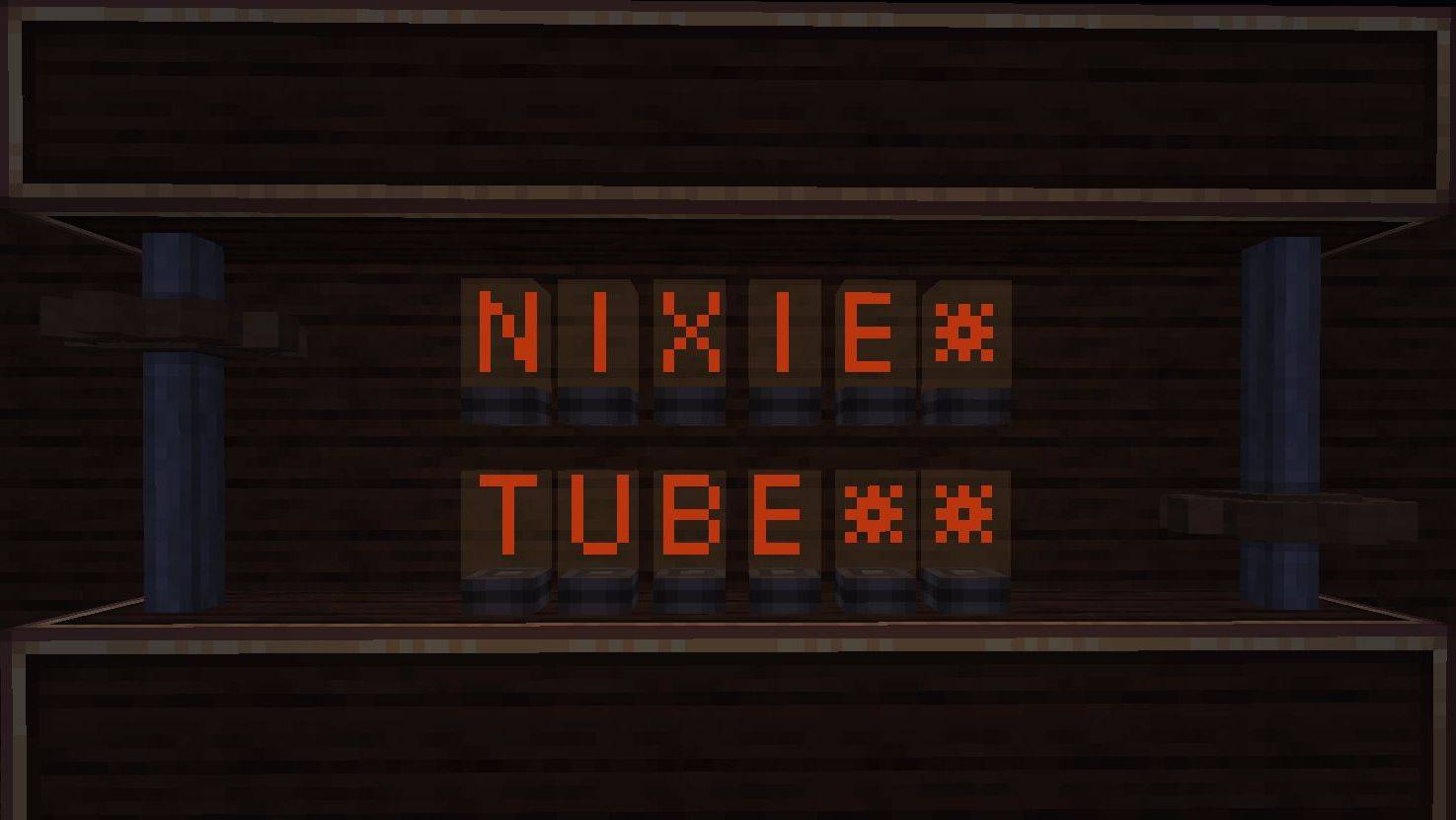
This add-on was created for Vatonage's Create Bedrock add-on and also for vanilla Minecraft. This add-on provides the basic and unique features of the Nixie tubes from Create (Java).
Screenshot_20260806-172311.jpg
Screenshot_20260806-164502.jpg
Screenshot_20260806-164524.jpg
Screenshot_20260806-164916.jpg
Screenshot_20260806-164952.jpg
Screenshot_20260806-165003.jpg
Screenshot_20260806-170207.jpg
Description
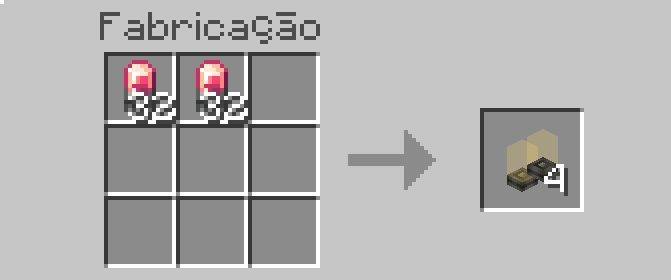
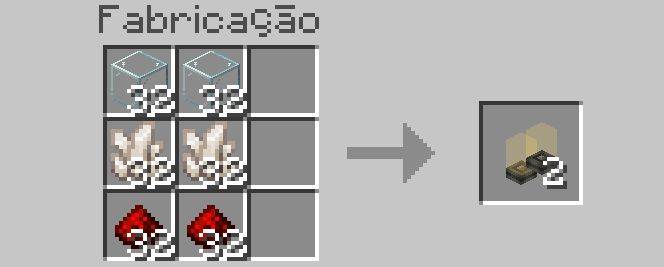
- Nixie tubes can be crafted in two way: Create(2 Electron Tubes) or Vanilla(Glass,Quartz and Redstone)
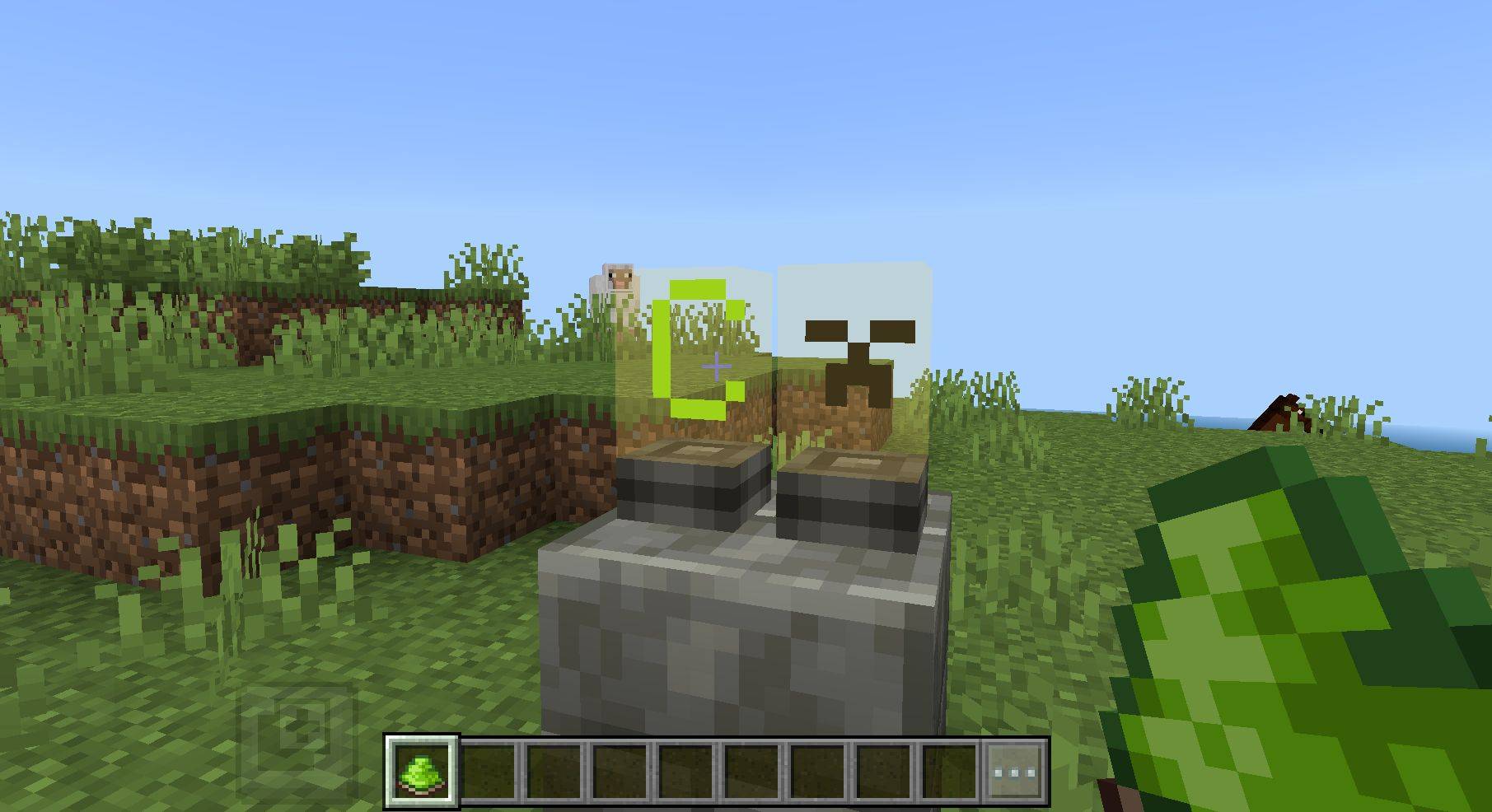
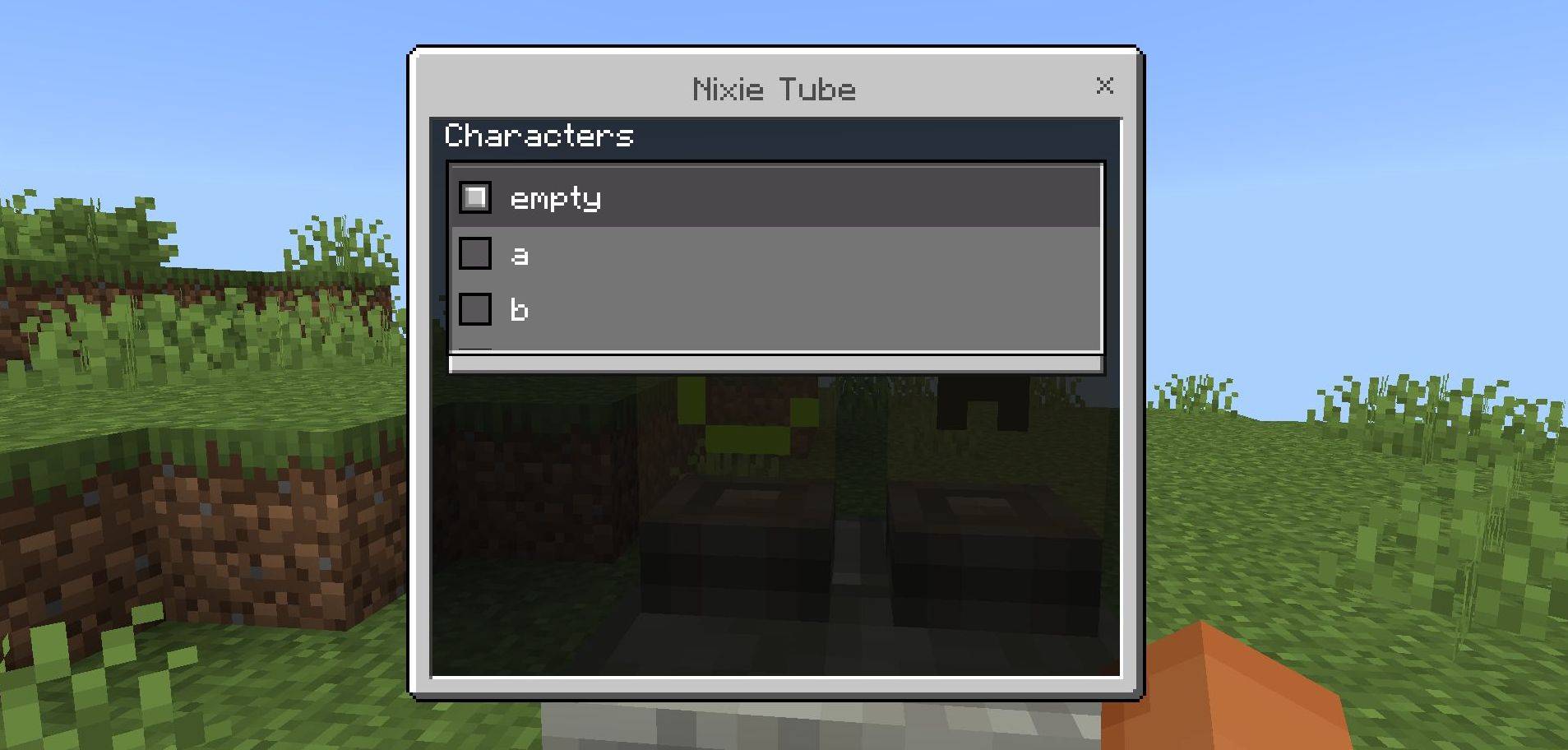
- Interacting directly with the tube opens an interface with valid characters
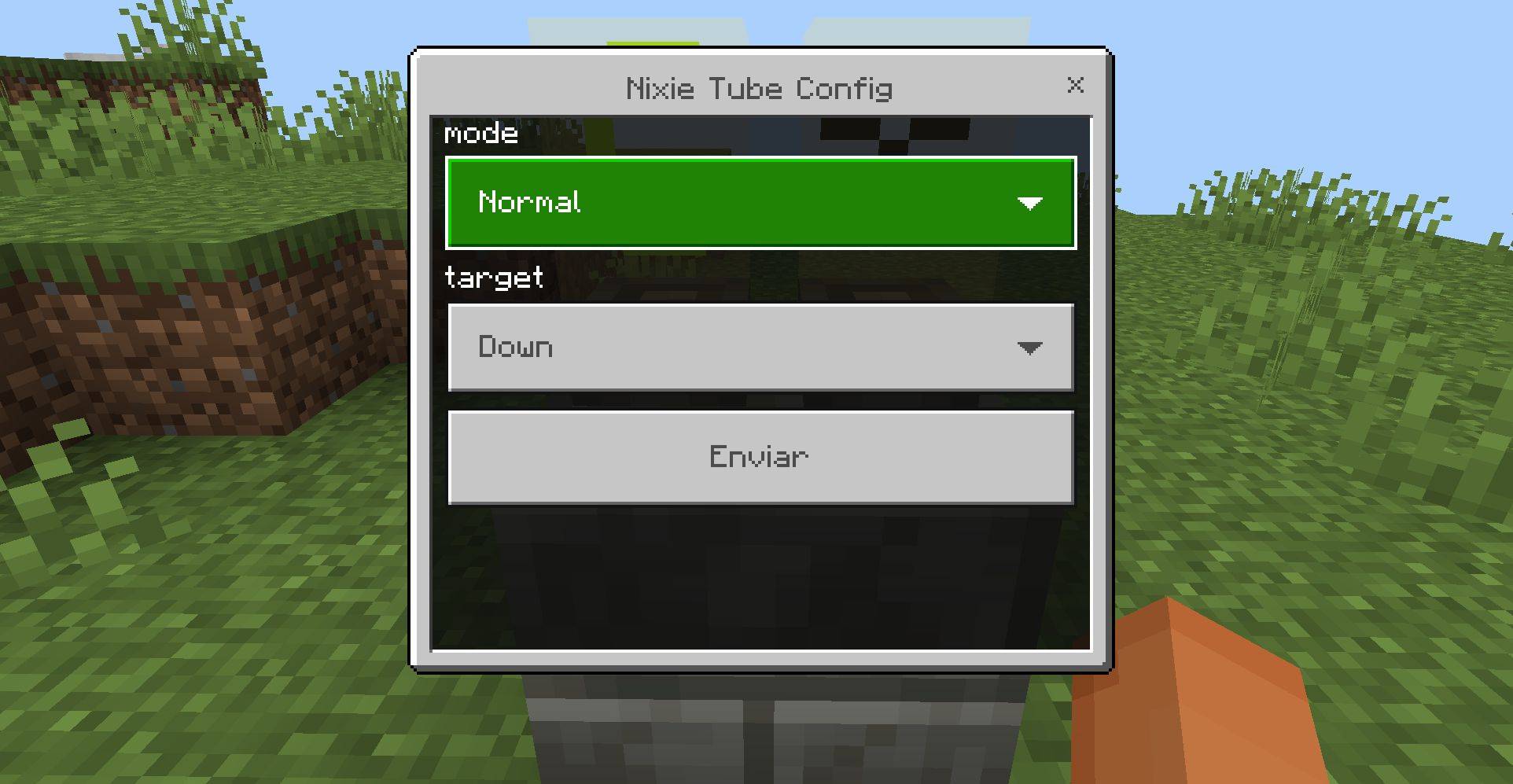
- Interacting directly with the base of the tube opens a settings interface (you can enable a function and select the target block)
- Interacting directly with a tube while holding a dye changes the character's color
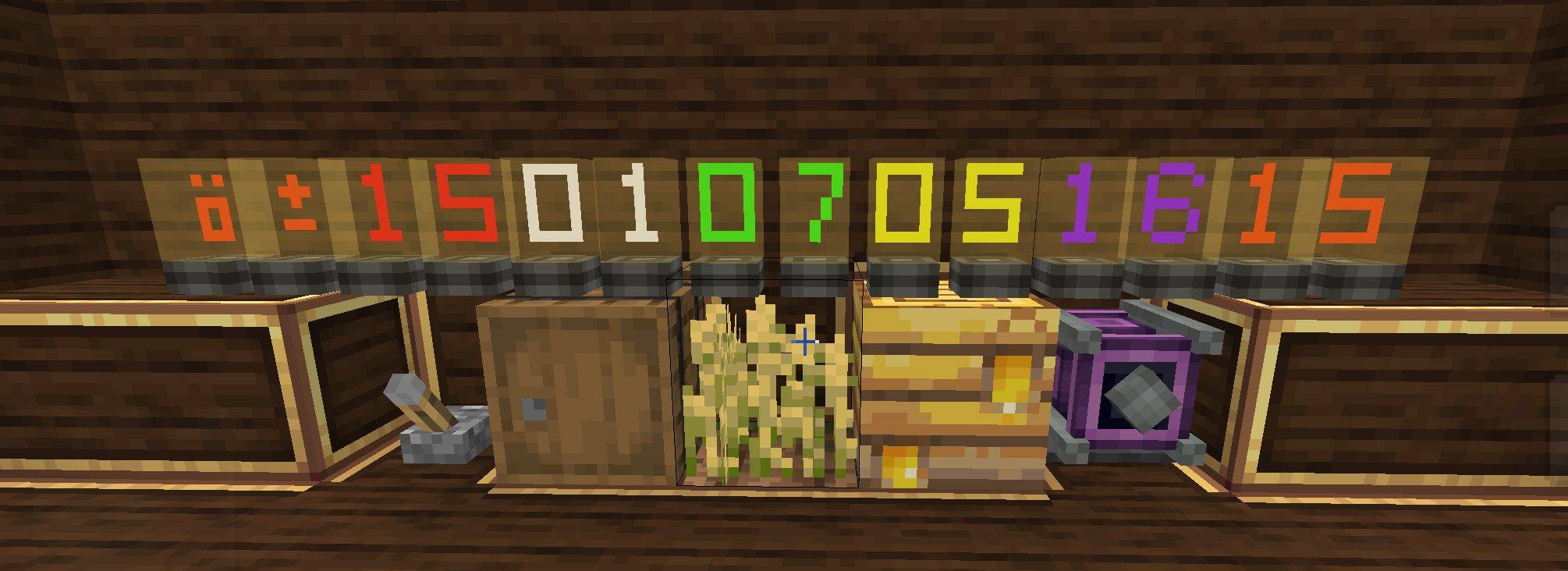
- The modes available in the tube settings are “Normal”,“Redstone Reader”,“Container Reader”, “Growth Reader”, “Fill Level Reader”, “RPM Reader” and “Light Sensor”.
*Modes
- Container Reader: Count how many slots with 64 items there are in blocks similar to the chest
- Growth Reader: Get the growth value for a crop
- Fill Level Reader: Get the values for the beehive, cauldron, flowing water, flowing lava, and composter
- RPM Reader: Get the RPM of the blocks that need torque (Exclusive to the “Create Addon” (by vatonage >> https://vatonage.com/mods/create-add-on))
- Light Sensor: Measure the light level at the location of the Nixie tube
*Basic Tutorial
- Clicking the tube changes the character;
- Sneak-clicking the base of the tube changes the reading mode and the target (up, down, north...);
- The reading modes will return the target's value (e.g., Redstone Block returns level 15, Chest returns +1 for every 64 items in a slot...).
Create: Nixie Tube Team