Craftable Structures
- By
Build massive bases and farms in survival without cheats! Craft blueprints, auto-deposit resources from chests, rotate hologram previews, and build instantly.
MCPEDL
Description
🏗️ Craftable Structures Addon
✨Tired of spending hours (or even days) building a starter base, while using Creative mode completely ruins the survival experience?
🛠️Craftable Structures bridges the gap perfectly! Earn your buildings legitimately by gathering resources, but skip the tedious block-by-block placement. This addon introduces a smart blueprint system that allows you to craft, preview, and instantly deploy massive structures directly in your vanilla survival world.
🌟 Key Features
🧱100% Survival Friendly — No cheating. You must gather every single block required for the final structure.
🔵Visual Particle Outlines — Placing a Structure Anchor creates a clear grid of blue or red particles. You can see the exact dimensions of the building before deploying it.
🔄Smart Rotation — Sneak and interact with the Anchor to instantly rotate the particle outline by 90°.
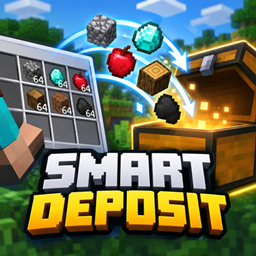
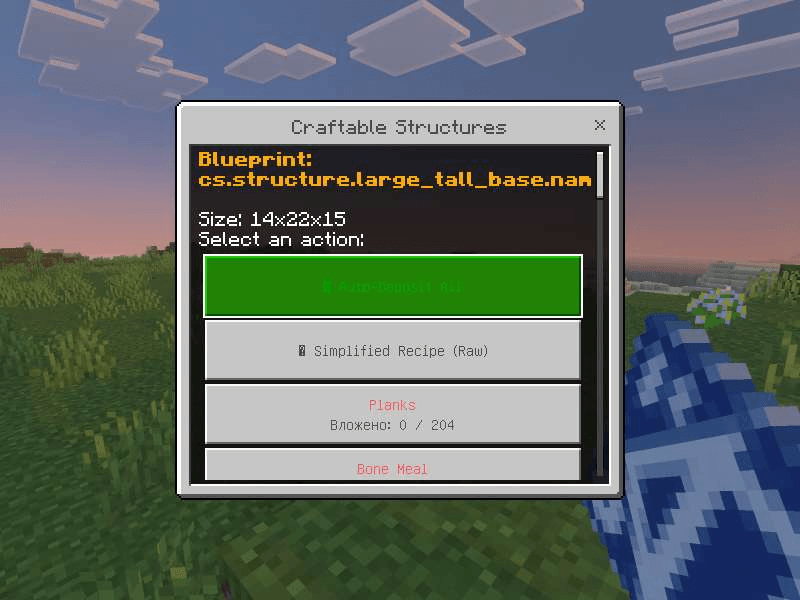
📦Smart Auto-Deposit — Don't want to click a hundred times? The Blueprint UI automatically scans and pulls required materials from any chests within a 2-block radius.
🪵Flexible Materials — Missing Oak? Use Spruce or Birch instead. Out of Cobblestone? The system easily accepts Deepslate or regular Stone. It completely adapts to your inventory!
🛡️Safety & Anti-Grief Systems — Made a mistake? Disassemble the blueprint to get your materials back (costs a small XP penalty). Obstacle detection also prevents spawning structures inside mountains.
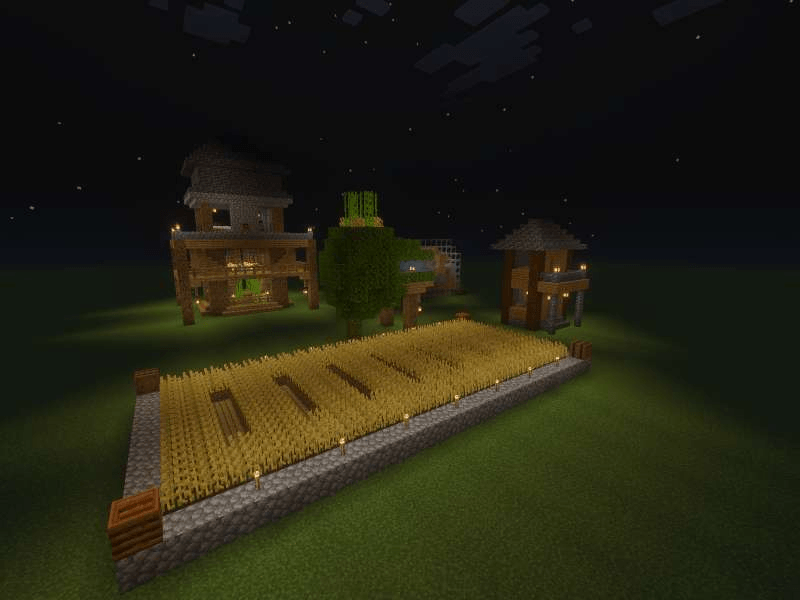
🏠 Included Structures (Currently, 11 structures are available)
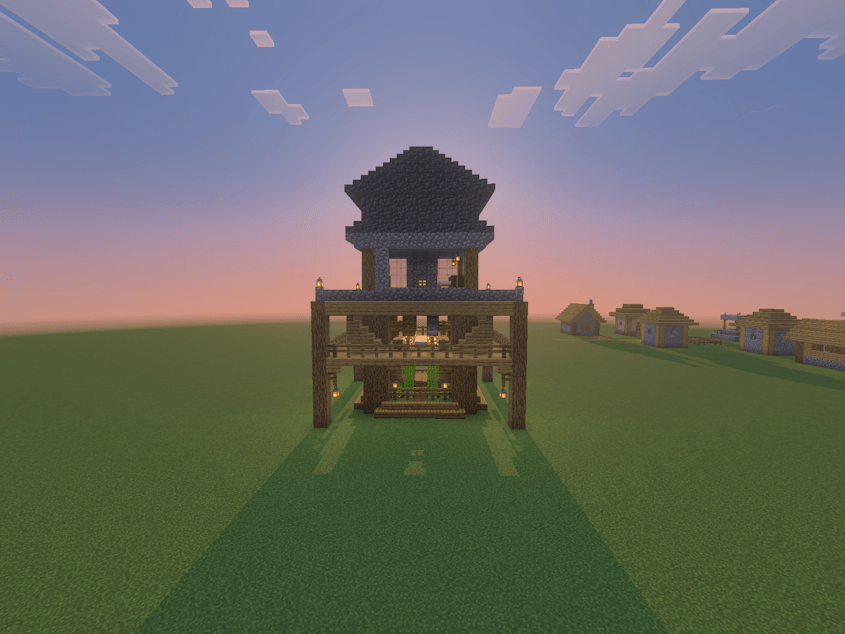
1. 🏰 Large Tall Base — A massive multi-level hub for comfortable survival.
2. 🌳 Treehouse Base — A cozy nest perfect for forest survival enthusiasts.
3. 🏡 Survival House — A reliable, classic starter home.
4. 🔮 Biosphere House — A stylish and compact mini-biosphere.
5. 🌾 Wheat Farm — Ready-to-use crop patches to jumpstart your economy.
And other structures...
🛠️ How it Works (Step-by-Step)
1. Craft a Blueprint — Surround a structure item (like a book, glass, etc.) with 8 Papers in a Crafting Table.
2. Check the Required Resources — Use the blueprint item in the air to open the menu and see the exact block checklist.
3. Deposit Materials — Gather the resources in your inventory or stand next to your chests and click the “Auto-Deposit All” button.
4. Get the Anchor — Once the blueprint reaches 100% completion, it transforms into a *Structure Anchor*.
5. Build the Structure:
* Place the Anchor on the ground to activate the particle grid outline.
* Sneak + Interact to rotate the building.
* Interact without sneaking to confirm and deploy! (You have 60 seconds before the preview expires).
⚠️ Important: Make sure to enable Experimental Toggles in your world settings for all features of this addon to function correctly!
🔥 My Other Addon 🔥
👉 Flatworld Villages Addon
💎Bored of the endless, empty flat worlds? This addon completely changes the rules of survival by adding full automatic village generation to flat worlds without using any commands!
⛓️💥Link for download Flatworld Villages: https://www.curseforge.com/minecraft-bedrock/addons/flatworld-villages-addon
🧩 Uniqueness — A jigsaw-like system generates random roads, houses, decorations, and loot. No two villages are ever the same!
⚙️ Customization — Features 5 spawn frequency modes to choose from.
💻 Automation — Generation works entirely on its own, completely command-free.
⛓️💥Link for download Flatworld Villages: https://www.curseforge.com/minecraft-bedrock/addons/flatworld-villages-addon
💬 Join Our Community!
Get updates first, report bugs, new content, suggest your own ideas for new structures, and chat with the author:
🚀 [Join our Discord server]: https://discord.gg/cawX2TfBE6
📢 [Join our Telegram channel]: https://t.me/Obsitus_mods
Craftable Structures Team