You can shoot and record your builds in Minecraft Bedrock now with addon. You have options to just shoot all of your builds from a third camera perspectives! Best for creators.
Want to host a powerful and reliable Minecraft or Hytale server? Get started with Godlikeclick here
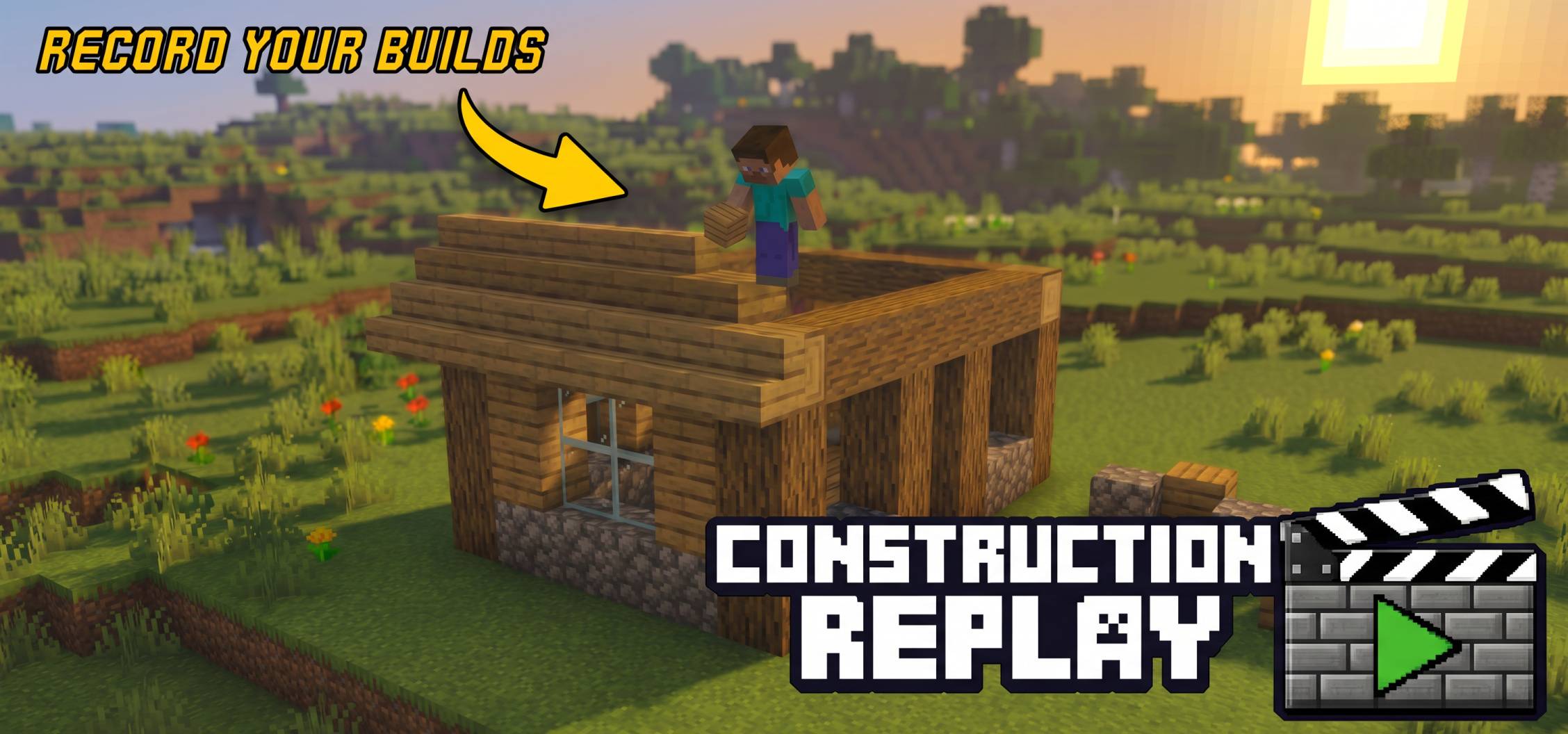
Record your Minecraft builds and replay them cinematically! Whether you want a fast paced timelapse of your latest redstone mansion or a ghost NPC to reconstruct your base block-by-block, Construction Replay has you covered.
Note: The add-on is in beta phase. I require feedback from you about bugs and suggestions to make it stable and reliable.
🎥 Three Dynamic Replay Modes
Normal Mode: Most rialable and costs least performance & size
Blocks visually place themselves.
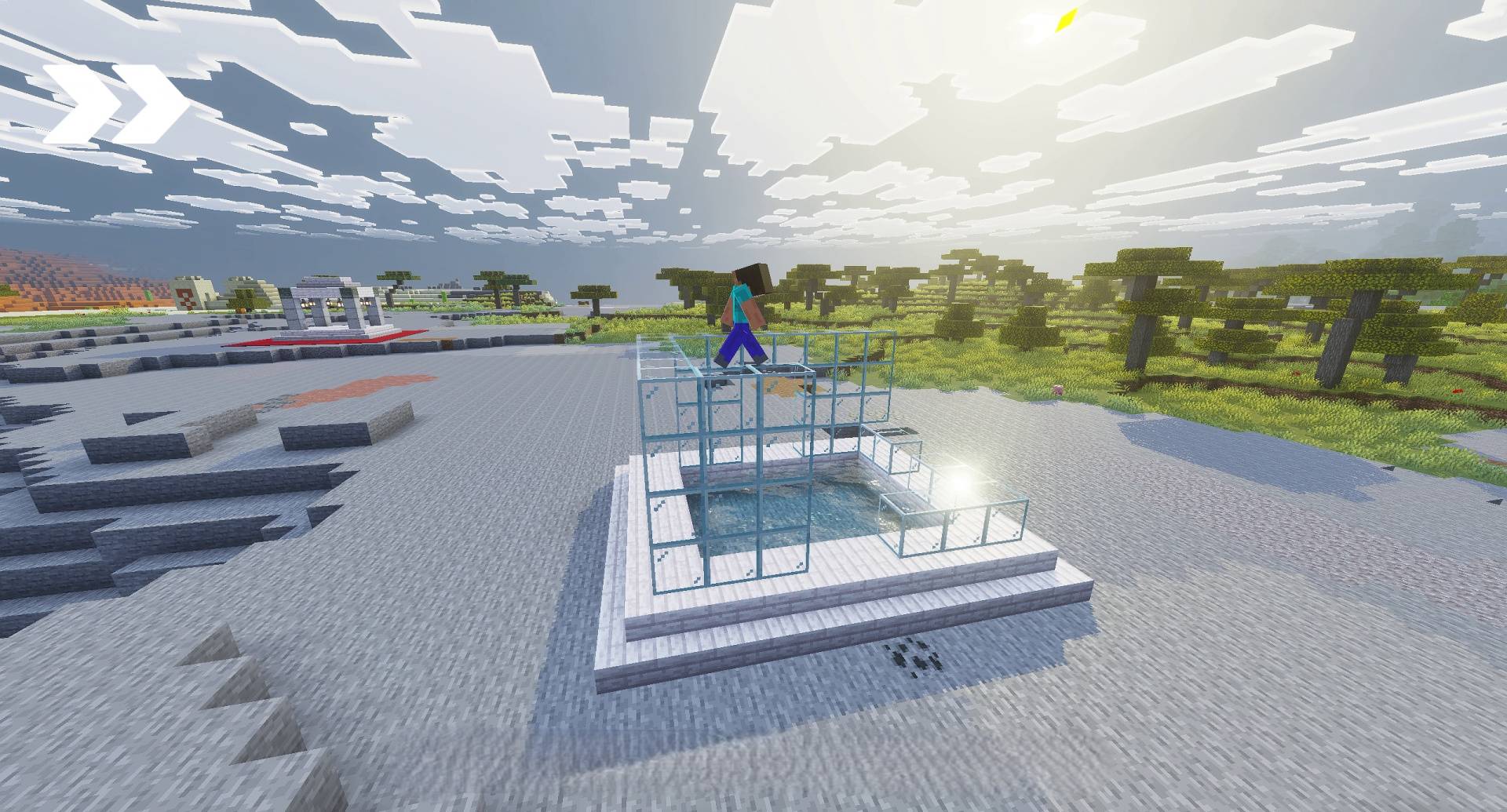
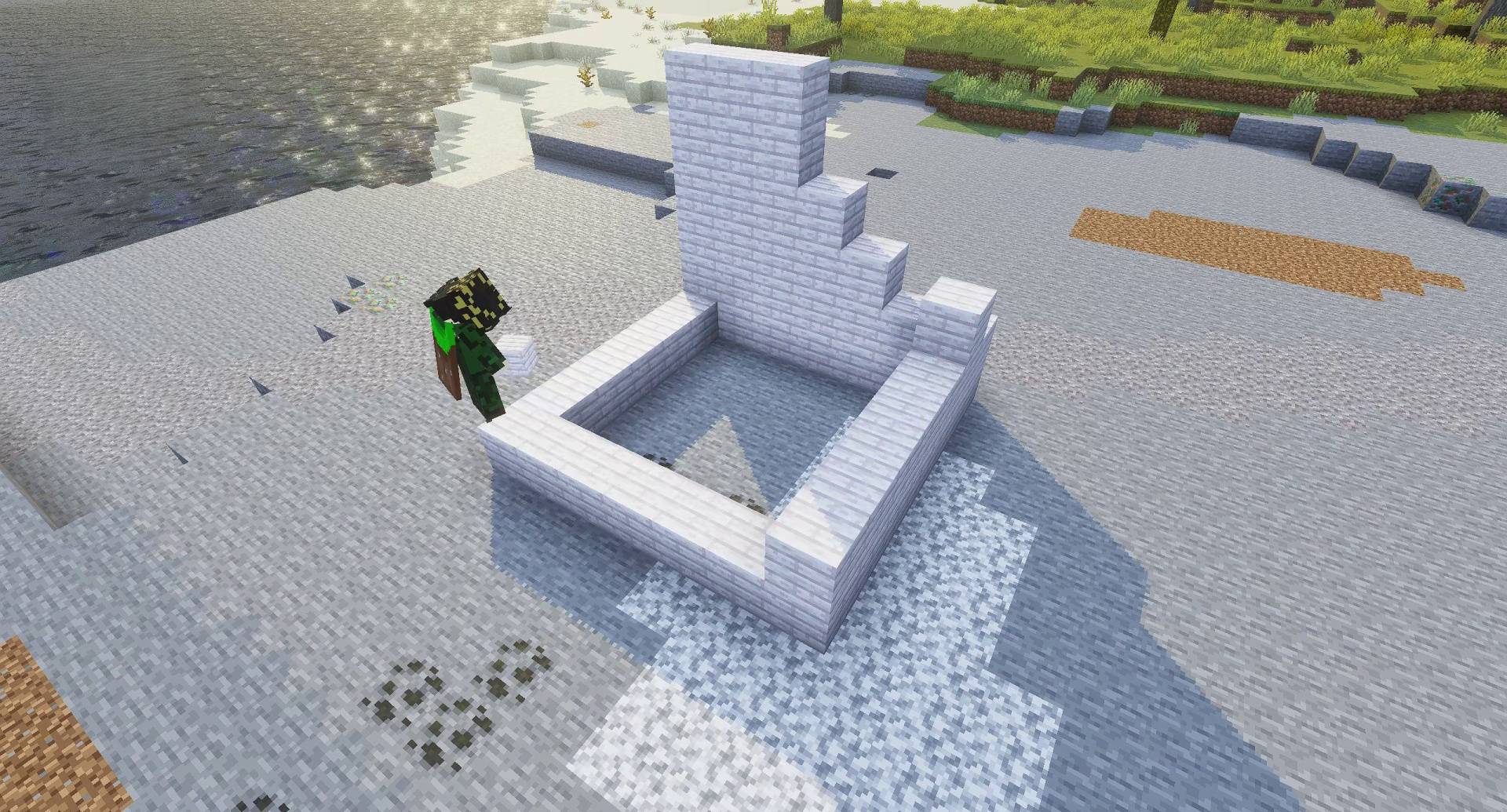
NPC Builder Mode: Balanced between stabiliy and Immersiveness
Spawns a specialized "Builder" NPC.
The NPC physically walks to each location, swings its arm, and places/breaks blocks exactly as you did.
Player Avatar Mode (Experimental): Unstable and experimental
Follows your exact path and actions as how they were recorded.
Most Real one.
✨ Key Features
🎬 Cinematic Camera Control: Set a per recording camera angle. Your player will be locked in place during the replay for the perfect shot. This is optional.
💾 Persistent World Storage: Recordings are saved directly into your world files. They stay with your world even if you close the game!
Supports bucket usage (water/lava) and even TNT/Creeper explosions.
Entity Displacement: Replays will safely move players or animals out of the way before placing a block.
🛡️ Area Reversion: Before every replay, the addon automatically reverts the area to its pre recording state, clearing the way for a fresh reconstruction.
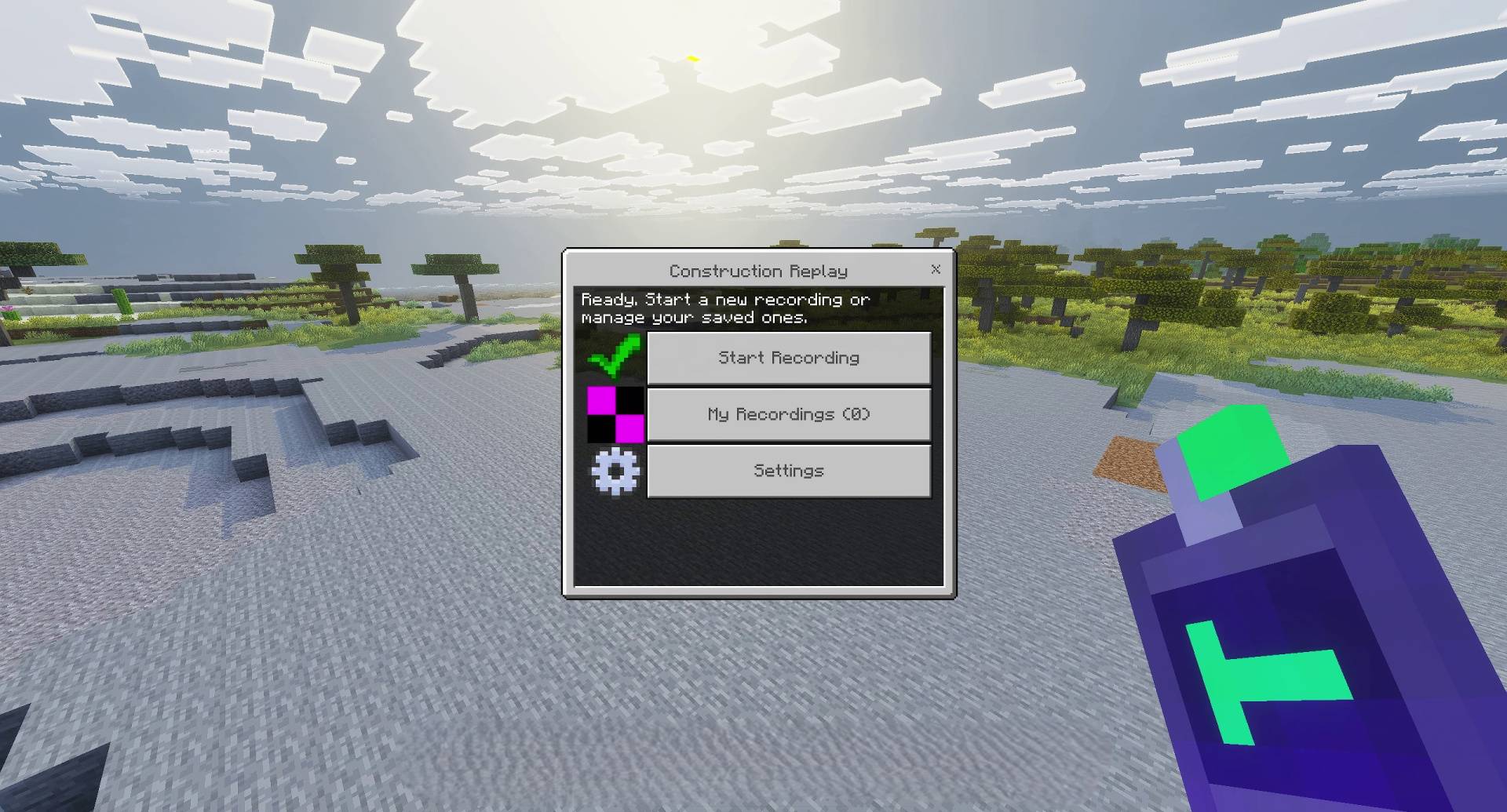
⚙️ Intuitive GUI: No need for complex command blocks. Manage everything through a sleek, item based menu.
🛠️ How to Use
Open the Menu: Use the Construction Remote item or type /replay:menu.
Record: Select "Start Recording" and choose your preferred mode.
Build: Walk around and place/break blocks as usual.
Save & Replay: Stop the recording, go to "My Recordings," select your build, and hit Play!
⌨️ Commands & Items
Construction Remote (replay:remote): Right-click/hold to open the GUI.
/replay:speed <1-10>: Choose a Speed for the replays. 1 being the slowest and 10 being fastest. 5 is the default.
📕 Recipe For Replay Remote
[x] [Redstone] [x]
[x] [Iron Ingot] [x]
[x] [Clock] [x]
Note: The addon will not save actual video recordings. You will have to play the cinematic scenes yourself and record it from external video recorder.
Video Showcase
1. You are allowed to make video on the addon but give credits in video description. 2. You are allowed to use it in your project, but only with my permission. Discord username: grumm7613 3. You are not allowed to publish the texture on any other website and claim it as yours.
Download the New Bedrock Manager application to easily install and manage your minecraft addons, worlds and more! Download Now! (Windows only, android in future)
Enjoy building!
👉 Click the banner or [start here] to get going. Use code MODMCPE40 for 40% off! 💬 Curious what players think? Check out the community discussion on [Best Minecraft Server Hosting].
The Construction Replay | Shoot and record your builds! Team
Lunac Shaders 3d is a another version of The Lunac Shaders with Heightmaps and MERS textures. This PBR (Physically Based Rendering) version is much better version in terms of Details, shadows and lightning with 3d blocks.
This fantastic texture pack introduces a collection of beautifully crafted custom crosshair's that greatly enhance the game's visuals compared to the default ones.
Lunac Shader Adds realistic RTX like graphics without needing to have RTX GPU. It Adds Ultra relistic water, shadows, reflections, shadows and lighting. It has much better performance than traditional Ray tracing.
The Classic Full Grass texture, still commonly used by minecraft players. It makes the grass block, snow, block, path block, etc much better. It fixes the brown and green color of bad mixture for far view.
Lunac Shaders 3d is a another version of The Lunac Shaders with Heightmaps and MERS textures. This PBR (Physically Based Rendering) version is much better version in terms of Details, shadows and lightning with 3d blocks.
This fantastic texture pack introduces a collection of beautifully crafted custom crosshair's that greatly enhance the game's visuals compared to the default ones.
Lunac Shader Adds realistic RTX like graphics without needing to have RTX GPU. It Adds Ultra relistic water, shadows, reflections, shadows and lighting. It has much better performance than traditional Ray tracing.
The Classic Full Grass texture, still commonly used by minecraft players. It makes the grass block, snow, block, path block, etc much better. It fixes the brown and green color of bad mixture for far view.