Colourfull armor bars by baku
- By
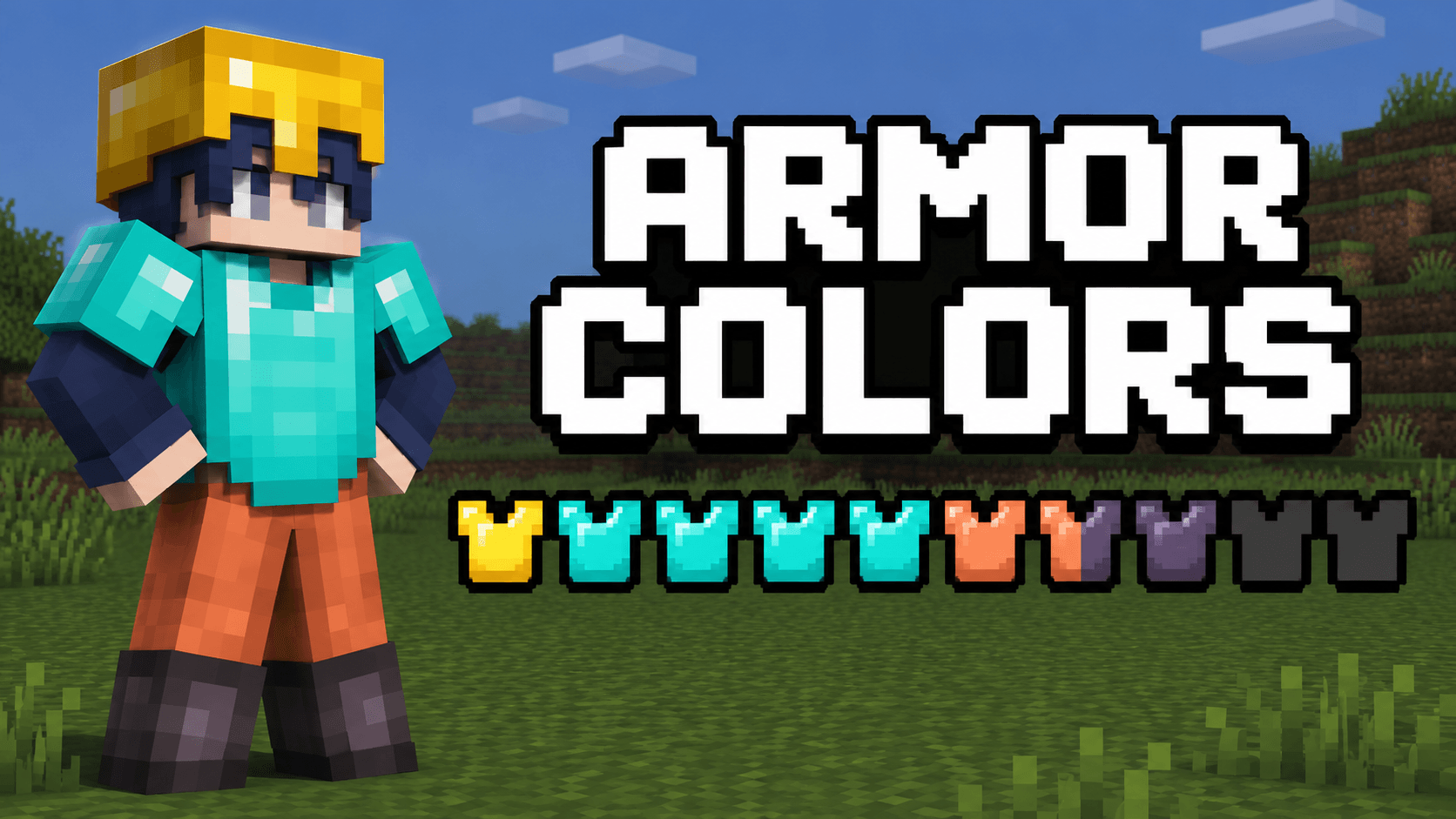
Armor Colors adds a color-coded armor bar to Minecraft Bedrock. Each equipped piece shows its armor points in its material’s color, even when two pieces share half an icon. Created by Baku.
MCPEDL
Description
🛡️ Armor Colors
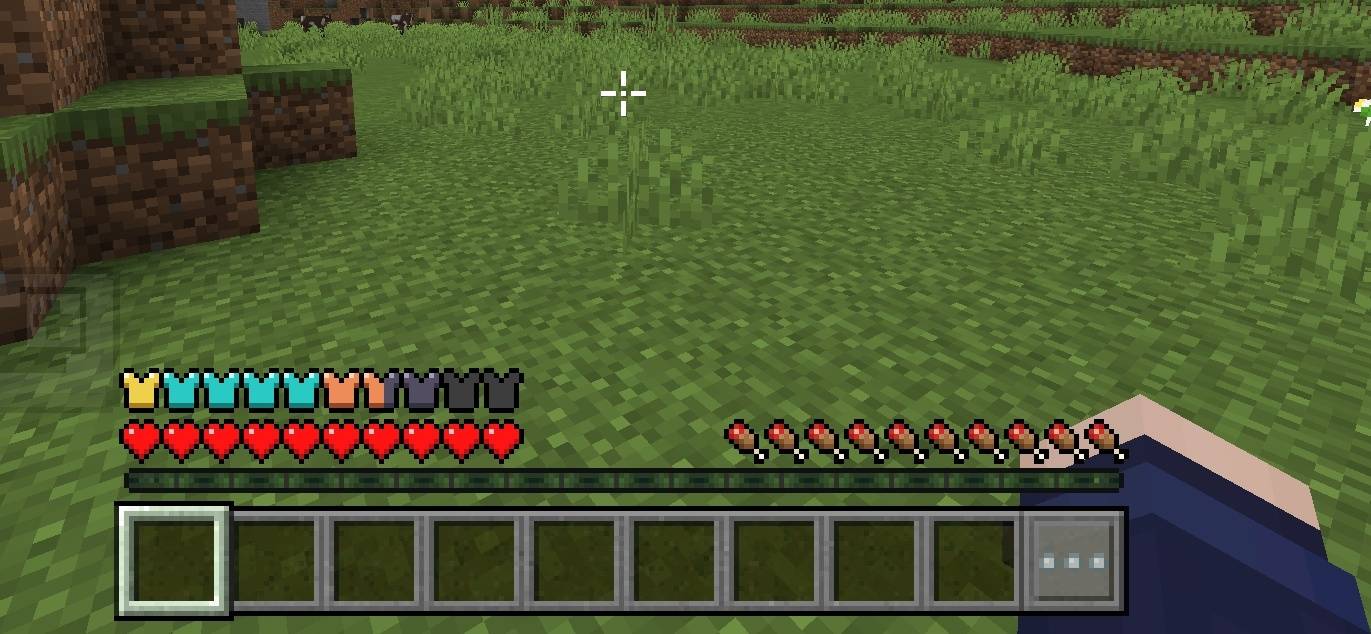
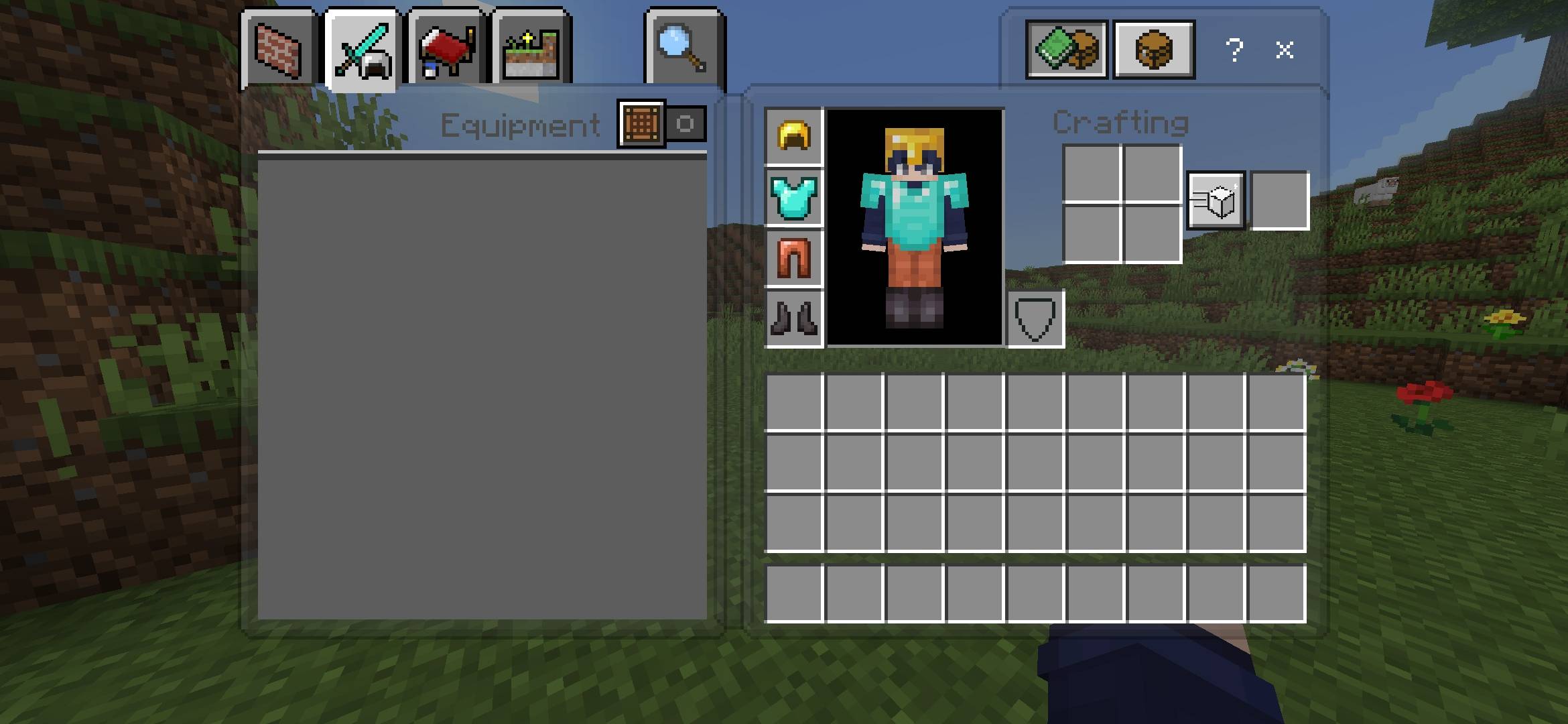
See how much each piece of armor contributes to your armor bar in Minecraft Bedrock. Equip a gold helmet and the first icon turns gold. Put on a diamond chestplate and the next four turn cyan. The colors update as you swap gear.
🎨 Read Your Armor Bar
One full icon = 2 armor points. Diamond boots give 3 points, so they fill 1½ cyan icons. When two materials share an icon, each half shows its own material color.
The bar fills from left to right: Helmet → Chestplate → Leggings → Boots. It shows base armor points. Protection enchantments do not add extra icons.
💎 Supported Armor
Leather, copper, gold, chainmail, iron, diamond, netherite, and the turtle shell. Mix pieces from different sets to see each material’s contribution.
📦 Installation
- Open the .mcaddon file with Minecraft Bedrock.
- Activate the Armor Colors Behavior Pack and its Resource Pack in your world settings.
- Enter Survival and equip your armor.
Bedrock 26.60+ · Works with experiments turned off.
Created by Baku.
Colourfull armor bars by baku Team

Owner