Cloud Storage
- By
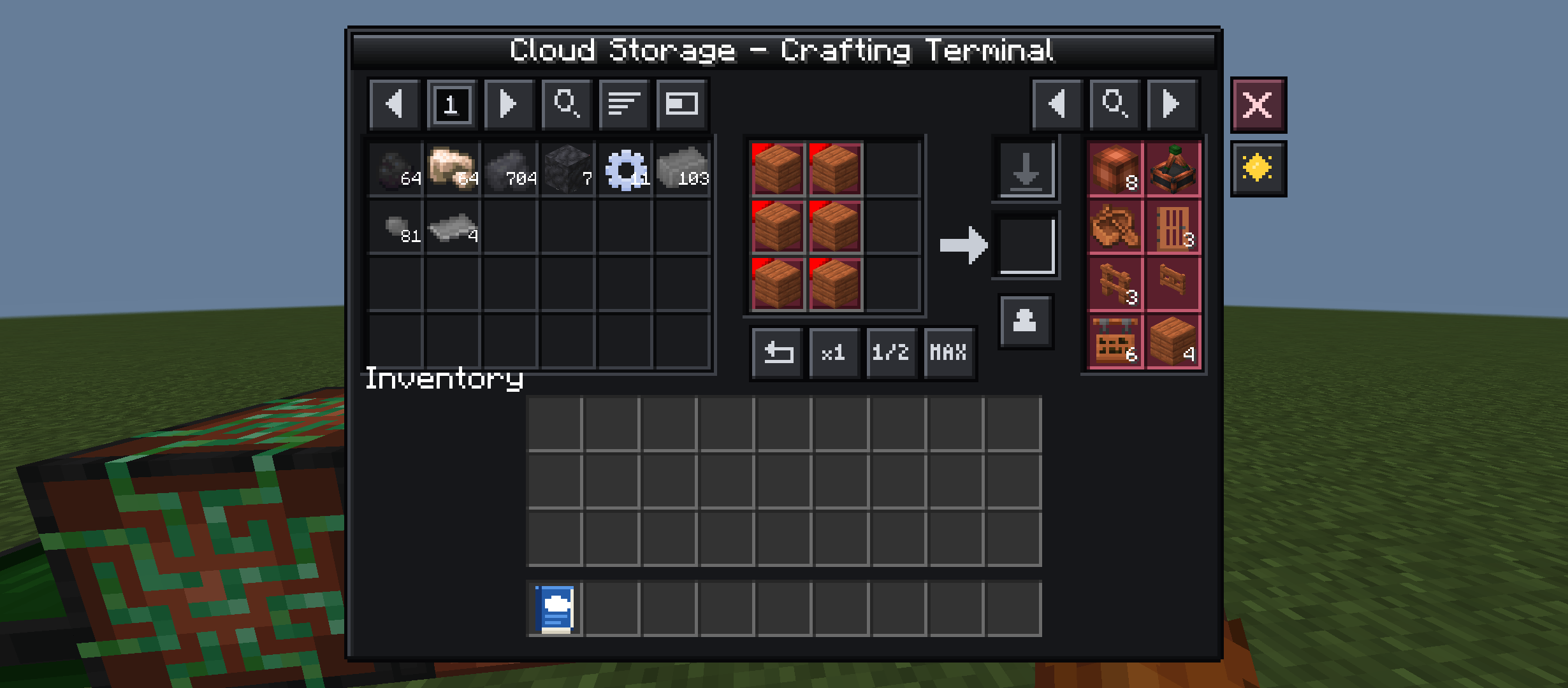
Crafting terminal with recipe book
Description
# ☁️ Cloud Storage
Store everything in one network and reach it from anywhere you place a terminal.
Cloud Storage brings an **AE2-style digital storage system** to Minecraft Bedrock,
with a clean custom UI, a built-in guide book and **automatic crafting**.
## ✨ Features
### 📦 Storage network
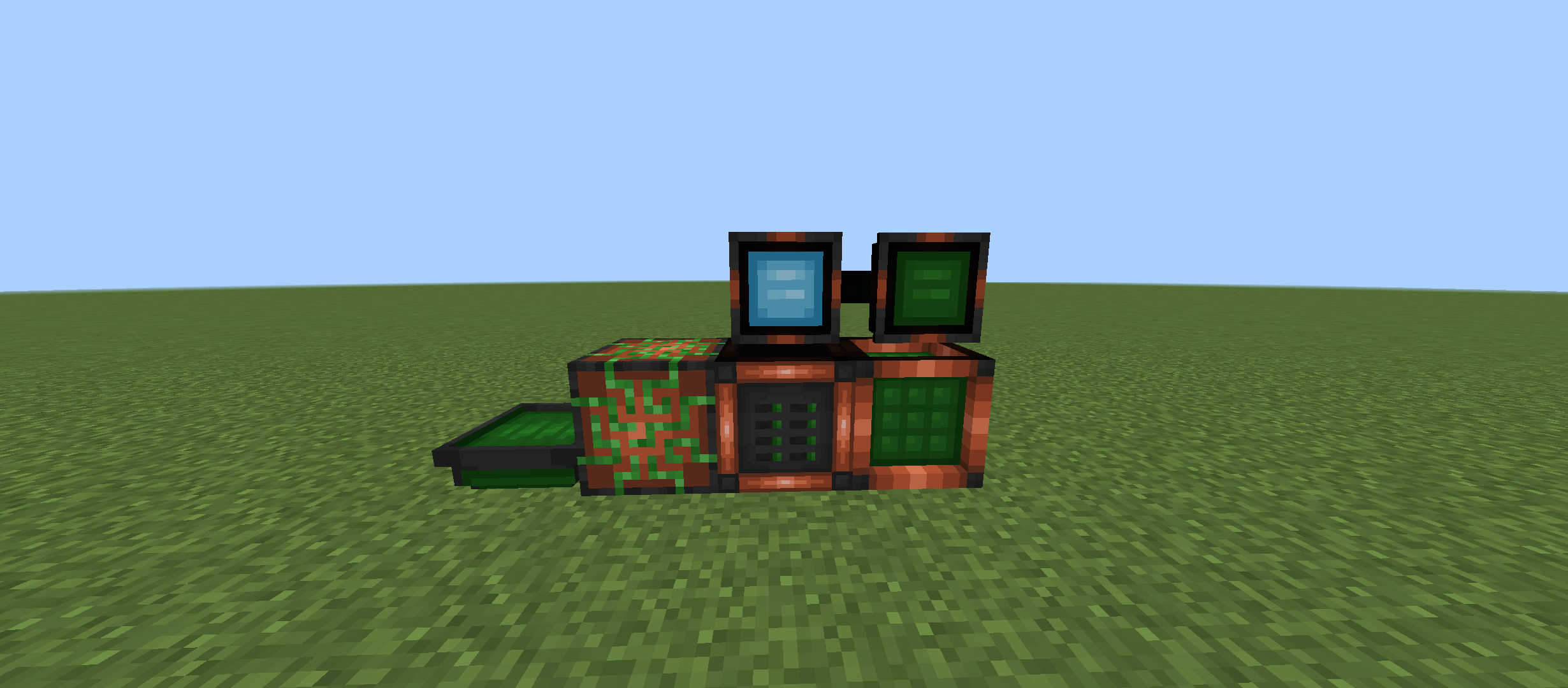
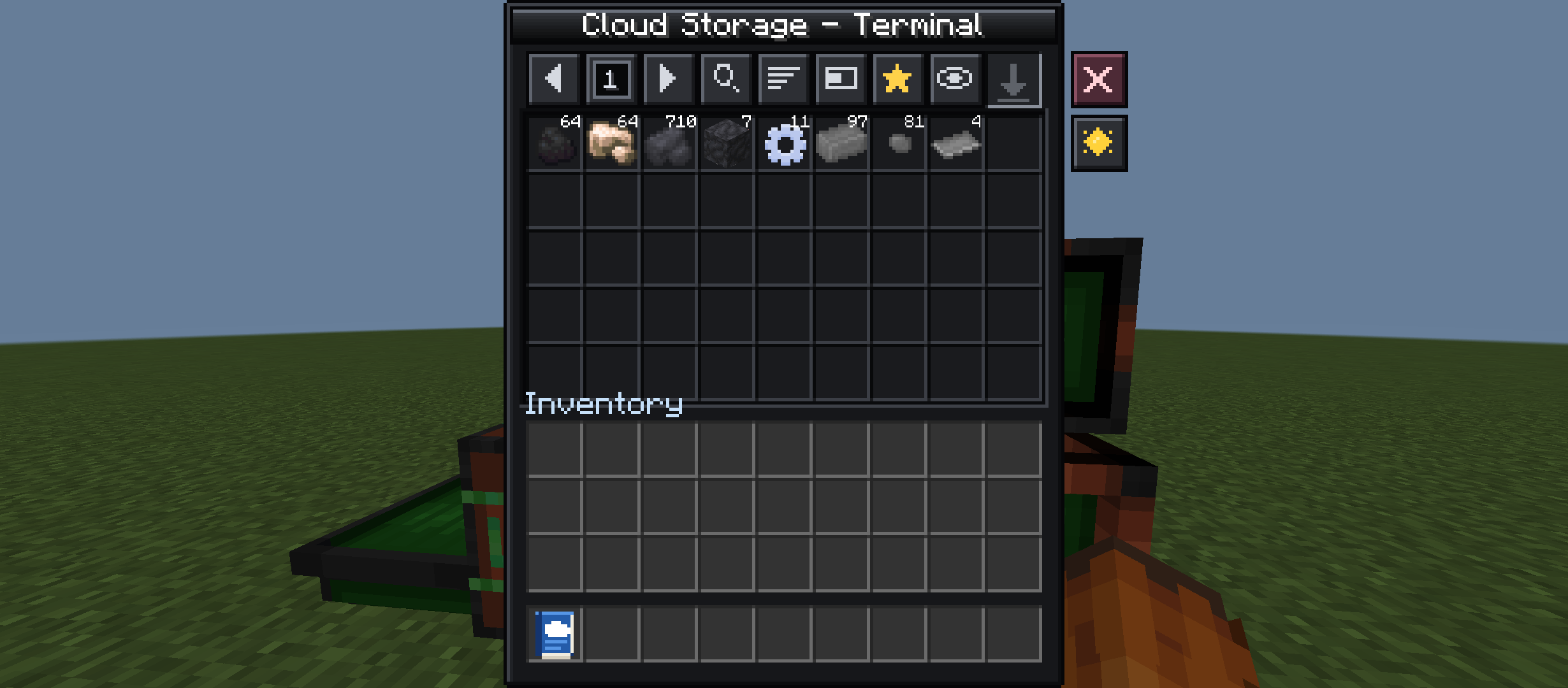
- **Cloud Terminal** – browse, search, sort and favorite every item in your network.
- **Crafting Terminal** – craft straight from storage; missing ingredients are highlighted.
- **Disks** in 6 tiers (Basic → Advanced → Expert → Ultimate → Cosmic → Quantum) to grow your capacity.
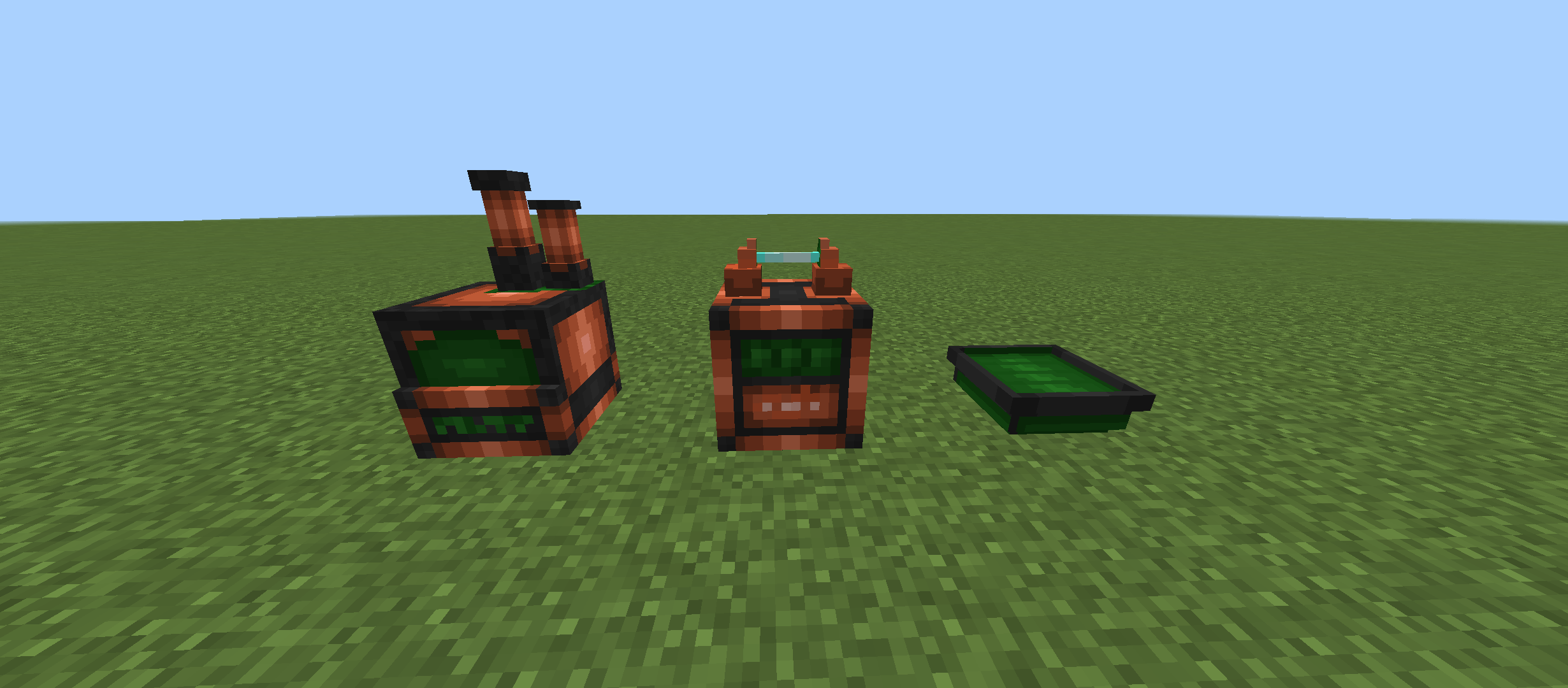
- **Disk Drive** and **Central Server (Core)** to hold your disks and power the network.
- **Importer / Exporter** with filters to move items in and out of chests, barrels, hoppers and more.
- **Storage Cables** to connect everything, including chets, plus **Antenna + Remote** to open your storage from a distance.
- //Compability with Utilitycraft** You can play with UtilityCraft.
### 🤖 Auto Crafter (CPU)
- Request any item and the CPU plans the whole crafting tree, intermediates included.
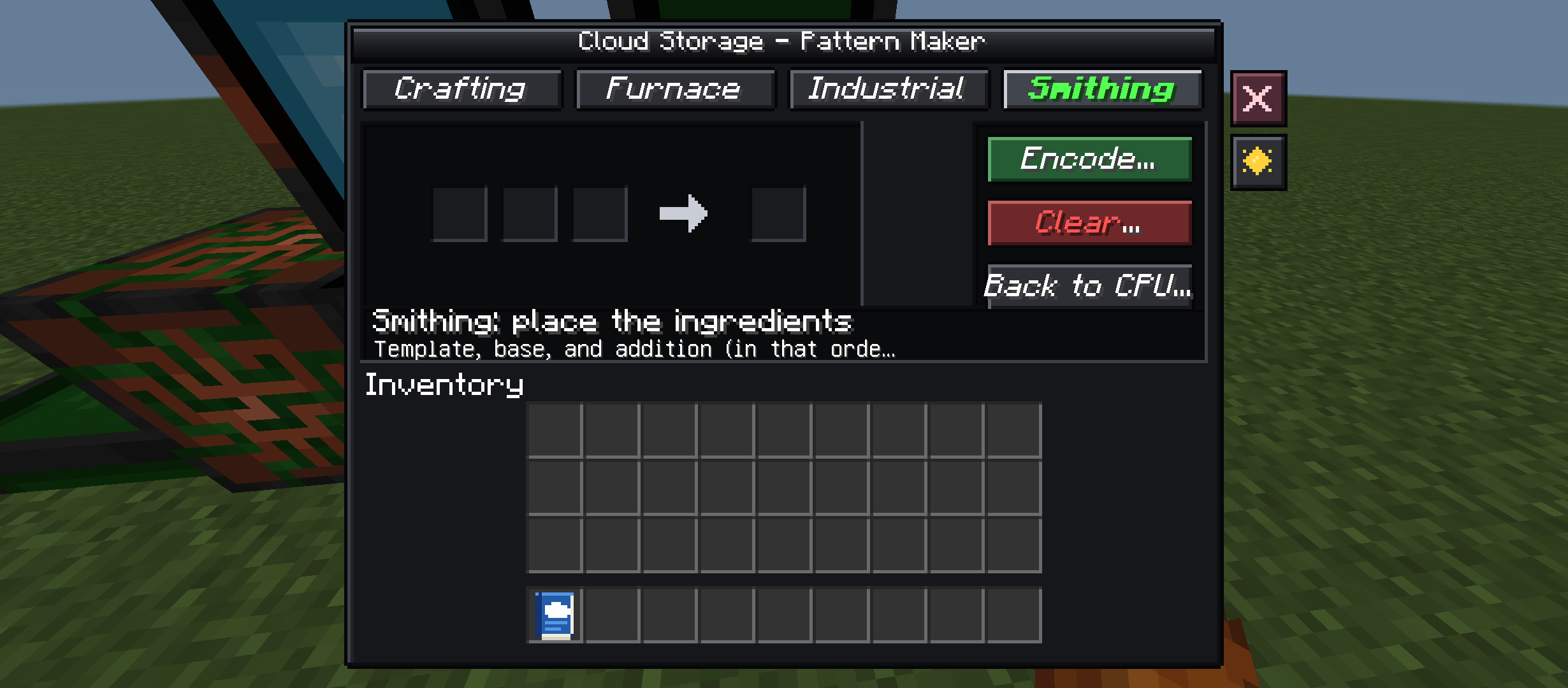
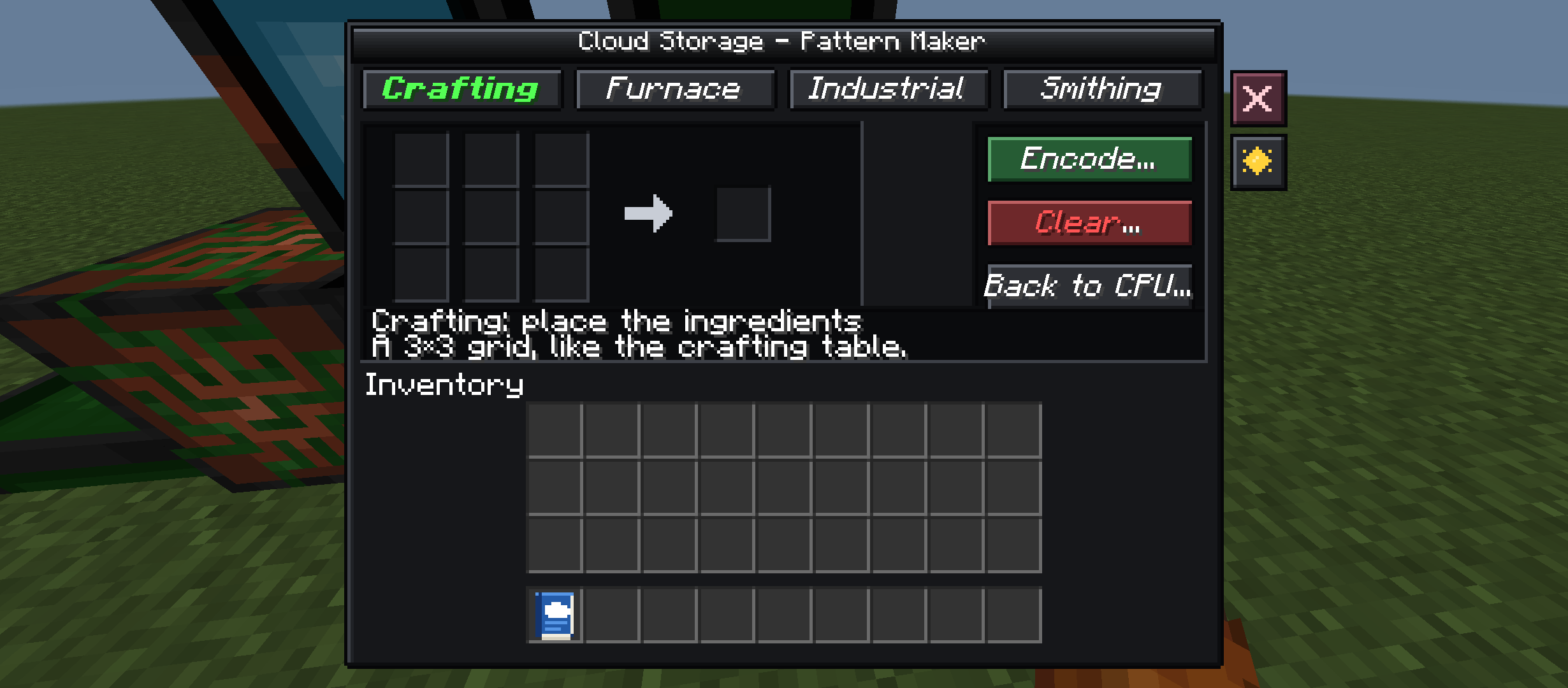
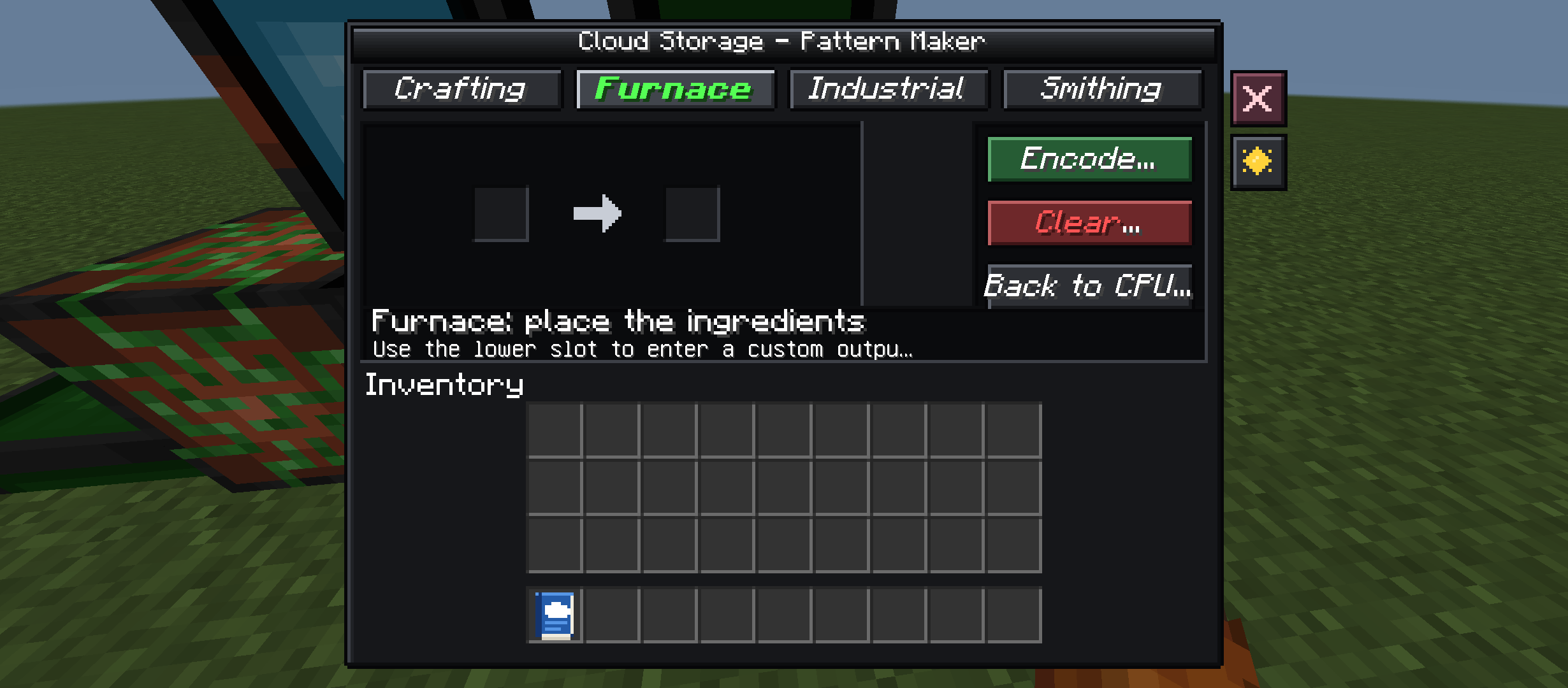
- **Patterns** store recipes (crafting, furnace, smithing, brewing and UtilityCraft machines)
and can be encoded from a tabbed pattern encoder.
- **Planner Papers** keep crafting non-stop until you take the paper out.
- **Keep in stock** rules restock items automatically.
- Queue with progress, pause/resume, and 5 speed levels.
- Up to **512 patterns** and **32 planner papers** per CPU, with page buttons to navigate them.
### ⚡ Energy
- Coal Generator, Solar Panel and Electric Furnace, connected through the same cables.
- The Core needs power to keep your disks and terminals running.
### 🎨 Quality of life
- **Light and dark UI themes**, switchable in-game.
- Full **English, Spanish and Portuguese** support.
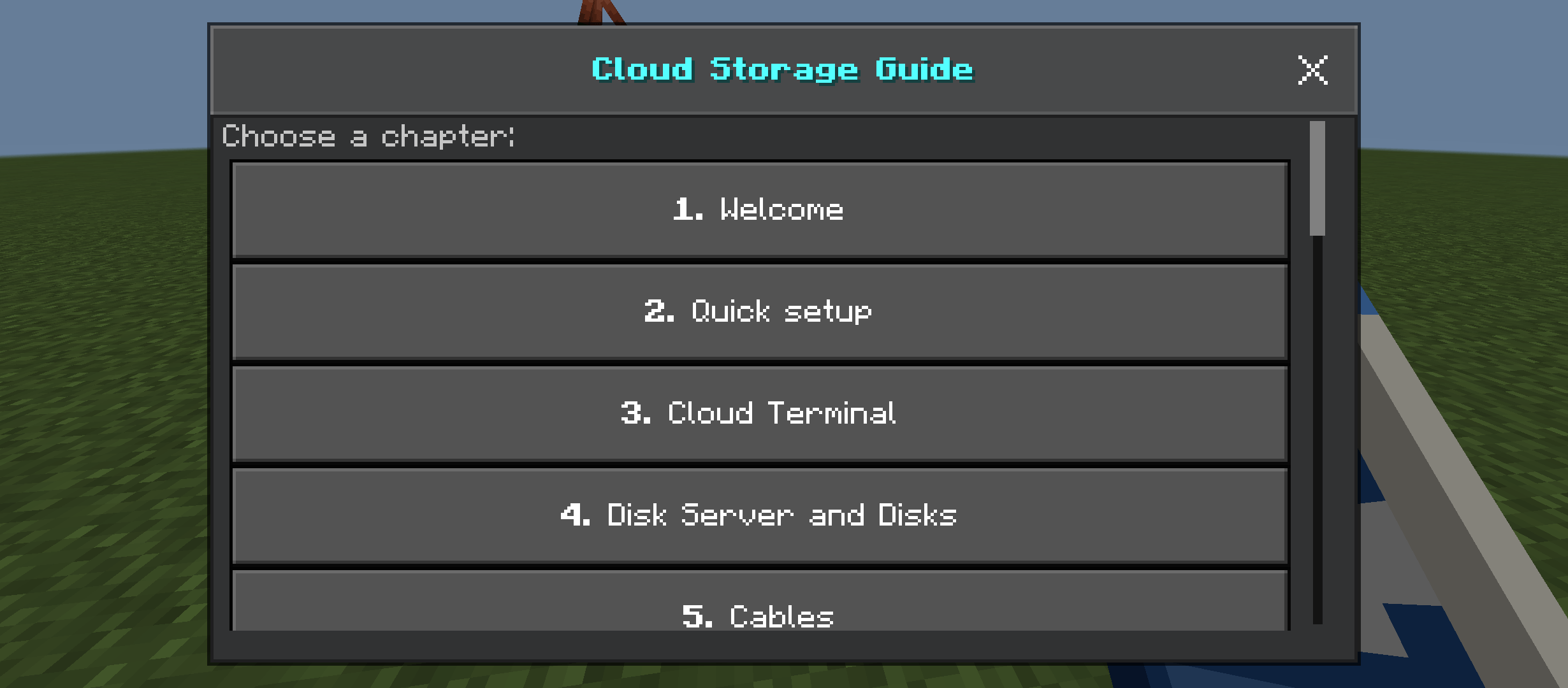
- Built-in **Guide Book** explaining every block.
- Optional **UtilityCraft** integration (pattern encoding for its machines).
## 📋 Requirements
- Minecraft Bedrock **1.26.0+**
- Enable **Beta APIs** in the world's Experiments (the add-on uses the Script API), and you don't need if you want less features.
- Both packs (Behavior + Resource) must be activated.
## 🔧 Installation
1. Download the `.mcaddon` file and open it – Minecraft imports both packs.
2. Create or edit a world and activate the **Cloud Storage BP** and **RP**.
3. Don't need beta api if you want less features.
4. Craft the Guide Book to get started.
## 🐛 Feedback
Found a bug or have an idea? Leave a comment or open an issue. Thanks for playing!
*By ZMC Studios*
Cloud Storage Team