ClickMate – Smart Autoclicker
- By
ckickmate.webp
Description
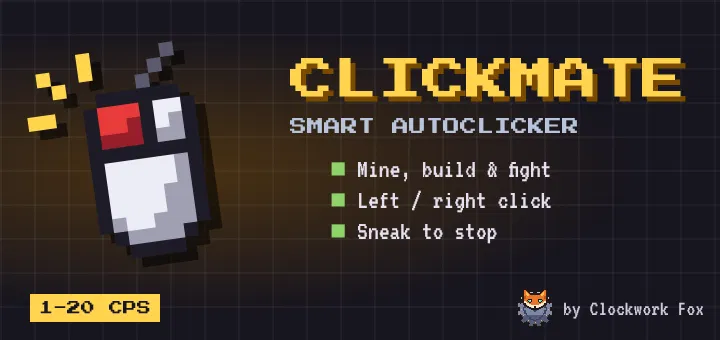
ClickMate adds the Autoclicker: an item you keep in your inventory that clicks for you. Use it, pick how to click, and it does the work.
HOW IT WORKS
1. Hold the Autoclicker and right-click to open the menu.
2. Choose LEFT click (mine / attack) or RIGHT click (place / use).
3. Set the speed: 1 to 20 clicks per second.
4. Set the start timer (default 5 s, from 0 to 30).
5. Press OK and switch to the tool or blocks you want to use.
6. Sneak (Shift) to stop.
LEFT CLICK
- Mines with real vanilla break times (tool, Efficiency, Haste, Mining Fatigue).
- Respects Fortune, Silk Touch, pickaxe tier and Unbreaking; tools wear out normally.
- Attacks mobs with weapon damage, Sharpness, Fire Aspect and Knockback.
RIGHT CLICK
- Places blocks with the correct orientation; consumes them in Survival, not in Creative.
- Places blocks under your feet while jumping (pillaring).
- Pours and picks up water and lava with buckets.
- Opens doors, trapdoors, fence gates and levers; tills, strips logs, makes paths.
GETTING THE ITEM
- Given automatically the first time you join the world.
- Creative inventory (Equipment) or crafting: redstone on top and sides, iron ingot in the center, stick below.
LIMITATIONS
Add-ons can't press the real mouse button, so actions are recreated by script. Right click does not eat, shoot bows, open chests or trade with villagers. Block cracks aren't shown while mining (a progress bar is shown instead).
COMPATIBILITY
Minecraft Bedrock 26.50 or later. No experiments needed. Made for singleplayer and private worlds (public servers ban autoclickers). Disables achievements like every add-on.
---
Made by Clockwork Fox. Enjoying ClickMate? You can support future mods here: https://paypal.me/ClockworkFox
ClickMate – Smart Autoclicker Team