


CINEMATIC CAMERA STUDIO
- By
minecraft.jpg
mine craft 2.jpg
minecraft6.jpg
minecraft7.jpg
minecraft 3.jpg
Description
🎬 Cinematic Camera Studio (Bedrock Edition)
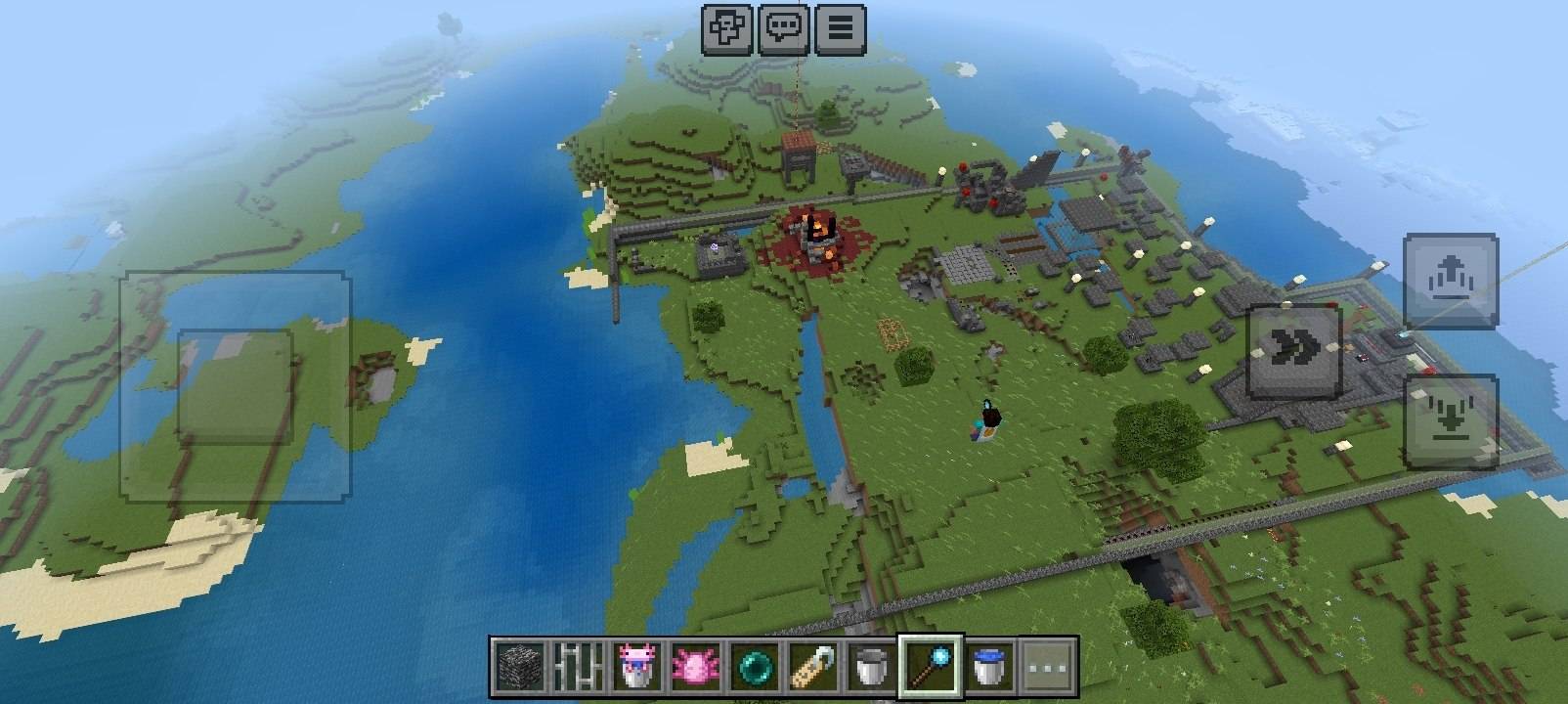
Cinematic Camera Studio is a powerful creator tool for Minecraft Bedrock Edition (Android and Windows). It puts a professional 133-shot cinematic camera library right into your hands, controlled entirely through a single custom item: the Director Stick.
No slash commands, no complex external software—just point, shoot, and capture stunning machinima, cinematics, and world showcases directly in-game.
✨ Key Features
-
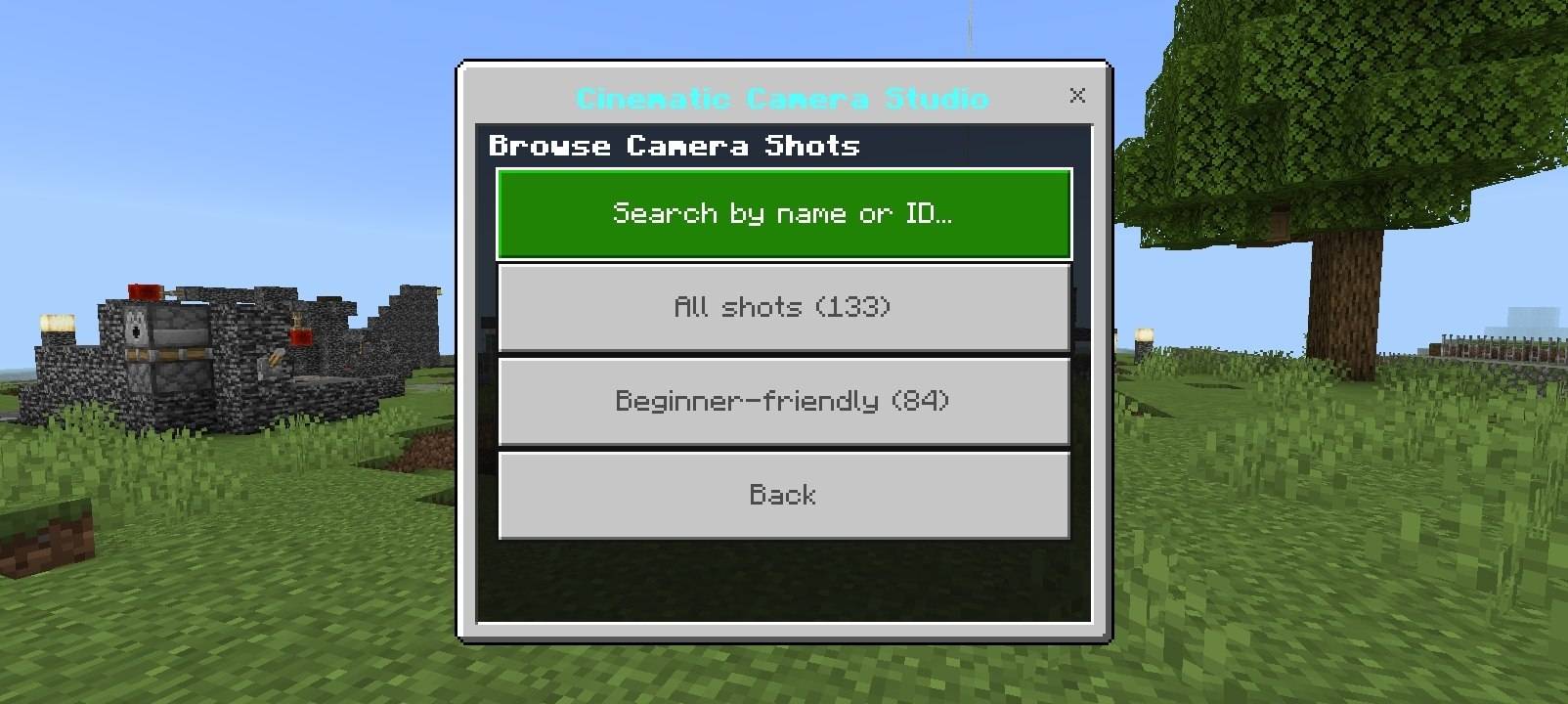
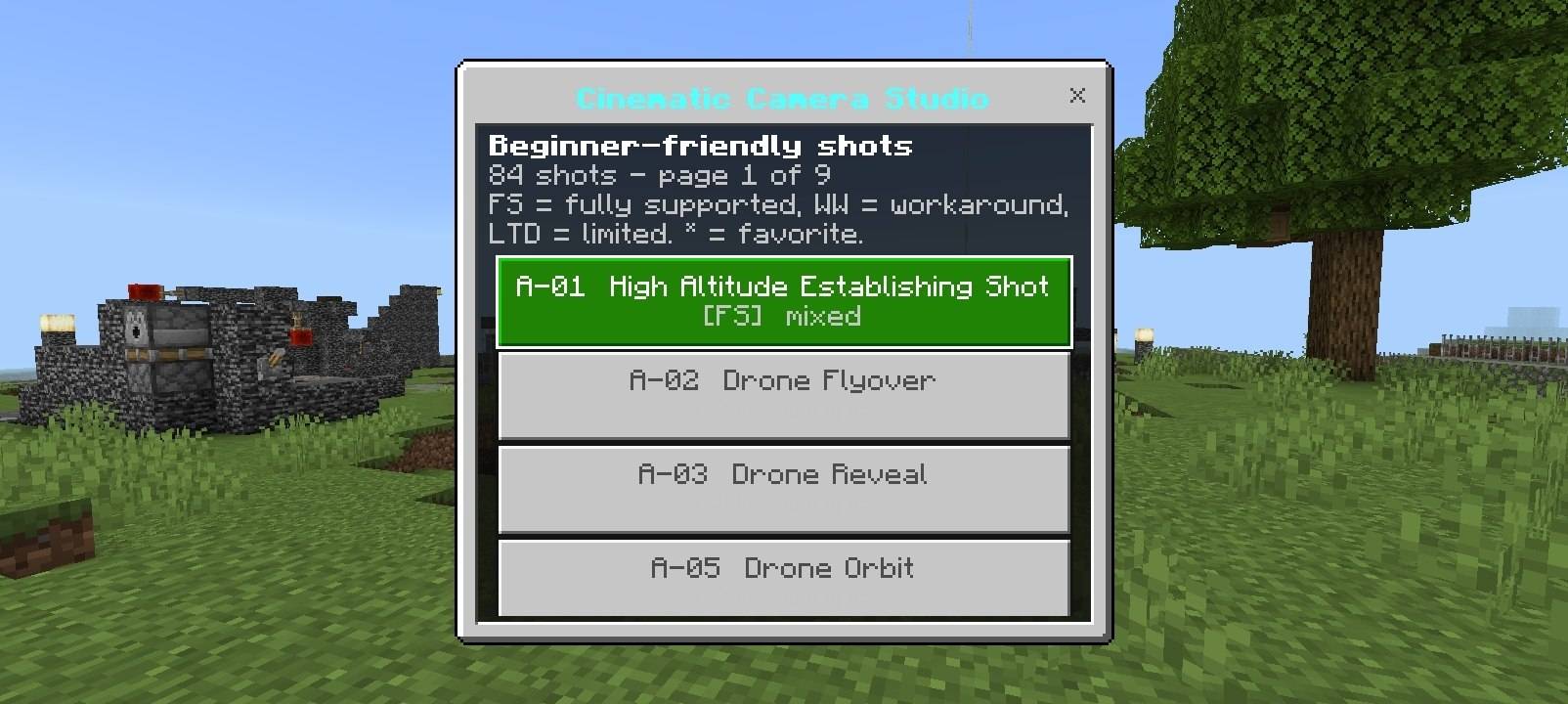
133 Cinematic Camera Shots: Categorized into 12 distinct styles including Aerial & Drone, Tracking & Follow, Action & Dynamic, Static, Horror & Suspense, First-Person POV, and more.
-
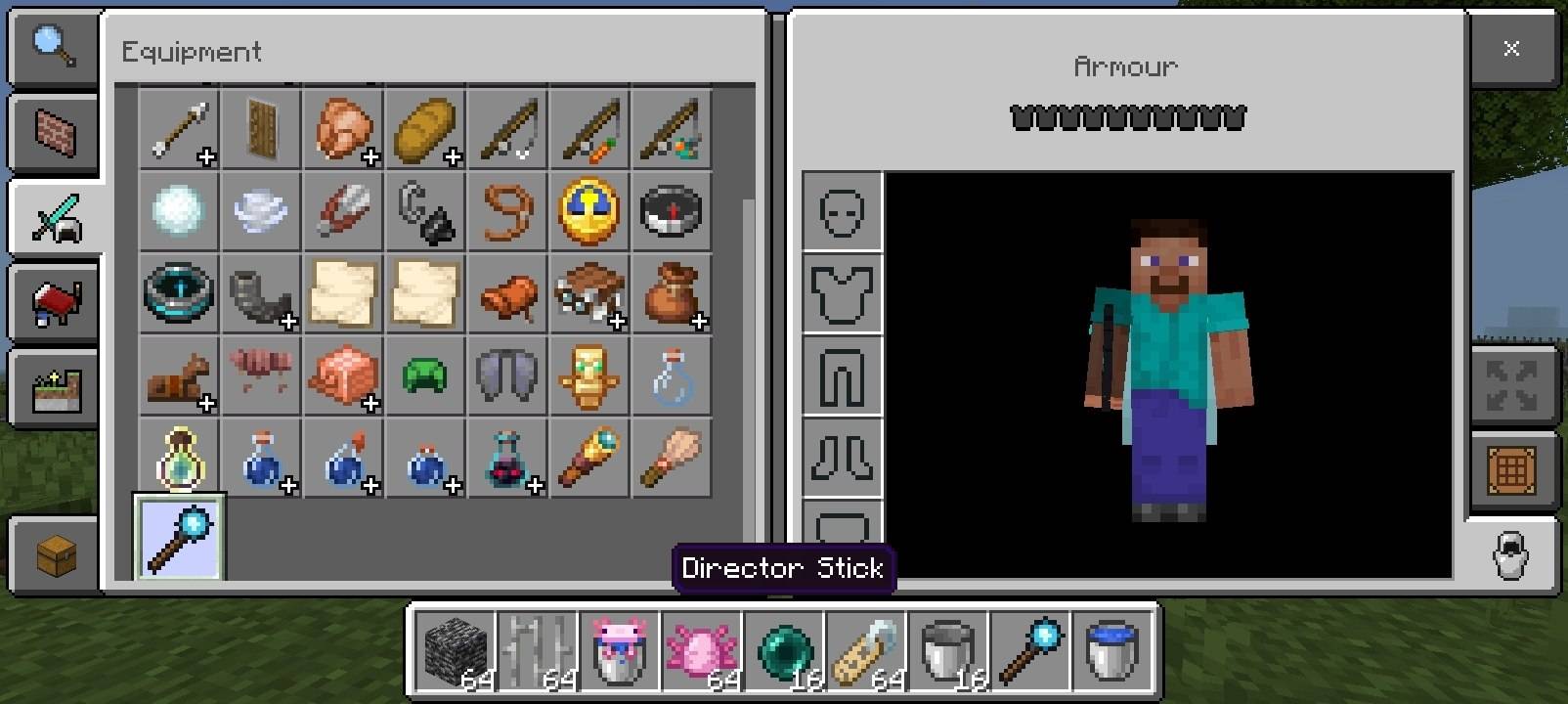
The Director Stick: Your all-in-one remote control. Craft it in survival or grab it from the creative menu to open the studio UI.
-
Flexible Session Lengths: Choose from quick timed presets (10s, 30s, 1m, 2m, 5m), custom lengths, or Infinite Mode for uninterrupted filming.
-
Smart Subject Targeting: Focus on yourself, entities under your crosshair, blocks, nearby mobs, or other players seamlessly.
-
Full-Body Framing: Automatically calculates ideal framing distances so your characters and mobs never get clipped out of view.
-
Zero Command Dependency: Uses the native Bedrock Script API (
Player.camera) without requiring cheat permissions enabled just to run the camera.
🛠️ Installation & Setup
-
Download and import
CinematicCameraStudio.mcaddoninto Minecraft Bedrock. -
Edit your world settings, go to Behavior Packs > Available, and activate Cinematic Camera Studio BP (the Resource Pack will activate automatically).
-
Experimental Features: This addon utilizes standard stable Script APIs. However, if your camera calls fail to initialize, make sure Experimental Creator Camera Features is toggled On under your world's Experiments settings.
🎮 How to Use
-
Get the Director Stick: Find it in the Equipment tab of your Creative inventory, or craft it using a Glass Pane over two Sticks at a Crafting Table.
-
Open the Studio: Hold the Director Stick for about 0.8 seconds (or use Sneak + Use as a universal fallback) to launch the main menu.
-
Browse & Shoot: Explore shot categories, select your desired camera angle, choose your target, and hit Activate.
-
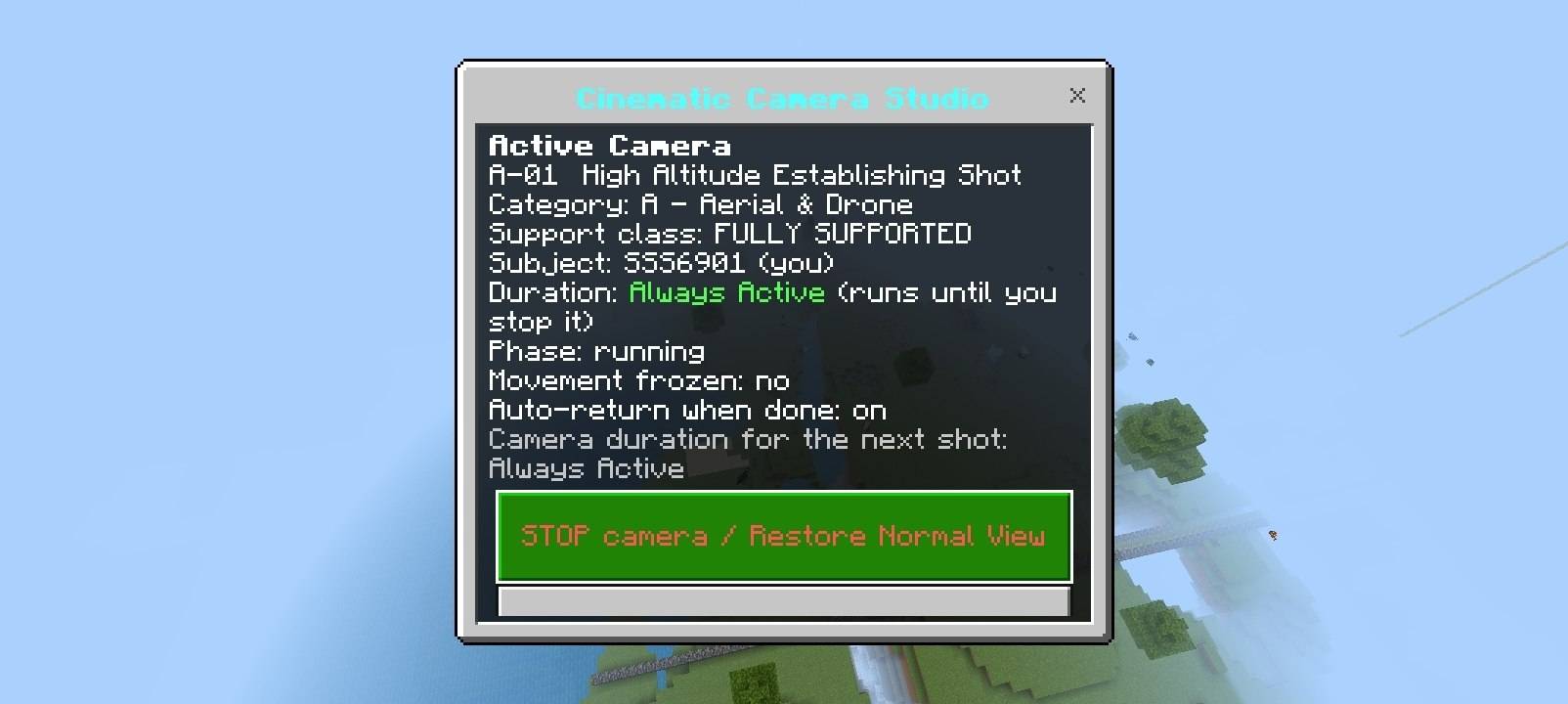
Exit Anytime: Tap the Director Stick once, double-tap Sneak or Jump, or use the in-game menu to instantly restore your normal view.
CINEMATIC CAMERA STUDIO Team
