CineCam - LVRKmc
- By
Cinematic third-person cameras for Bedrock — shoulder, Dungeons, showcase, movie sequences, CCTV, laser sight & more.
423982.jpg
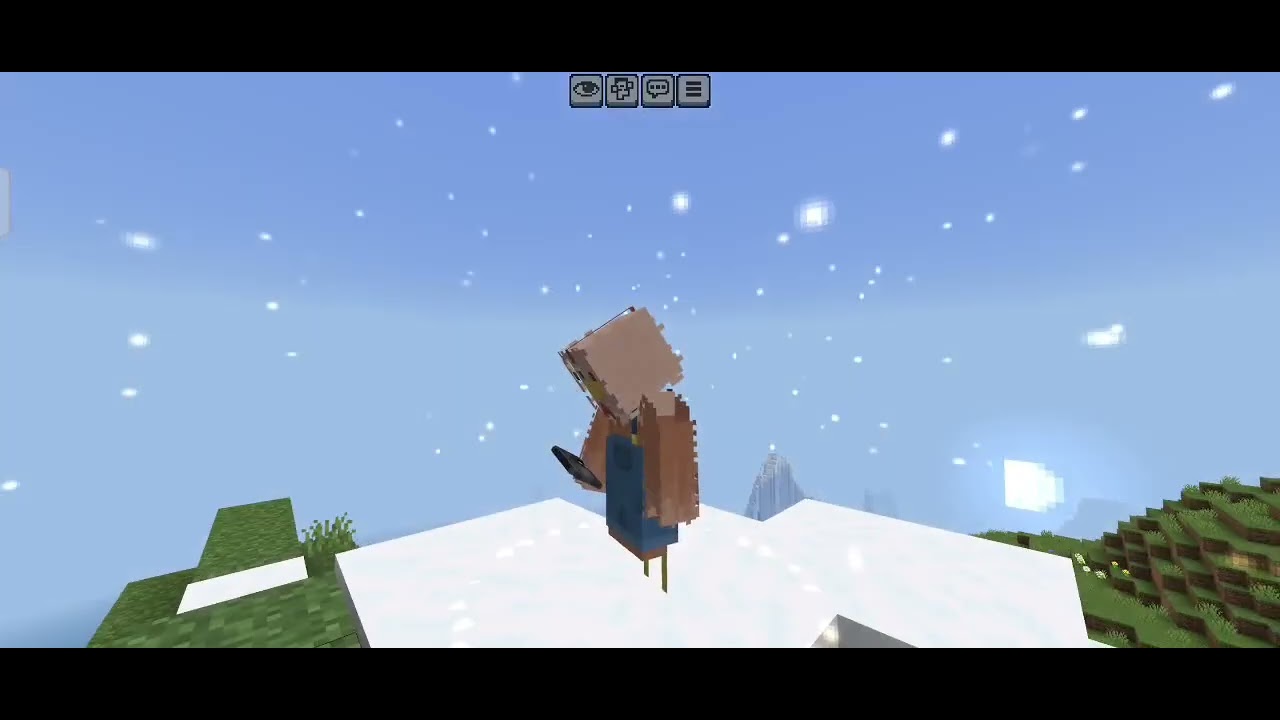
Description
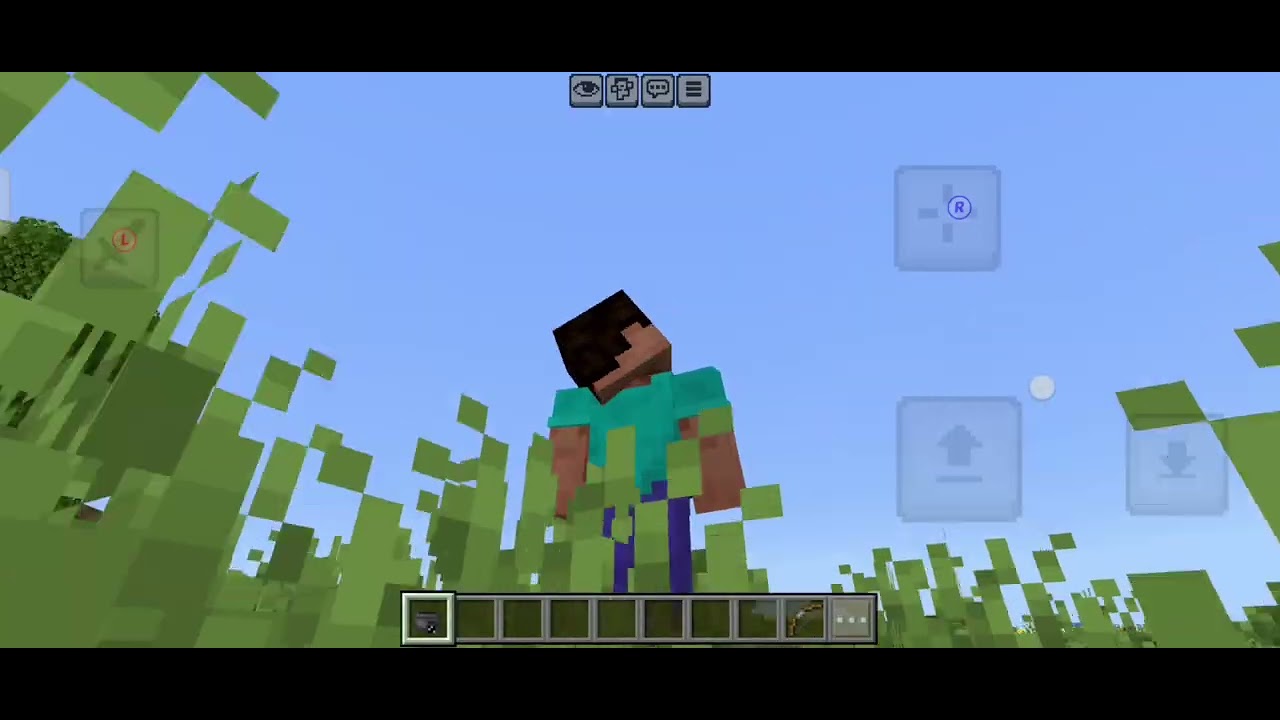
CineCam adds a full set of cinematic third-person camera modes to Minecraft Bedrock. Open the menu with the CineCam item and switch between smooth follow cams, dramatic angles, security CCTV, and scripted movie/showcase sequences.
Features
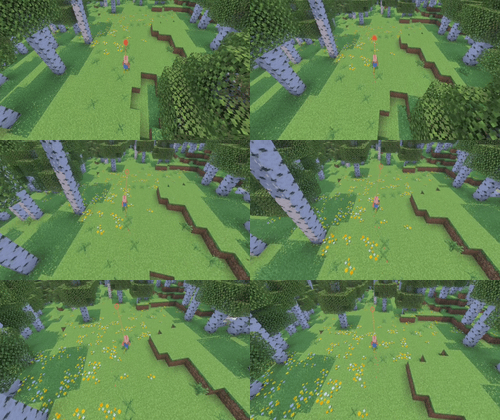
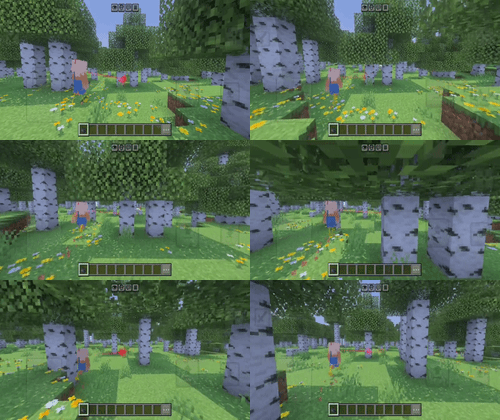
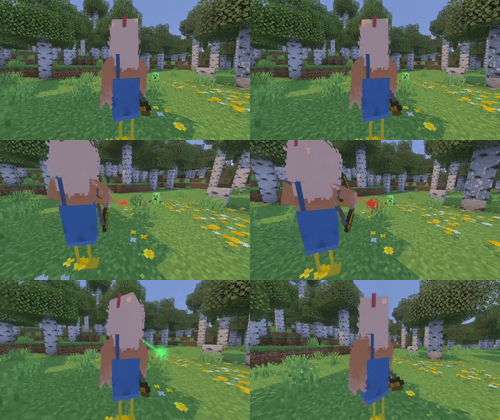
CoreCams — Follow, Shoulder (player bottom-left), Arm, Beside Head, Close, Wide
Angles — Side Left/Right, Bird's Eye, Low Full Body, Dungeons-style top-down, High Rear
Creative — Ant Front/Back, Legs Only, Tilted, Drama, Face, Drip Closeup, Ground Crawl, Sky Fall, Whirl
Cinema — Showcase (player freeze + orbit sequence), Movie Cam (eagle → side gaze → forward track → footsteps), Security Follow, Security Fixed, Orbit, Freeze
Toggles — Laser sight, Slow Walk, Shooting aim cam, Messages on/off (chat + action bar)
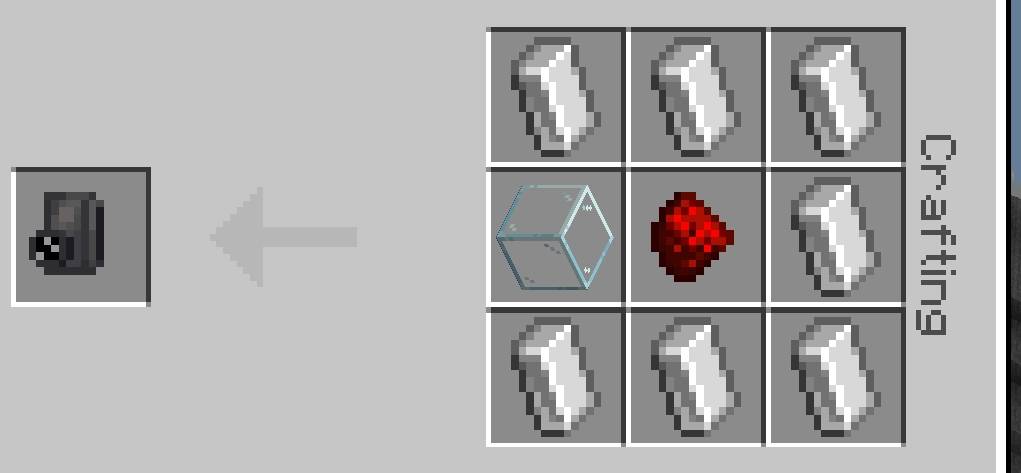
CineCam item (given once on first join)
HowToUse
-Enable CineCam (Behavior) and CineCam Resources (Resource)
-Use the CineCam item to open the menu
-Reset → Clear / Unfreeze exits any mode and restores normal movement (important after Showcase)
GetItem /give @s cine:cinecam
Notes
Showcase freezes the player on purpose; use Clear / Unfreeze or switch mode to move again.
Works best on recent Bedrock releases with Script API / Beta APIs enabled (tested with 26.50+ style builds).
CineCam - LVRKmc Team