ChestOrganizer
- By
Transform your messy Minecraft chests into perfectly organized storage with this intelligent auto-organizing add-on!
Chest Organizer - Minecraft Bedrock Add-on
A Minecraft Bedrock add-on that automatically organizes chest contents when you close them, keeping your storage neat and tidy!
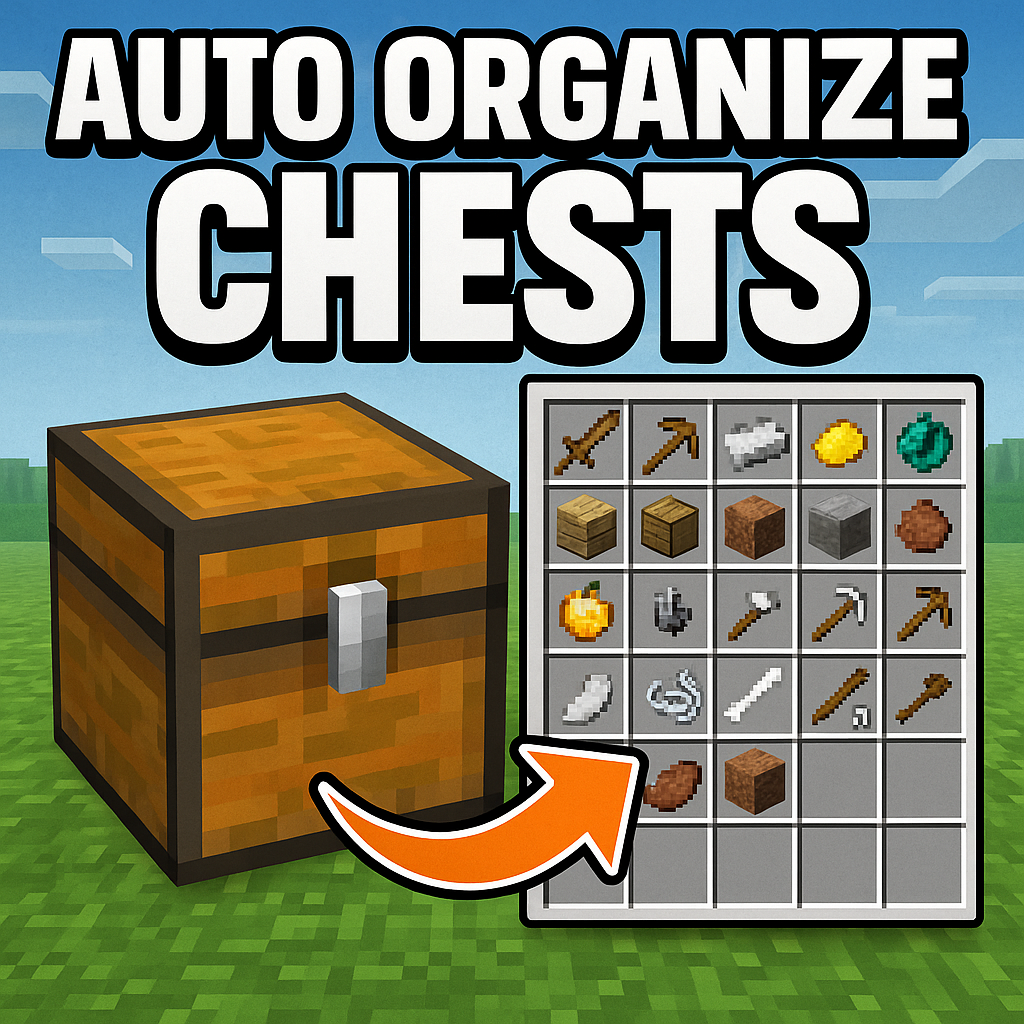
Features
- Automatic Organization: Chests are automatically organized when you move away from them (closing them)
- Smart Item Grouping: Items of the same type are grouped together and sorted alphabetically
- Stack Combining: Partial stacks of the same item are automatically combined
- Manual Organization: Use chat commands to organize multiple chests at once
- Lightweight: Minimal performance impact on your world
Requirements
- Minecraft Bedrock Edition 1.20.0 or higher
- World with "Beta APIs" experiments enabled
- Behavior Packs enabled in world settings
Installation
1. Download the Add-on
Download the ChestOrganizer.mcaddon file from releases.
2. Install in Minecraft
- Double-click the
.mcaddonfile (Minecraft will open automatically) - The add-on will be imported into the game
- You'll see a confirmation message that the add-on was imported successfully
3. Activate in a World
For New Worlds
- Create a new world
- Go to "World Settings" > "Add-Ons"
- Enable "Chest Organizer" in the "Behavior Packs" section
- Make sure "Beta APIs" is enabled in "Experiments" if prompted
- Create the world
For Existing Worlds
- Select your world and click "Edit"
- Go to "Settings" > "Add-Ons"
- Enable "Chest Organizer" in the "Behavior Packs" section
- Make sure "Beta APIs" is enabled in "Experiments" if prompted
- Save and enter the world
How It Works
Automatic Organization
- Detection: The add-on detects when you open a chest
- Monitoring: It monitors your distance from the chest
- Organization: When you move away from the chest (closing it), it automatically organizes the contents
- Sorting: Items are grouped by type and sorted alphabetically
- Stack Combination: Partial stacks of the same item are automatically combined
Manual Organization Commands
You can also organize chests manually using chat commands:
- Type
!organizein chat - Type
!organizarin chat (Portuguese support)
This will organize all chests within a 5-block radius of your current position.
Organization Rules
- Item Grouping: All items of the same type are placed together
- Alphabetical Sorting: Items are sorted alphabetically by their type ID
- Stack Optimization: Partial stacks are combined when possible
- Space Efficiency: Items are placed in the most space-efficient way possible
Supported Chest Types
- Regular Chests (
minecraft:chest) - Trapped Chests (
minecraft:trapped_chest)
Chat Messages
The add-on provides feedback through chat messages:
§a[Organizer] Chest organized automatically!- When a chest is automatically organized§a[Organizer] X chest(s) organized!- When using manual organization command§c[Organizer] No chests found nearby!- When no chests are found near you during manual organization
Technical Details
How Detection Works
- The add-on tracks when players interact with chests
- It monitors the distance between the player and the chest every second (20 ticks)
- When the distance exceeds 6 blocks, it considers the chest "closed" and organizes it
- Invalid players are automatically cleaned up from the tracking system
Performance Considerations
- The add-on runs a lightweight check every second
- Only tracks players who have recently opened chests
- Automatically cleans up data for players who leave the game
- Minimal impact on server performance
Limitations
- Experimental Features: Requires "Beta APIs" to be enabled in world experiments
- Version Requirement: Only works with Minecraft Bedrock 1.20.0 or higher
- Detection Delay: There may be a small delay in detecting when a chest is closed
- Range Limit: Manual organization command works within a 5-block radius
Troubleshooting
Add-on Not Working
- Check Experiments: Make sure "Beta APIs" is enabled in your world's experiments
- Check Version: Ensure you're running Minecraft Bedrock 1.20.0 or higher
- Check Activation: Verify the add-on is enabled in your world's behavior packs
- Restart World: Try leaving and rejoining the world
Chests Not Organizing
- Distance Check: Make sure you're moving far enough away from the chest (more than 6 blocks)
- Chest Type: Verify you're using regular chests or trapped chests
- Permissions: Ensure you have permission to interact with chests in the world
Manual Command Not Working
- Spelling: Make sure you're typing
!organizeor!organizarcorrectly - Proximity: Ensure there are chests within 5 blocks of your position
- Chat Permissions: Verify you have permission to use chat commands
Code
Access the source code at github
The ChestOrganizer Team