Chest Order
- By
[LOGROS ACTIVOS / ACHIEVEMENTS ENABLED] Sort chests, barrels, and shulkers by category with a lightweight storage organizer built for Minecraft Bedrock.
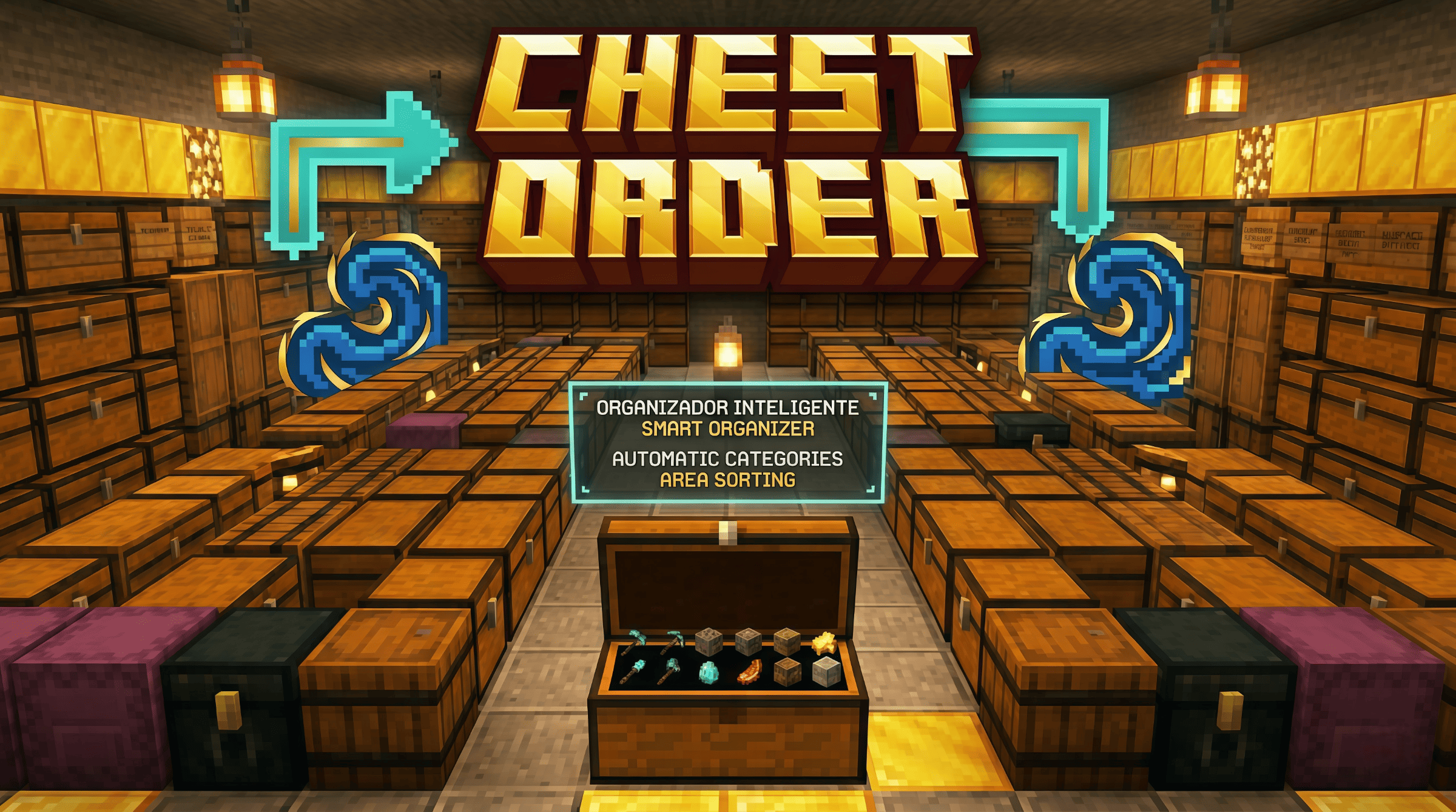
MCPEDL.png
Description

English 🇺🇸
Chest Order — Smart Storage Sorter
Stop wasting time organizing messy chests. Chest Order lets you sort your storage room in seconds with a simple category system, area sorting, and a clean, easy-to-use menu.
How it works
When you join the world, you receive a special Chest Order device. Use it while looking at a chest, barrel, trapped chest, or shulker box to open the menu. Mark containers by category, choose an area size, and let Chest Order move items into the right place.
Looking at a marked container while holding the device shows its category in the actionbar, so you always know what each chest is for.
Features
✅ Sort one container or an entire storage area
✅ Area presets: 8x8, 16x16, 24x24, and 32x32
✅ Category-based sorting for tools, armor, food, ores, blocks, redstone, wood, plants, drops, utility, and more
✅ Custom categories and learned item rules
✅ Works with chests, trapped chests, barrels, and shulker boxes
✅ Supports double chests
✅ Tools, weapons, and armor are moved as individual items
✅ Multiplayer-friendly area handling
✅ Actionbar category display when looking at marked containers
✅ Clean success message: “Chests sorted”
✅ Compatible with Minecraft Bedrock — mobile, console, and PC
Note
Some special items, such as shulkers, maps, written books, bundles, and special potion-like items, may stay in place to preserve their data.
Español es
Chest Order — Organizador Inteligente de Cofres
Deja de perder tiempo acomodando cofres desordenados. Chest Order te permite ordenar tu almacén en segundos con un sistema de categorías, ordenado por área y un menú limpio y fácil de usar.
Cómo funciona
Al entrar al mundo recibes un item especial de Chest Order. Úsalo mirando un cofre, cofre trampa, barril o shulker para abrir el menú. Marca tus contenedores por categoría, elige el tamaño del área y deja que Chest Order mueva cada item a su lugar.
Si miras un contenedor marcado mientras sostienes el item, verás su categoría en la actionbar, así siempre sabrás para qué sirve cada cofre.
Características
✅ Ordena un contenedor o toda una zona de almacenamiento
✅ Áreas disponibles: 8x8, 16x16, 24x24 y 32x32
✅ Ordenado por categorías: herramientas, armaduras, comida, minerales, bloques, redstone, madera, plantas, drops, utilidad y más
✅ Categorías personalizadas y reglas aprendidas para items
✅ Funciona con cofres, cofres trampa, barriles y shulkers
✅ Soporte para cofres dobles
✅ Herramientas, armas y armaduras se mueven como items individuales
✅ Manejo de área pensado para mundos multijugador
✅ Muestra la categoría en pantalla al mirar cofres marcados
✅ Mensaje limpio al terminar: “Cofres ordenados”
✅ Compatible con Minecraft Bedrock — móvil, consola y PC
Nota
Algunos items especiales como shulkers, mapas, libros escritos, bundles y pociones especiales pueden quedarse en su lugar para conservar sus datos.
The Chest Order Team