1000010177.jpg
1000010184.jpg
1000010182.jpg
1000010183.jpg
1000010180.jpg
Description
As for the elevator preset, you need to switch a config card's mode to elevator mode.
Then fill in the data following the instructions shown on the config card.
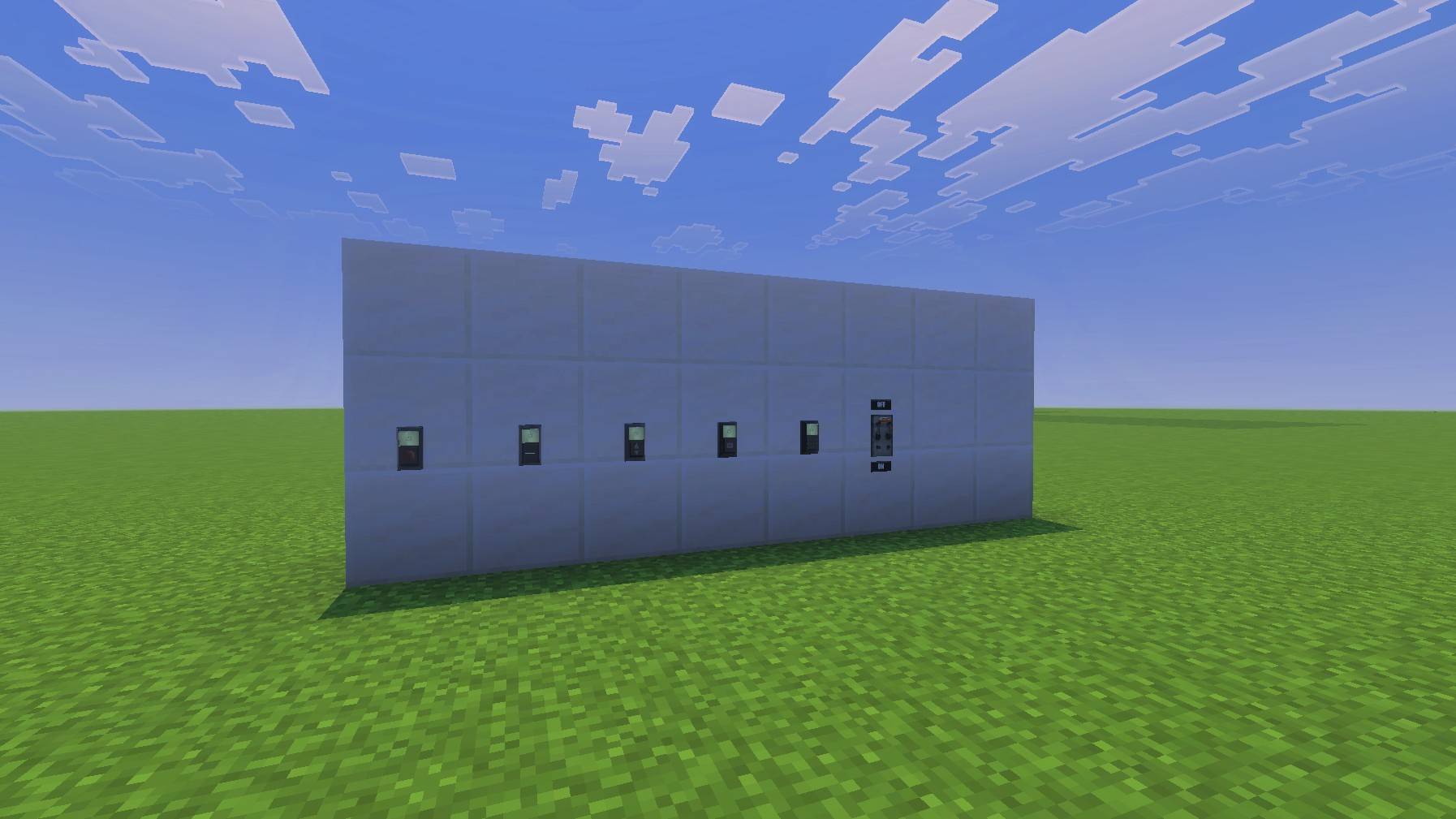
1. Place a barrel below the elevator button.
2. Put the configured config card inside this barrel.
3. Link the barrel to the elevator button.
If the indicator screen turns green, the button is functional.
Repeat the steps above to configure the remaining elevator buttons.
Important: You must link every two corresponding floors with each other.
When you finish setup, press a fully‑configured elevator button. If the nearby elevator door opens, your elevator system works properly and you are ready to use it.
💡 Tip: You can copy a config card by using it while sneaking.
About Elevator Preset (New‑Version Feature)
The new version adds elevator mode to config cards for elevator buttons.
- Fill in required data on your config card
- Put a barrel under the elevator button
- Insert the filled‑out config card into the barrel
- Link the barrel to the elevator button
A green indicator means it is ready. Repeat for other buttons.
Bring the authentic atmosphere of the SCP Foundation directly into your Minecraft world!
This add‑on perfectly recreates the iconic doors from the classic game SCP: Containment Breach.
It comes with high‑fidelity textures and immersive sound effects.
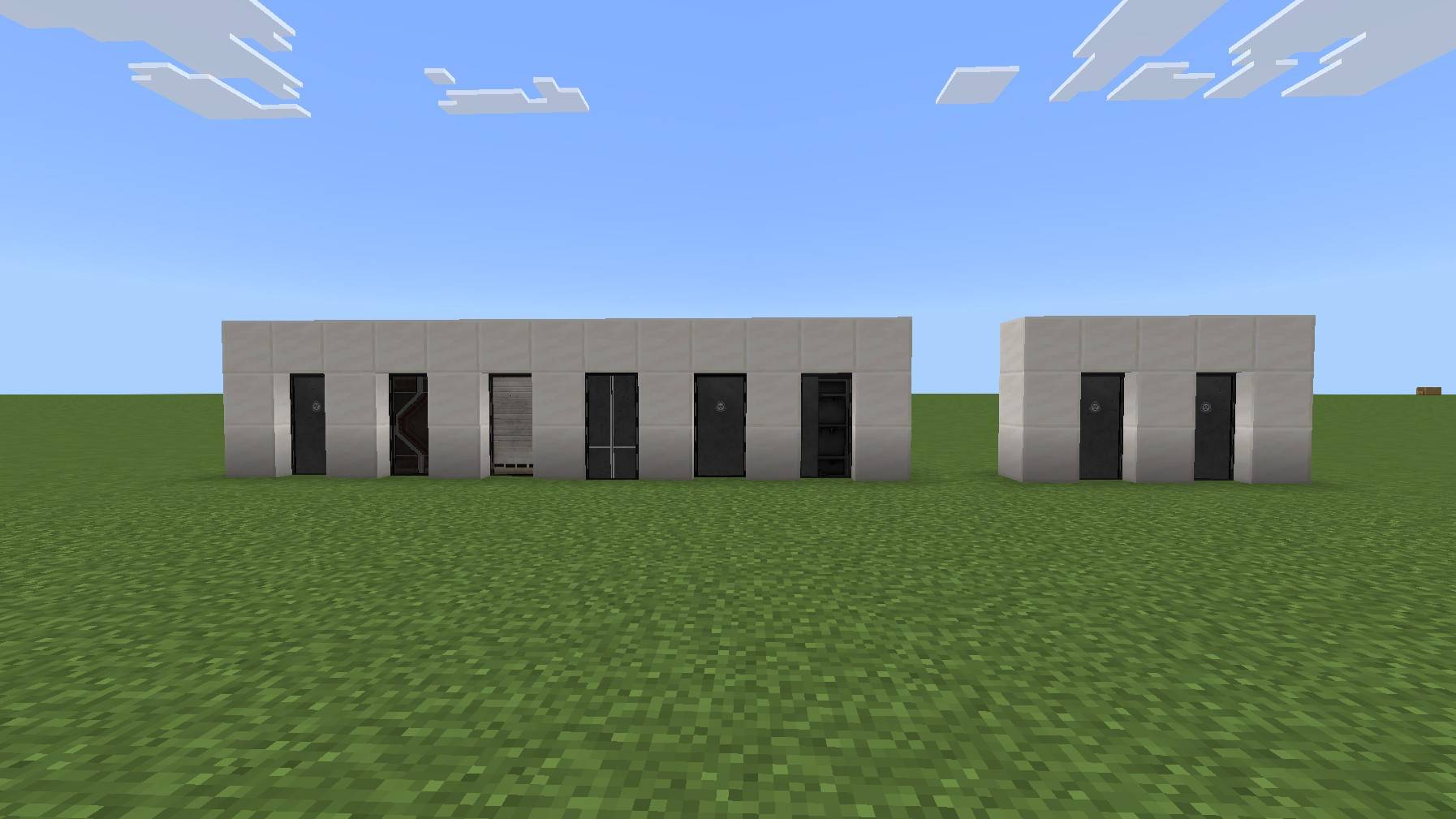
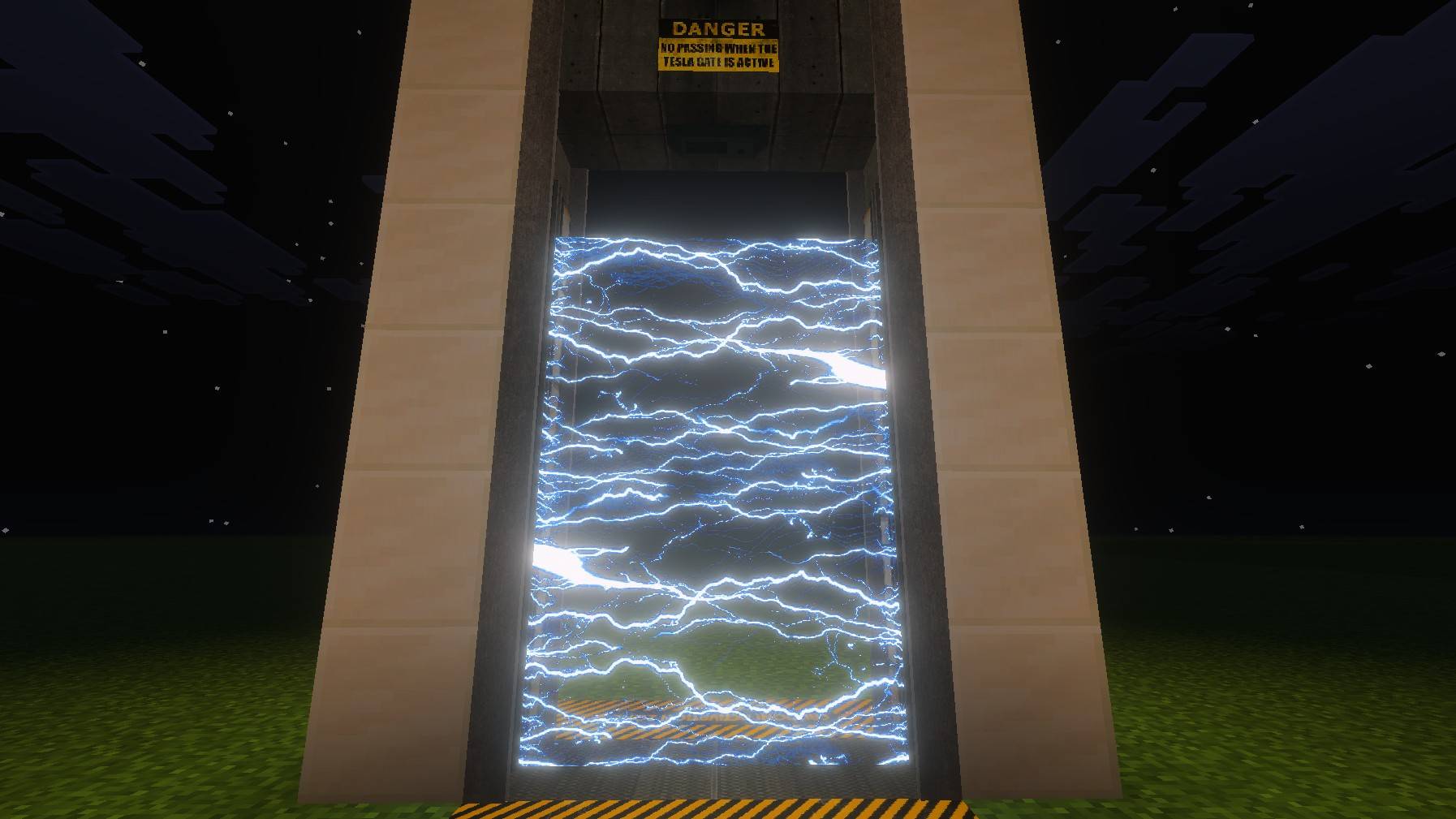
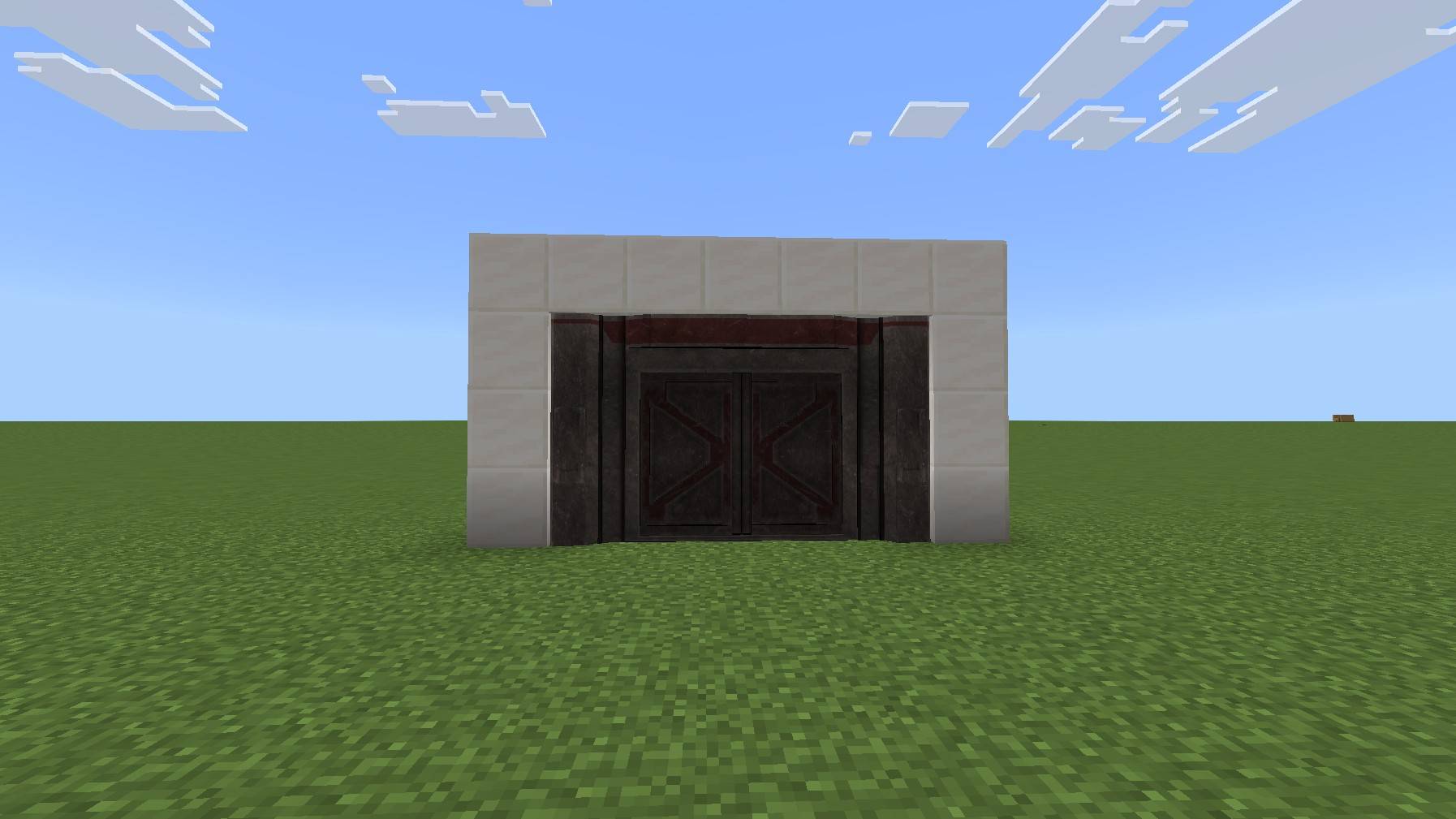
The mod adds multiple kinds of containment doors into your game:
- Standard Light Containment gates
- Heavy‑duty blast doors
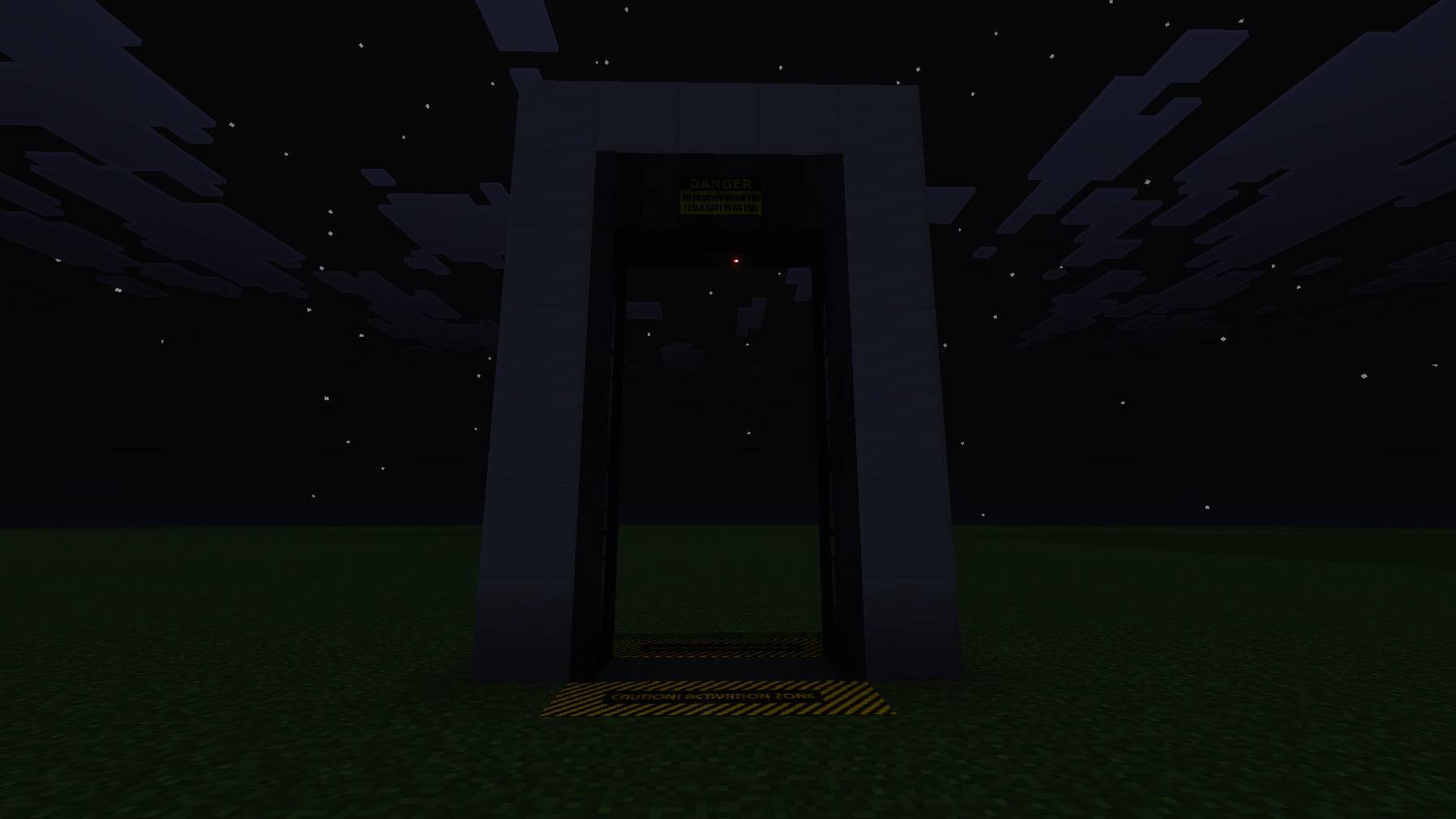
- Functional elevators
It fits many building scenarios: building huge underground research sites, designing custom SCP containment chambers, or remaking classic maps. These doors will greatly improve the realism of your constructions.
Just craft these doors, and experience the real feeling of securing anomalies.
Secure, Contain, Protect!
The SCP Containmemt Breach Door Pack Team