Camera Plus
- By
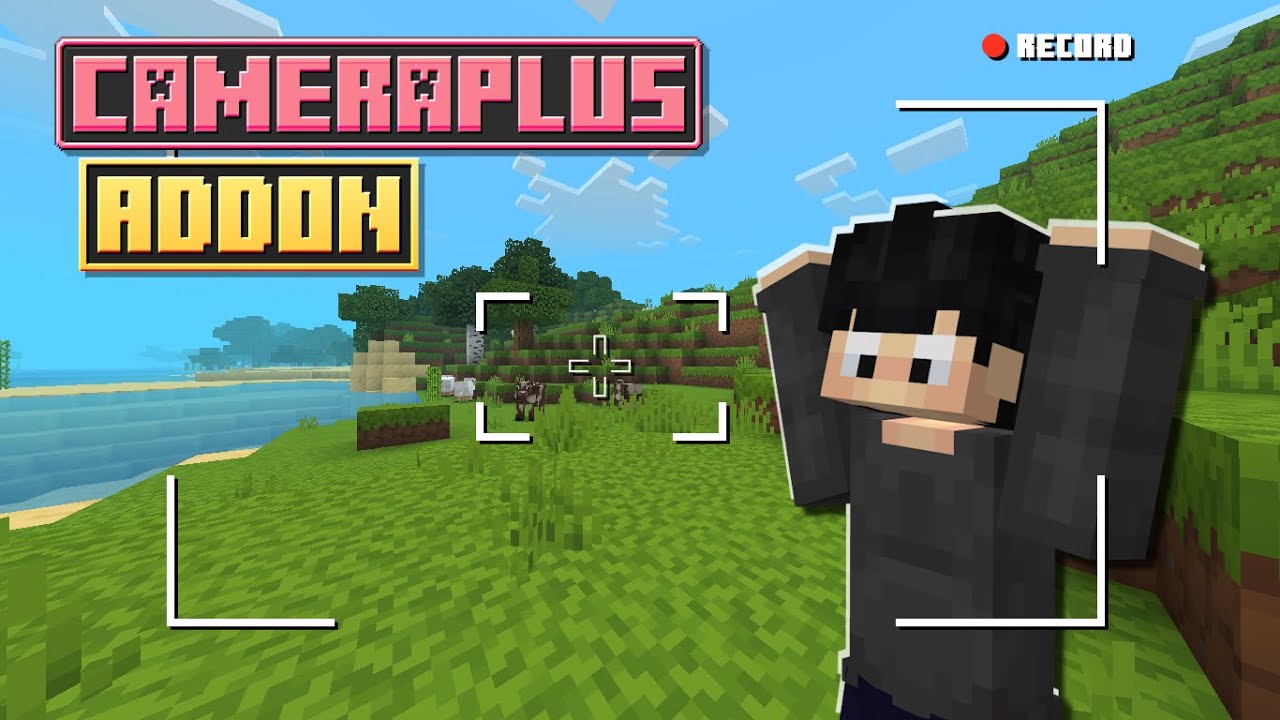
Struggling to capture the perfect angle or follow players and mobs? CameraPlus makes cinematic Minecraft recordings easier with camera tracking and scene management, helping you create the perfect shot!
cameraplus_2.png
cameraplus_3.png
cameraplus_4.png
cameraplus_5 (1).png
Description
Tired of always wanting to record a scene, or a specific angle, and sometimes not being able to get the camera to correctly follow a player or even a mob? Now with CameraPlus it will make your recordings easier, and it was also created with the intention of helping in the management of scenes for cinematic recordings.
<figure class="media"></figure>
 </figure>
<figure class="image image_resized">
 </figure>
 </figure>
<figure class="image">
 </figure>
<figure class="image">
 </figure>
<figure class="image">
 </figure>
<figure class="image">
 </figure>
<figure class="image">
 </figure>
 </figure>
<figure class="image">
 </figure>
<figure class="image">
 </figure>
<figure class="image">
 </figure>
<figure class="image">
 </figure>
<figure class="image">
 </figure>
 </figure>
 </figure>
 </figure>
 </figure>
 </figure>
<figure class="image">
 </figure>
<figure class="image">
 </figure>
 </figure>
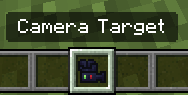
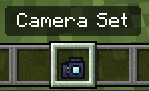
The addon consists of two items found in the items category, namely "Camera Target" (used for recording scenes) and "camera set" used for some specific configurations regarding camera positioning and angle:
</figure>
<figure class="image image_resized"></figure>
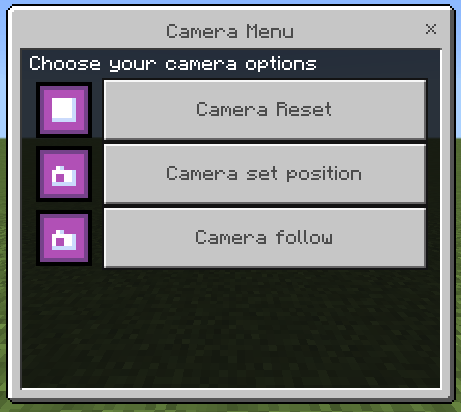
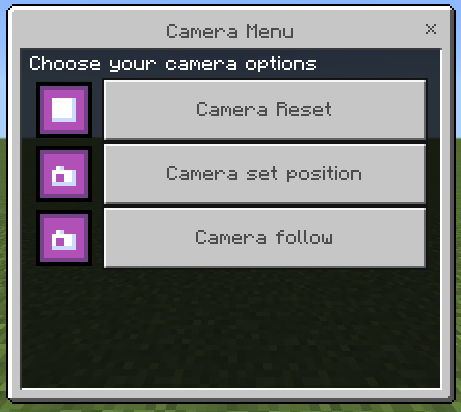
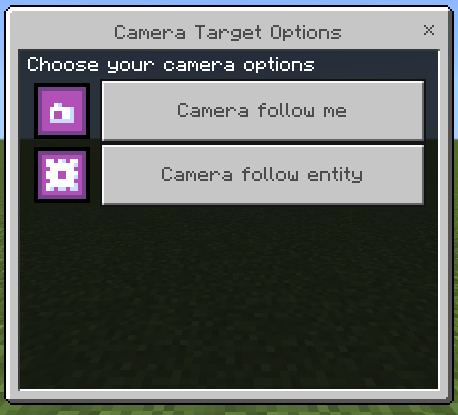
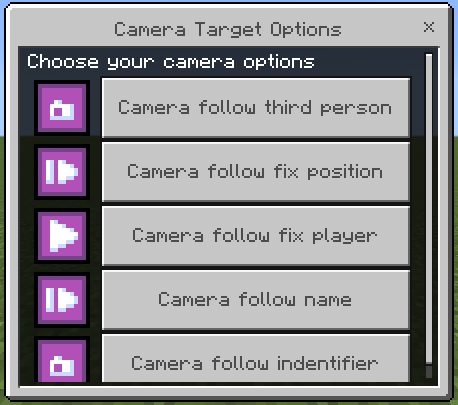
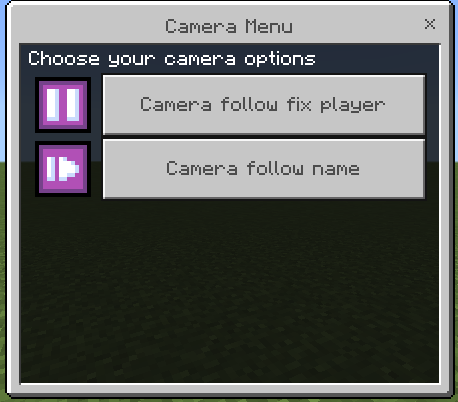
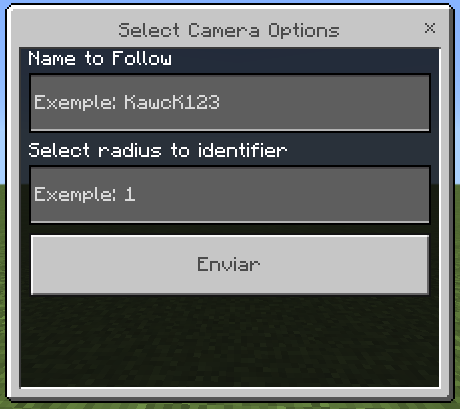
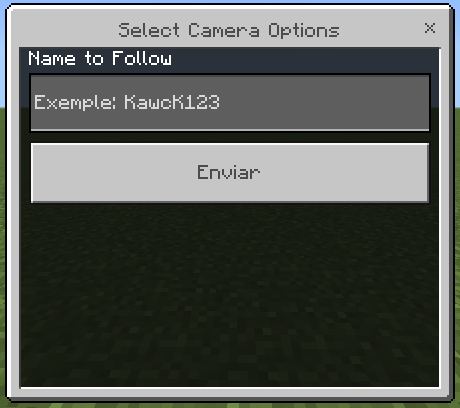
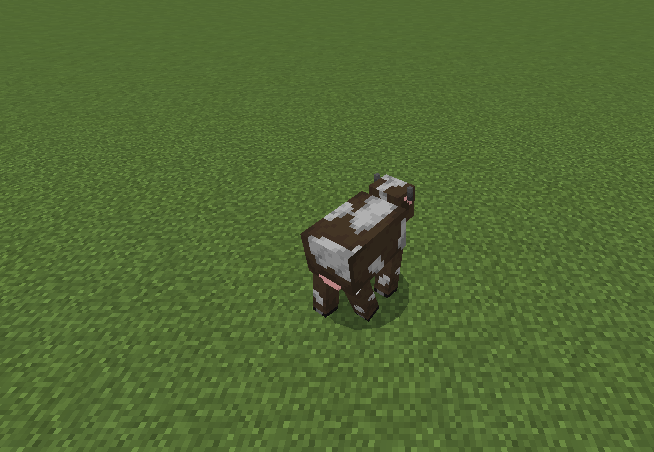
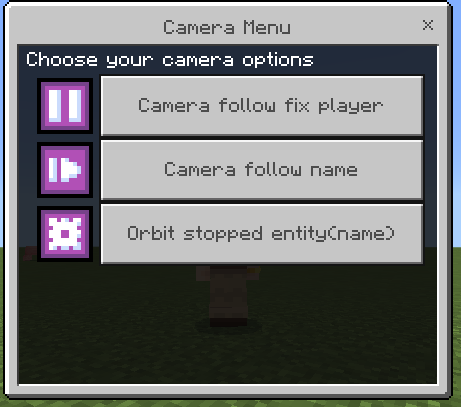
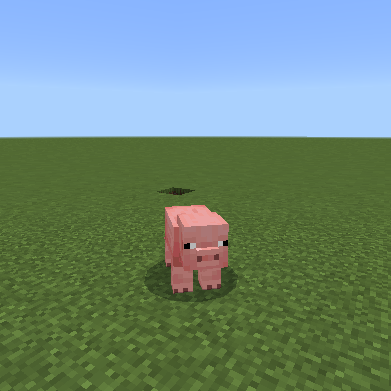
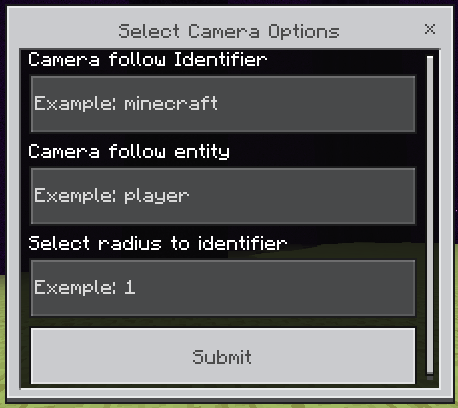
In the camera set we can check several things like positioning the camera in a position, making it follow a specific player, making it follow a player by name, defining a position for a player, but making it follow another, staying in the player's position, but following a mob by its identity, and so on.
<figure class="image">
</figure>
<figure class="image"></figure>
<figure class="image"></figure>
<figure class="image"></figure>
<figure class="image"></figure>
<figure class="image"></figure>
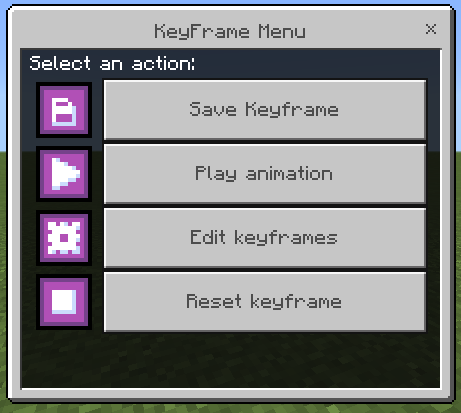
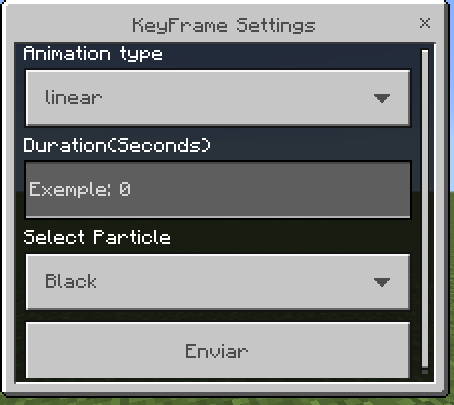
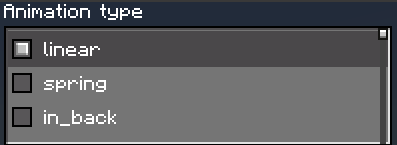
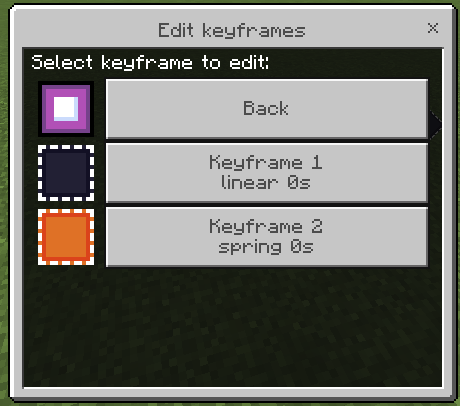
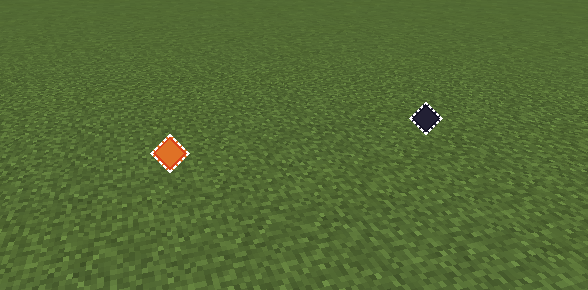
The camera target is already used for cinematic recordings, it does a good job of managing keyframes and is very easy and intuitive to record, don't forget to find a way to remove the HUD if you are not playing on the PC.
</figure>
<figure class="image"></figure>
<figure class="image"></figure>
<figure class="image"></figure>
<figure class="image"></figure>
<figure class="image"></figure>
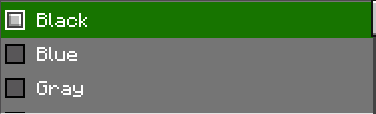
colors for key frames:
Black, Blue, Gray, Green, Orange, Pink, Purple, Red, White and Yellow
Version 1.2:
The words were corrected to the language "Portuguese Brazil"
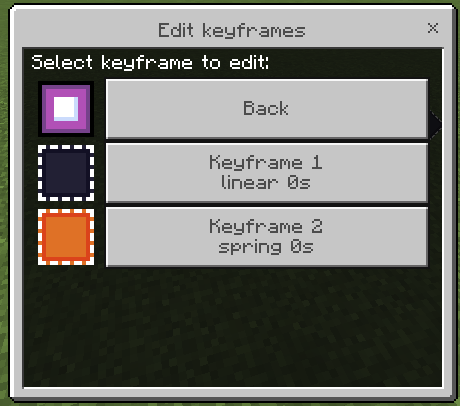
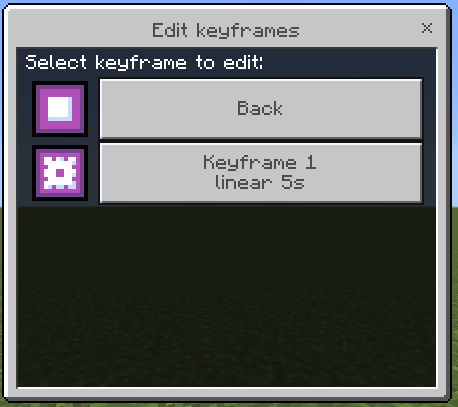
now the keyframe colors appear in the menu for editing:
</figure>
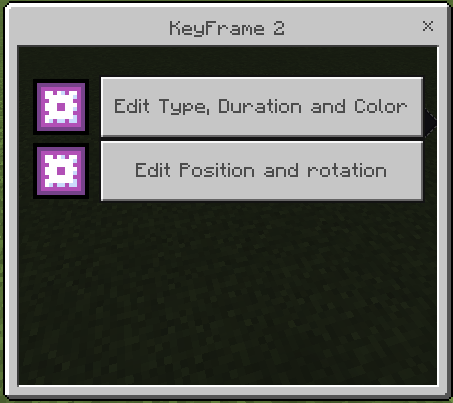
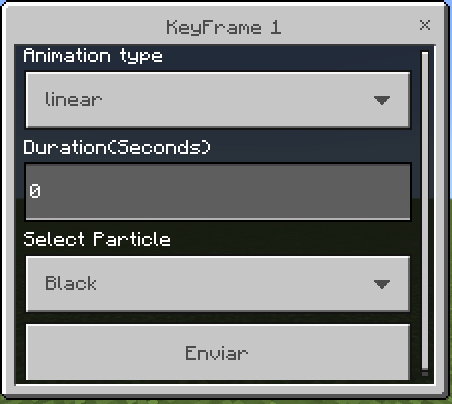
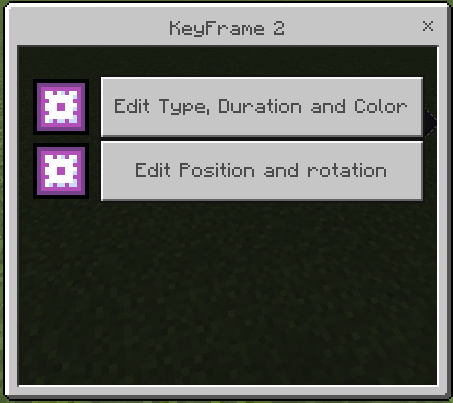
It is also possible to change the position and rotation of the camera for the keyframes you want to edit.
</figure>
Now when you make the camera follow in third person it also follows entities, they are no longer just players.
</figure>
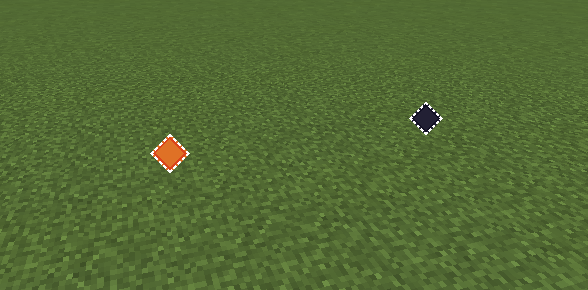
Keyframes Show:
<figure class="image"></figure>
Version 1.3:
Several bugs related to version 1.2v were fixed, a group was created for the cameras, and an option was added for the camera to orbit a mob that will be static (choose the mob by name)
</figure>
<figure class="image"></figure>
<figure class="image"></figure>
Version: 1.4V:
corrections made to the commands, and to the execution in other dimensions, in addition to optimizing the code to the maximum and the keyframe code being completely rewritten in order to improve performance, in addition the option to choose the id beforehand was added, so that the identifier is compatible with entities from other addons.
</figure>
Camera Plus Team