Camera Director
- By
Take full control of your camera! Features 2D, isometric & TPS presets, smooth 360° orbit, custom coordinates, delay sliders, clean content creator mode, and multiplayer OP tools. Fast, lag-free & multi-language for Bedrock
1.jpg
Description
# 🎬 Camera Director
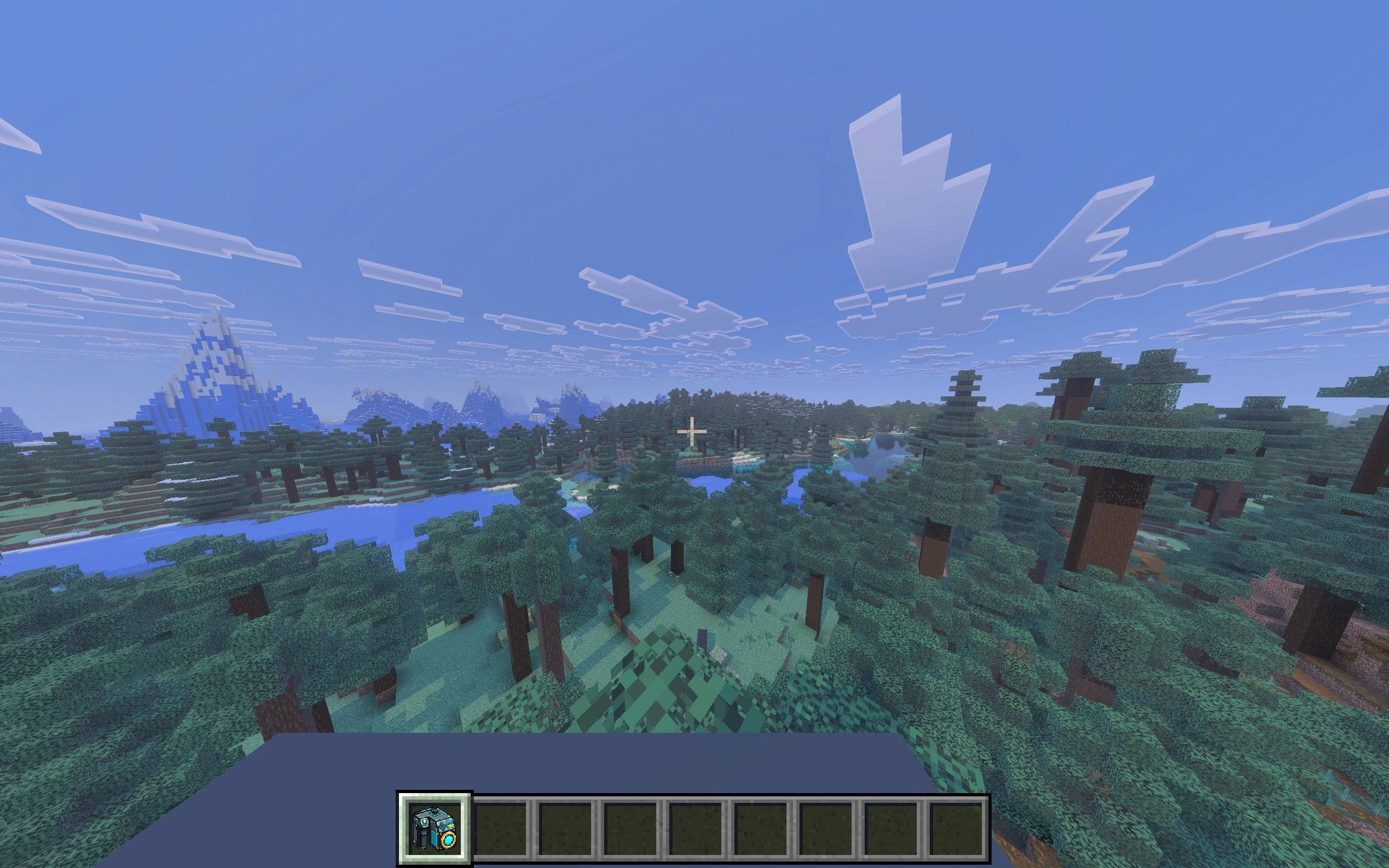
Take total control over your Minecraft Bedrock camera! **Camera Director** introduces a powerful handheld camera gadget equipped with an interactive Form UI, client-side lag-free tracking, 360° cinematic orbit mode, customizable coordinates, delay & easing sliders, multi-language subpacks, and a dedicated Operator (OP) management panel.
---
## ✨ Key Features
### 📸 1. Instant Camera Presets
* **2D Top-Down View:** Birds-eye 90° direct vertical view for classic 2D games or tactical layouts.
* **Isometric RPG View (45° / 45°):** Classic strategy and RPG angle (Diablo / RTS style).
* **2.5D Side-Scroller:** Platformer side view anchored to the player's profile.
* **Over-the-Shoulder:** Cinematic action TPS view positioned over the right shoulder.
* **Wide Cinematic TPS:** Distant third-person perspective.
* **Front Face View (Selfie):** True front-facing view showing your character's face.
* **First-Person & Reset:** One-click return to default Minecraft vision.
* *⚡ Zero Lag Architecture:* Presets utilize Bedrock's native client camera engine, eliminating command queue flooding and maintaining a rock-solid 60+ FPS!
---
### 🌐 2. In-Game Multi-Language Support (5 Languages)
No complicated pack settings or world restarts! Easily switch the language directly inside the **Camera Menu**:
* 🇬🇧 **English (Default)**
* 🇹🇷 **Türkçe**
* 🇩🇪 **Deutsch**
* 🇷🇺 **Русский**
* 🇪🇸 **Español**
* *Dynamic Item Synchronization:* Switching languages dynamically translates the **Camera Controller** item name and lore in your hand and inventory in real time!
---
### 🔄 3. 360° Cinematic Orbit Camera
* Rotates seamlessly 360 degrees around your character for showcase videos and trailers.
* Configurable **Direction** (Clockwise / Counter-Clockwise), **Speed** (0.5x, 1.0x, 2.0x), **Radius/Distance** (2 to 20 blocks), and **Height**.
* Simply **Sneak (Shift)** or use the item again to exit instantly!
---
### 🎬 4. Content Creator Mode (Clean Screen Recording)
Built specifically for streamers, YouTubers, and cinematographers:
* **Zero HUD/Actionbar Clutter:** One-click toggle completely hides all on-screen actionbar hints and coordinate texts.
* Film clean, uninterrupted cinematic clips, machinimas, TikToks, and trailers without text obstructing the view!
* Toggle anytime directly from the main camera menu.
---
### 🎯 5. Custom Angle Creator & Saved Angles
* Adjust **X, Y, Z Position Offsets**, **Pitch (-90° to +90°)**, and **Yaw (0° to 360°)**.
* **Follow Player vs Fixed Position:** Choose whether the camera moves with you or stays anchored as a fixed security/spectator camera.
* Name and save your custom angles permanently to your private **Saved Angles** list!
---
### 👑 6. Operator (OP) Control Panel
Server and Realm administrators have access to an exclusive OP management panel:
* Apply any camera preset, custom angle, or 360° orbit to **[ALL PLAYERS]** simultaneously or select individual players.
* Remotely clear/reset players' camera perspectives.
* Multi-tier fail-safe operator verification prevents permission errors.
---
### ⏱️ 7. Delay (Easing) Slider & Curves
* Choose your transition speed with the **Delay Slider** (0.0s instant to 10.0s ultra-smooth).
* Support for all Bedrock easing types: `linear`, `in_out_quad`, `in_quad`, `out_quad`, `in_bounce`, `out_bounce`, `in_expo`, etc.
---
## 🎮 How to Use
1. Get the item in-game:
* Run `/give @s custom:camera_controller` in chat.
2. Hold the Camera Controller item and **Right-Click / Hold to Use**.
3. The interactive UI menu will open instantly!
---
## ⚙️ World Settings / Requirements
Ensure the following toggles are enabled under **Experiments** in your world settings:
* ✅ **Beta APIs**
* ✅ **Creator Cameras**
---
## 📥 Installation
1. Download the `CameraDirector_v1.0.0.mcaddon` file.
2. Double-click to import automatically into Minecraft Bedrock Edition.
3. Activate both the **Behavior Pack** and **Resource Pack** in your world.
4. Enjoy! Use the Camera Controller in-game and choose your language, camera presets, or Content Creator Mode directly from the interactive menu!
Camera Director Team