promotional bannermobile promotional banner

BUBBLE [BEDROCK]

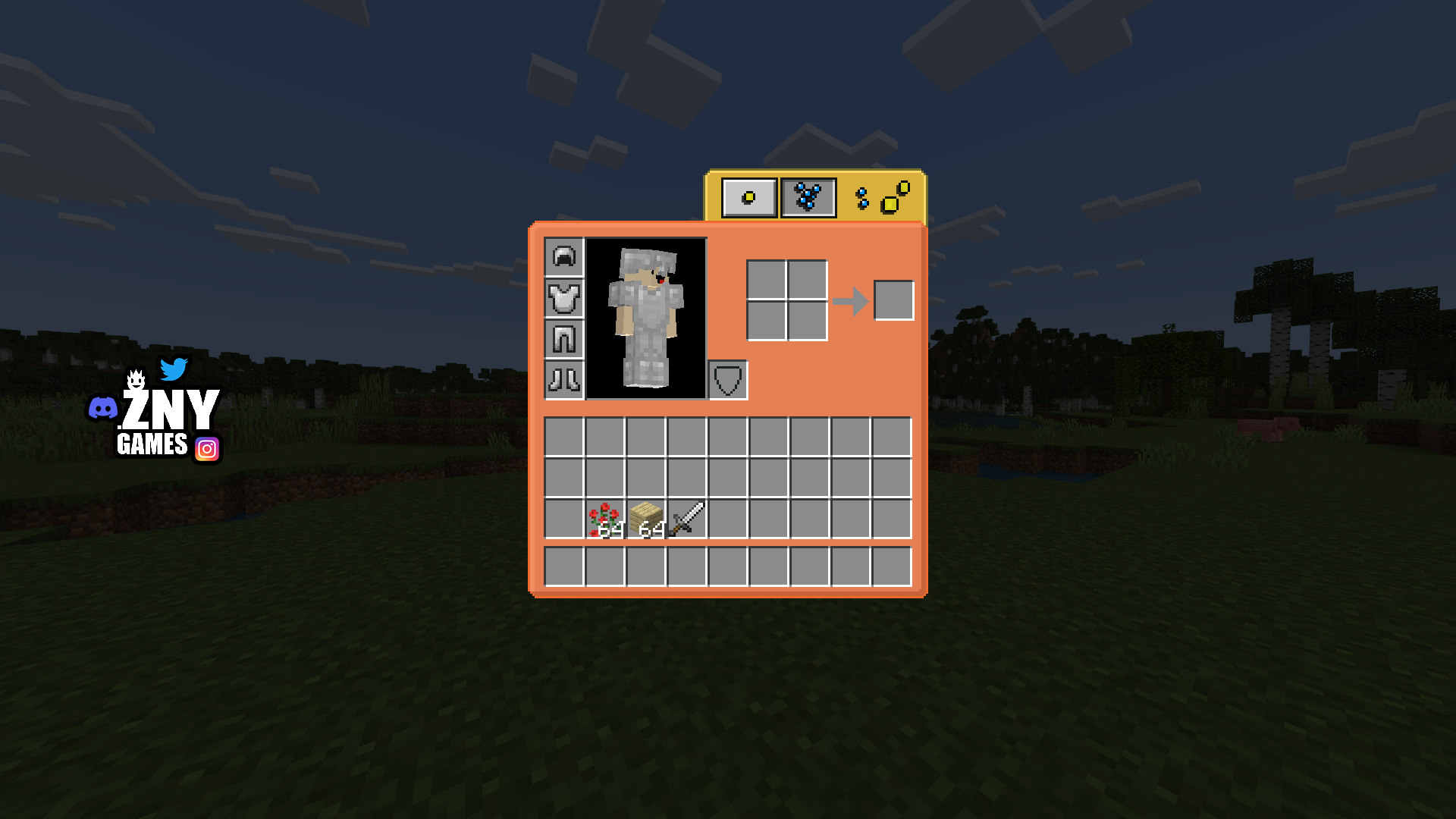
Bubble is a themed GUI/UI Texturepack for Minecraft.
znygames texturepack bubble windows

znygames texturepack bubble windows

znygames texturepack bubble windows

znygames texturepack bubble windows

znygames texturepack bubble windows

znygames texturepack bubble windows

znygames texturepack bubble windows

znygames texturepack bubble windows

znygames texturepack bubble windows

znygames texturepack bubble windows

znygames texturepack bubble windows

znygames texturepack bubble windows

znygames texturepack bubble android ios

znygames texturepack bubble android ios

znygames

znygames

znygames texturepack bubble android ios

znygames texturepack bubble android ios

znygames texturepack bubble android ios

znygames texturepack bubble android ios

znygames texturepack bubble android ios

znygames texturepack bubble android ios

znygames texturepack bubble

znygames texturepack bubble

znygames texturepack bubble windows

znygames texturepack bubble windows

znygames texturepack bubble windows

znygames texturepack bubble windows

Description


BUBBLE πŸ”΅

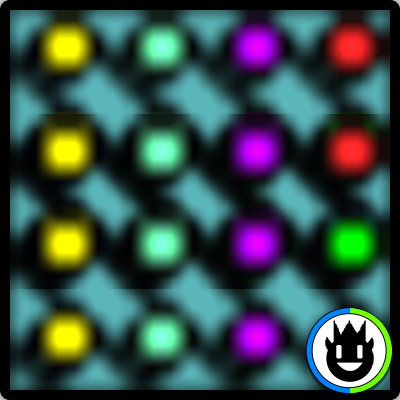
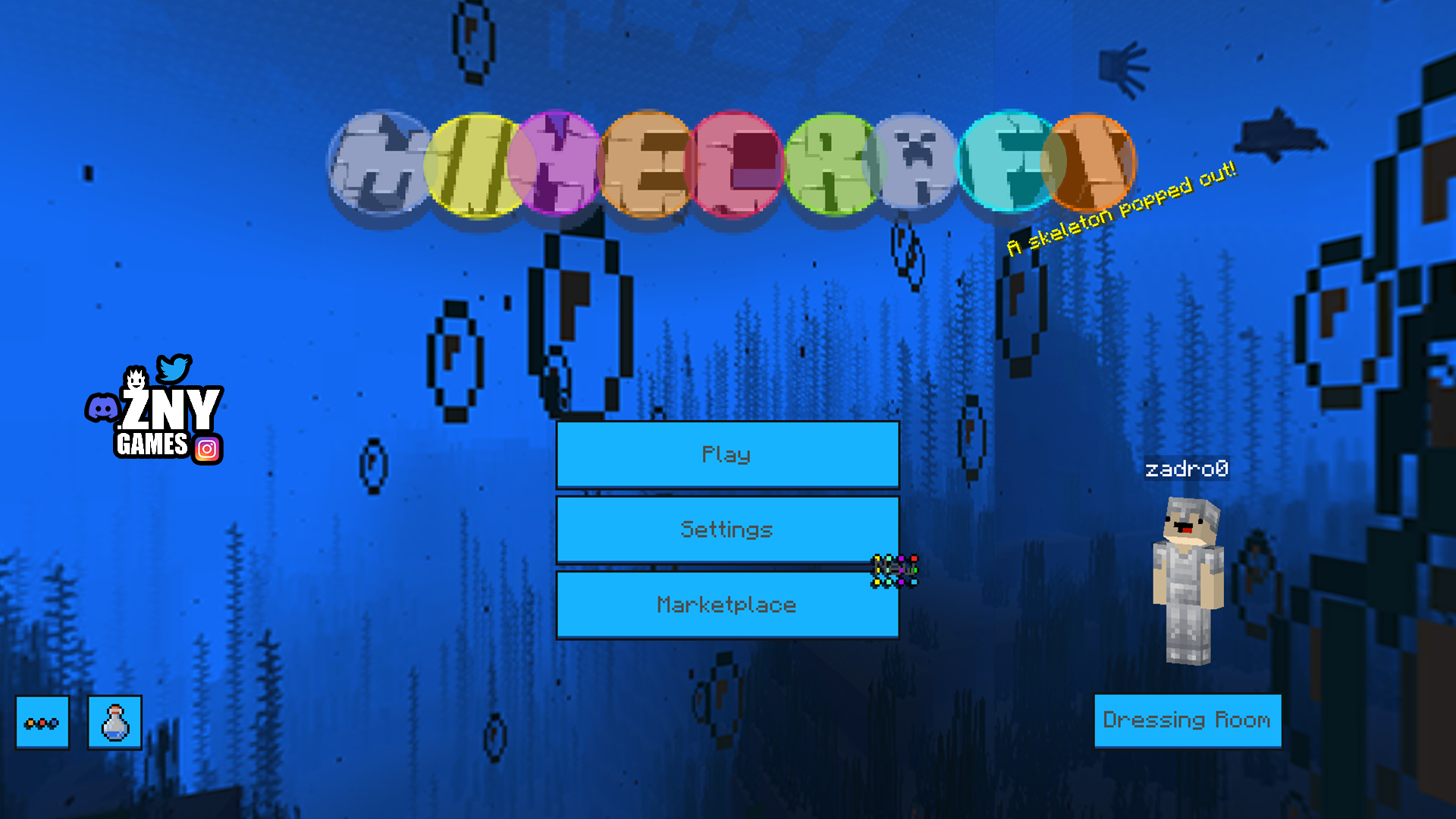
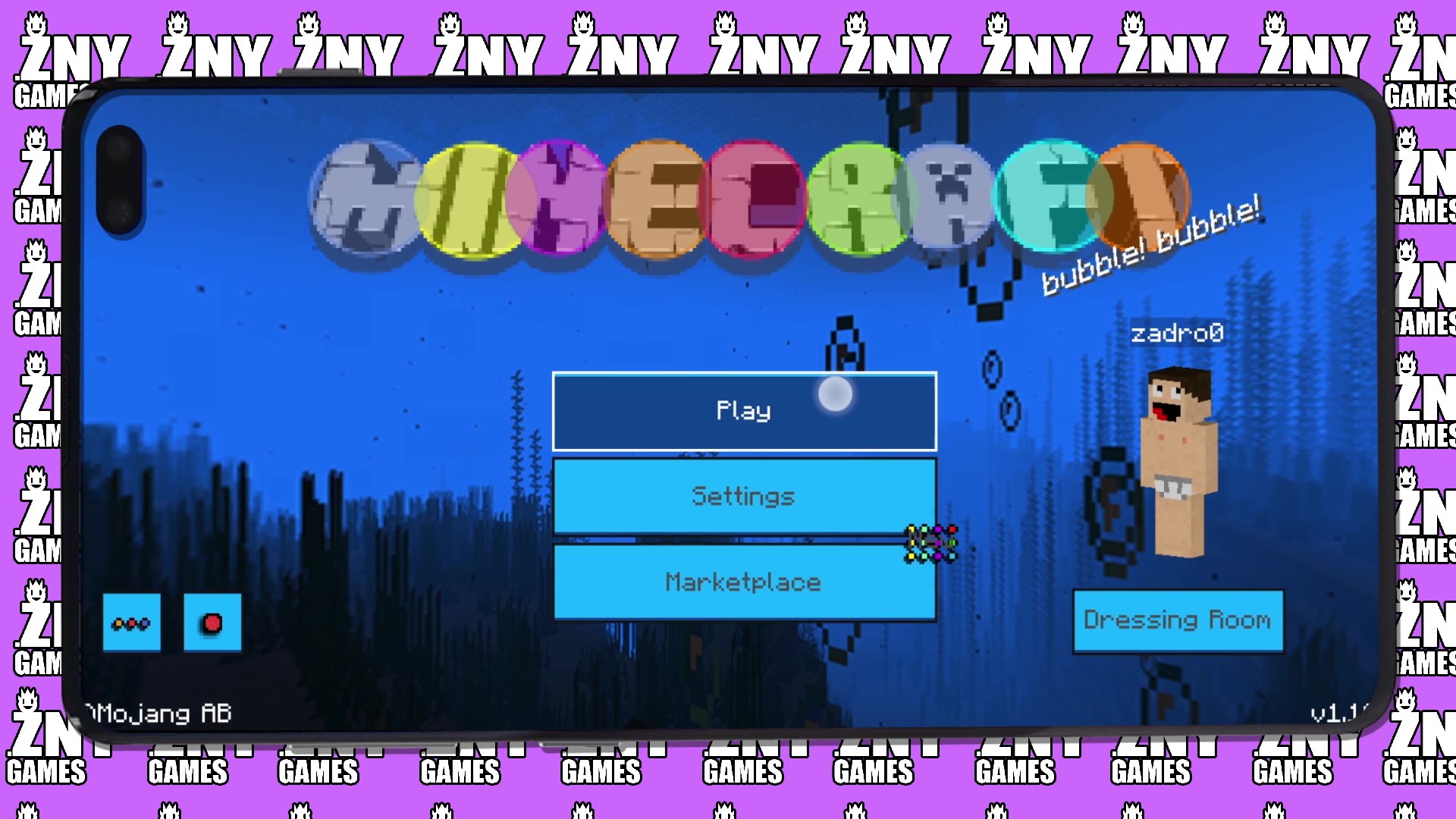
This unique texture pack transforms your Minecraft experience with a delightful Bubble theme, where all graphics are reshaped into charming round circles.

🎞| TRAILER


πŸ–Ό| EXAMPLE

Joysick and Aim Crosshair

D-Pad and Tap
D-Pad and Tap

Joystick and Tap
Joystick and Tap

more examples in the picture gallery above ⬆️


πŸ—’| DESCRIPTION

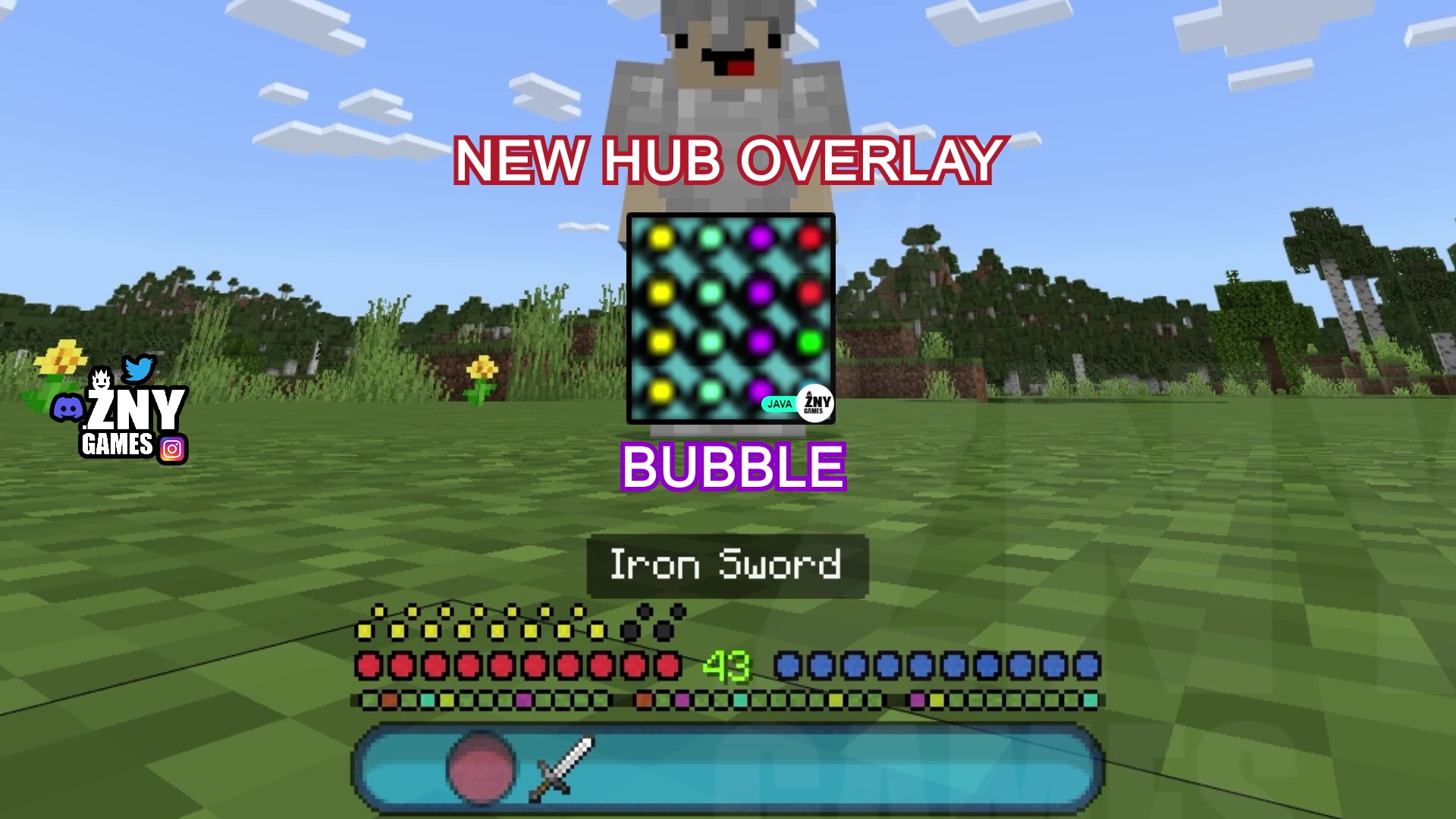
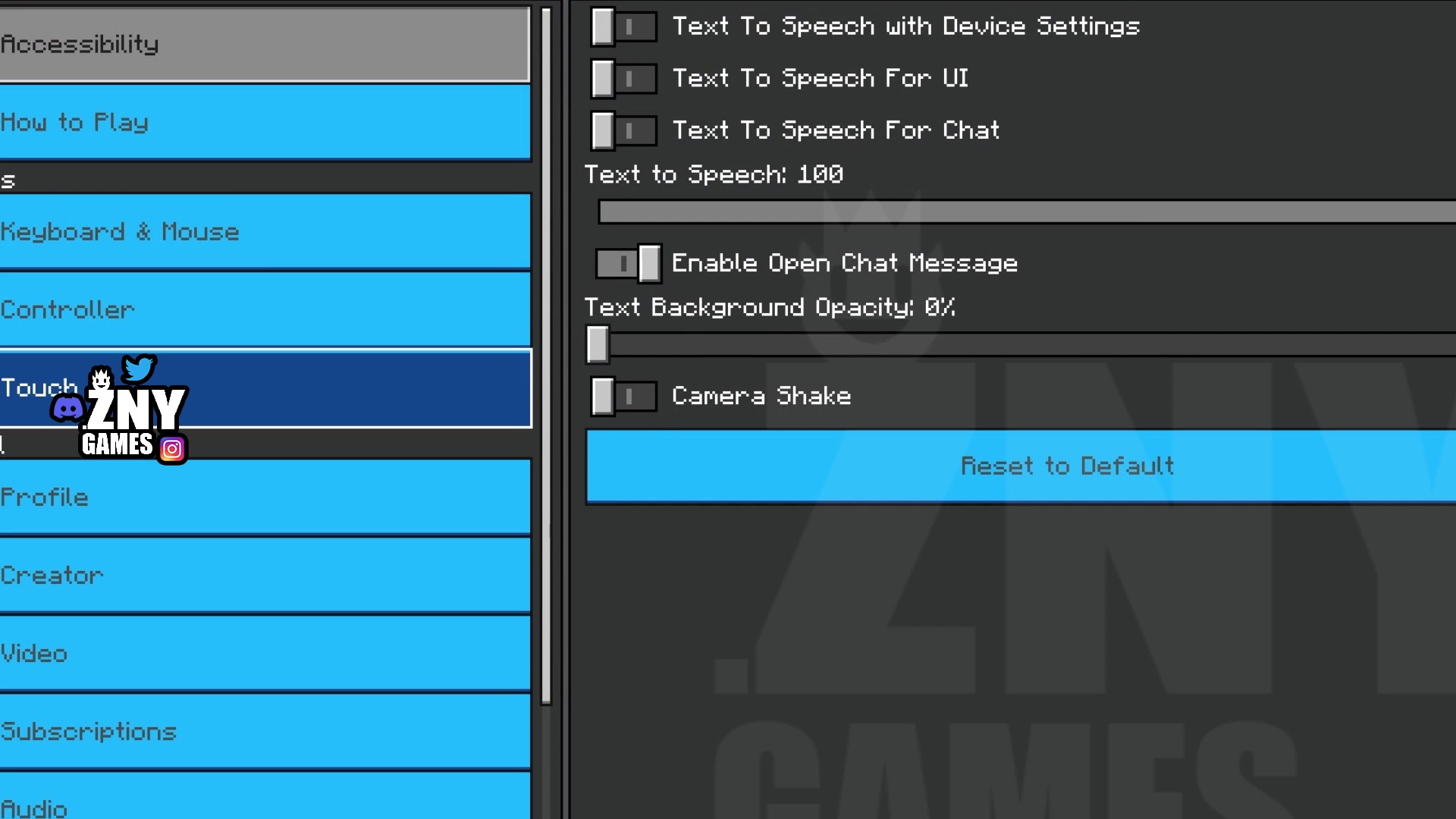
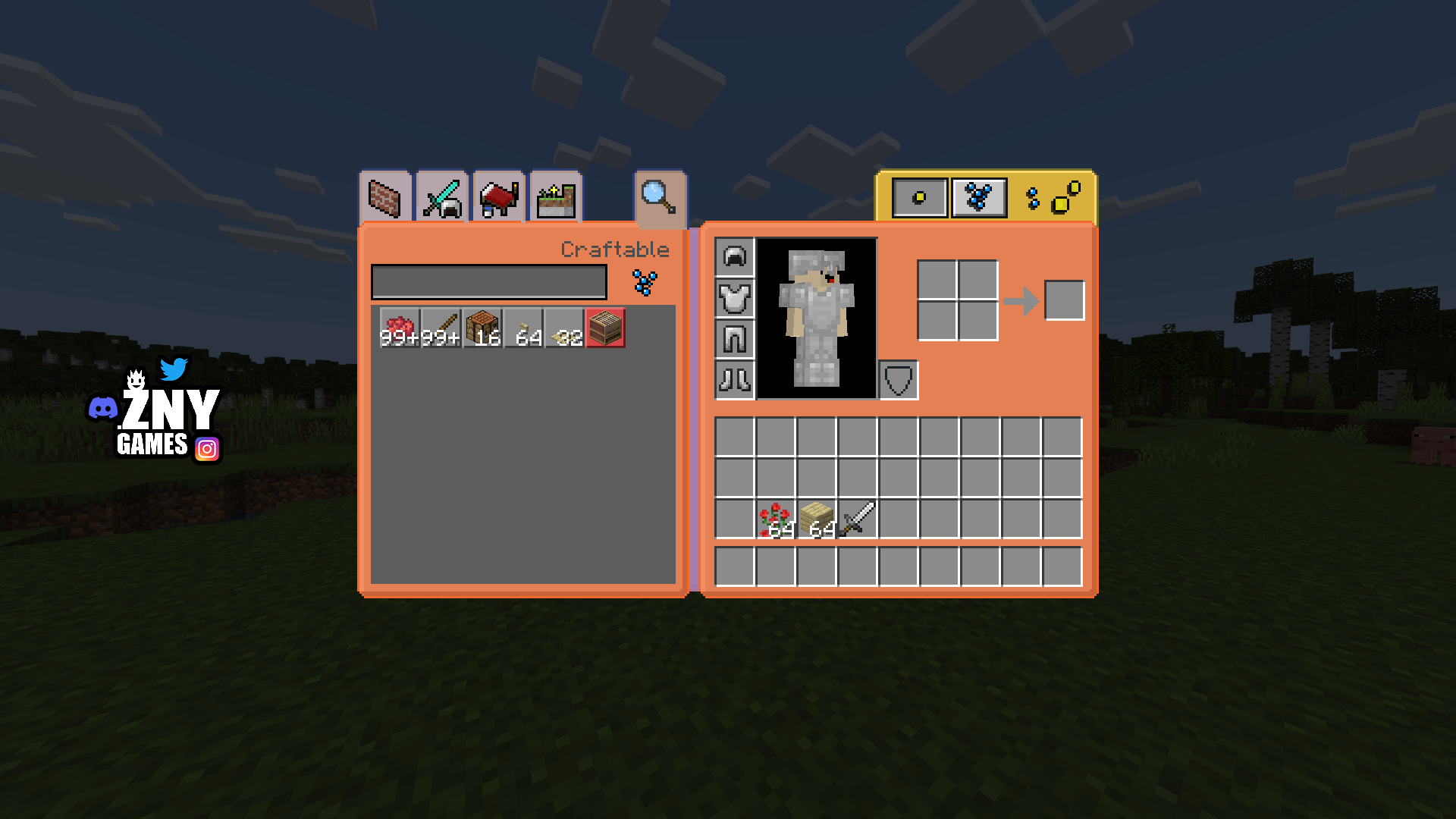
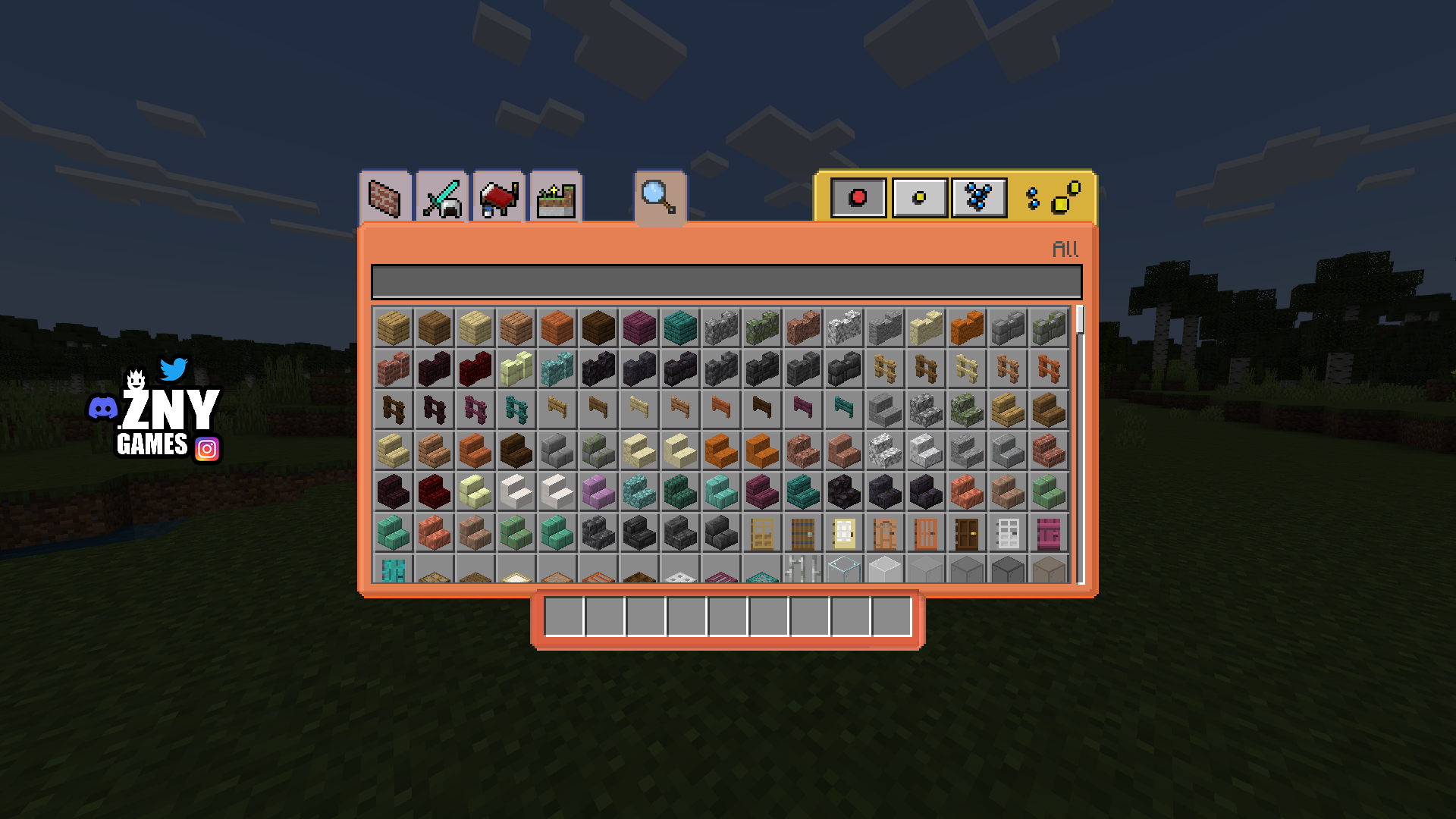
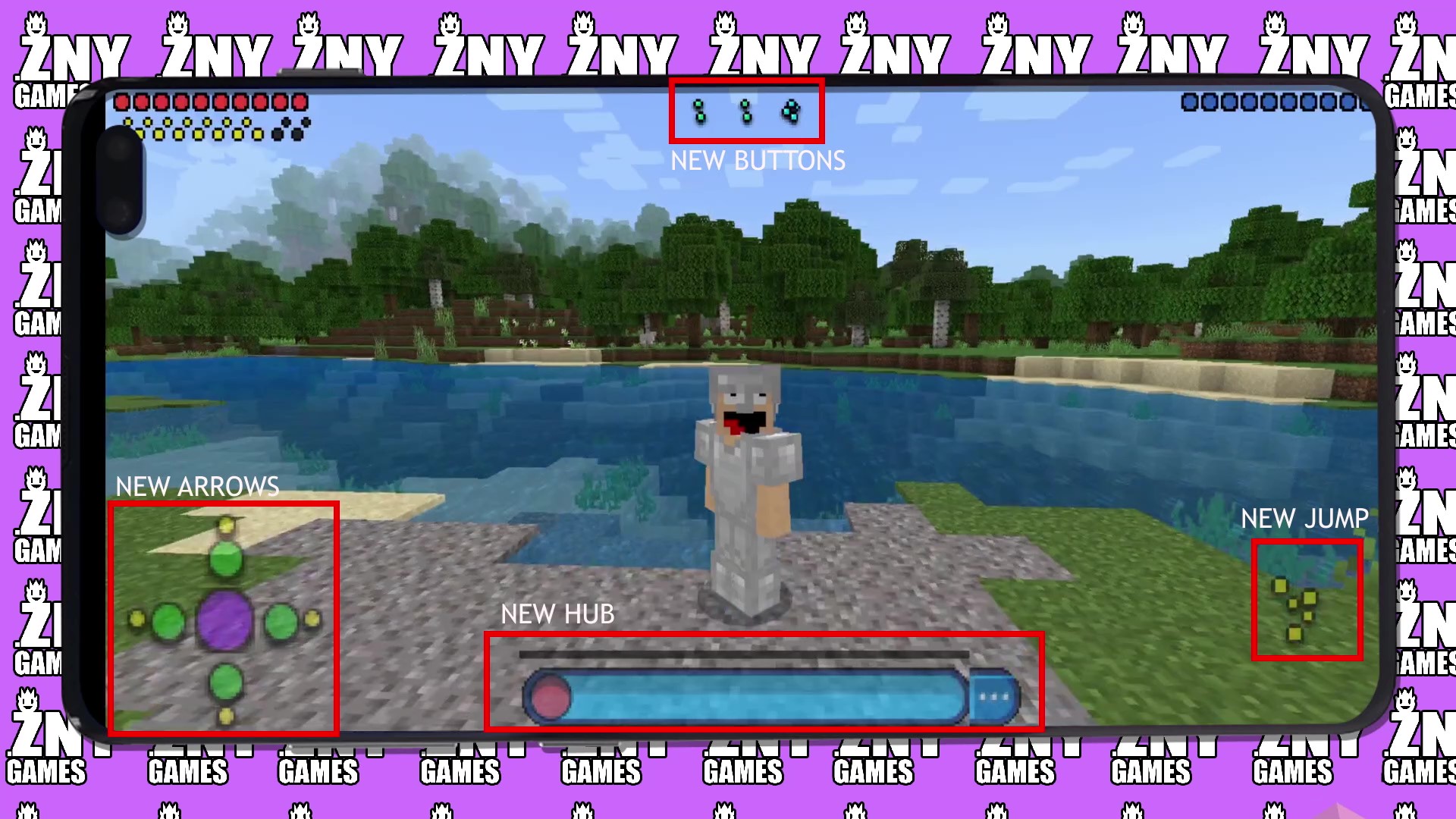
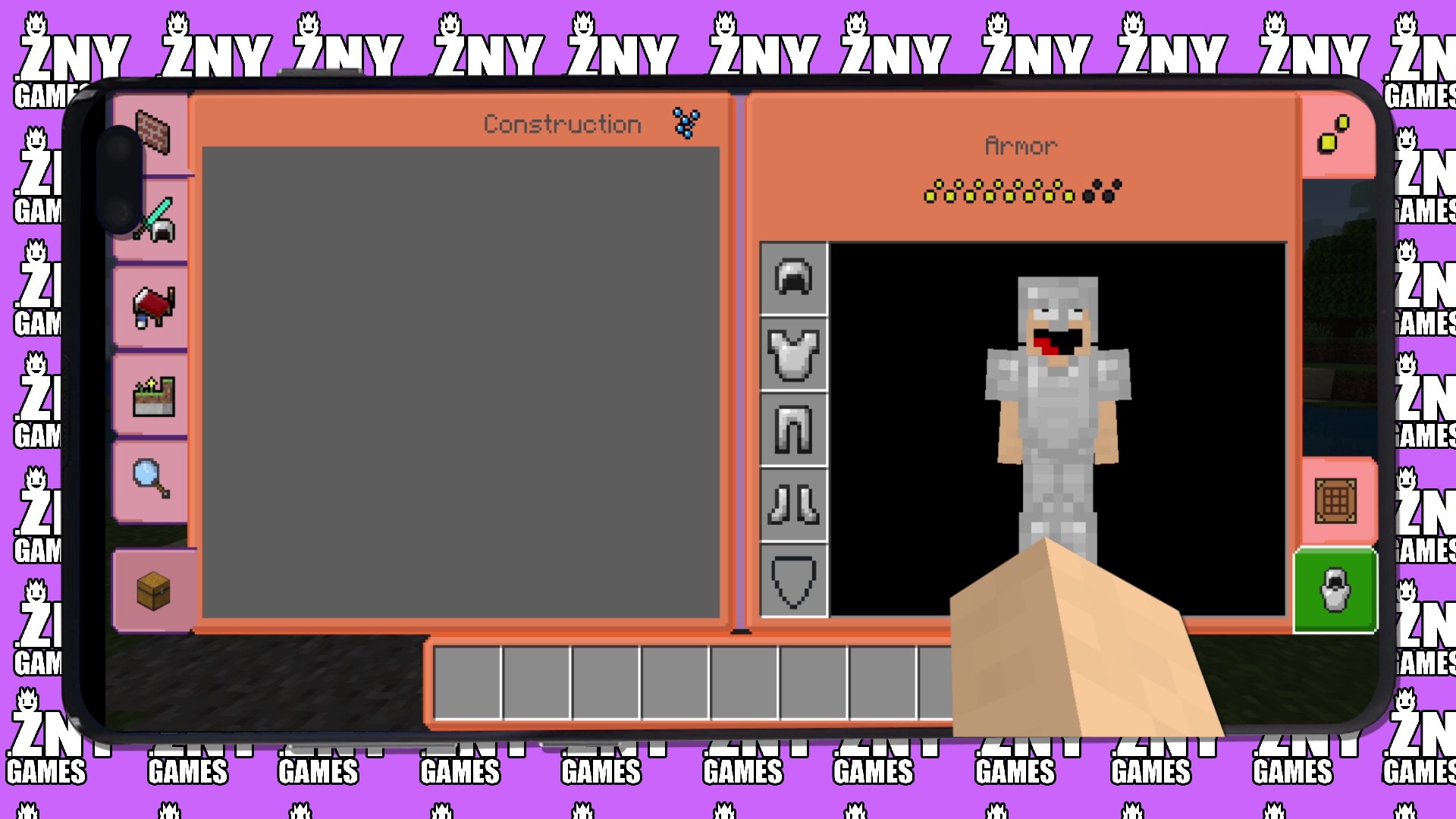
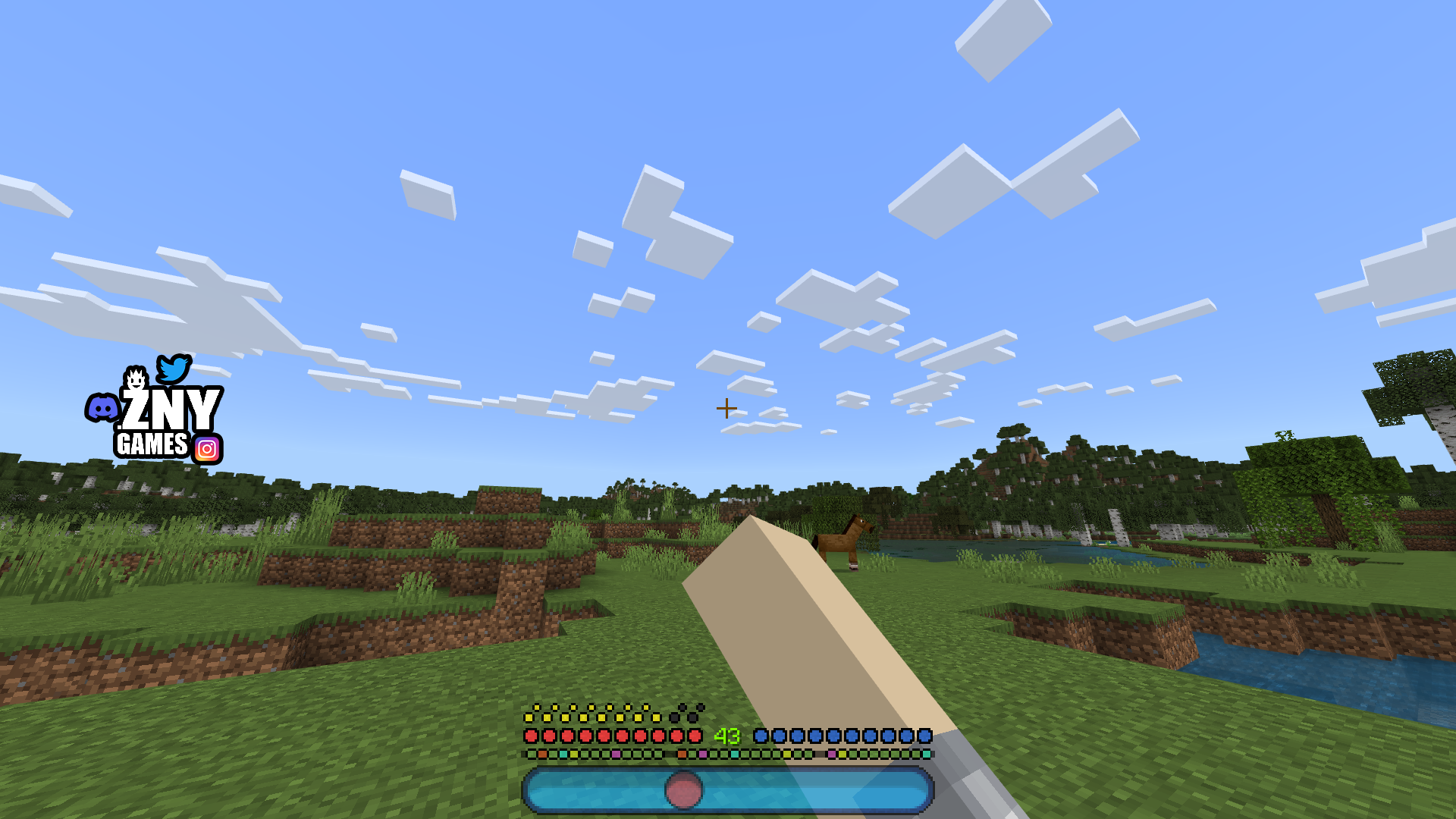
The GUI has been completely revamped to match the playful Bubble theme. This includes updates to the hotbar, book displays, options menu, and resource pack display. The title screens have also been modified, featuring changes to the editions and Minecraft logo. The background has been adjusted to perfectly complement the bubbly aesthetic.

Overall, this texture pack offers a variety of enhancements that improve the gaming experience and bring a fun, bubbly atmosphere to your Minecraft world.

New! with this pack:
- start screen    - controls:
- settings screen   - joysick and aim crosshair
- buttons        - d-pad and tap
- gui          - joystick and tap
- hotbat

 
πŸ›ˆ INSTALL
Note: If you encounter any issues, make sure that the texture pack is compatible with your version of Minecraft, and that you have followed all of the steps correctly.
Install BEDROCK

    • Open the Minecraft Bedrock app on your device and sign in to your Xbox Live account.
    • Click on the gear icon in the top left corner to open the "Settings" menu.
    • Select "Resource Packs" from the "Settings" menu.
    • Click on the "Import Resource Pack" button to add the texture pack from your device.
    • Select the added texture pack from the list of available resource packs and click "Select".
    • Restart the game to apply the changes.
    • You should now see the One Piece texture pack in your game.


πŸ’¬| COMMUNITY (っ^▿^)ۢ🍸🌟🍺٩(Λ˜β—‘Λ˜ )

 Minecraft Texture Pack - YOUTUBE znygames discord server - DISCORD - TWITTER - INSTAGRAM

Hey,

We invite you to join our Discord community where you can connect with fellow players, share your ideas, and report any bugs you encounter. Whether you have suggestions for improving the hotbar or need support with any issues, our community is here to help. Let’s build, explore, and create together!


🏁| LAST TEXTURE PACK BY ZNYGAMES

Check out the latest pack! ▢️ MEOW MEOW 😸


πŸ’–| THX!

See you in the next pack!

hotbar

The BUBBLE [BEDROCK] Team

profile avatar
  • 117
    Followers
  • 98
    Projects
  • 258.8K
    Downloads
Donate

More from znygamesView all