Bosya's Costume HUD+
A fully customizable HUD add-on for Minecraft Bedrock Edition. Move, resize and toggle every element directly in-game, no file editing needed.
✅ Achievements stay enabled. This add-on needs no Experimental toggles, so it does not disable achievements in your world.
Features
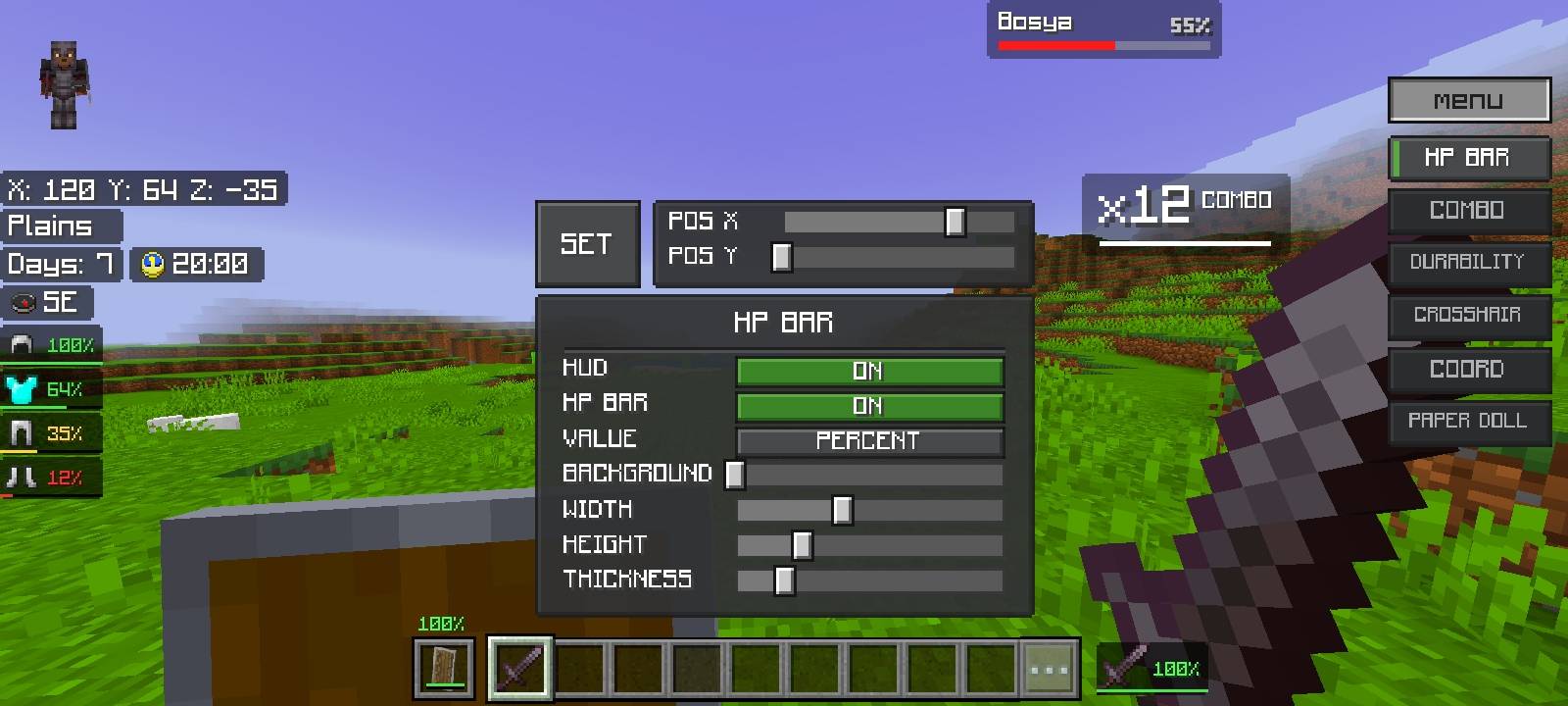
Mob Health Bar
- Shows the name and health of the mob you look at or hit
- Display as bar + percent, bar only, or percent only
- Current HP / max HP readout
Combo Counter
- Counts consecutive hits on mobs
- Changes color at higher combo tiers
Armor & Durability HUD
- Helmet, chestplate, leggings and boots with durability percent and bar
- Offhand item (totem, shield, torch, lantern, arrows with count)
- Durability of the item in your main hand
Info Display
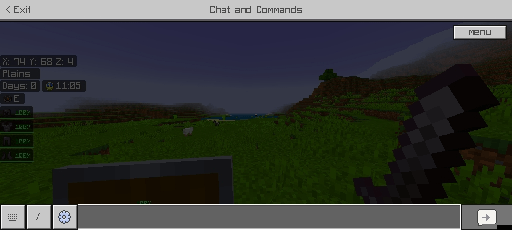
- Coordinates and days played
- In-game clock
- Compass direction
- Current biome name
Extras
- Custom crosshair with adjustable size, thickness, color and outline
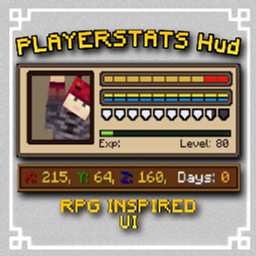
- Paper doll (player preview)
- Live preview while editing
In-Game Editor
Open the chat screen and use the editor panel to:
- Position each element (POS X / POS Y)
- Change width, height, size, color and background
- Mirror the layout
- Turn each part ON or OFF
Installation
- Download the
.mcaddon file and open it with Minecraft.
- Create or edit a world.
- Activate both the Behavior Pack and the Resource Pack.
Requirements
- Minecraft Bedrock Edition 1.21.120 or newer
- Both packs must be enabled (the behavior pack runs the scripts, the resource pack draws the HUD)
- Includes two subpacks: Default and Smooth
⚠️ Copyright & Usage Terms
© Bosya. All Rights Reserved.
This add-on, including its code, scripts, UI layouts and textures, is the original work of Bosya and is protected by copyright.
You MAY:
- Download and use it in your own worlds and servers
- Show it in videos, streams and screenshots (credit appreciated)
- Link to this page to share it
You may NOT, without written permission from the author:
- Re-upload or redistribute it anywhere (other sites, Discord, mirrors, file hosts, add-on packs or bundles)
- Copy, edit, modify or "remix" its code, scripts, UI or textures and publish the result
- Claim it as your own work or remove the author's credit
- Put it behind ad links, paywalls or any monetization
Violations may be reported and removed under the DMCA. For permission requests, contact the author through this page.
Credits
Created by Bosya.