This Add-On adds Java's bossbar command to bedrock!
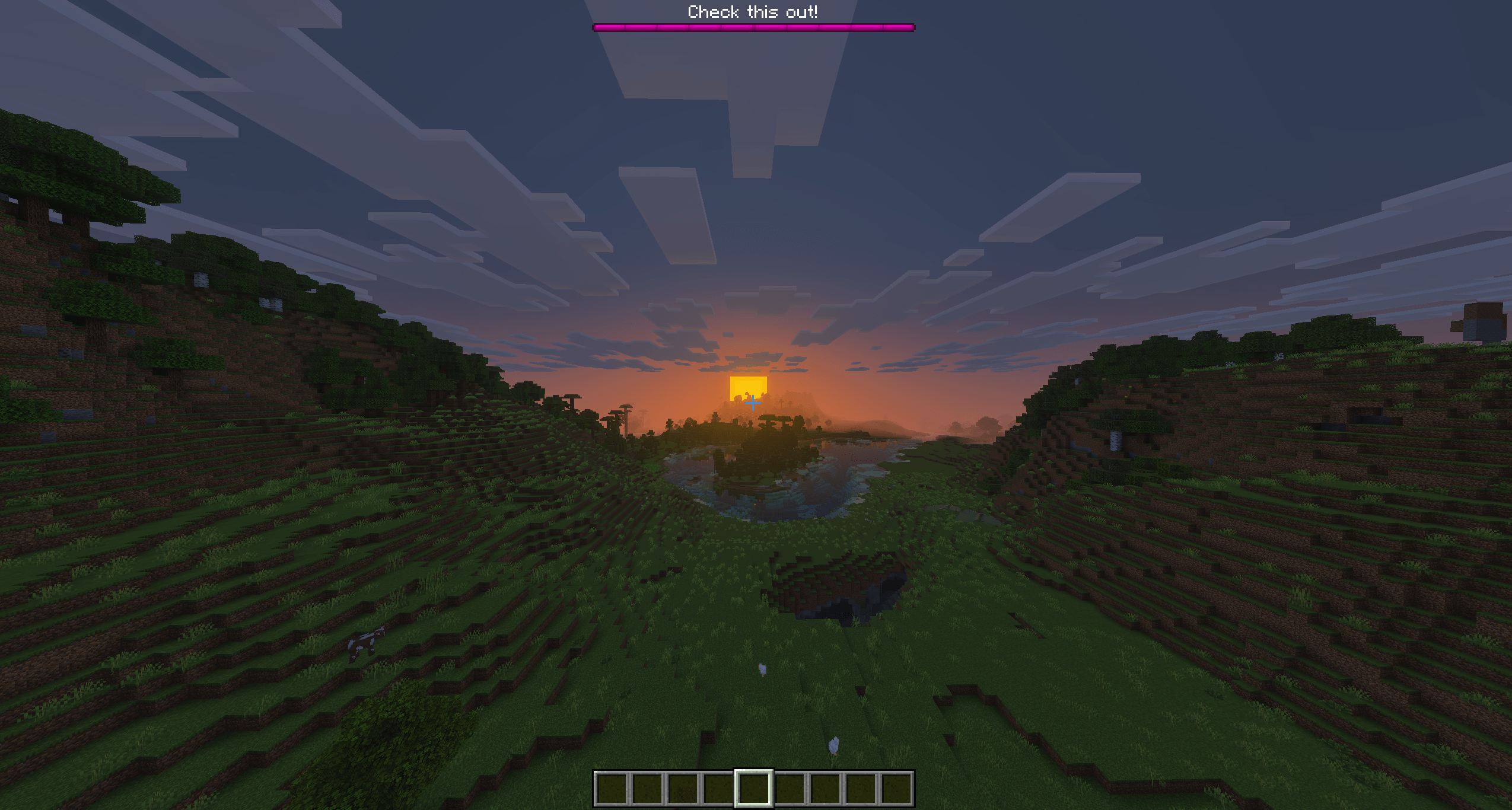
Commands:
- /bossbar.create <id> [displayName]
- Used to create a new bossbar, the id is purely used to easily reference to the bossbar in other commands. The displayname is the text that will show in-game. E.g. '/bossbar.create welcome "Welcome To The Server"'
- /bossbar.remove <id>
- Used to remove a bossbar.E.g. '/bossbar.remove welcome'
- /bossbar.display <id> <target: player(s)> <show: boolean>
- This command changes the visibility of a bossbar for the selected targets. E.g. '/bossbar.display welcome @a true' will show the bossbar for all currently online players
- /bossbar.color <id> <blue|green|pink|purple|red|white|yellow>
- This command changes the display color of the boss healthbar. E.g. '/bossbar.color welcome red'
- /bossbar.name <id> <displayName>
- This is used to rename the displayname of a bossbar. E.g. '/bossbar.name welcome "Welcome To The NEW Server"'
- /bossbar.value <id> <value>
- Changes the health value of the specified bossbar. E.g. '/bossbar.value welcome 50' will set it to half HP (default maxvalue is 100).
- /bossbar.maxvalue <id> <value>
- Modifies the max value of the healthbar. E.g. '/bossbar.maxvalue welcome 200' if the value is 100, this would result in a half full healthbar.
- /bossbar.link <id> <target: entity> [hideOnDeath: boolean]
- Links a bossbar to the given entity. E.g. '/bossbar.link welcome @e[type=cow,c=1] true'. This will completely overwrite the old value and maxvalue property of the bossbar and instead link it to the health of (in this case) the cow.
- /bossbar.notches <id> <none|six|ten|twelve|twenty>
- Changes the amount of notches (style). E.g. '/bossbar.notches welcome twenty'. This will result in a bossbar that's devided into 20 small sections.
Bossbar Add-on Team