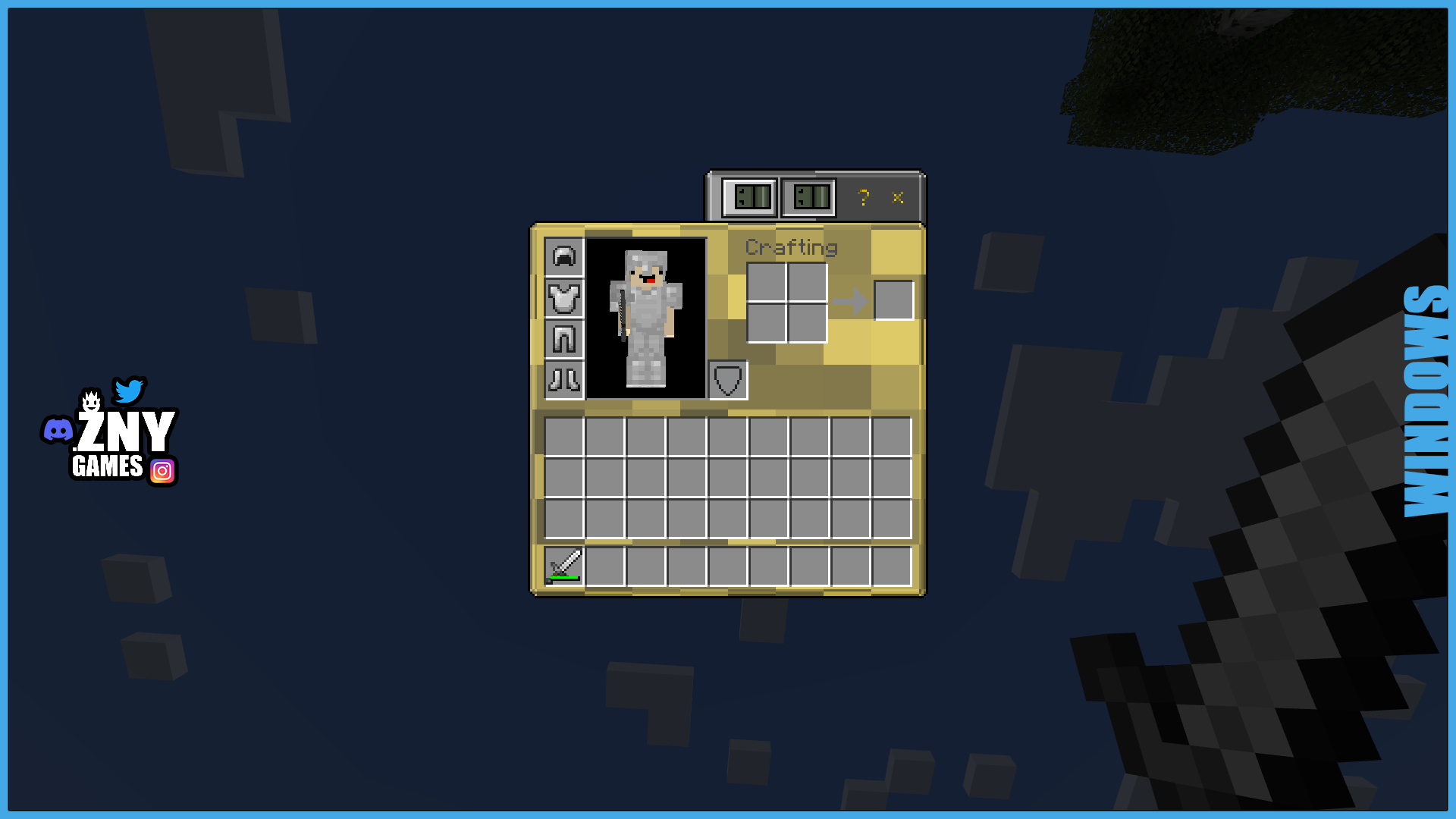
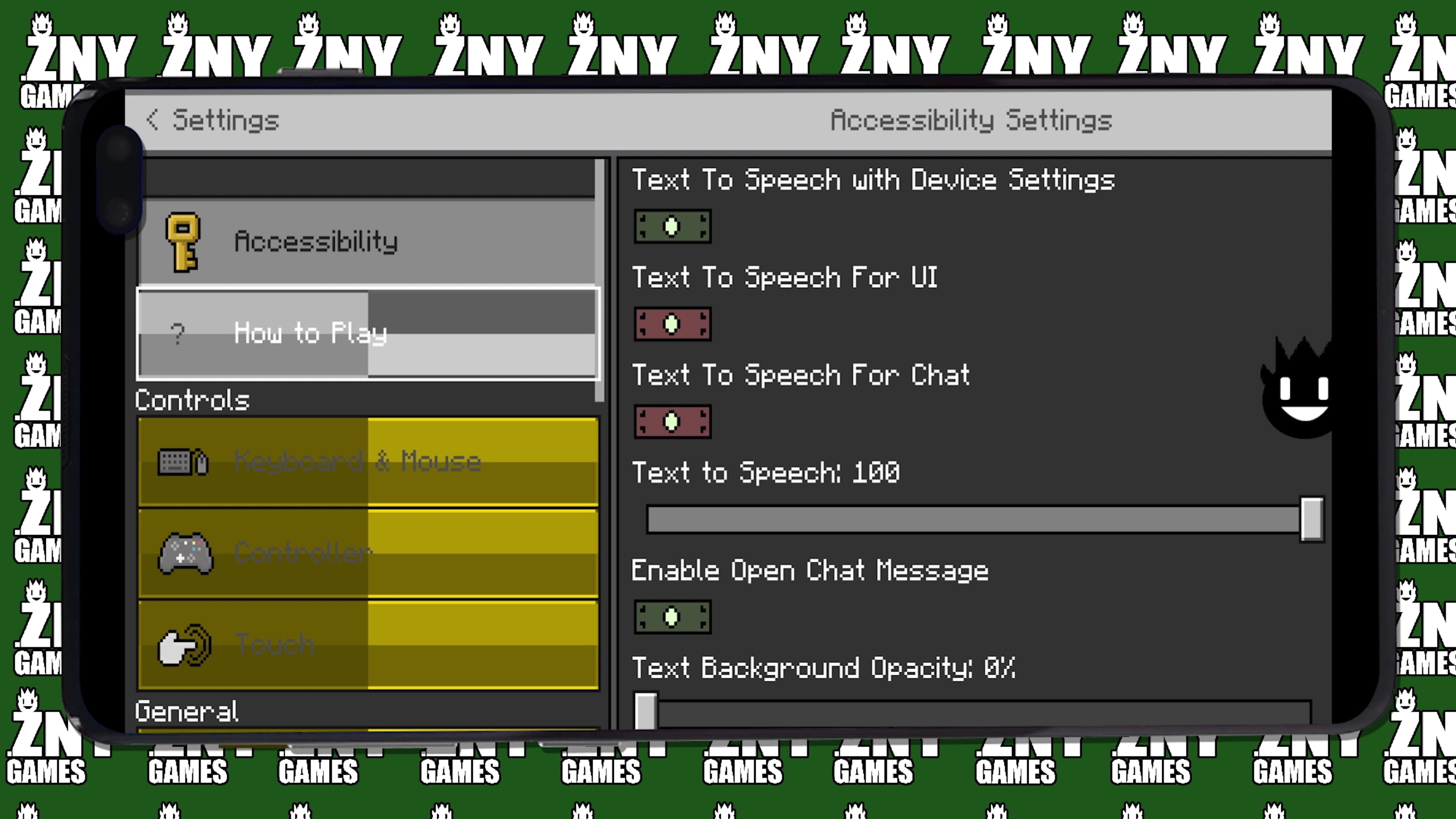
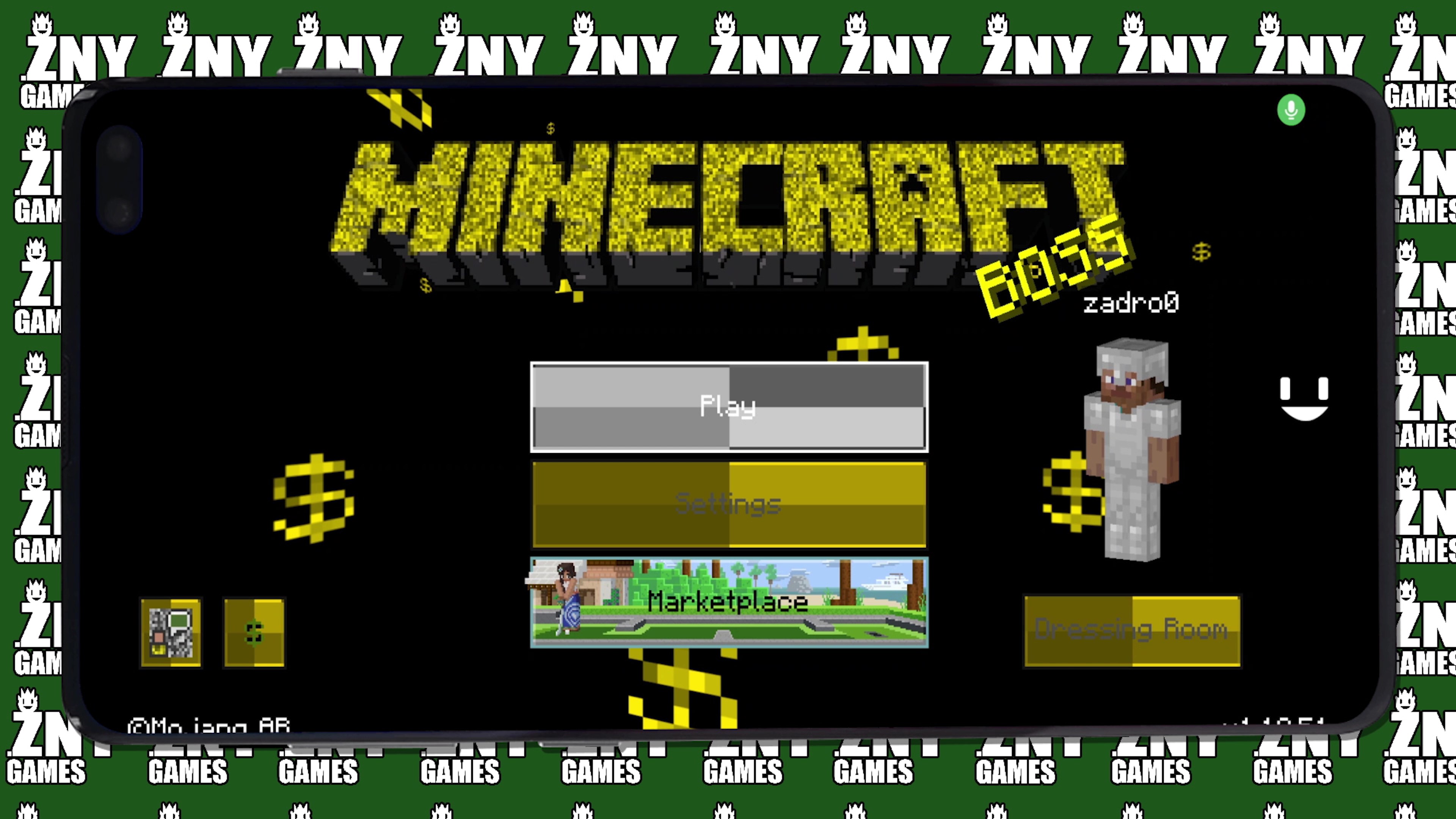
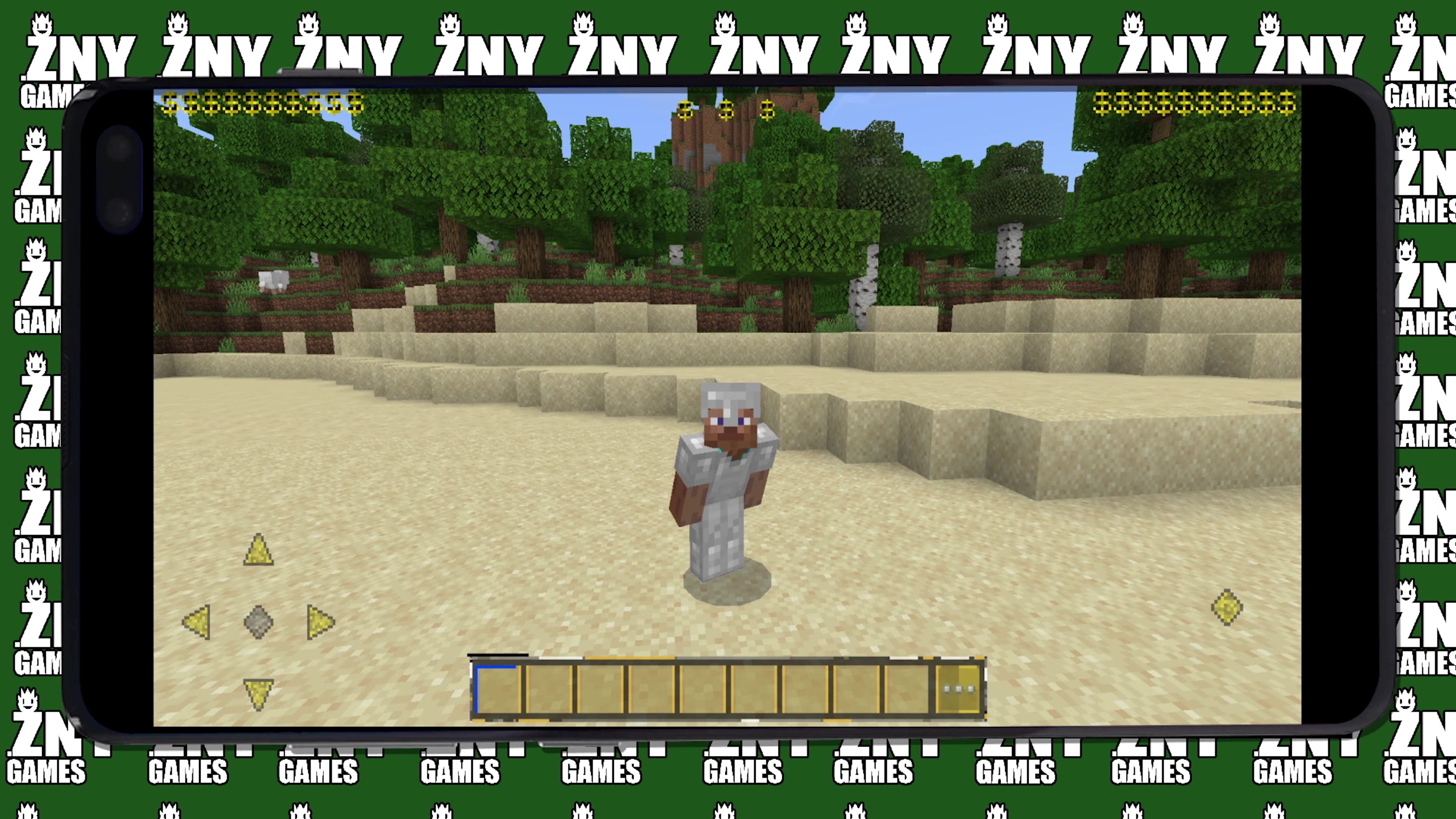
BOSS💲 Introducing the Boss Bedrock Texture Pack, a themed GUI texture pack for Minecraft!
🎞| TRAILER
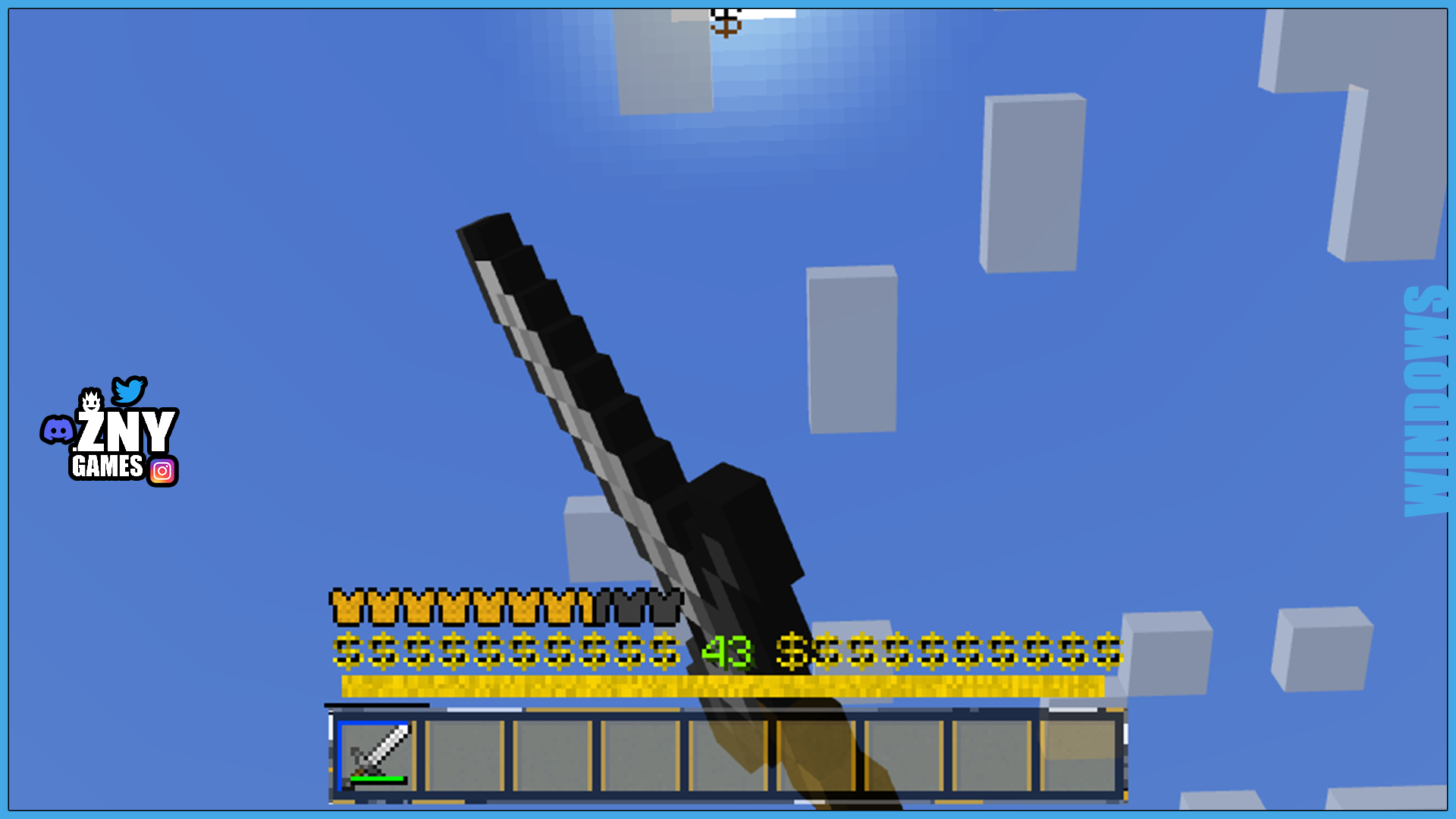
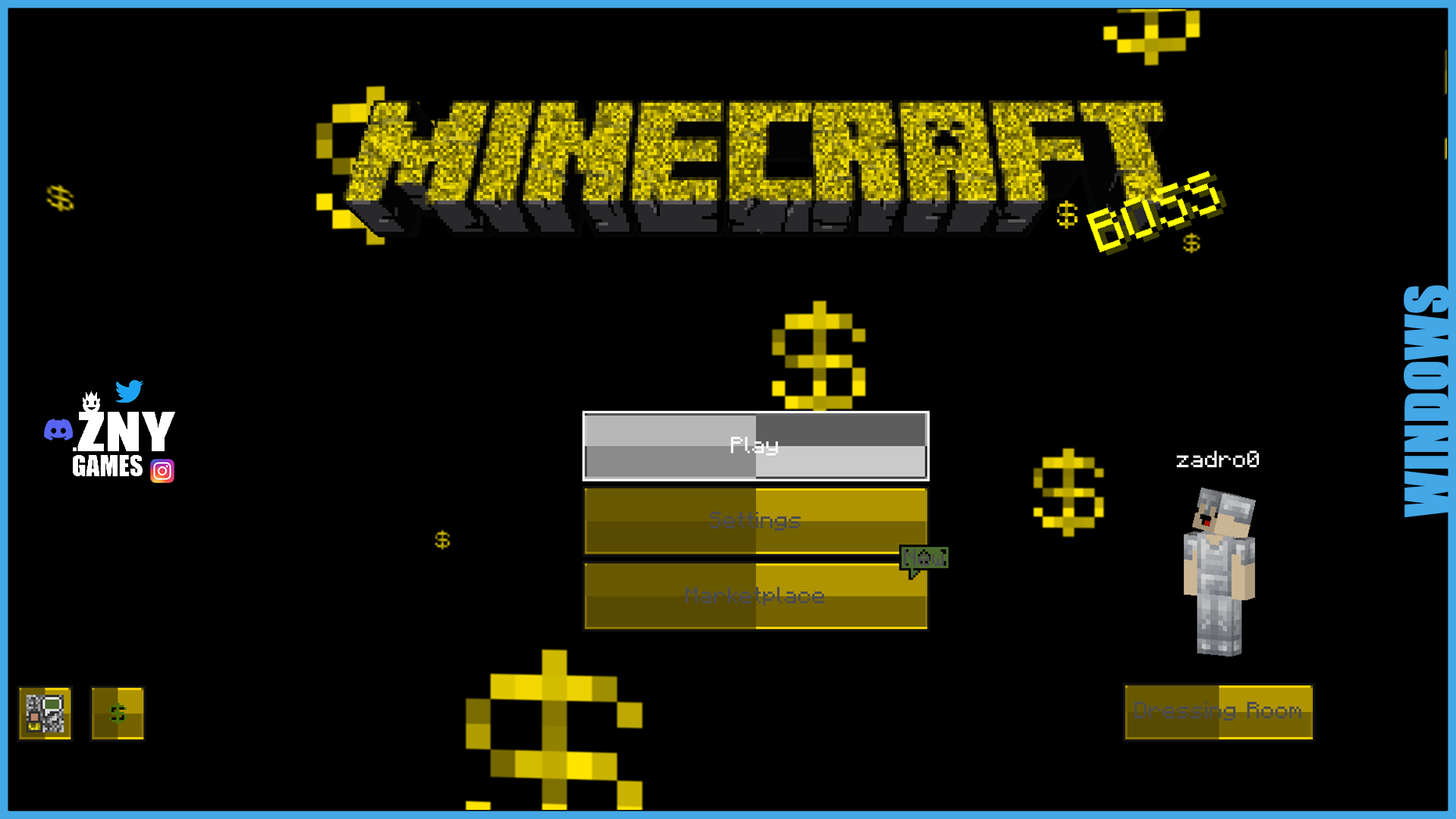
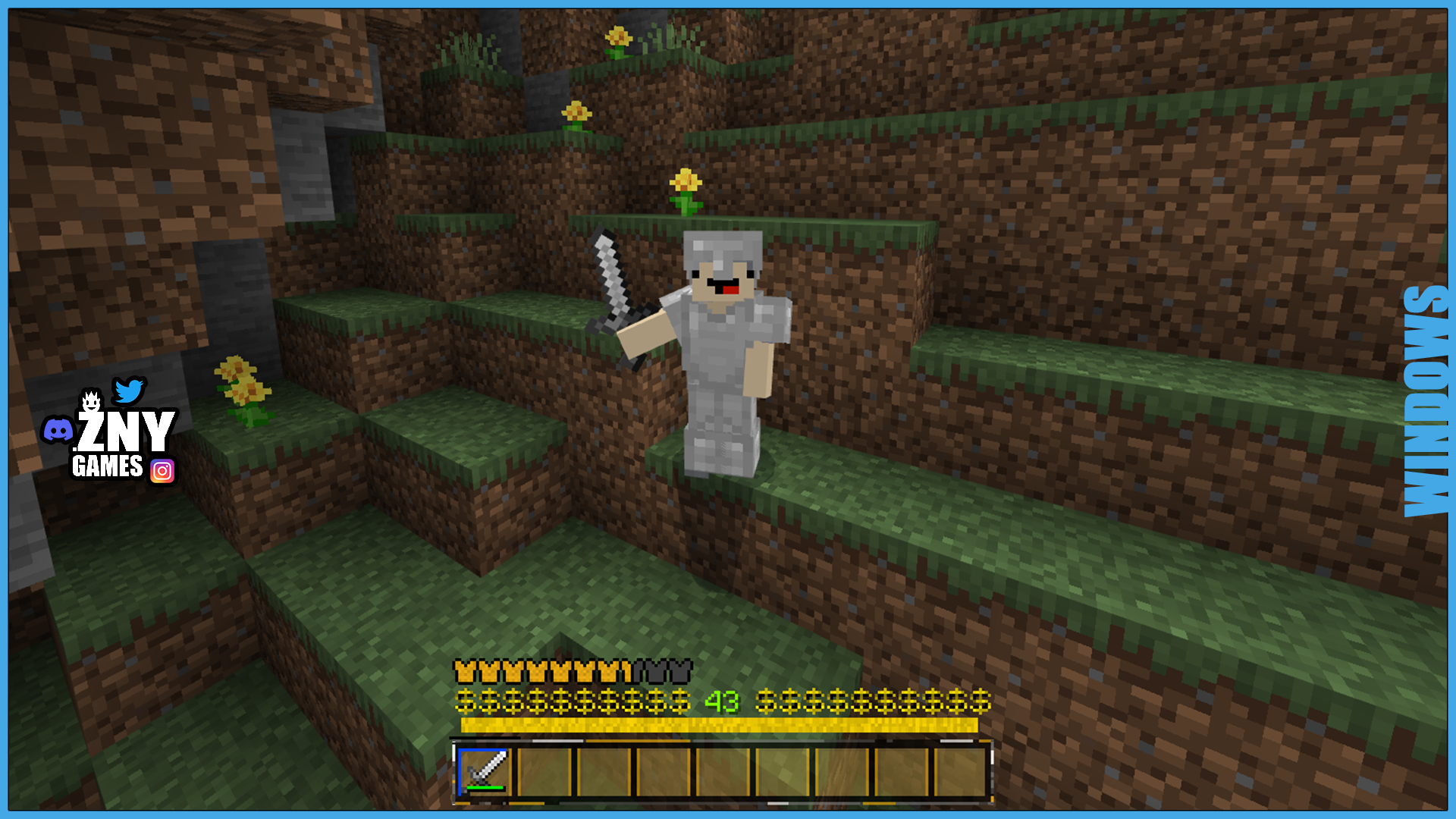
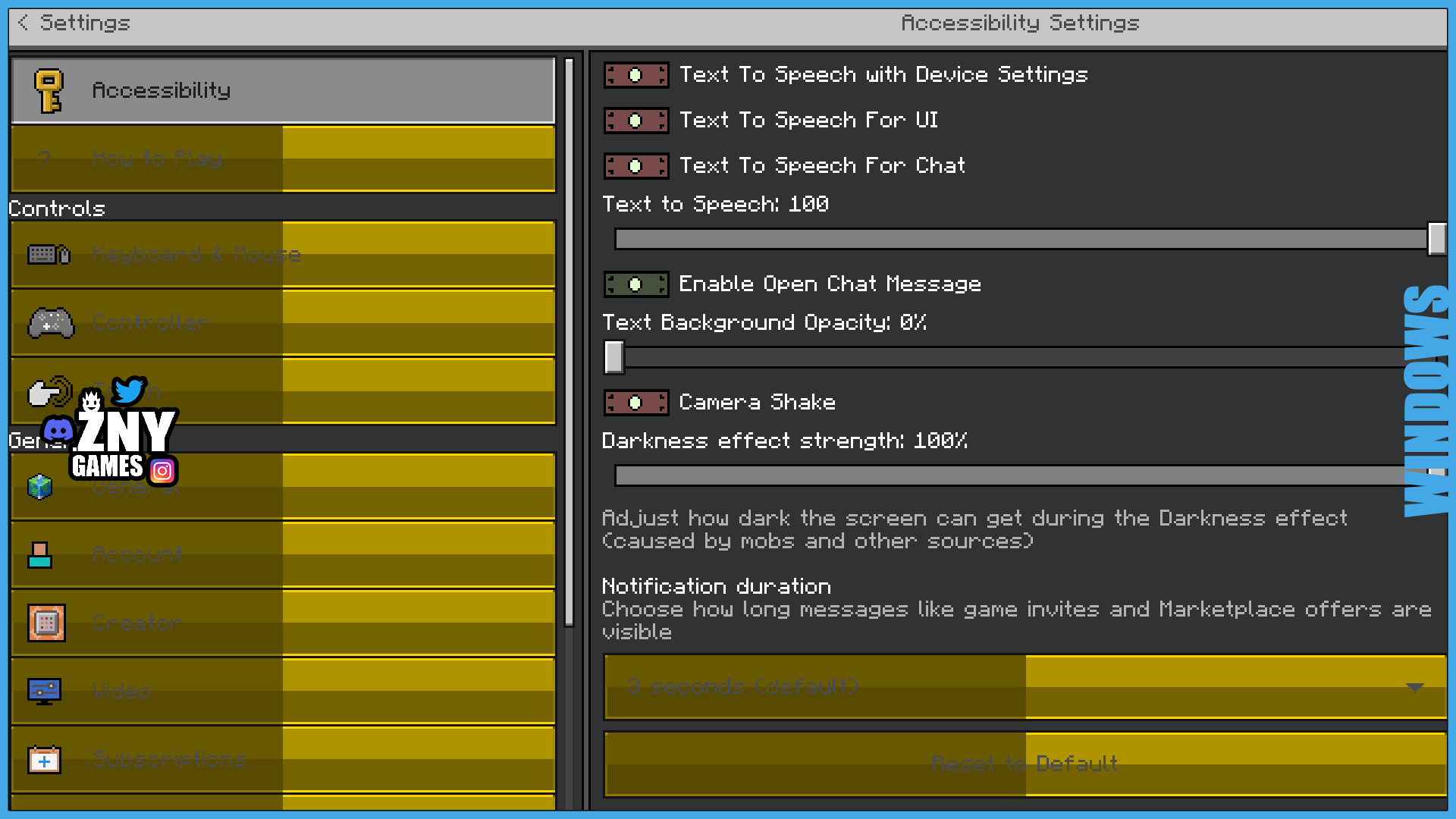
🖼| EXAMPLE
Joysick and Aim Crosshair
D-Pad and Tap
Joystick and Tap
more examples in the picture gallery above ⬆️
🗒| DESCRIPTION
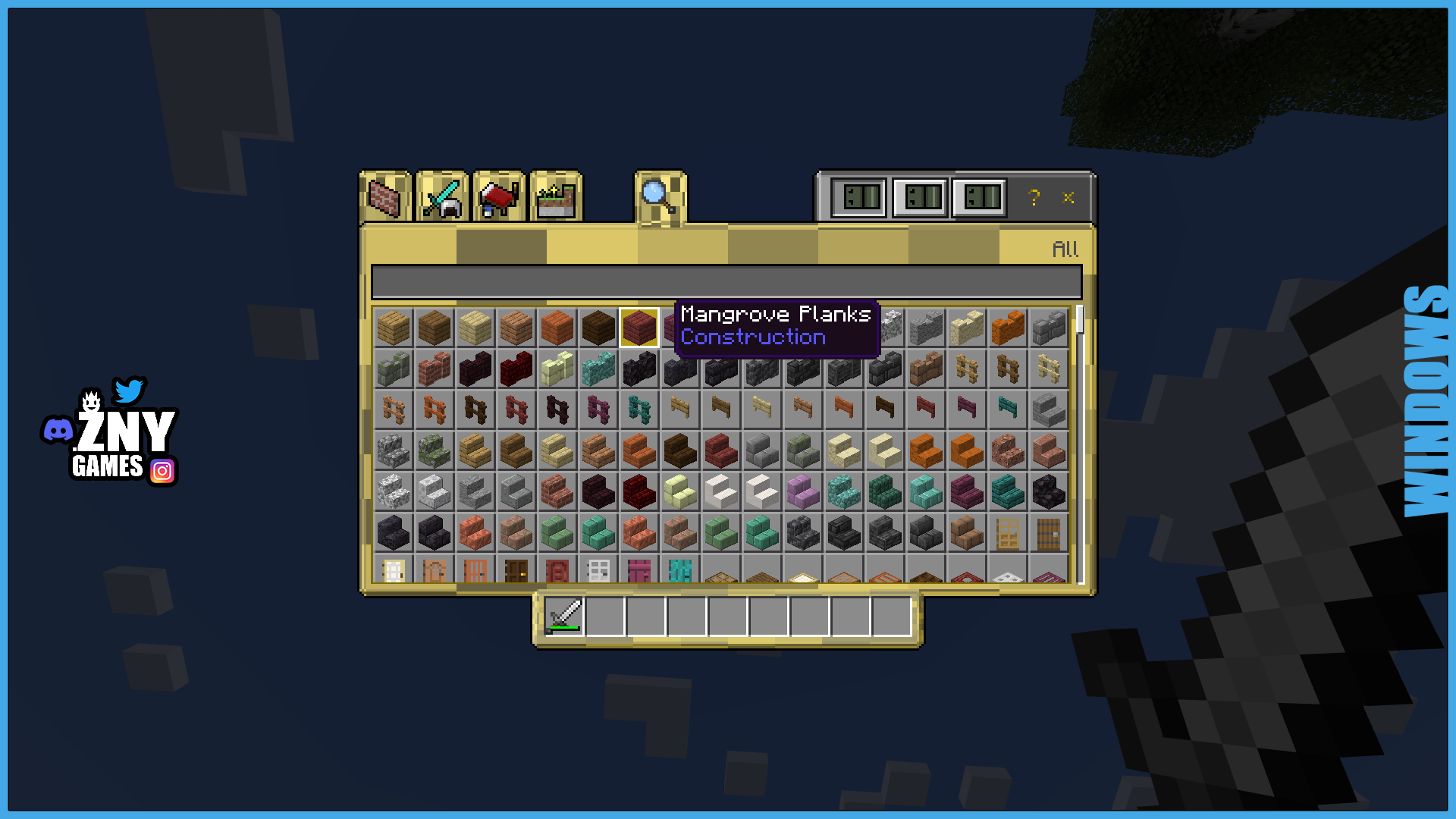
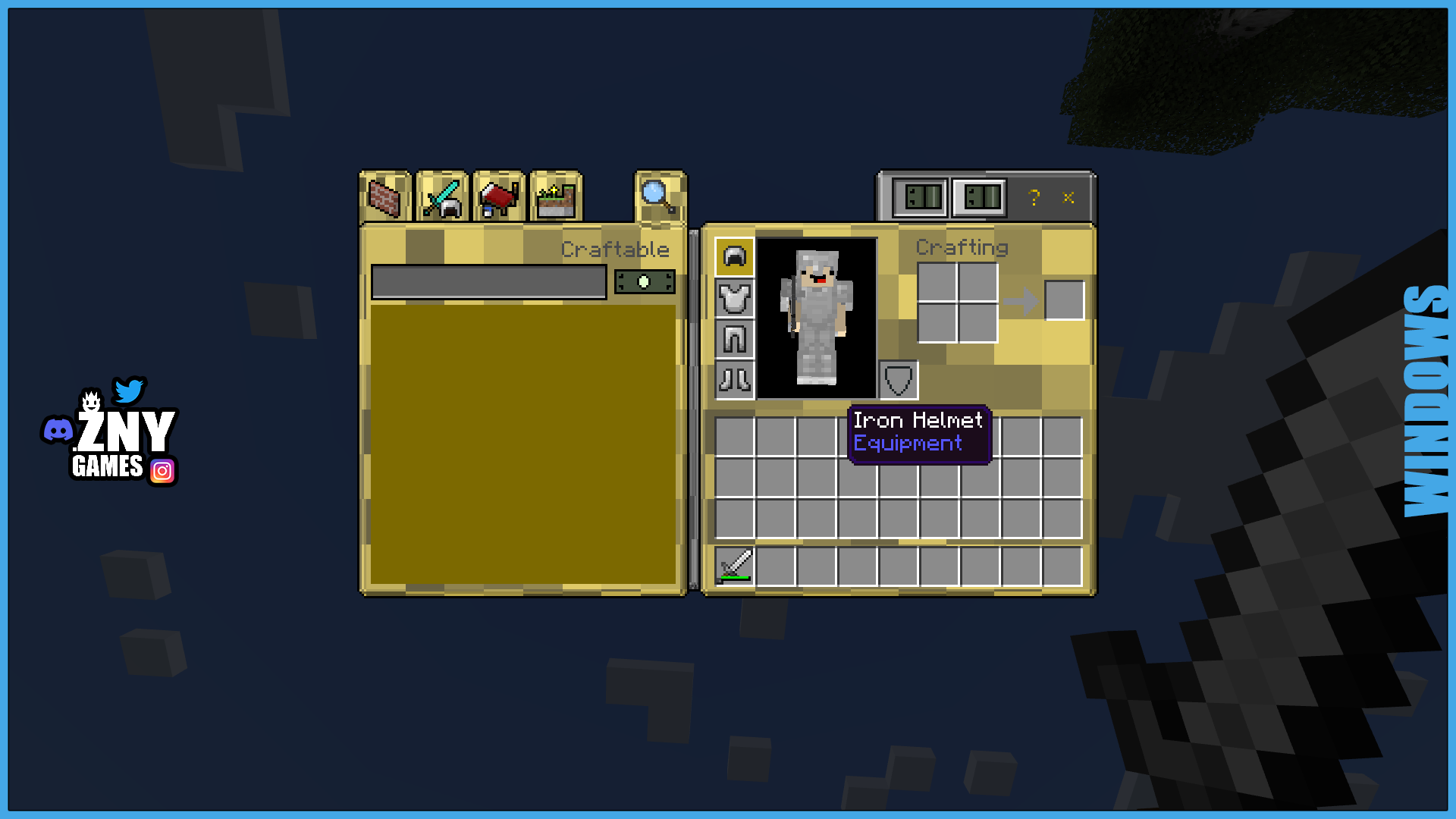
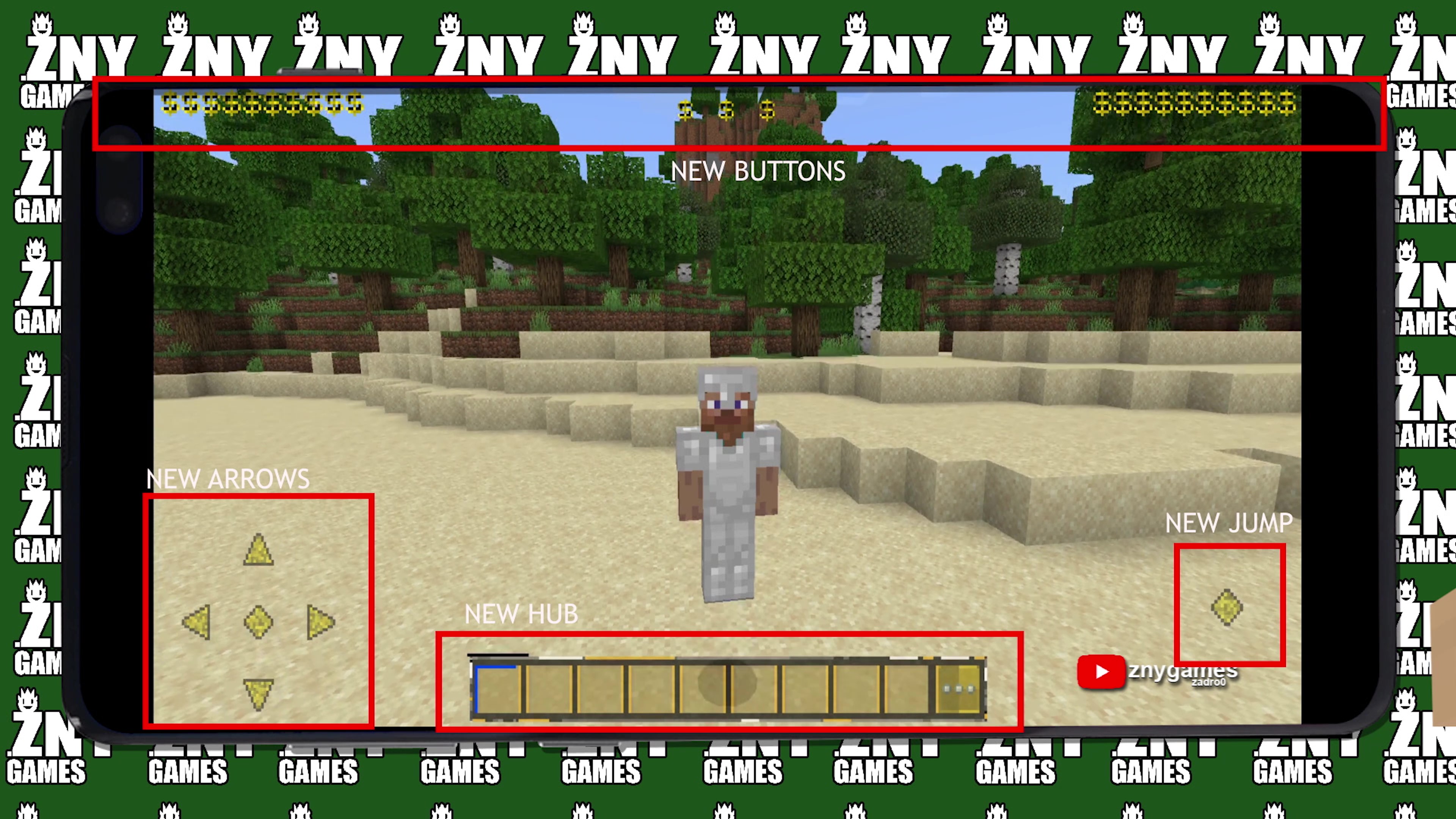
This pack offers a powerful makeover for your Minecraft experience by modifying the start screen, settings, and GUI with a sleek, boss-themed design. Enjoy a brand-new hotbar, XP bar, and various other enhancements that elevate your gameplay. Immerse yourself in a commanding and stylish interface that brings a fresh and exciting look to your Minecraft adventures.
New! with this pack: - start screen - controls: - settings screen - joysick and aim crosshair - buttons - d-pad and tap - gui - joystick and tap - hotbar
🛈| INSTALL
Note: If you encounter any issues, make sure that the texture pack is compatible with your version of Minecraft, and that you have followed all of the steps correctly.
Install BEDROCK
Open the Minecraft Bedrock app on your device and sign in to your Xbox Live account.
Click on the gear icon in the top left corner to open the "Settings" menu.
Select "Resource Packs" from the "Settings" menu.
Click on the "Import Resource Pack" button to add the texture pack from your device.
Select the added texture pack from the list of available resource packs and click "Select".
We invite you to join our Discord community where you can connect with fellow players, share your ideas, and report any bugs you encounter. Whether you have suggestions for improving the hotbar or need support with any issues, our community is here to help. Let’s build, explore, and create together!