IMG_4712.png
IMG_4710.png
Description
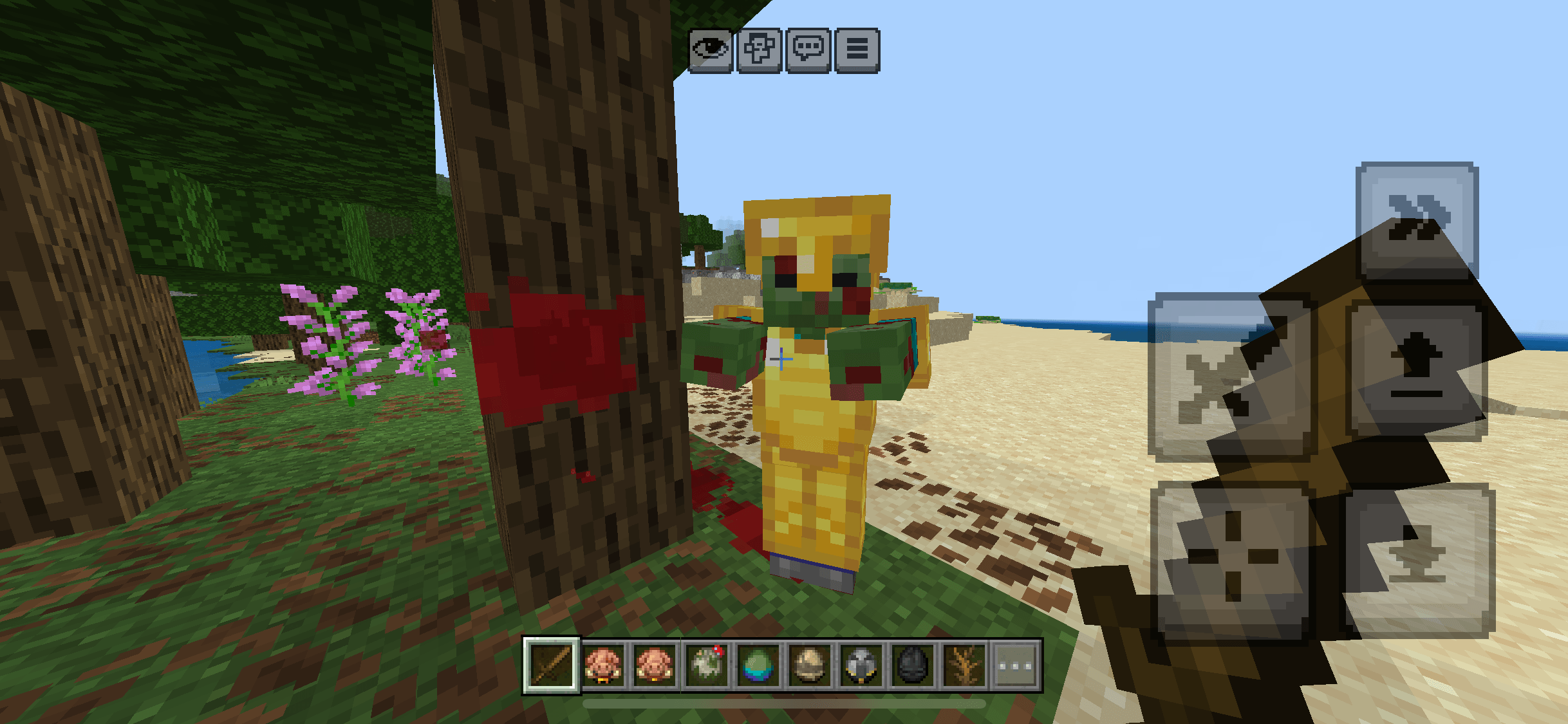
Blood VFX — Dynamic Blood & Wound effects.
Make every hit leave a mark.
Blood VFX is a visual effects add-on for Minecraft Bedrock Edition that introduces animated blood splashes, surface stains, wounds on creatures, and unique effects for different mobs.
Designed to enhance combat without changing Minecraft’s core gameplay, Blood VFX combines pixel-art textures, procedural animations, and environment-aware effects to make combat more immersive.
⸻
Blood Splashes & Hit Effects
Every hit deserves a visual reaction.
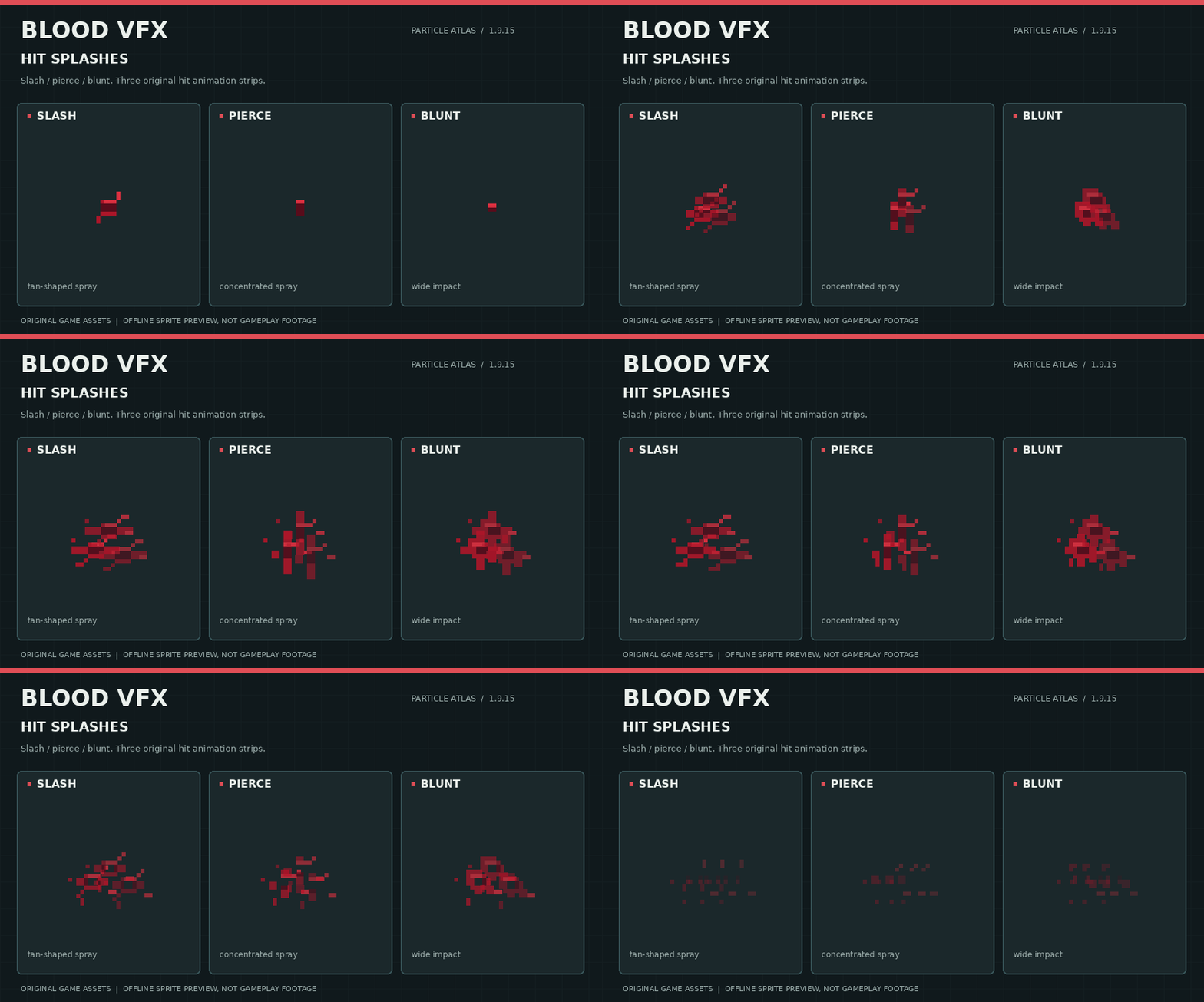
Blood VFX features several animated splash patterns that respond to combat events, including slashing, piercing, and heavy impacts.
- Animated blood sprays and droplets.
- Different splash patterns for different types of impact.
- Procedural animation curves for smoother movement.
- Multiple visual variations to reduce repetition.
- Unique blood colors for different creatures.
⸻
Blood Stains & Pools
Blood doesn’t simply disappear after impact.
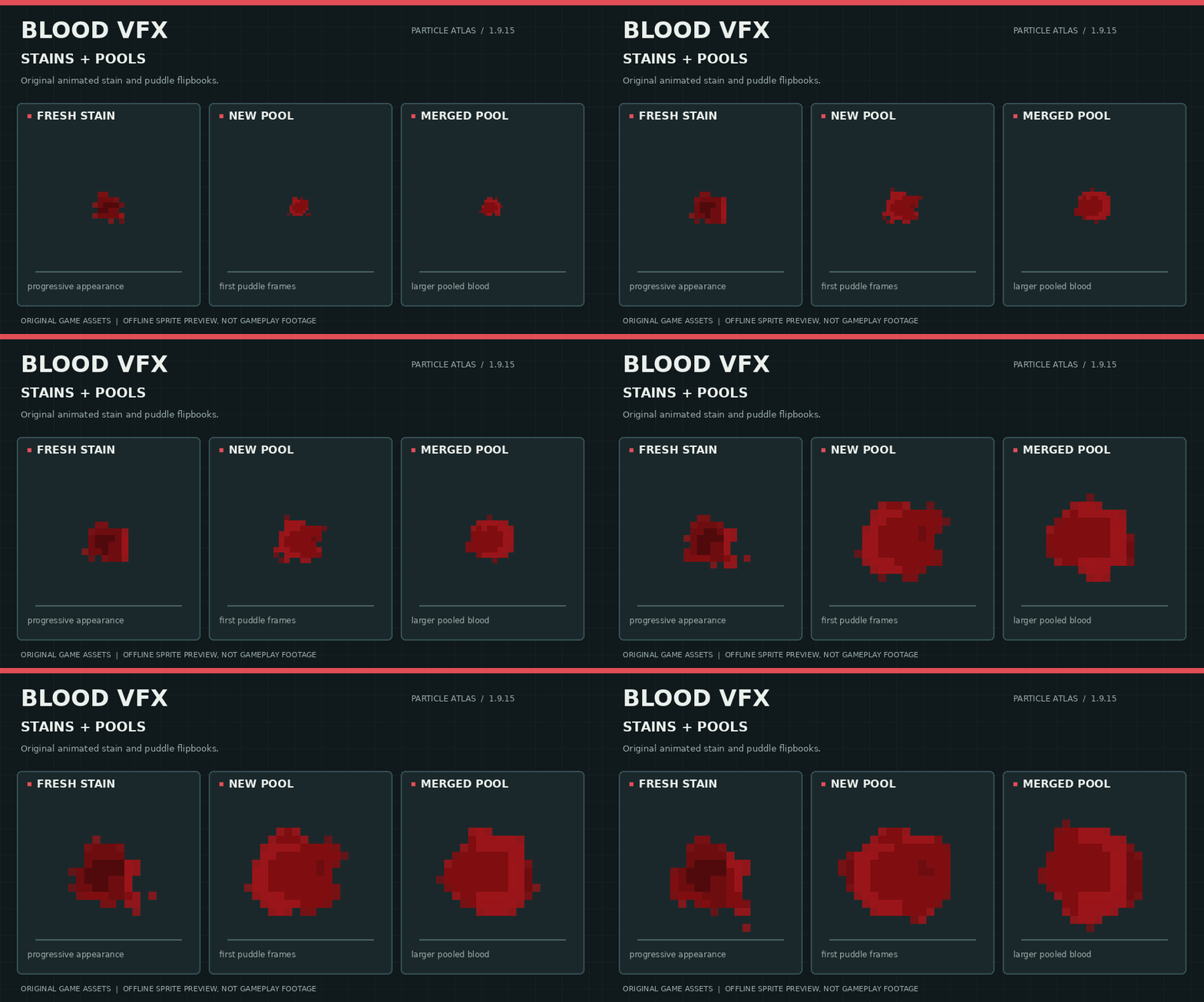
When creatures are injured, blood can leave visible marks on the surrounding environment.
- Animated blood stains.
- Gradually expanding blood pools.
- Multiple stain shapes and sizes.
- Small droplets and larger splatters.
- Persistent environmental blood effects.
Stains use pixel-art textures designed to blend with Minecraft’s blocky visual style.
⸻
Blood on Blocks & Surfaces
Blood VFX includes a surface-aware placement system designed to display blood on different block shapes.
Rather than treating every block as a full cube, the add-on uses specialized placement rules and textures for different surfaces.
Supported surface categories include:
- Full blocks and walls.
- Stairs and slabs.
- Glass and glass panes.
- Beds and other partial blocks.
- Shelves and narrow surfaces.
- Additional supported block geometries.
Surface compatibility continues to be improved, particularly for blocks with unusual shapes.
⸻
Animated Blood Drips
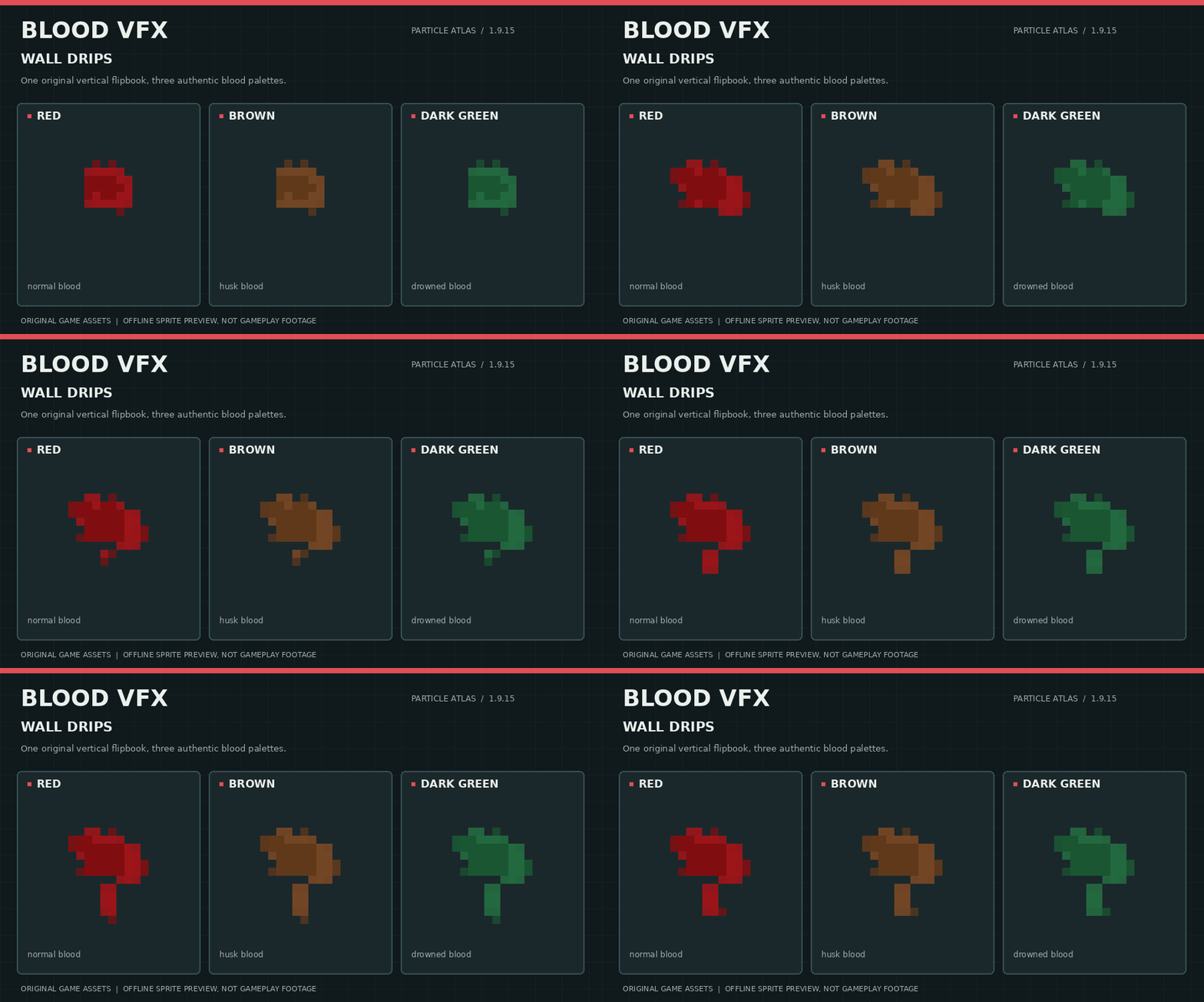
Blood can form vertical streaks and animated drips on walls and other supported surfaces.
These effects use dedicated animation frames to create the appearance of liquid gradually moving downward.
- Vertical blood streaks.
- Animated dripping effects.
- Different drip lengths and shapes.
- Color variations matching different blood types.
⸻
Dynamic Wounds on Creatures
Blood VFX introduces a visual damage system that allows wounds and bloodstains to appear directly on mob models.
As creatures take damage, their appearance can change through several stages of injury.
- Progressive wound textures.
- Blood overlays on bodies and limbs.
- Different appearances for different creature types.
- Dedicated texture variations for humanoid and non-humanoid mobs.
- Support for several adult and baby mob variants.
The system is being continuously refined to improve compatibility with Minecraft’s different mob models and animations.
⸻
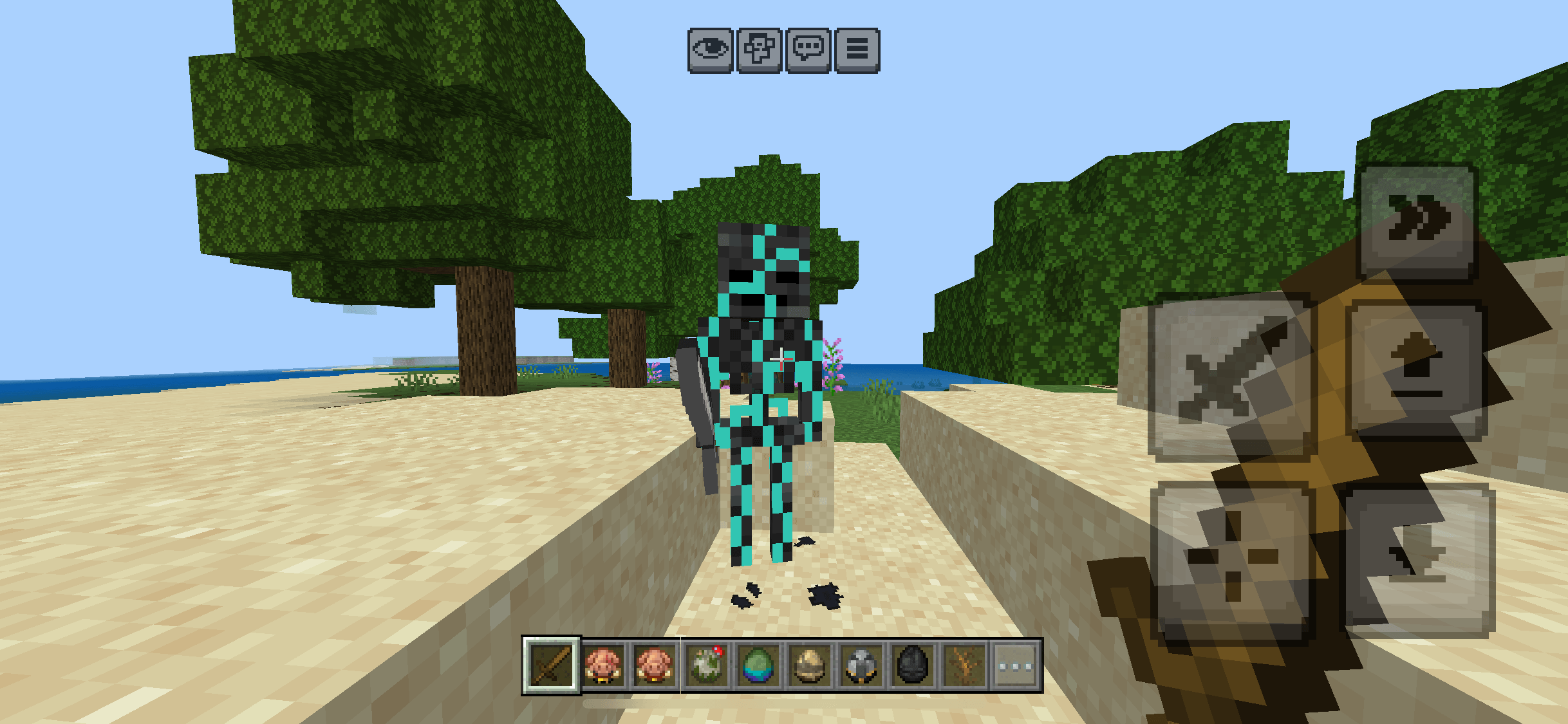
Skeleton Bone Fragments
Not every creature should react to damage in the same way.
Skeletons and other supported skeletal creatures can release fragments of bone when struck.
These effects include:
- Multiple bone fragment shapes.
- Small bone chips and larger pieces.
- Ground-level particle effects.
- Lightweight particle limits designed for mobile devices.
⸻
Different Creatures, Different Blood
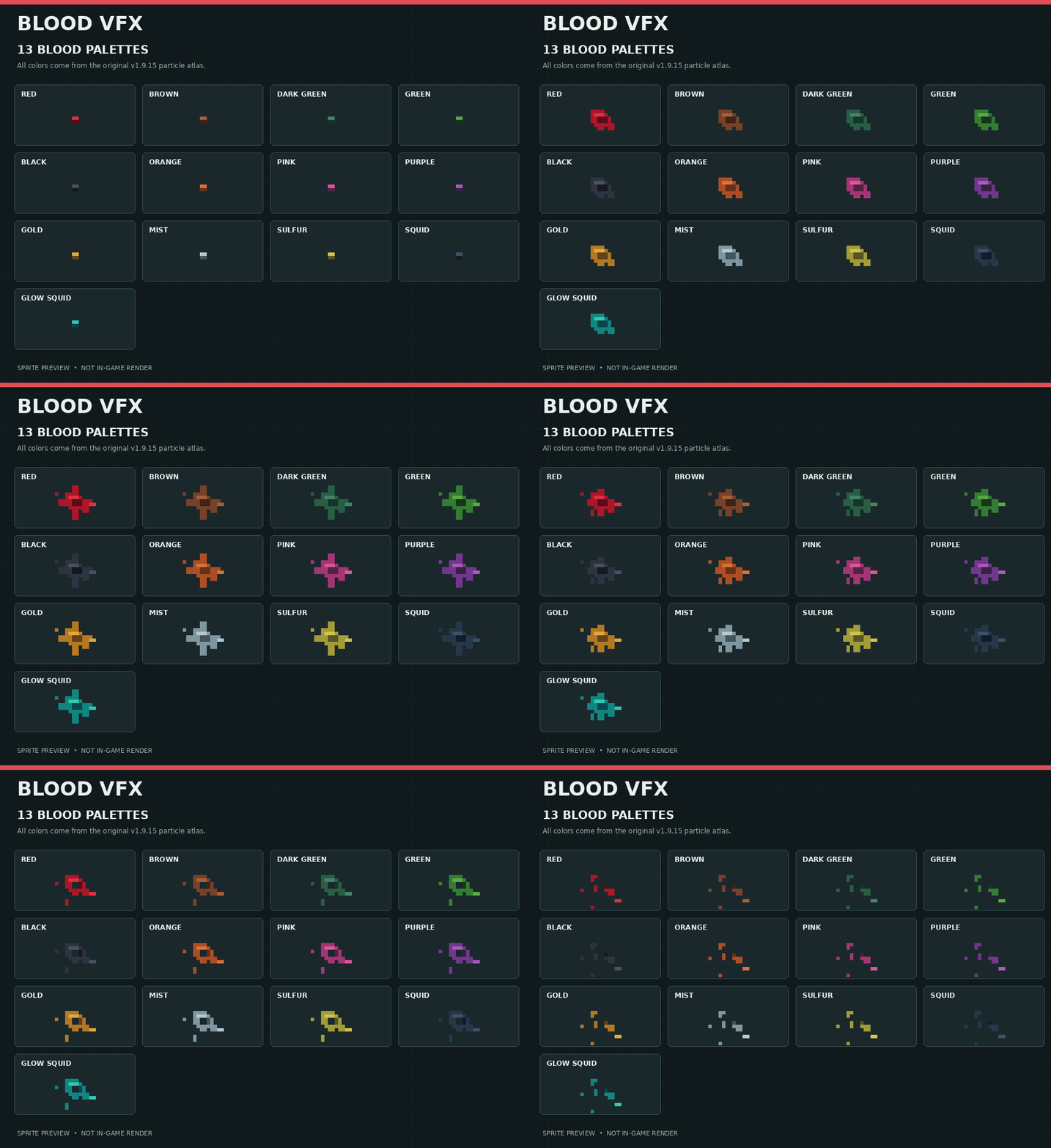
Blood VFX includes 13 blood color variations, allowing different creatures to produce distinct visual effects.
Instead of giving every creature the same red blood, the add-on uses colors suited to different mob types.
Examples include:
- Red blood for living creatures.
- Dark green blood for Drowned.
- Brownish blood for Husks.
- Green effects for Creepers.
- Additional colors for other creatures.
These colors are applied across supported splashes, stains, and wound effects.
⸻
In-Game Settings
Customize Blood VFX through its in-game settings book.
The configuration system allows players to adjust blood appearance and control supported visual effect categories.
Available blood display modes include:
Red — Red blood display mode.
RGB — Animated rainbow color mode.
Off — Disables the corresponding blood color effect.
The settings system is designed to keep customization accessible without external configuration tools.
Insert Screenshot — Settings Book
⸻
Performance & Optimization
Blood VFX is developed with mobile performance in mind, especially for Minecraft Bedrock on iOS and Android.
The add-on uses several techniques to reduce unnecessary processing:
- Event-driven effect spawning.
- Limits on active particle effects.
- Lightweight procedural animations.
- Reusable particle textures.
- Controlled visual effect density.
- Specialized placement rules for supported surfaces.
Actual performance depends on device capabilities, graphics settings, and other installed add-ons.
⸻
Installation
- Download the .mcaddon file.
- Open it with Minecraft Bedrock Edition.
- Wait for both packs to import.
- Enable the Behavior Pack and Resource Pack in your world.
- Enter the world and enjoy the enhanced visual effects.
⸻
Development Status
Blood VFX is under active development.
Some visual effects may not display correctly on every mob or unusual block shape. In particular, wound overlays on certain zombie and husk variants are still being refined.
Future updates will focus on improving model compatibility, surface placement accuracy, particle animations, and performance.
Blood VFX — Every hit leaves a mark.
.
Book recipe: one book + one red dye.
Author: Rosencrantz01
Activate both the Behavior Pack and Resource Pack. Disable previous versions before updating.
BloodVFX Team