BETTER NPCs
- By
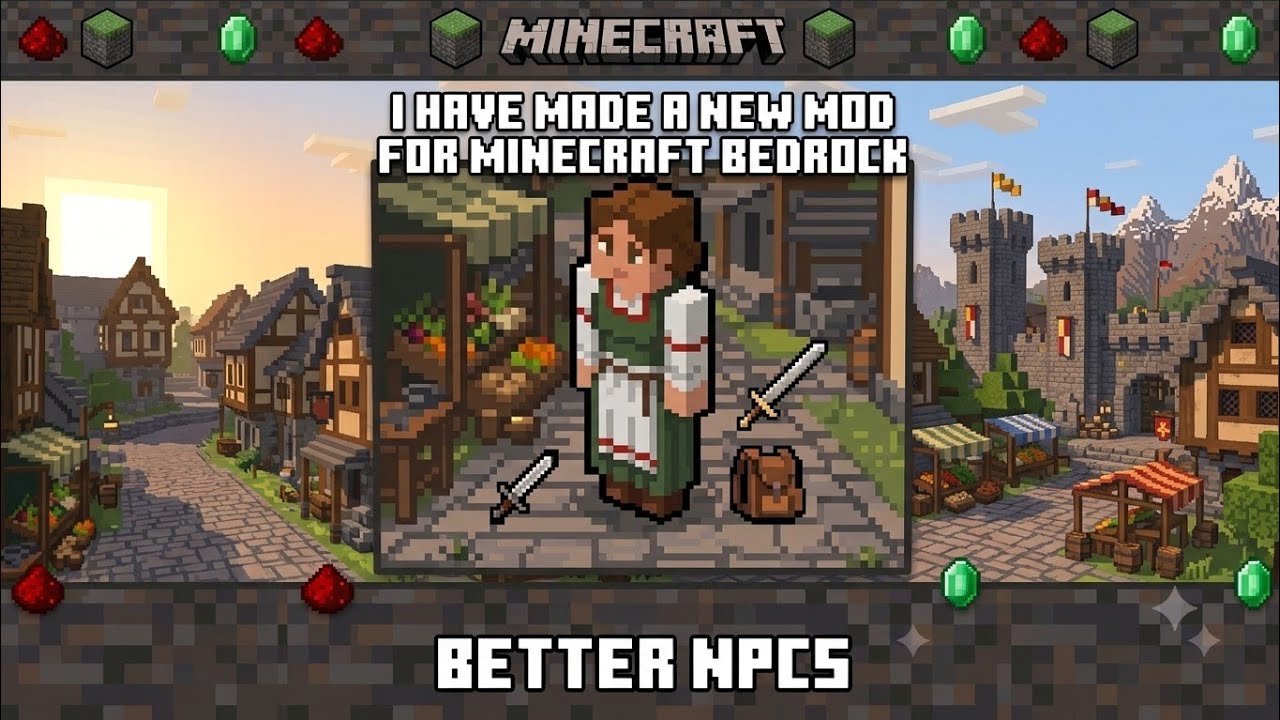
Minecraft Bedrock mod adding custom NPCs with a spawner, remote control, and script support. Split into BP (logic, JS scripts) and RP (animations, 9 skins). It lets players spawn and manage customizable characters.
Description
⌨️ Commands & Configuration Guide
To use these configuration commands, you must first grant yourself admin permissions by running the following command in chat:
/tag @s add npcadmin/give @s betternpcs:npc_spawner
Available Commands:
/npc:create <name>- Spawns a new custom NPC with the specified name at your current location./npc:select- Selects the nearest NPC to apply further modifications or commands./npc:rename <name>- Changes the name tag of the currently selected NPC./npc:skin <0-8>- Switches the visual appearance of the selected NPC between the 9 built-in custom skins./npc:dialogue_add <text>- Adds a line of dialogue/text for the NPC to speak when interacted with./npc:dialogue_remove <#>- Removes a specific line of dialogue using its line number./npc:dialogue_list- Lists all dialogues currently assigned to the selected NPC./npc:dialogue_clear- Deletes all dialogue lines from the selected NPC at once./npc:command_add <label> <command>- Binds a Minecraft command to a button label on the NPC menu./npc:command_remove <#>- Removes a specific bound command using its list number./npc:command_list- Shows all commands currently attached to the NPC's buttons./npc:delete- Permanently removes the currently selected NPC from the world.
📺 Watch the Video Guide:
Check out the full tutorial video to see how to use the mod and commands: Click here to watch the walkthrough
The BETTER NPCs Team