f0656e32-9a74-4fcc-8566-95245ac5eadd.jpeg
Screenshot 2026-09-13 010202.png
Description
Protect your Minecraft Bedrock world with Beezee Base Protection!
Claim land for your own base, prevent other players from building or breaking inside it, and manage your protection with a simple in-game control panel.
Land claims are saved between sessions, making it ideal for multiplayer survival worlds!
_________________________________________________________________________
How to Use
1. Get your Control Panel
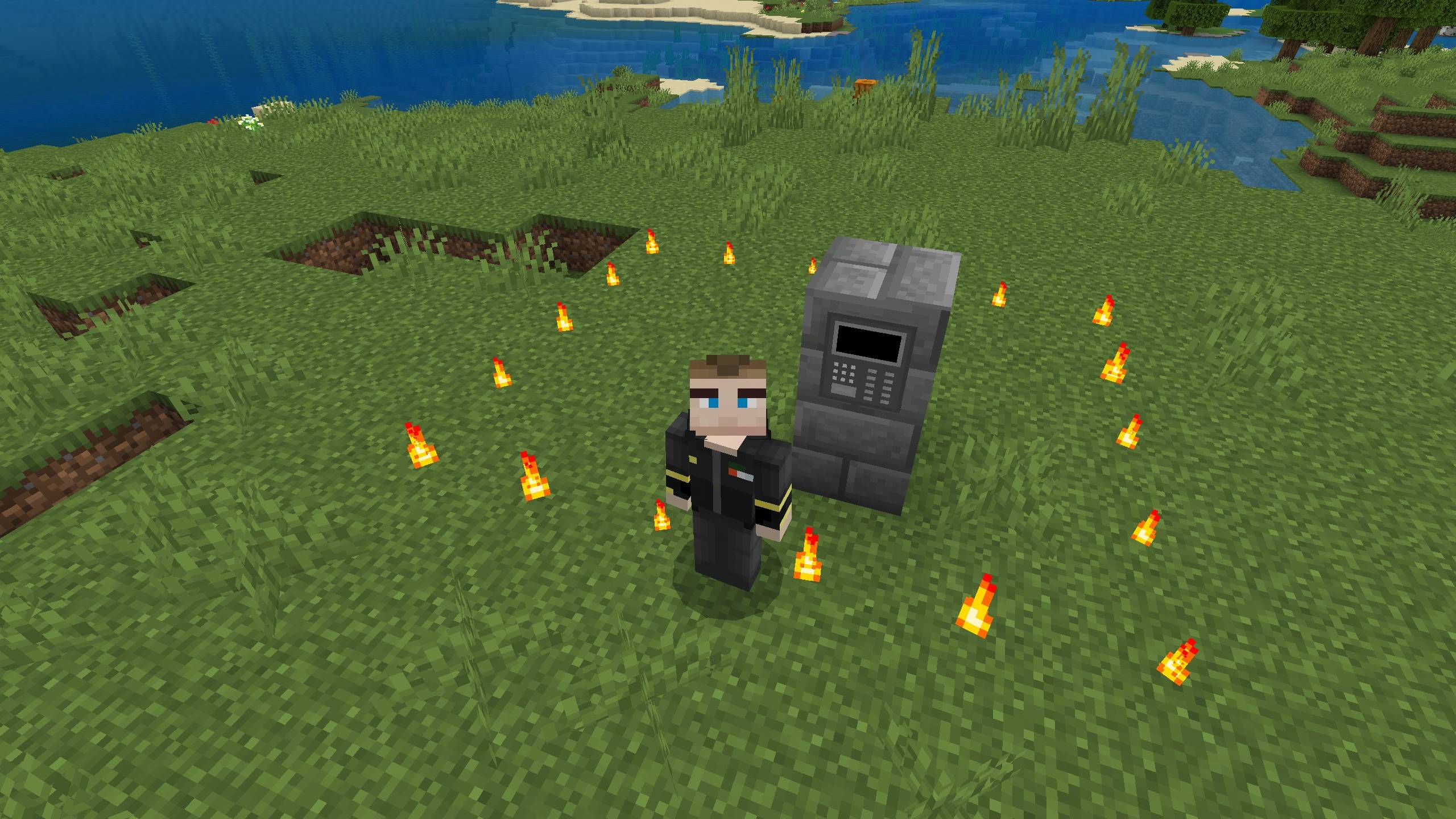
The Control Panel is automatically added to your inventory.
2. Place your Control Panel
Place it inside the area you want to protect. You can only have one active Control Panel.
3. Create your claim
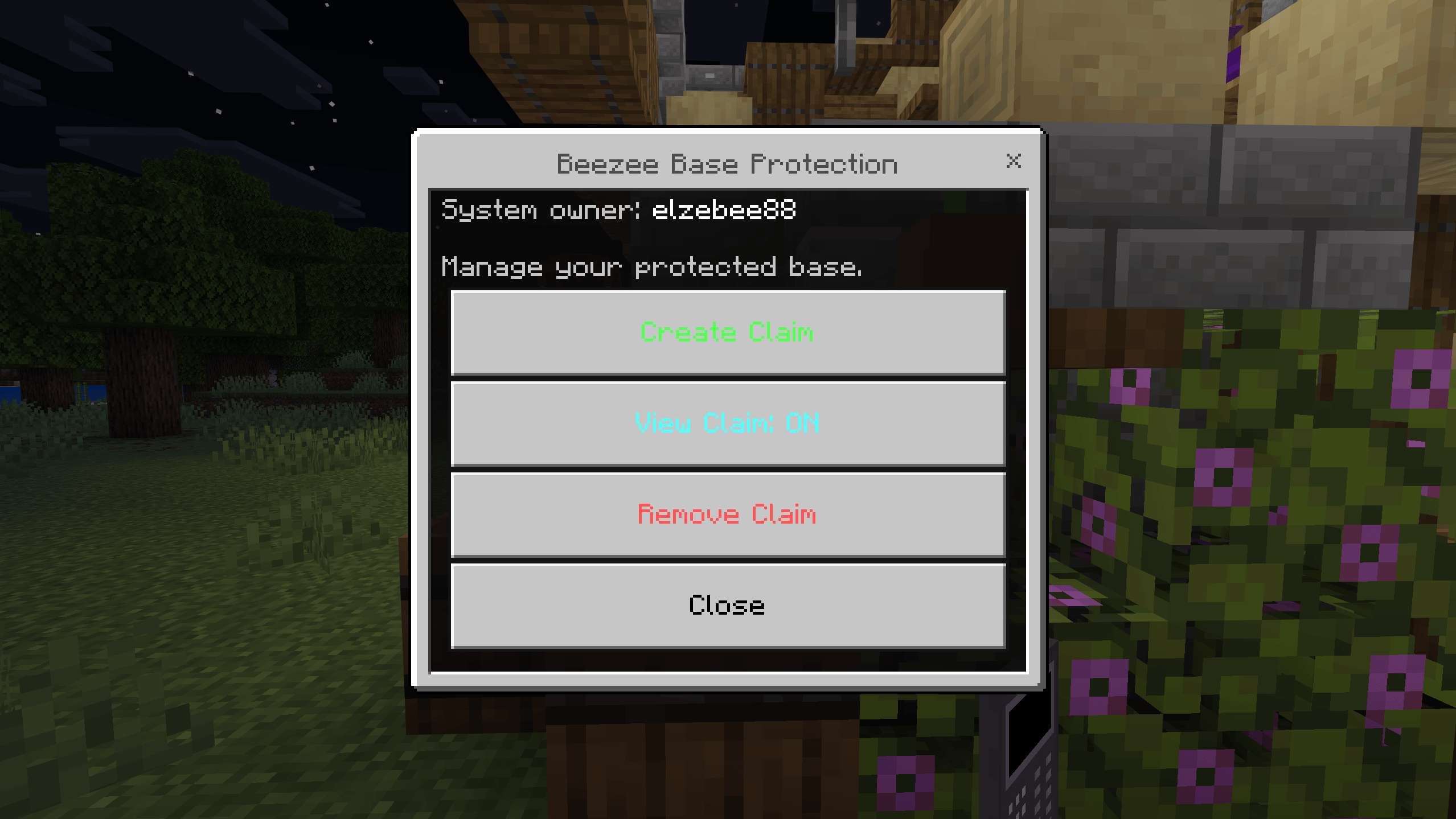
Interact with your Control Panel and select Create Claim. You can enter two opposite corners, or leave the coordinates blank to create a 32 × 32 land claim around your current position.
4. Manage your protection
Use the Control Panel to view your land claim boundary or remove your claim.
Important
Only you can build or break blocks inside your land claim. Other players cannot modify your protected area.
If you lose your Control Panel, it will automatically be restored to your inventory.
Beezee Base Protection Team