


Bedrock Builder Wand
- By
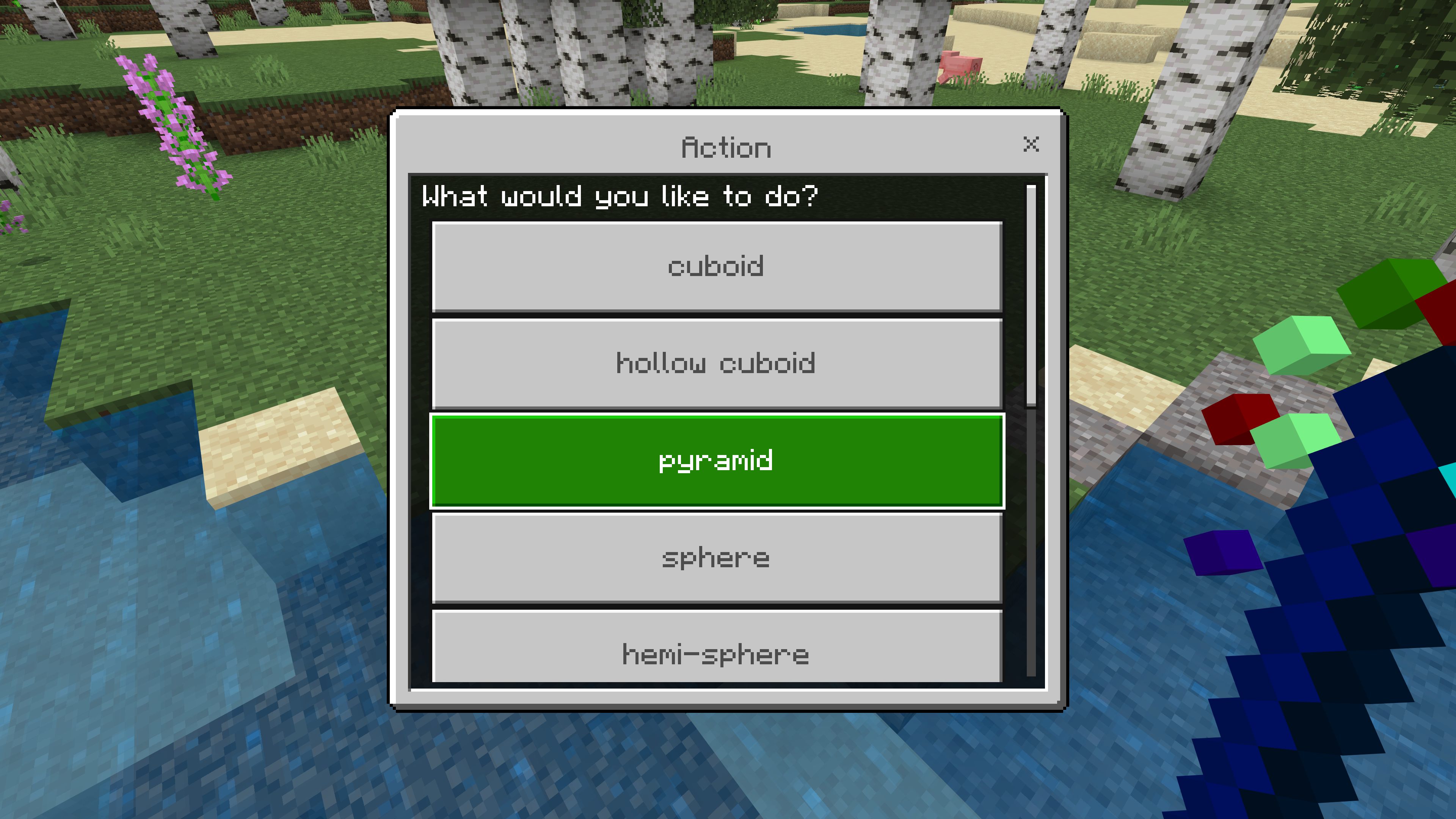
Choose a shape
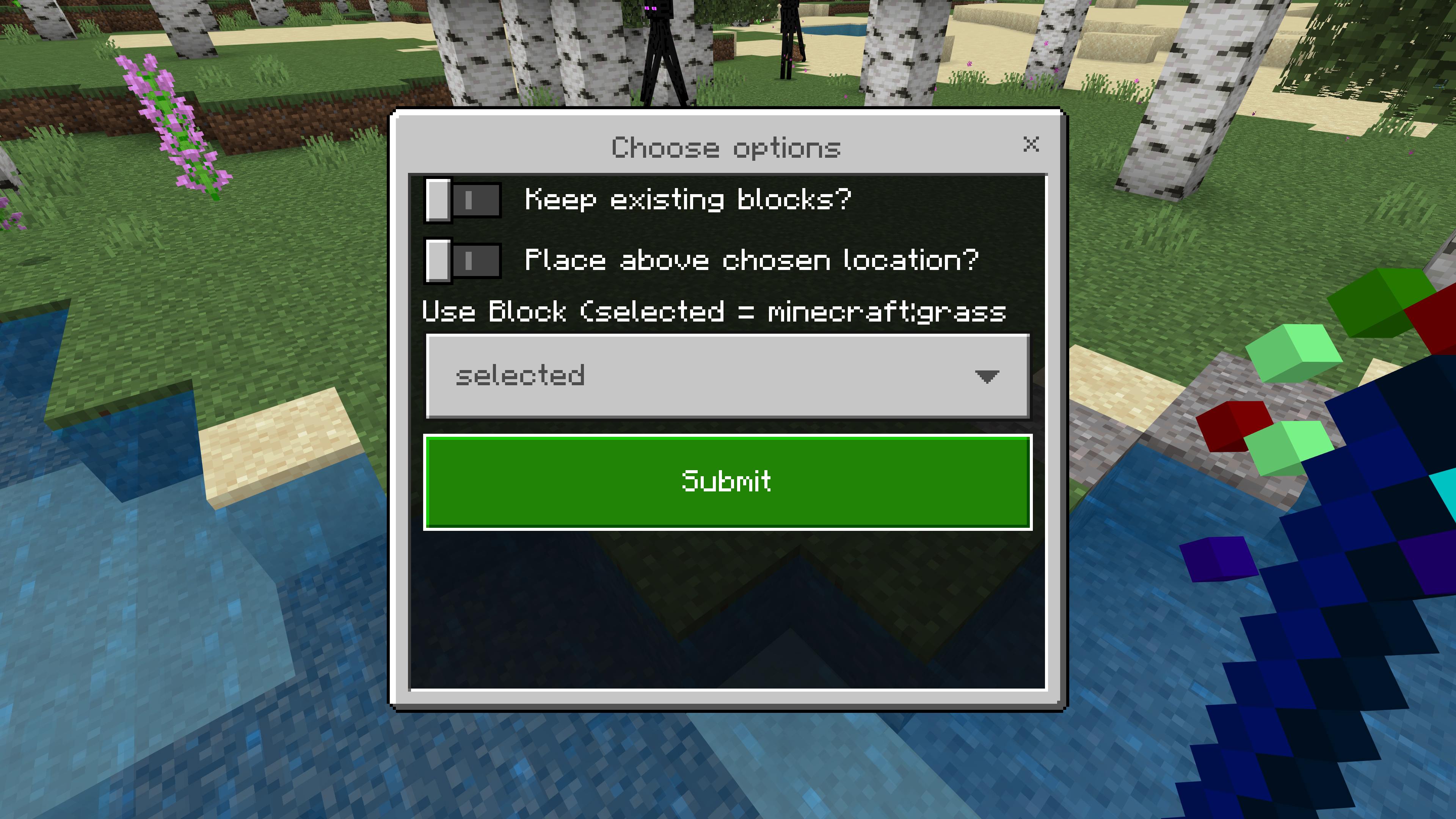
Drawing options
Description
- Choose from cubes, spheres, pyramids, cylinders, lines, walls, hemispheres.
- You can fill with a selected block, or air, water or lava.
- It also features an undo option in case you mess it up.
Please note. You need both the resource pack and the behavior pack from the files.
Usage
- Get the wand from the creative inventory or /give it to yourself.
- Right click when you are looking at a block like using a normal MC item, or right click the air and it will choose the block below you.
3. Choose which options you want.
4. Follow the instructions for the shape.


5. Presto!

Tips
Most shapes follow the same steps.
- Pick the block, by right-clicking a block
- Go to the start point and right click
- Go to the end point and right click.
- That is all
For things like spheres your endpoint will determine the radius of the sphere.
For a vertical cylinder for example you want to choose the center point, move horizontally to the radius you want, then move up the height you want.
For a wall your first click is one corner of the wall, your second click is the opposite corner.
Undo
You can undo your last action by choosing "undo last action" in the menu. Note that the undo buffer is for 1 action only. So you cannot undo more than one action.
There is one issue to be aware of which is that sometimes it detects the wrong block. The chat will indicate which block you have picked so make sure it is the one you want before you continue. If it is wrong then press cancel and try again after moving position slightly.
Source available here
Bedrock Builder Wand Team
