BE Ghoulcraft - Garden Pack
- By
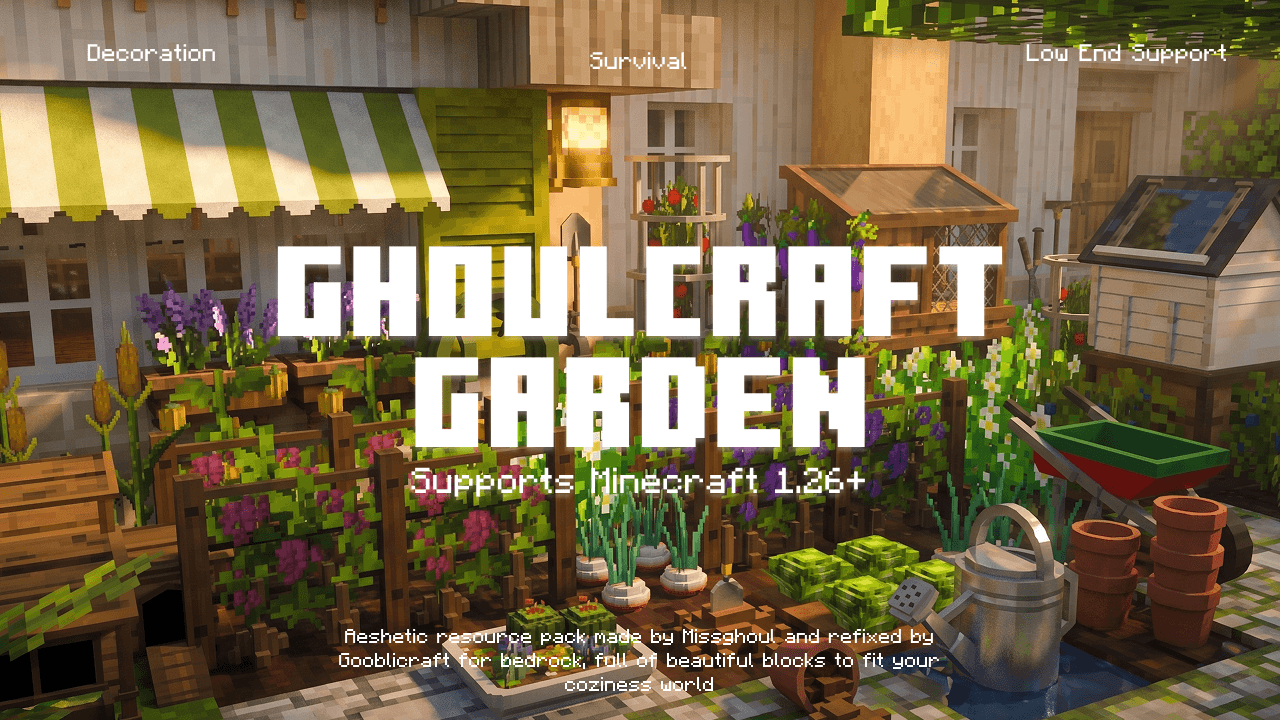
A Bedrock port of Ghoulcraft! Adds beautiful, detailed decor blocks (plants, crops, awnings, apiaries & more) to elevate your world's aesthetic. Made by MissGhoul, ported by Kao, updated by Gooblicraft.
MCPEDL.png
Description
"Made by MissGhoul"

What is Ghoulcraft Garden BE?
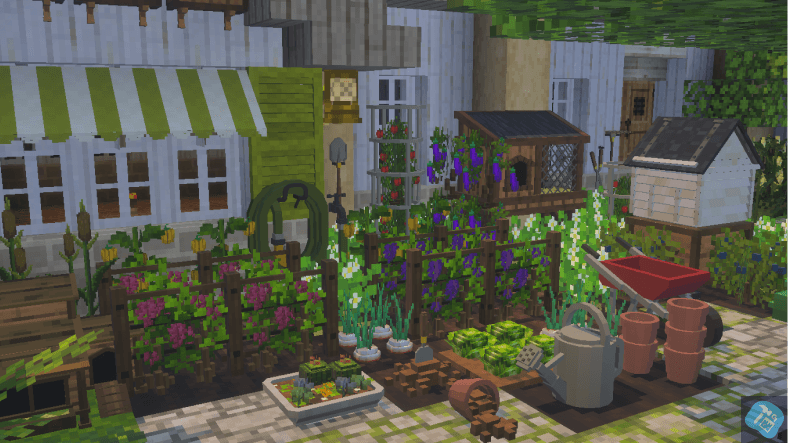
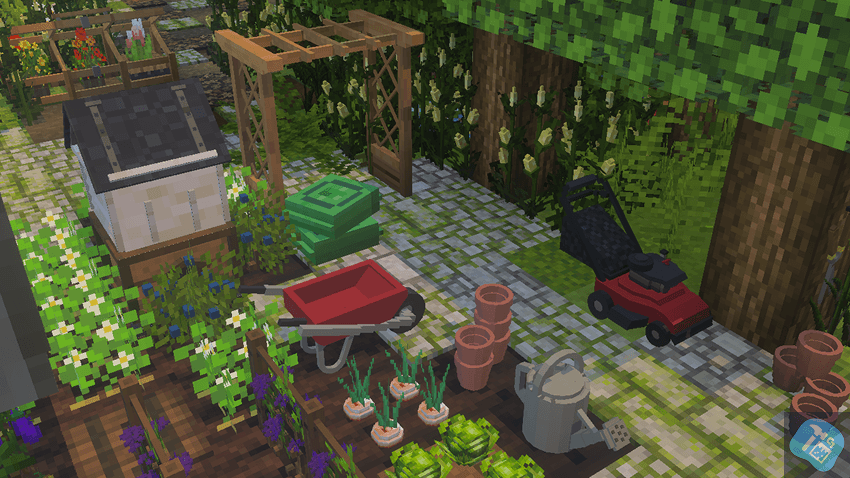
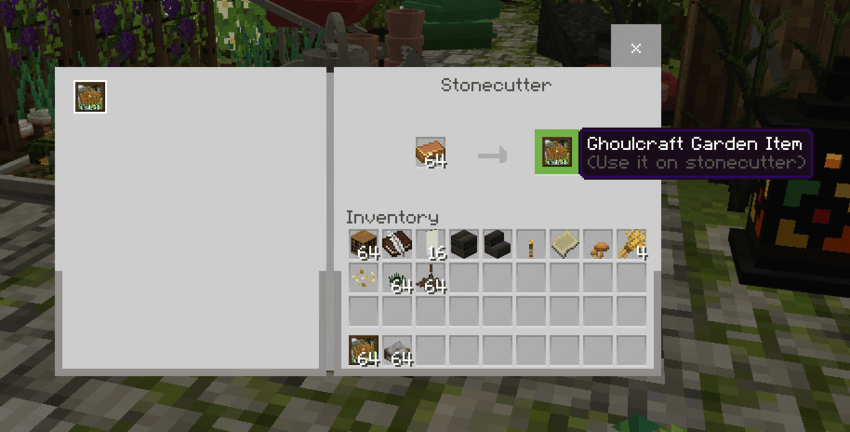
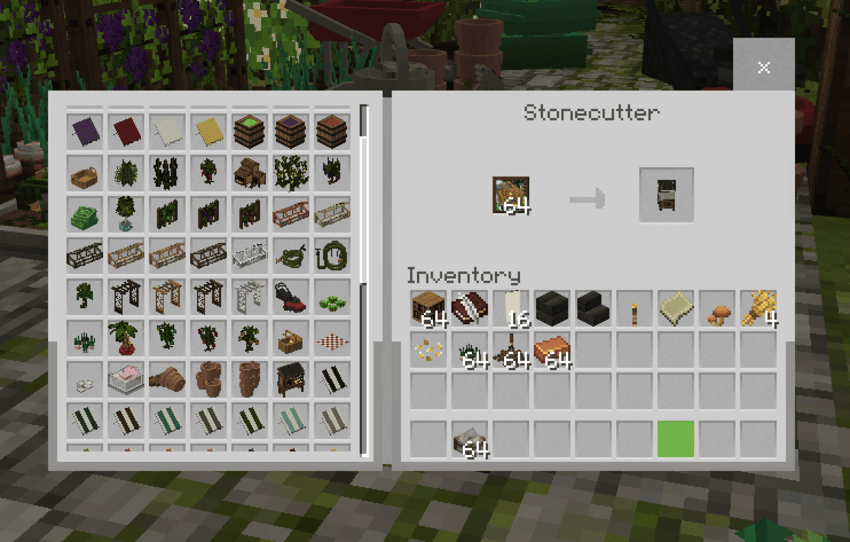
Ghoulcraft Garden is originally made as a optifine texture pack that uses CIT in java. It was made by Missghoul and ported by Kao for bedrock (fix by Gooblicraft to work in latest version in bedrock). This addon contains over 140+ blocks to decorate our world aesthetically beautiful. It has awnings, apiaries, chicken coops, plants, crops, tools to plant, lattices, pots, seed bags, shutter and many more. All of it are blocks and some "can be rotate with a minecraft stick". Some also can be put in an item frame just like a CIT in java to rotate large blocks. It also supports survival and low end devices, this version improves the experience and performance of the pack to seamlessly load and work in your world.
1.) Supports Low end devices and Survival
2.) 140+ blocks to decorate your world
3.) Rotate-able and change able
4.) Supports 1.26+ minecraft bedrock versions
5.) Can be played in realms
I use also Mizuno's 16 CIT 2026 addon.
Ghoulcraft BE only works on Windows 10, Android, & Apple Devices – Running Minecraft Bedrock/Pocket Edition 1.26.0+ and above (Advisable to use 1.26.0+). I dont know if it works on consoles or playstation!

For more info, visit Ghoulcraft BE's Furniture BE Site to see the permission and terms of use from the creator, how the new ghoulcraft in be works, and credentials of all the people who significantly make the bedrock version of Ghoulcraft Garden and Furniture in bedrock possible.
Ghoulcraft Terms Of Use
All Models created by Ghoulcraft are the intellectual property of MissGhouls, unless otherwise noted (ie: Contest models created by other artists, and several other models/textures owned by Mizuno).
- Do not redistribute the pack as your own, or claim it as your own creation. (This includes re-porting the pack to BE/PE)
- Do not modify the pack without express written permission from MissGhouls.
- Do not upload the packs to any websites.
- Do not claim the models or textures as your own.
- Do not modify the models or textures without express permission from MissGhouls.
- Do not steal the models & make "remix" packs.
Failure to abide by this TOU can be met with legal action by both MissGhouls, and Mizuno. Please contact MissGhouls via email for any inquiries regarding translating the pack into other languages, remixing it, recoloring it, etc.
Notes
The original models belongs to MissGhouls, who have given me permission to port the pack into Bedrock!
MissGhouls does not give permission to use her models in mods, to upload Ghoulcraft to any other websites, or to use the name "Ghoulcraft Resource Pack" without asking her privately first. Ghoulcraft is found only on Ghoulcraft.com, PMC, Curseforge and MCPEDL!</mark>
*Do not download Ghoulcraft from any other website or applications from playstore, as we cannot guarantee the safety of the link or app!
Helpful Links:
Current Ghoulcraft BE Discord For Help & Discussions:
Credits:
Original Creator: MissGhouls
2025 Bedrock Updater (Fixer): Gooblicraft
2021 Bedrock Porter: Kaomc
Nox's Better Carpets Textures By: NoxcturnalMC
Importing
- Download the pack from any of this website PMC, MCPEDL, or Curseforge.
- Click on the file and open it to Minecraft.
- Create a New World.
- In the Game Tab, turn on the following: Creative.
- Go to Resource Packs Tab and enable the pack there.
- Go to Behavior Packs Tab and make sure the pack`s behavior is also enabled.
- Make sure the pack is on the very top of the load order.
- Play on the world and do a test by going to creative menu and look for items and ghoulcraft base on spawn eggs section.
- If you got the item or it shows, congrats! You just installed the pack into your game and it's working fine.
Updating
- Make sure to make a backup of your world first!
- Delete the old version or remove/disable the old version into your world.
- Download the new updated pack on the following website MCPEDL, PMC or Curseforge.
- Click on the file and open it to Minecraft.
- Apply the new pack on your existing world.
- If you didn`t deleted the old version, make sure you`re applying the same (new) version of the pack`s Resource Pack and Behavior Pack in your world.
- I recommend the old version of pack when updating to avoid false overwritten when playing the addon
Having troubles?
Join in our Discord Server. Please do not comment your Issue in other channels to maintain a neat user experience on the server.
Me, asking for the Permission:
Before updating the pack, I did ask for the permission to update the pack from the creator and one of the moderators replied to me and this what happened.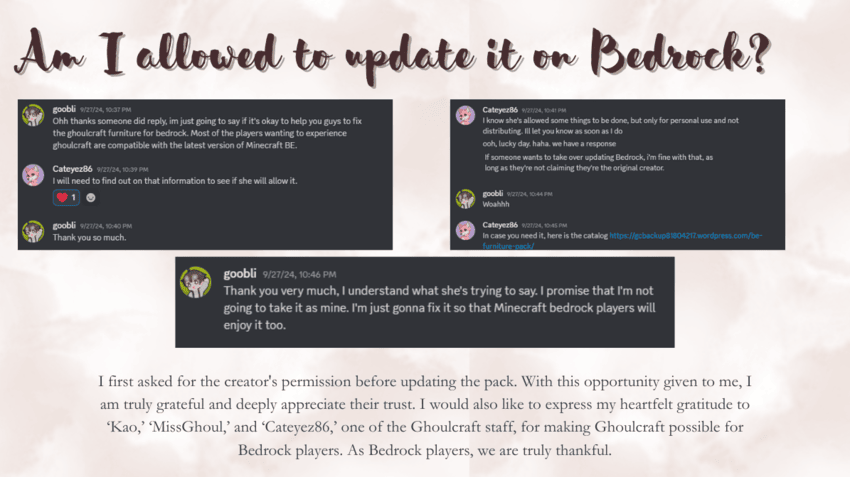
BE Ghoulcraft - Garden Pack Team

Owner


![[BEDROCK PORT] Vani's Pan CIT 1.26+ project image](https://media.forgecdn.net/avatars/thumbnails/1324/34/256/256/638860753887527080.png)