Auto Torch Addon: Smart Cave Lighting
- By
Never walk in darkness again! Automatically get Night Vision or place Torches as you explore caves. Includes mob spawn warnings and live light stats.

Auto Torch Addon (2).jpg
Auto Torch Addon (3).jpg
Auto Torch Addon (4).jpg
Auto Torch Addon (5).jpg
Auto Torch Addon (6).jpg
Description
RR Auto Torch PRO v2.0.0 - The Ultimate Mining and Exploration Utility
Hey everyone. Let us talk about one of the most tedious and repetitive tasks in all of survival Minecraft: placing torches. Whether you are spending hours strip mining for diamonds, exploring a massive deep dark cavern, or just trying to build a base at night, you constantly have to stop what you are doing to place a torch on the ground. If you forget to light up an area, a creeper spawns behind you and destroys your hard work, or a skeleton shoots you off a ravine ledge. Managing your light levels manually is incredibly annoying, and constantly crafting and carrying stacks of torches takes up valuable inventory space.
I wanted to completely eliminate this problem so you can focus on the fun parts of the game like mining, fighting, and exploring. That is exactly why I created the RR Auto Torch PRO addon. This expansion acts as your own personal lighting assistant. It automatically detects when you walk into a dark area and lights it up for you instantly without you ever having to press a button. For Version 2.0.0, the entire core system has been rewritten from scratch. I have also fully unlocked every single premium feature. There are no locked menus, no keys required, and no hidden paywalls. It is a complete, fully accessible survival utility right from the moment you install it into your world.
The Three Dynamic Lighting Modes
Every player has a different playstyle, so I did not want to force you into just one type of lighting. From the main menu, you can easily switch between three completely different lighting modes depending on what you are doing in your world.
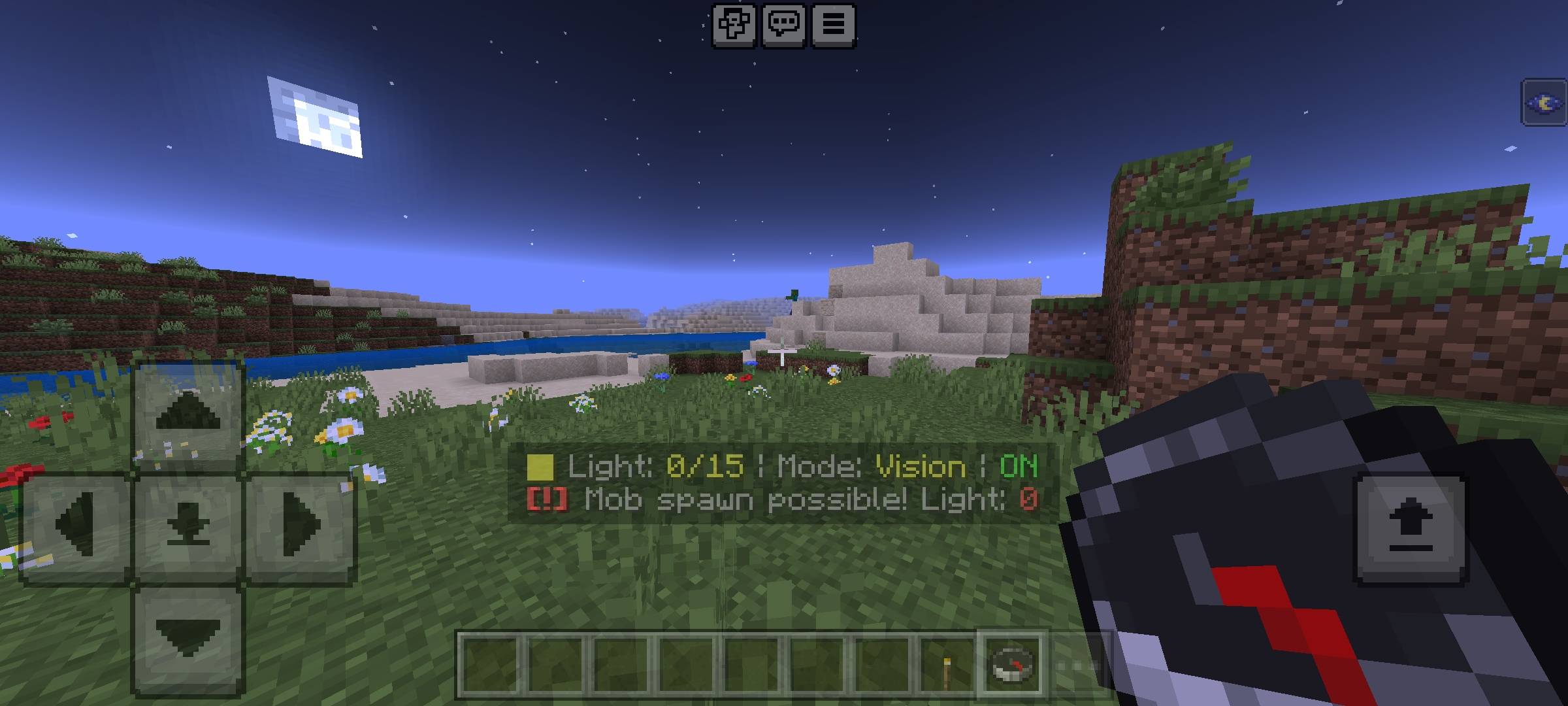
The first option is the Night Vision Mode. This is perfect for players who just want to explore without leaving a mess behind. When you walk into a dark cave, the game simply grants you a temporary night vision effect. No blocks are placed, and no torches are used. It is clean, simple, and perfect for massive multiplayer servers where you do not want to spam lights everywhere.
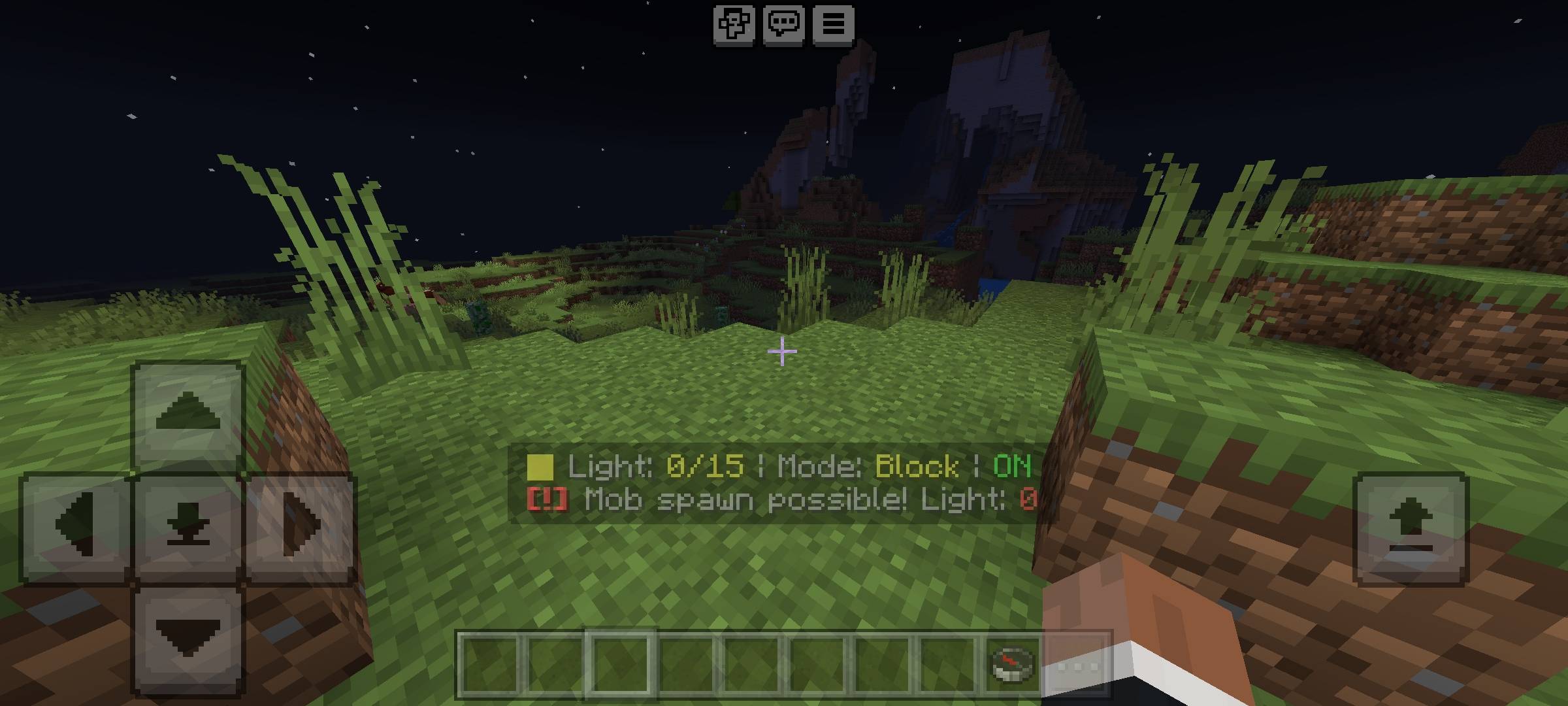
The second option is the Invisible Light Blocks Mode. This is an absolute game-changer for builders. When you walk into the dark, the addon automatically places invisible light sources around your character. This actually lights up the area for you and your friends, but it keeps your builds looking incredibly clean because there are no ugly torches ruining your interior design. Best of all, it features an auto-cleanup system. As you walk away, the addon automatically removes the old invisible light blocks so your world does not get cluttered or laggy.
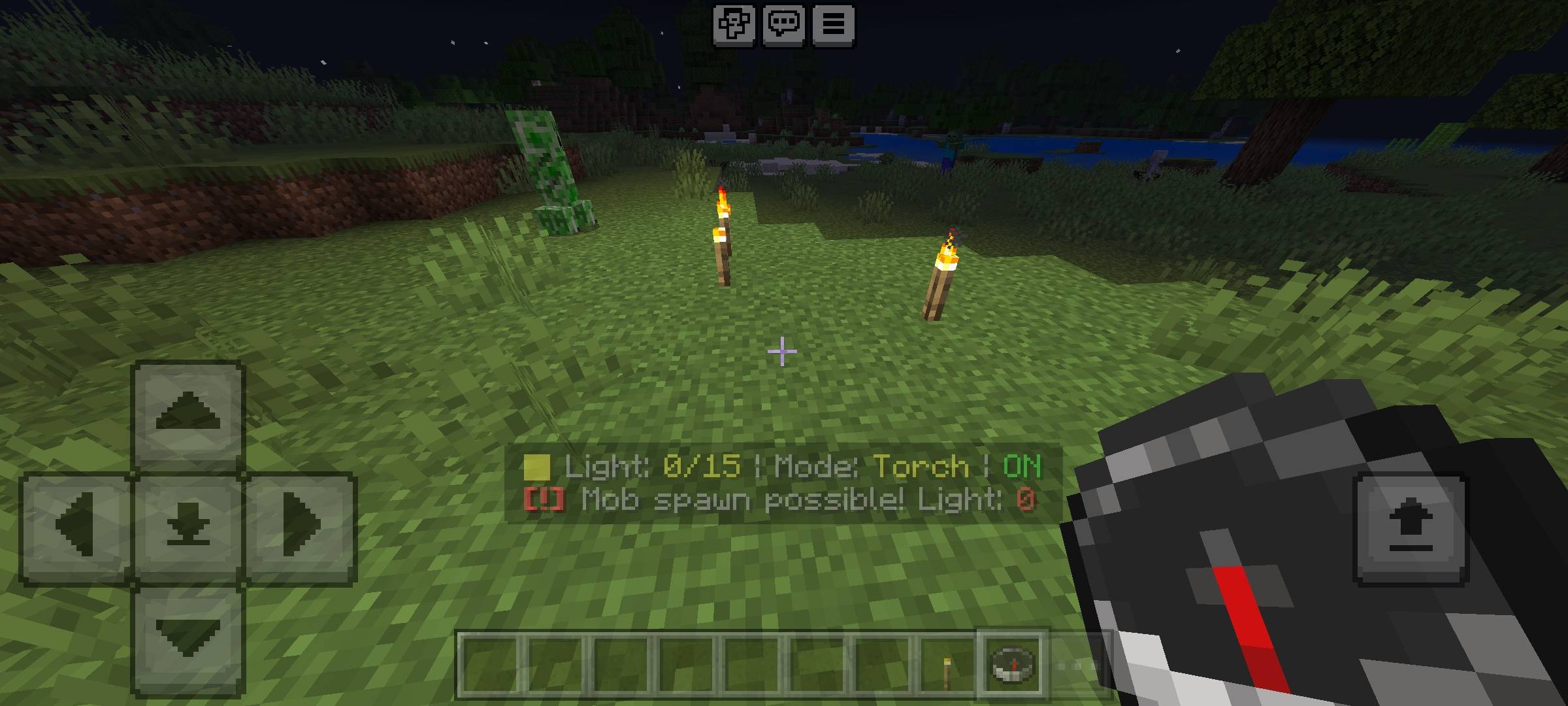
The third option is the Auto Torch Mode. This is for the classic survival players. When enabled, the addon will automatically take real torches directly out of your inventory and place them on the ground as you walk through dark caves. You never have to switch off your pickaxe to place a torch again. It makes strip mining incredibly fast and completely automated.
Smart Detection and Mob Spawn Warnings
I wanted this addon to be as smart as possible. When you are running the addon, you will notice a clean, dynamic display right above your hotbar. This Action Bar constantly reads the environment around you and shows you your exact current light level on a scale from zero to fifteen. It even detects if you are above ground at night or deep underground in a cave system.
Because lighting is directly tied to your safety, I added a highly requested Mob Spawn Warning system. In Minecraft, hostile mobs like zombies and creepers can only spawn in very dark areas. If you are exploring and the light level around your character drops below a safe threshold, the addon will instantly flash a warning message on your screen and play an alert sound. This gives you a crucial heads-up to either place a light, pull out your sword, or run away before you get ambushed in the dark.
The Interactive Book Dashboard
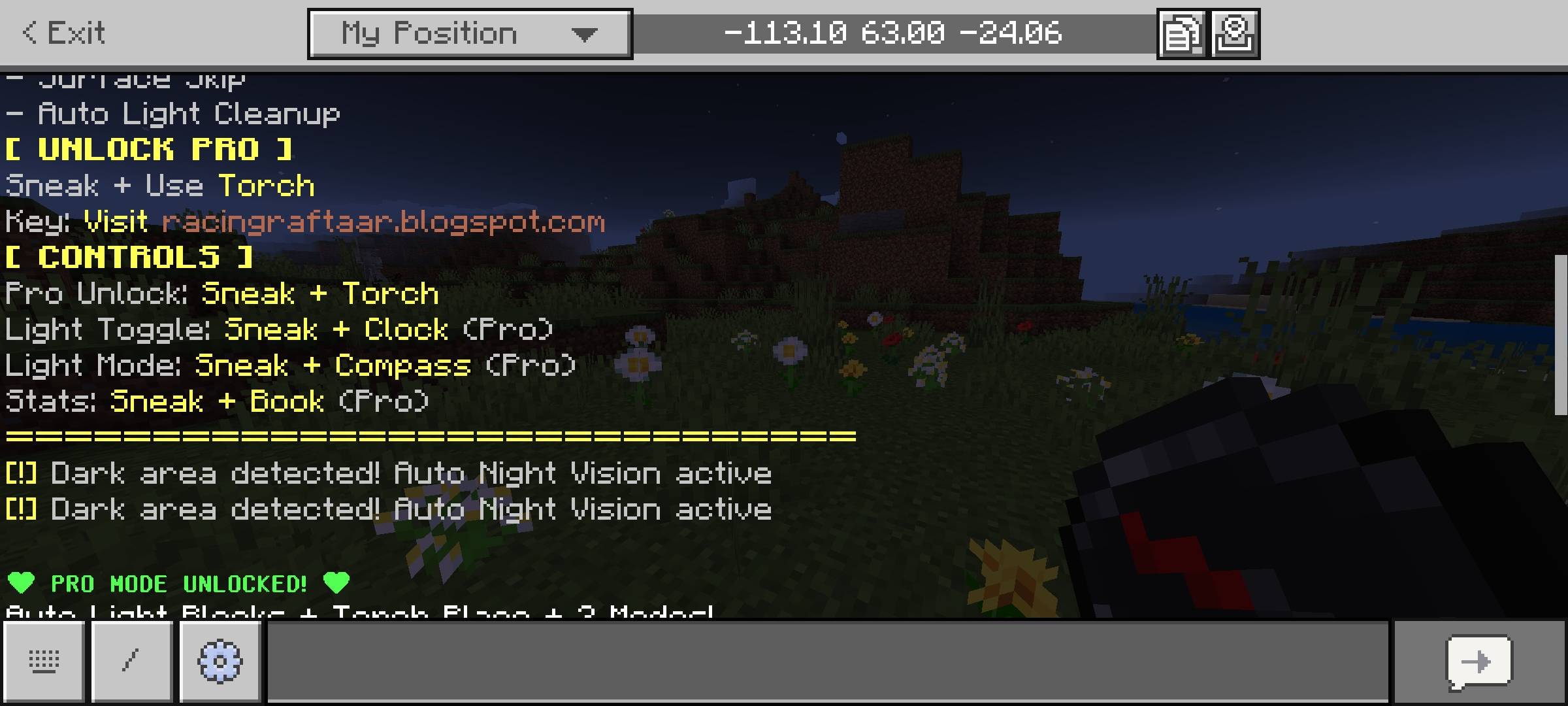
Managing all these different modes and features should not be a hassle. I absolutely hate addons that force you to type long chat commands to change a simple setting. To fix this, I moved the entire user interface into a clean, interactive menu system. To access your lighting controls, all you need to do is hold a standard Book in your hand, sneak to crouch, and use the item. The Master Dashboard will instantly pop up on your screen.
From this dashboard, you can turn the entire auto-lighting system on or off with a single click. You can seamlessly swap between the Night Vision, Light Blocks, and Auto Torch modes on the fly. If you ever feel like you have placed too many invisible light blocks in your base, there is also a dedicated button to instantly clear all nearby temporary lights to reset your area.
Advanced Statistics Tracking
Survival Minecraft is always more fun when you can track your progress. The addon silently monitors your activity in the background and compiles it into a detailed statistics page. You can open your Stats Panel from the book menu to see exactly how much you have used the system.
It tracks exactly how many dark areas you have discovered, how many times the night vision effect was applied to save you, and how many thousands of real torches the system has placed for you from your inventory. It also keeps a record of how many times the mob spawn warning saved your life. If you are playing on a server with your friends, it is really fun to compare these stats and see who has spent the most time exploring the deep dark caves of your world.
Disclaimer Regarding Visuals: Please note that some of the promotional images, thumbnails, and gallery screenshots used to showcase this project may have been created or enhanced using AI generation tools to provide better visual presentation for the page.
Important Installation Requirement: The complex detection systems required to read light levels, spawn invisible blocks, and remove items from your inventory rely on custom scripting. Therefore, you MUST go into your World Settings, navigate to the Experiments tab, and turn on the Beta APIs toggle before you load the world. Without this toggle, the addon will not be able to detect the dark areas and the book menu will not open.
Developer: Racing Raftaar
Version: 2.0.0
Supported Minecraft Versions: 1.21.0 and above
Auto Torch Addon: Smart Cave Lighting Team

Owner