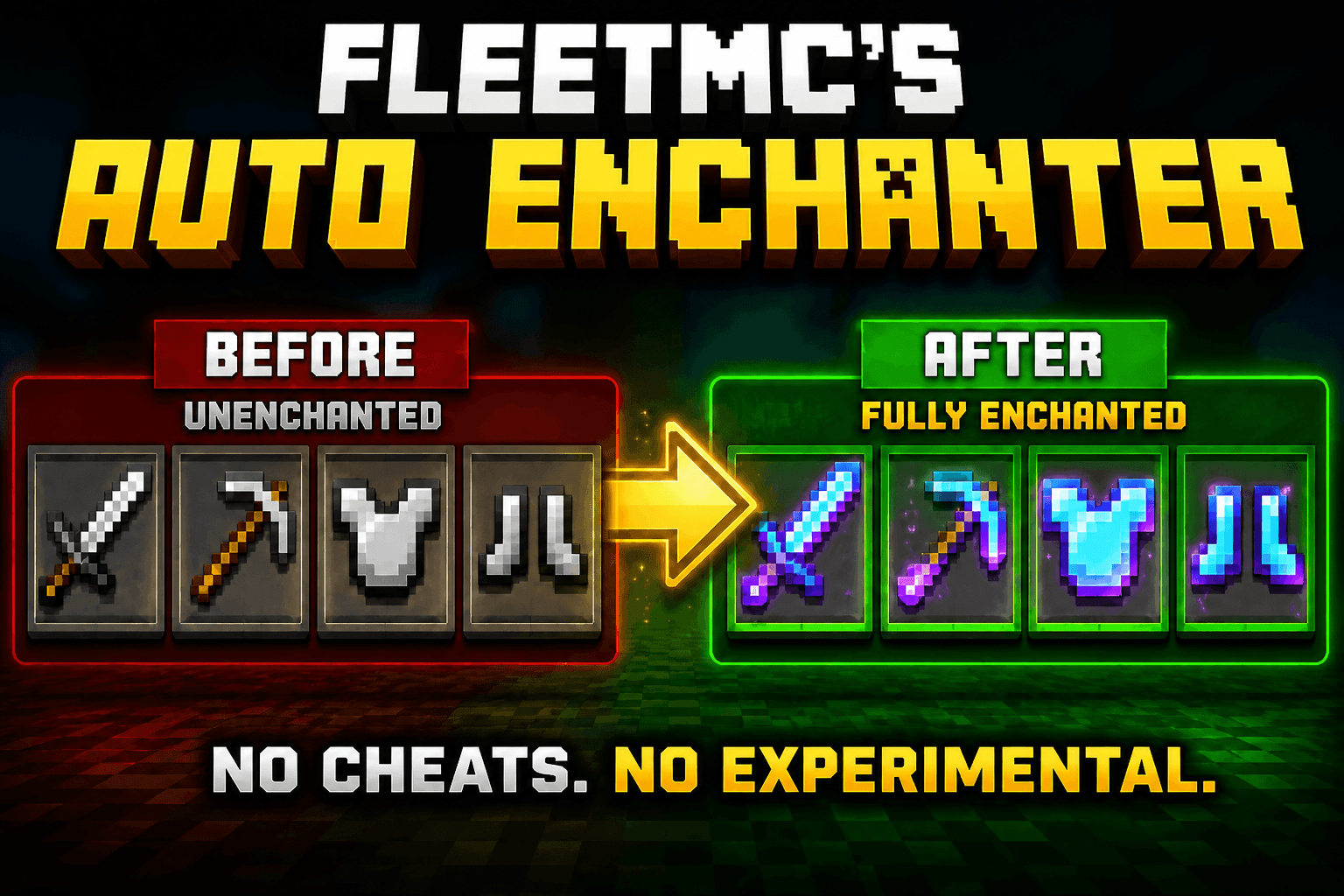
FleetMC Auto Enchanter
FleetMC Auto Enchanter is a powerful Quality-of-Life (QoL) addon that lets you instantly apply max-level vanilla enchantments to your tools, weapons, and armor without using an Enchanting Table, XP, or enchanted books. Simply perform a quick action and your gear is ready for adventure.
Whether you're mining, exploring, fighting bosses, or preparing for PvP, this addon saves time while keeping survival gameplay simple and enjoyable. With support for alternate enchantments, easy disenchanting, and all major vanilla enchantments, you can switch between enchantment setups whenever you need.
✦ Core Features
- Sneak to Enchant: Hold any supported tool, weapon, armor, bow, crossbow, trident, or mace and simply Sneak (Crouch) to instantly apply the highest-level vanilla enchantments.
- Sneak + Jump to Disenchant: Want to remove every enchantment? Simply Sneak and Jump while holding the item to instantly restore it to its normal unenchanted state.
- Alternate Enchantment Sets: Certain enchantments automatically alternate every time you enchant the same item. For example, if a Pickaxe receives Silk Touch, enchanting it again will switch it to Fortune III, and enchanting once more switches back to Silk Touch.
- Maximum Vanilla Enchantments: Every supported item automatically receives the strongest vanilla enchantments available for that equipment.
- Lag-Free Performance: Lightweight and optimized for smooth gameplay on both mobile and PC.
- Multiplayer Ready: Works perfectly in multiplayer worlds and Minecraft Realms.
- Simple to Use: No commands, menus, or complicated setup—just Sneak to enchant and Sneak + Jump to disenchant.
✪ Supported Enchantments
The addon automatically detects the item you're holding and applies the appropriate maximum-level vanilla enchantments.
- • Sharpness V
- • Fire Aspect II
- • Looting III
- • Knockback II
- • Efficiency V
- • Fortune III
- • Silk Touch I
- • Unbreaking III
- • Mending I
- • Protection IV
- • Thorns III
- • Feather Falling IV
- • Depth Strider III
- • Soul Speed III
- • Swift Sneak III
- • Respiration III
- • Aqua Affinity I
- • Power V
- • Punch II
- • Flame I
- • Impaling V
- • Loyalty III
- • Channeling I
- • Lunge III
- • Density V
- • Breach IV
- • Wind Burst III
- • Multishot I
- • Quick Charge III
✦ How to Use
- Enchant: Hold any supported item and simply Sneak (Crouch).
- Switch Alternate Enchantments: Sneak again to cycle between alternate enchantment sets where supported (such as Fortune III and Silk Touch).
- Disenchant: Hold the enchanted item and press Sneak + Jump to instantly remove every enchantment.
✦ Installation
- Step 1: Download the
.mcpack file.
- Step 2 (Mobile): Open the file using ZArchiver or any file manager and choose Open With → Minecraft.
- Step 2 (PC): Double-click the downloaded file to import it into Minecraft.
- Step 3: Open your world settings.
- Step 4: Enable FleetMC Auto Enchanter under Behavior Packs.
- Step 5: No Experimental Gameplay is required. Enter your world and start enchanting instantly.
✦ Features
- Instant maximum-level vanilla enchantments.
- Sneak to enchant supported items.
- Sneak + Jump to instantly disenchant.
- Alternate enchantment switching.
- Supports tools, weapons, bows, crossbows, tridents, maces, and armor.
- Supports Fortune III and Silk Touch switching.
- Supports all major vanilla enchantments.
- Achievement Friendly.
- No Experimental Gameplay required.
- Optimized for smooth gameplay.
- Multiplayer compatible.
✦ Compatibility
- Achievement Friendly ✅
- No Experimental Gameplay Required ✅
- Works in Survival Worlds ✅
- Multiplayer & Realms Ready ✅
- Optimized for Mobile & PC ✅
- Minecraft Bedrock Edition Supported ✅
Spend less time grinding XP and more time enjoying Minecraft. Whether you're preparing for survival, PvP, boss fights, or exploration, FleetMC Auto Enchanter gives you instant access to powerful vanilla enchantments with just a simple Sneak. Switch between alternate enchantments whenever needed and remove them instantly with Sneak + Jump.
Made by: FleetMc Studio