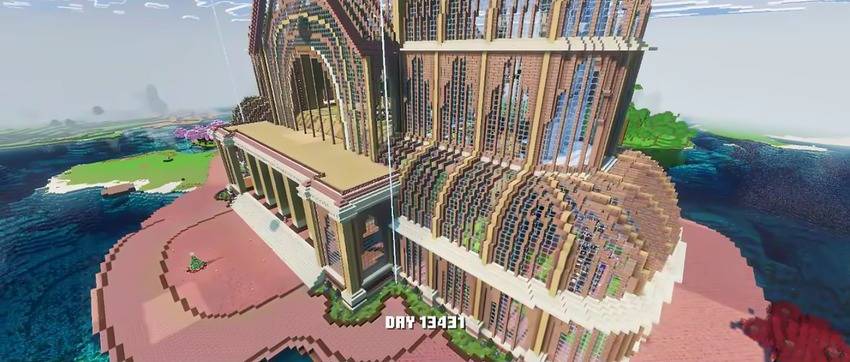
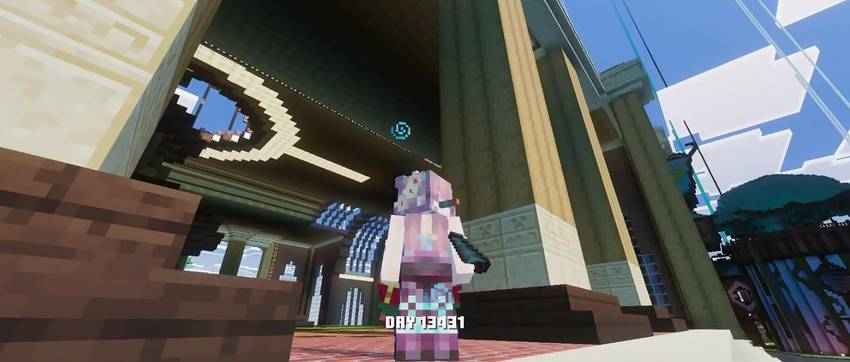
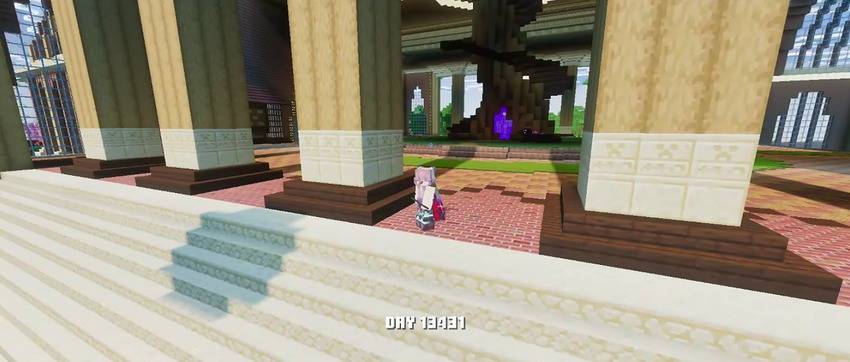
Step away from your game and it turns into a movie. After you've been AFK for a bit, the camera takes over and films your world: slow orbits around you, wide reveals of your builds, and scenery shots. Move, look around or press anything and you're straight back in control.
Made for my server Half Haven and built to look good on stream.
BUILD REVEALS The camera scans for big builds near you, then backs up and shows off the whole thing in one grand reveal shot.
CINEMATIC CLOSE-UPS Low angles, slow pushes and front-facing shots of your character. The camera never goes inside blocks. In tight spaces it switches to close-ups that cut between your front and back.
SMOOTH, NONSTOP MOVEMENT Every move flows straight into the next, with no stopping and starting. Want one steady shot instead? Classic orbit mode does a single smooth circle around you, no cuts.
FEATURES - Build scan with grand reveal shots - Never clips inside blocks - Classic orbit mode - Minecraft music while filming, with its own volume slider separate from your game music setting - Optional black bars for a studio movie look - Optional hidden HUD, or keep your hotbar showing - Settings saved per player, so everyone on a server can set it up their own way
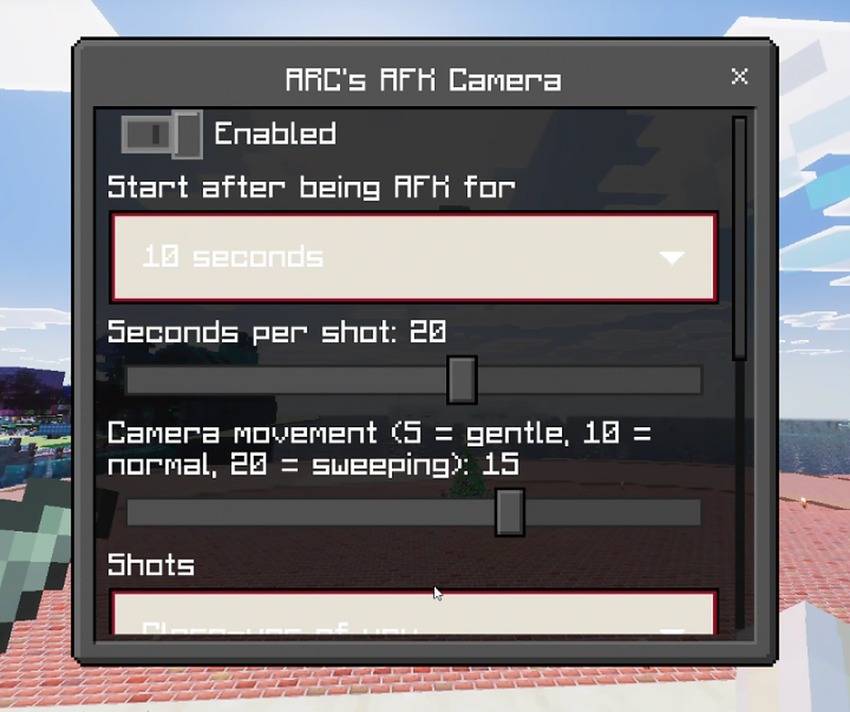
SETTINGS Type /afk (or /afkcam) in chat to open the menu: - Turn it on or off - How long you have to be AFK before it starts (10 seconds up to 5 minutes) - Seconds per shot - Camera movement (gentle, normal or sweeping) - Shot style: Mixed, Slow orbit around you, Builds + scenery, Close-ups of you, or Classic orbit - Black bars on/off - Hide HUD on/off - Music on/off and music volume
If /afk doesn't show up on your version, use: /scriptevent hh:afkcam
HOW TO INSTALL 1. Download the .mcaddon and open it. Minecraft imports both packs automatically. 2. In your world settings, turn on the ARC's AFK Camera behavior pack. The resource pack turns on with it. 3. Go into the world, type /afk to set it up, then go AFK.
No experiments needed. Works in single player, on Realms and on servers. Works with Vibrant Visuals.
REQUIREMENTS Minecraft Bedrock 1.21.90 or newer.
Made by ARC. Come hang out on stream: @ARC5555_TTV
Vanilla-style Bedrock add-ons for builders 🎄 Christmas Haven out now, furniture & decor packs next. Tested on Half Haven, my 12,000-day survival server. Live daily on YouTube & TikTok!
300+ vanilla-style Christmas blocks, decorations, furniture, food and wearables for Bedrock. Wrap presents for friends, open the advent calendar, frost your builds and craft it all in Santa’s Workbench, with no recipe clashes!
Turn your whole game into Christmas! Icy hearts, candy cane hunger and XP bars, Santa jacket armor icons, a festive hotbar, garland and mistletoe in your inventory, Christmas menus and plaid elytra. Resource pack only, works anywhere.