


Anti-Crashy
- By
Description
Anti-Crashy
Improve Minecraft Bedrock performance without deleting your builds.
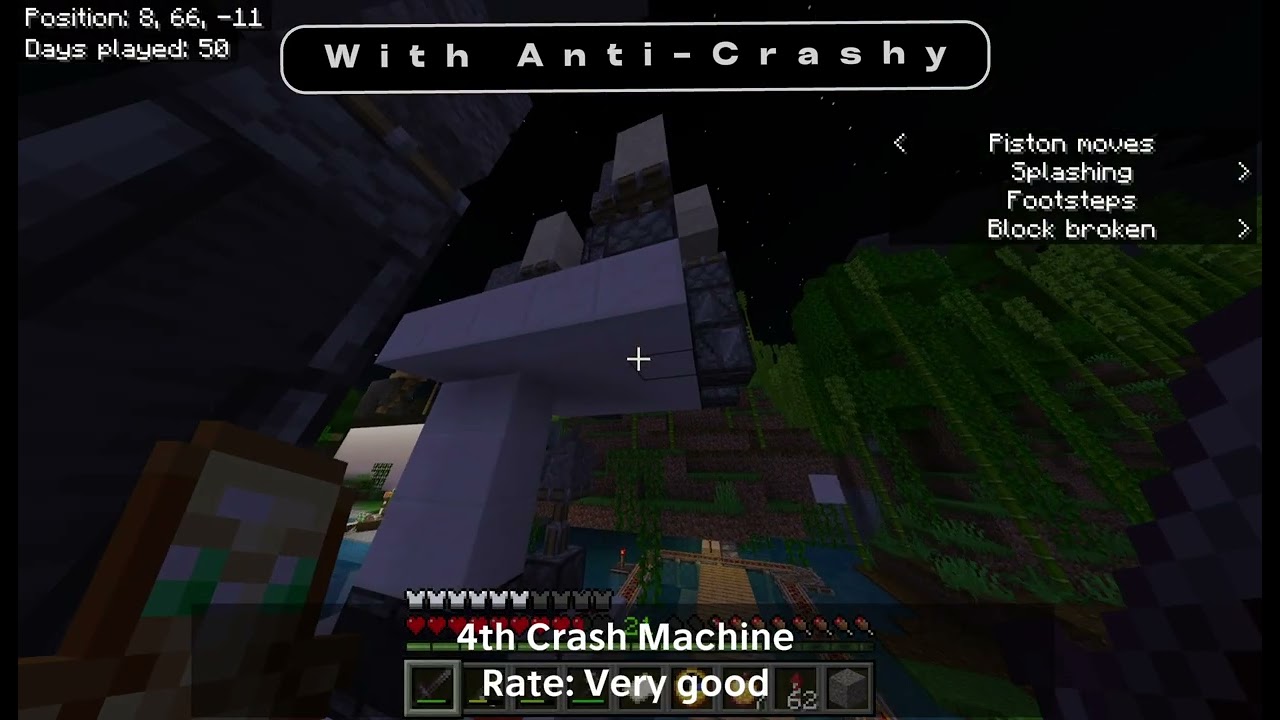
Anti-Crashy is a performance-focused add-on for Minecraft Bedrock Edition. It is designed for worlds containing large redstone systems, mob farms, complex builds, explosion systems, and crash machines.
Unlike destructive anti-lag systems, Anti-Crashy does not remove blocks, entities, dropped items, minecarts, inventories, or redstone components. It focuses on reducing unnecessary visual processing while keeping your world and builds intact.
Features
-
Improves FPS around large machines
-
Helps stabilize demanding areas
-
Does not delete blocks
-
Does not kill or remove entities
-
Does not clear dropped items
-
Does not modify player inventories
-
Does not destroy redstone systems
-
Includes selectable optimization settings
-
Includes optional view optimization commands
-
Does not use a constantly running tick script
-
Designed to add minimal extra processing
-
Fully available in English
Commands
Display the available commands:
/function anti_crashy/help
Apply the recommended settings:
/function anti_crashy/recommended
Enable the optimized view setting:
/function anti_crashy/view_crush
Enable the strongest emergency setting:
/function anti_crashy/view_emergency
Disable the custom view setting:
/function anti_crashy/view_off
Legacy /function anti_crushy/... commands are also supported for compatibility with older versions.
Recommended Settings
For the best performance:
-
Set Simulation Distance to 4 chunks
-
Reduce Render Distance when necessary
-
Place Anti-Crashy above conflicting resource packs
-
Avoid running several extremely large machines at the same time
-
Restart the world after changing the add-on settings
Installation
-
Download the
.mcaddonfile. -
Open it using Minecraft.
-
Wait for both packs to import.
-
Open your world settings.
-
Enable the Anti-Crashy Resource Pack.
-
Enable the Anti-Crashy Behavior Pack.
-
Select your preferred settings.
-
Enter the world.
-
Run
/function anti_crashy/recommendedif commands are available.
Important Information
Anti-Crashy mainly reduces rendering-related and visual performance problems.
Minecraft Bedrock add-ons cannot directly rewrite the game engine, redstone scheduler, chunk system, or internal renderer. Because of this, Anti-Crashy cannot guarantee completely lag-free gameplay on every device or in every world.
Performance results depend on:
-
Device hardware
-
Render Distance
-
Simulation Distance
-
Active entity count
-
Redstone update frequency
-
Number of moving blocks
-
Other installed add-ons
-
Other installed resource packs
Anti-Crashy is not a Bedrock port of OptiFine. It uses supported Resource Pack and Behavior Pack systems to improve performance without damaging the world.
Compatibility
-
Minecraft Bedrock Edition
-
Single-player worlds
-
Multiplayer worlds when the required packs are enabled
-
Existing worlds
-
New worlds
-
Compatible with most add-ons and resource packs
Some resource packs that modify the same game files may conflict with Anti-Crashy.
Safety
Anti-Crashy is designed not to remove:
-
Blocks
-
Redstone components
-
Entities
-
Mobs
-
Players
-
Dropped items
-
Minecarts
-
Inventories
-
World structures
Creating a backup before installing any add-on into an important world is still recommended.
Version Information
Name: Anti-Crashy
Version: 1
Edition: Minecraft Bedrock Edition
Creator: YGZKN
Language: English
Status: Public Release
Disclaimer
Anti-Crashy is designed to improve performance in demanding Minecraft Bedrock worlds. It does not modify Minecraft’s internal engine and cannot guarantee that every extreme machine will run without lag.
Performance results may vary depending on the device and world.
The Anti-Crashy Team
