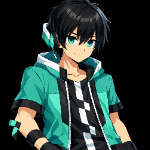
This AI Assistant is incredibly helpful for players—especially in Survival and Hardcore modes—as it protects you during your adventures and helps you avoid attacks from hostile mobs at night.
Image :
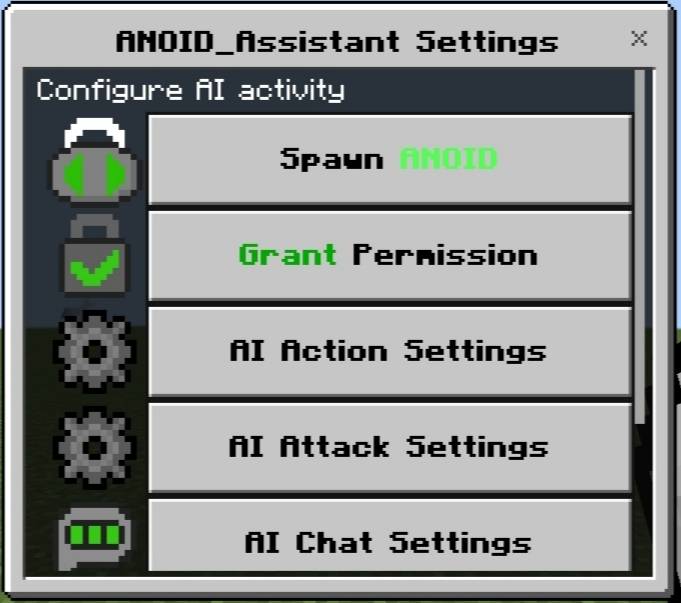
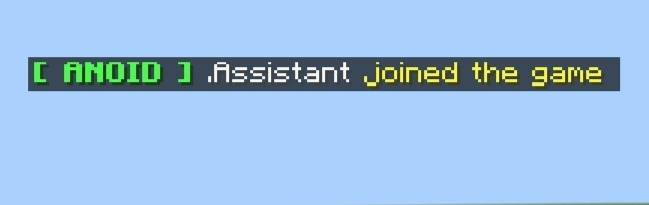
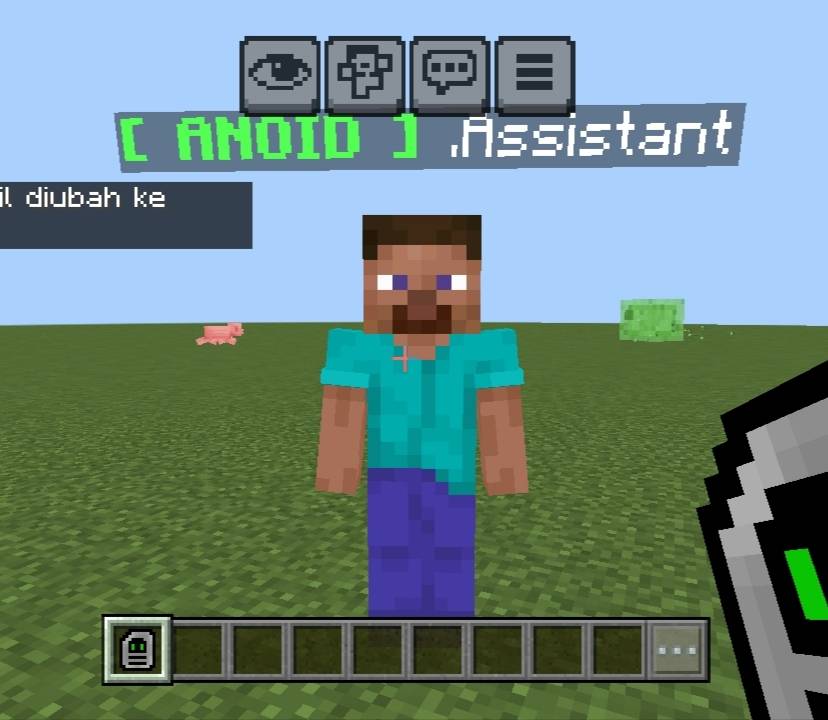
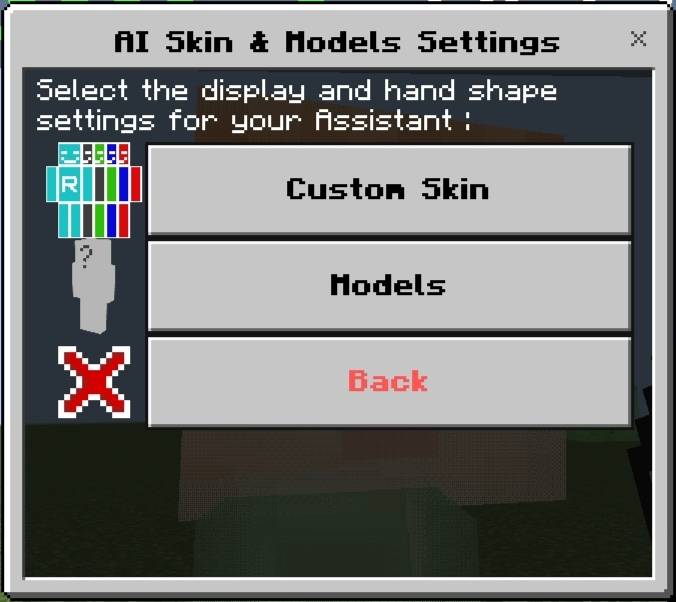
Settings menu features :
- Spawn ANOID = Spawns the AI Assistant.
- - Grant Permission = If another player wants to spawn an ANOID, the main player can manage permissions; if granted, the other player can spawn the AI Assistant; otherwise, they cannot.
- - AI Action Settings = Configures AI movement (e.g., staying in place or teleporting to follow the player).
- - AI Attack Settings = Commands the AI to automatically eliminate nearby enemy mobs or attack them manually; the AI delivers a lethal instant attack upon contact—killing any mob instantly, even the Warden or Ender Dragon.
- - AI Chat Settings = Enables or disables ANOID chat messages. = Description = A brief overview of this add-on. = AI Skin Settings = Adjusts the entity model size and changes the skin texture.
- You can also customize the AI's appearance using your own skin file (skin.png). Simply copy your skin file and rename it to Skin0.png, Skin1.png, Skin2.png, etc. Then, cut or copy the renamed file and paste it into the folder: textures/entity/rizky/assistant/ (paste here).
- Socials :
- - Discord : https://discord.gg/rWJnYkrH
- - YouTube : @RizkyX2-8br-ezz
- -TikTok : @riz8brezz
ANOID AI Assistant Team