


All Minigames By Mizuku
- By
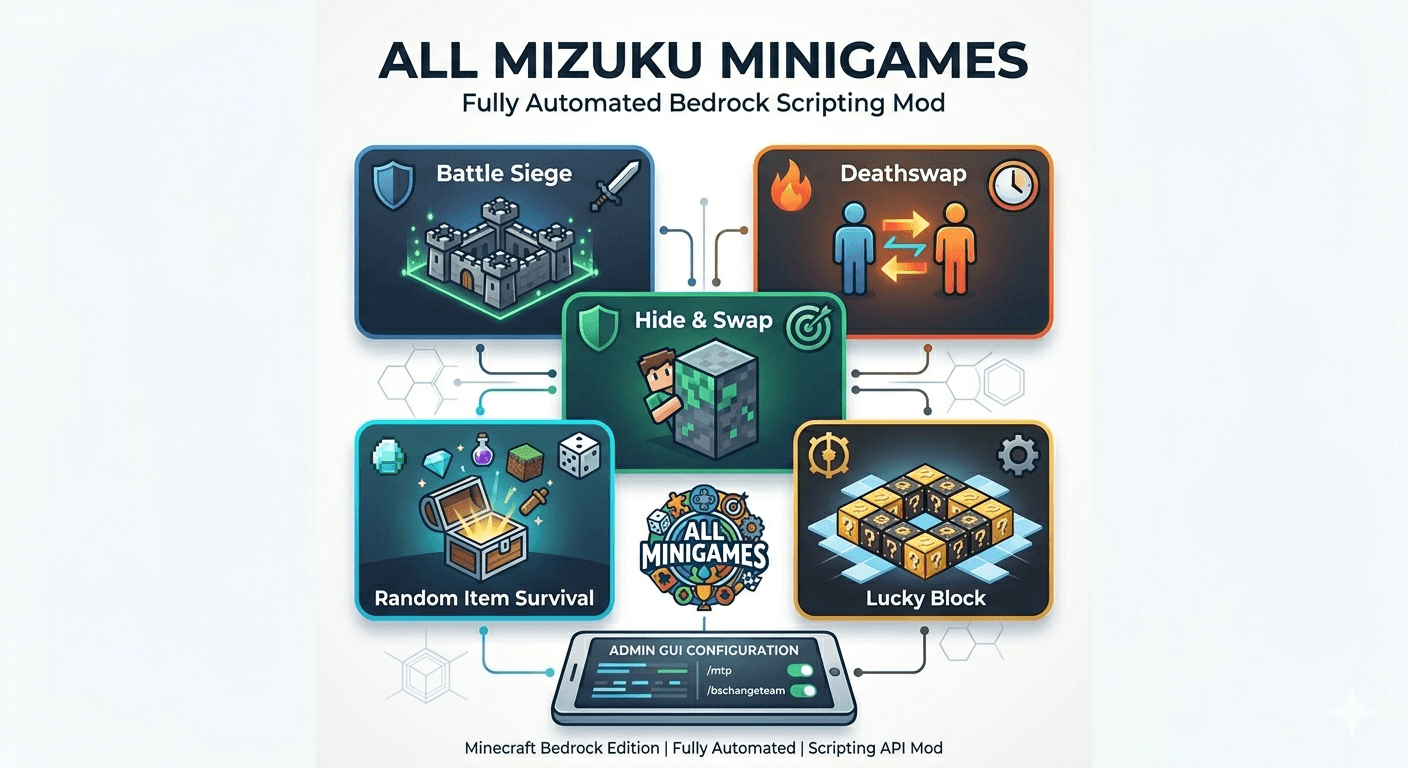
all-mizuku-minigames-banner-png.png
Description
📖 How to Setup & Play (Tata Cara Menggunakan) Follow these simple steps to get the system up and running in your world:
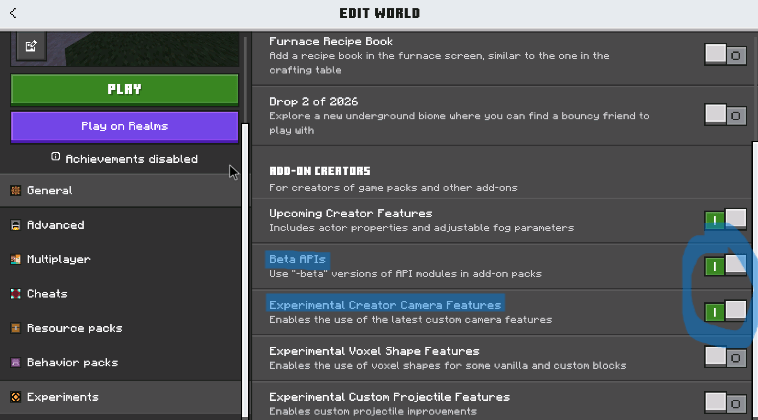
1. Make Sure you already turn on the Beta Api's and added This mod already
 )
)
2. Get Admin Rights: An admin or server operator needs to manually assign themselves the admin tag. Open your chat box and run this exact command: /tag @s add admin
3. Run /menu or /mhelp
Mizuku Minigames is the ultimate high-performance minigame framework built specifically for Minecraft Bedrock Edition (utilizing the Mojang Scripting API).
Featured Minigames No more manual setups. Just pick a game via the UI and let the script do the work:
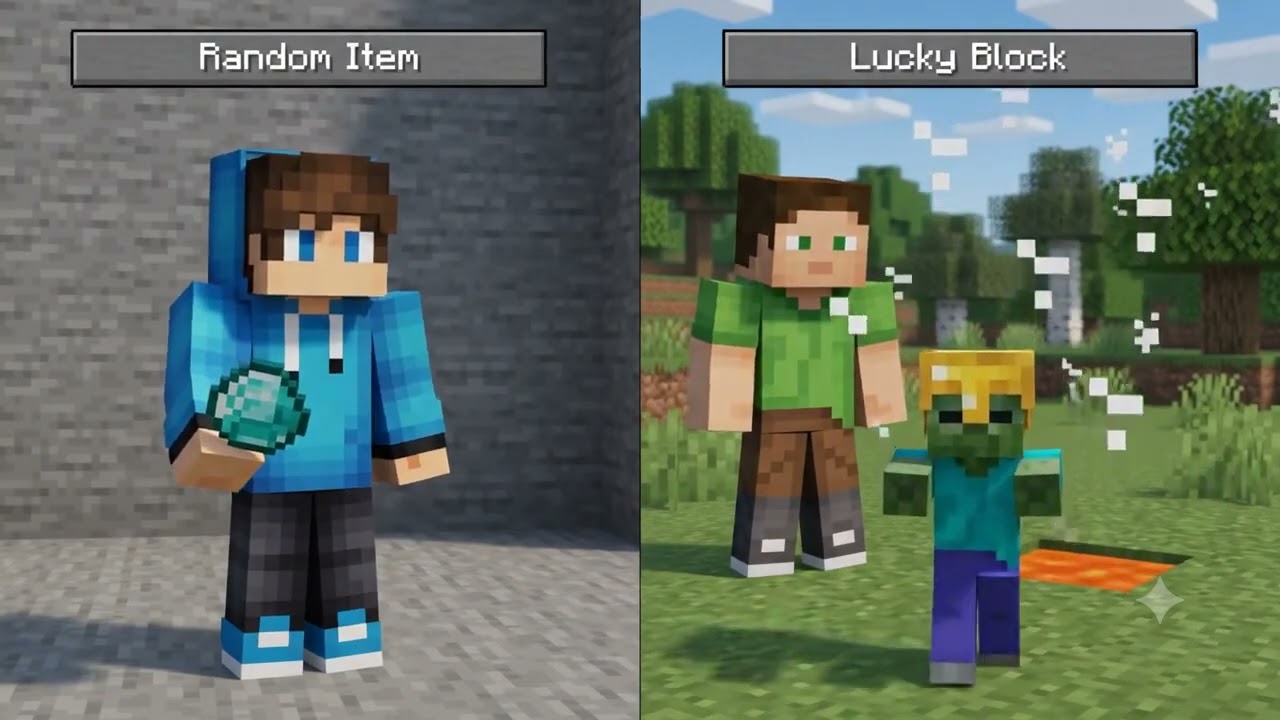
🎰Random Item Survival: Pure chaos. Everyone gets random items at intervals—survive with whatever RNG gods give you!
🫣Hide & Swap: A thrilling twist to the classic game mode, featuring a smart, weighted roulette selection.
🍀Lucky Block Sky-Grid: Spawns a perfectly symmetrical sky-grid made of Lucky Blocks. Test your luck or ruin your friend's day.
🔁Smart Deathswap: Randomly swaps player positions. Features advanced team-derangement logic so you might just swap into your teammate's doom.
🛡️Battle Siege: A tactical, high-stakes two-phase base assault mode. Coordinate with your team to break the defense!
Any Questions? Comment in Curseforge
Let’s be honest: setting up minigames for your friends or your community can be an absolute headache. Commands breaking, late-joiners messing up the lobby, admins having to babysit every single round… it ruins the fun. Mizuku Minigames completely fixes that. It is fully automated, blazing fast, and designed from the ground up to give you and your friends a seamless, chaotic, and incredibly fun multiplayer experience.
Whether you want to challenge your friend group to a sweat session or host a huge community night, this addon has you covered.
⚠️ Important Note for the Best Experience: While this addon handles multiplayer flawlessly, it is highly recommended to have 1 designated host running the world/session. This ensures the Mojang Scripting API executes the state management smoothly with optimal synchronization!
Inspirited by the Community This project is heavily inspired by the chaotic energy, content, and brilliant concepts from amazing creators and communities: Cheappickle, Tinymacdude, Creebus, LaperGang, GoofyGang, Estabr0k, and Al1. If you love their style of gameplay, you are going to feel right at home with Mizuku Minigames!
Open the Control Panel: Once you have the tag, type and execute this command to bring up the main interface: /menu (Alternatively, you can type /mhelp to see the full list of available commands).
Understanding Battle Siege: If you or your friends have never heard of or played Battle Siege (Creative vs Survival) before, exploring the rules on your own can be quite complicated and confusing. It is highly recommended to watch the gameplay tutorials below first!
🇬🇧 English Gameplay Guide: Watch on YouTube
🇮🇩 Bahasa Indonesia Gameplay Guide: Watch on YouTube Live
🛠️ Key Technical Features Behind the fun is a robust full-stack state management architecture that keeps your server running smoothly:
Smart State & Rejoin Management: Did your friend crash mid-game? No worries. The automated catch-up system tracks player states in real-time. Disconnected players can seamlessly re-authenticate, adapt to the current active phase, and retain their exact team roles without breaking the lobby.
Custom Virtual World Border: A dynamic boundary system driven by particle rendering. Configurable player penalties include automatic teleportation back into bounds or knockback vectors.
Advanced In-Game Admin Panel: Built on top of the @minecraft/server-ui library. Access an intuitive GUI to set up custom timers, toggle server rules, or balance teams manually on the fly using /bschangeteam.
Drop this into your world, invite your friends, and let the games begin!
The All Minigames By Mizuku Team
