All-in-One Essentials+
Everything Essential. One Addon.
What is Essentials+?
All-in-One Essentials+ puts the most useful survival tools, HUD info and quality-of-life features of Minecraft Bedrock into one addon with one dashboard. Open the Essential+ Tablet, switch on only the features you want, and tune each one. Built for mobile first.
🟢 Achievement support - this addon is set up to support achievements.
Features at a glance
- Essential+ Tablet and dashboard
- Tree Capitator and Vein Miner
- Auto Replant and Area Hoe
- Double Doors
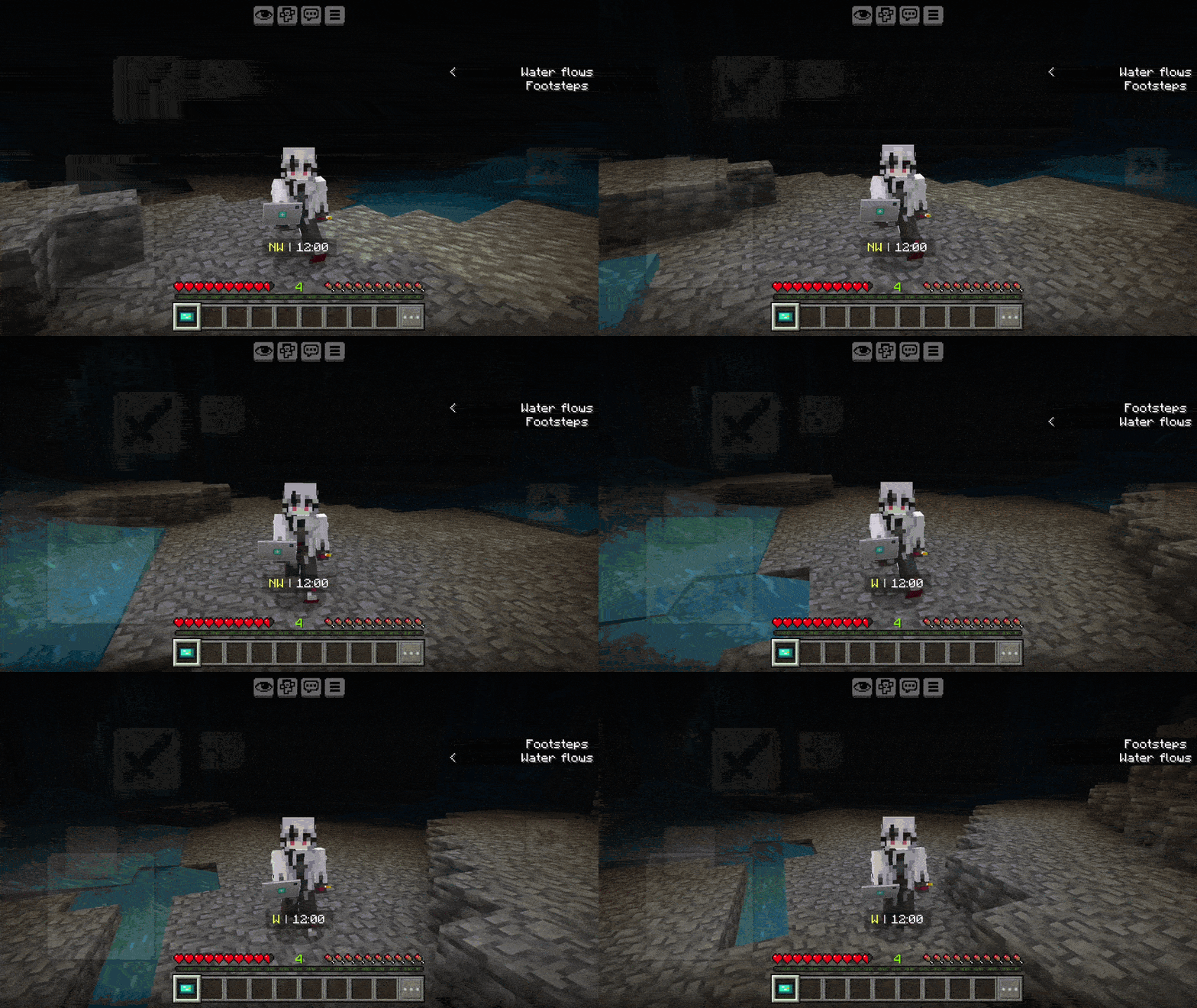
- Dynamic Light (with off-hand torches)
- Waypoints and Death Coordinates
- Damage Text
- HUD: compass, time, low health and durability warnings
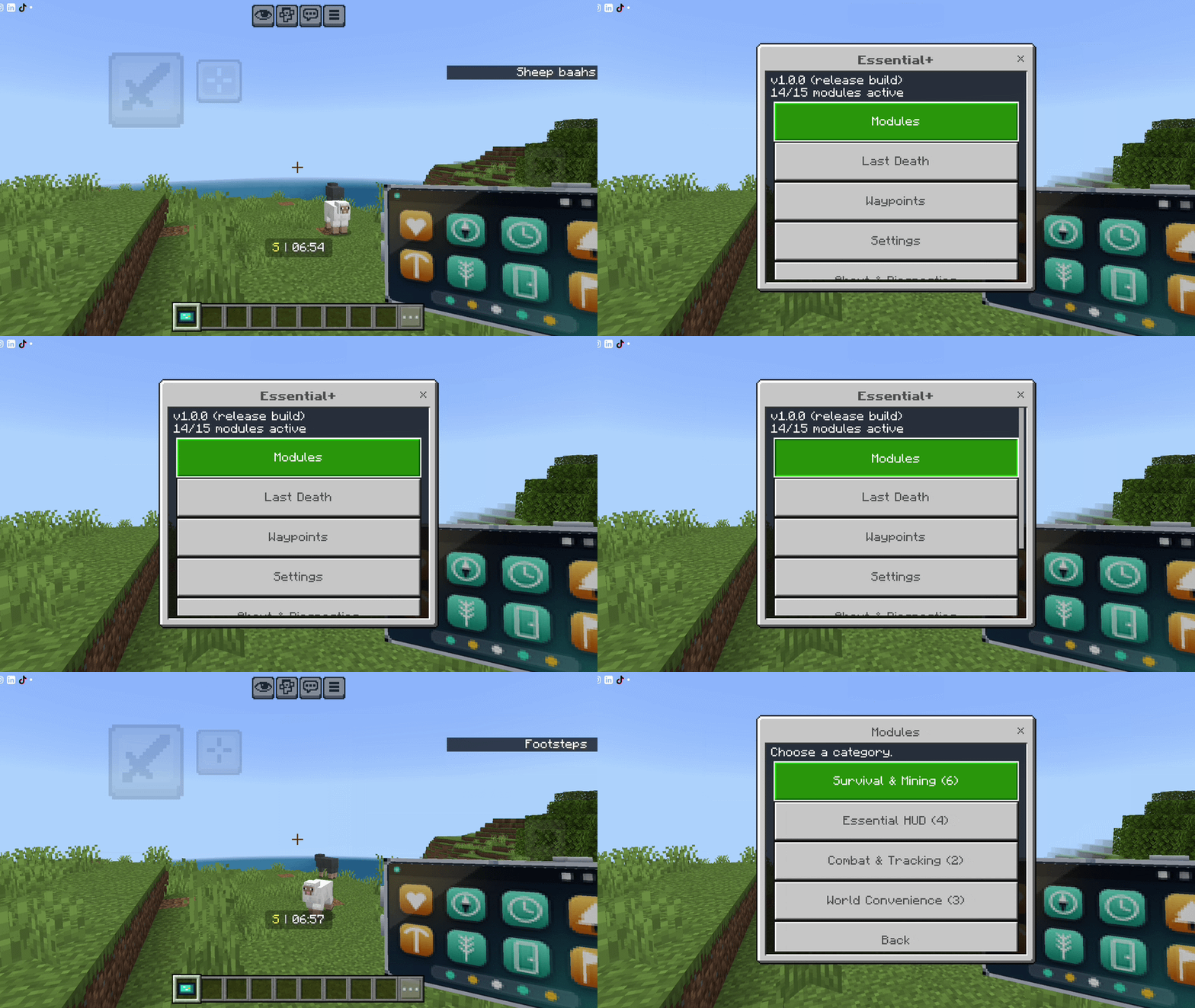
Essential+ Tablet and dashboard
Your control center. You get the tablet when you first join the world and again after every death. Use it to open the dashboard, where every feature can be switched on or off and adjusted. A Clock opens the dashboard too.
Lost it? Craft another with one Rose Bush.
Tree Capitator
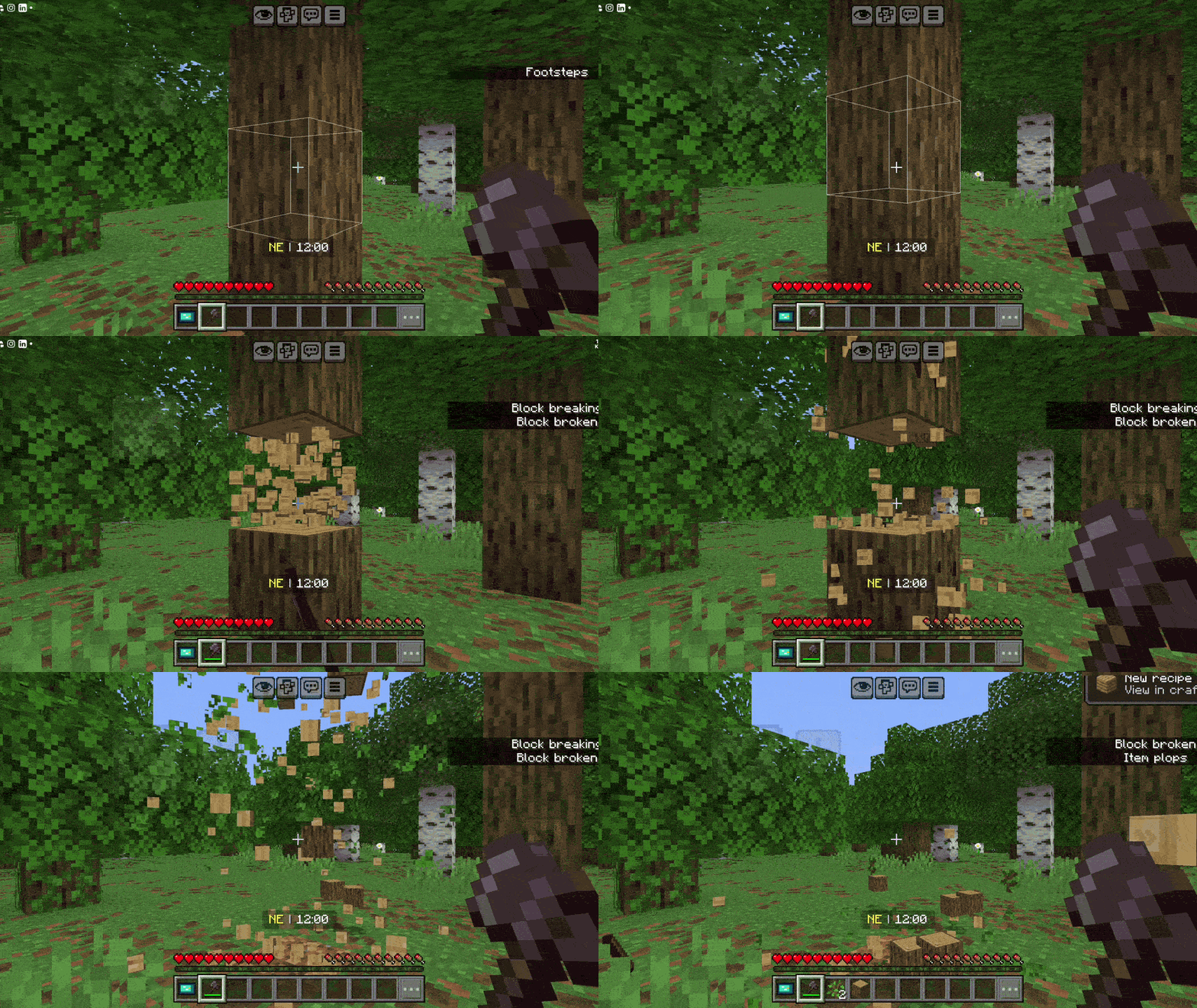
Sneak and chop one log with an axe to fell the whole tree, leaves included. Natural trees only by default, so your builds are safe. Limits for logs and leaves are adjustable.
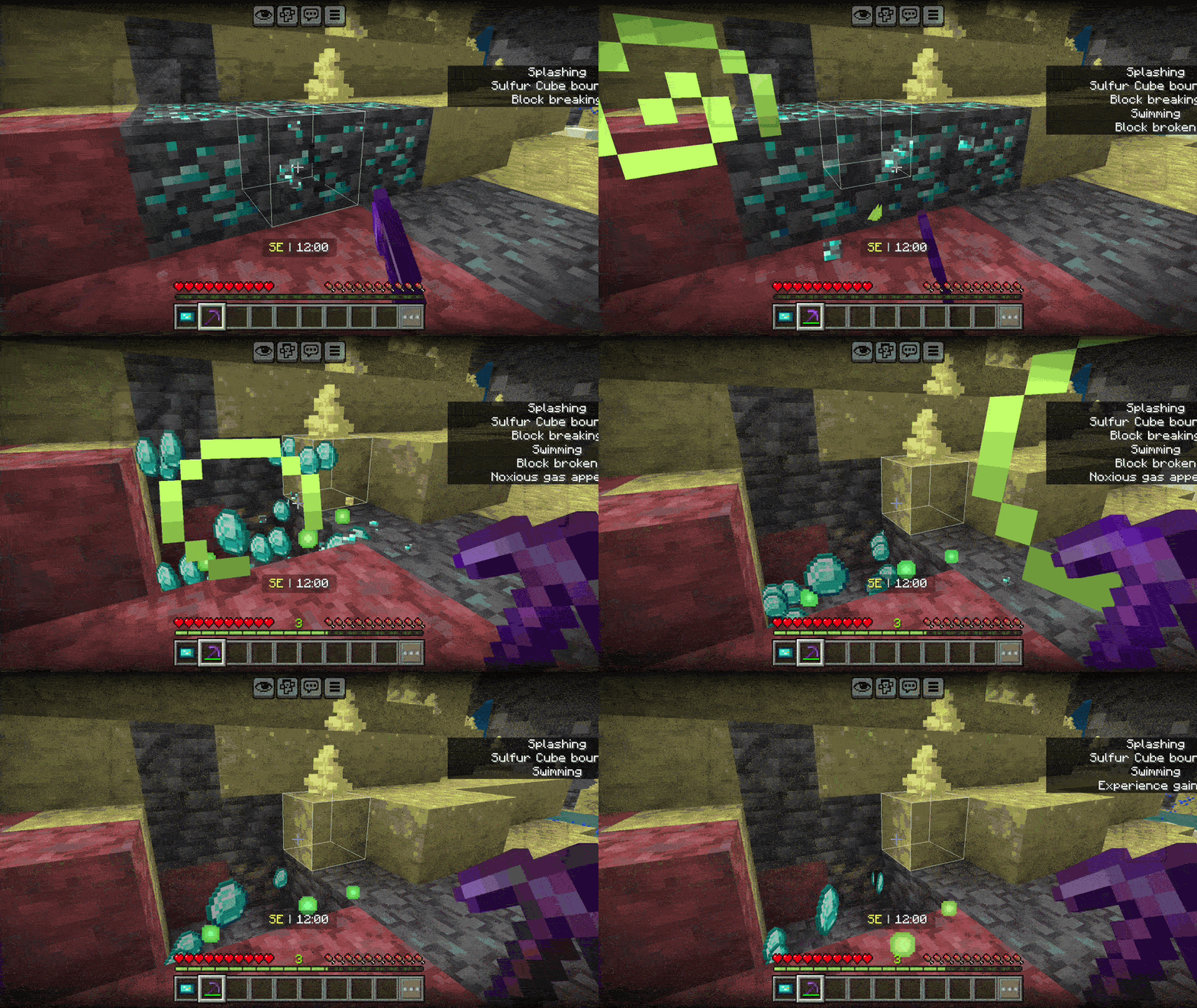
Vein Miner
Sneak and mine one ore with a pickaxe to mine the whole connected vein. Fortune, Silk Touch, Unbreaking, tool durability and XP are respected.
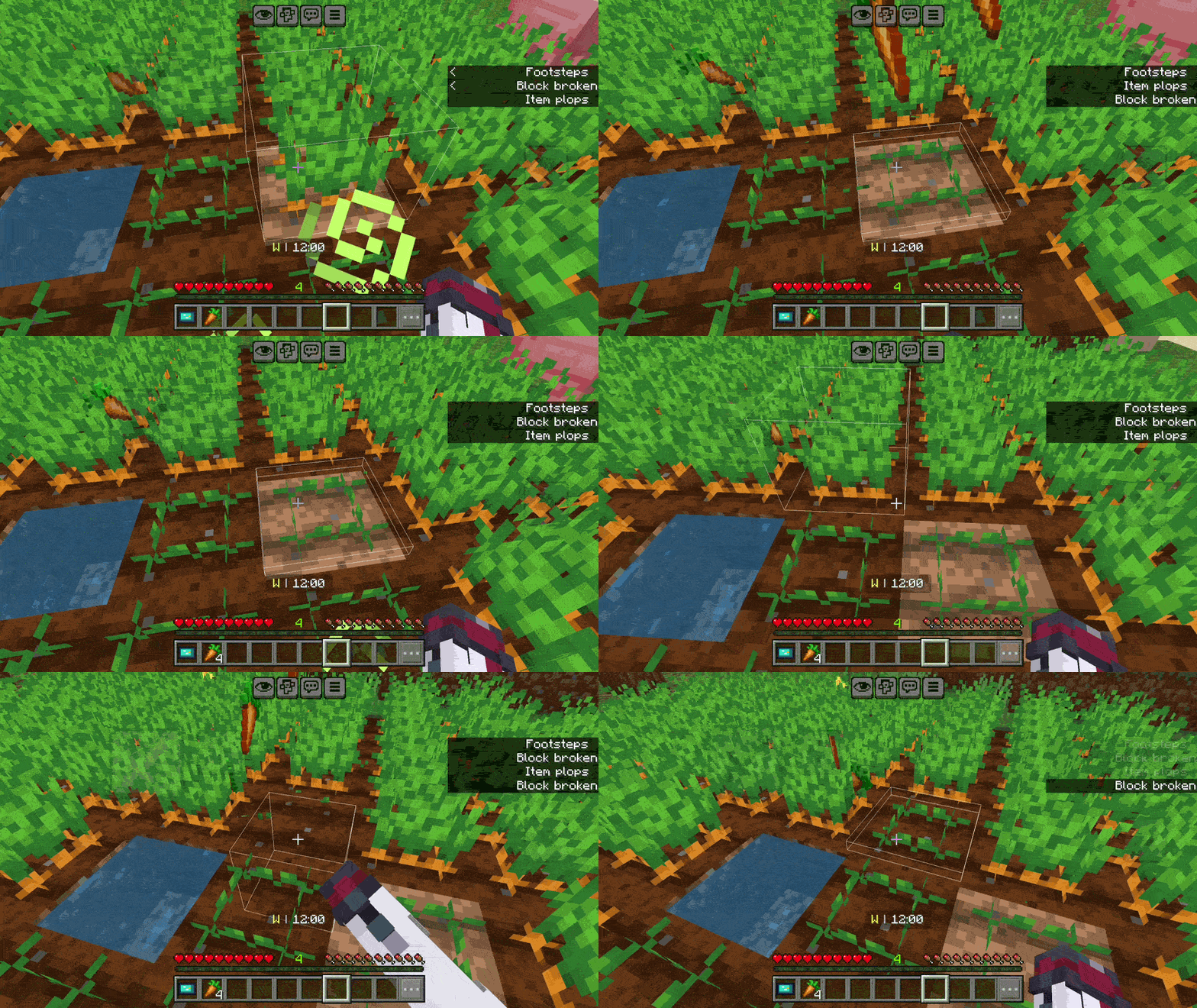
Auto Replant
Harvest a fully grown crop and it is planted again, paying one seed from the drops or from your inventory.
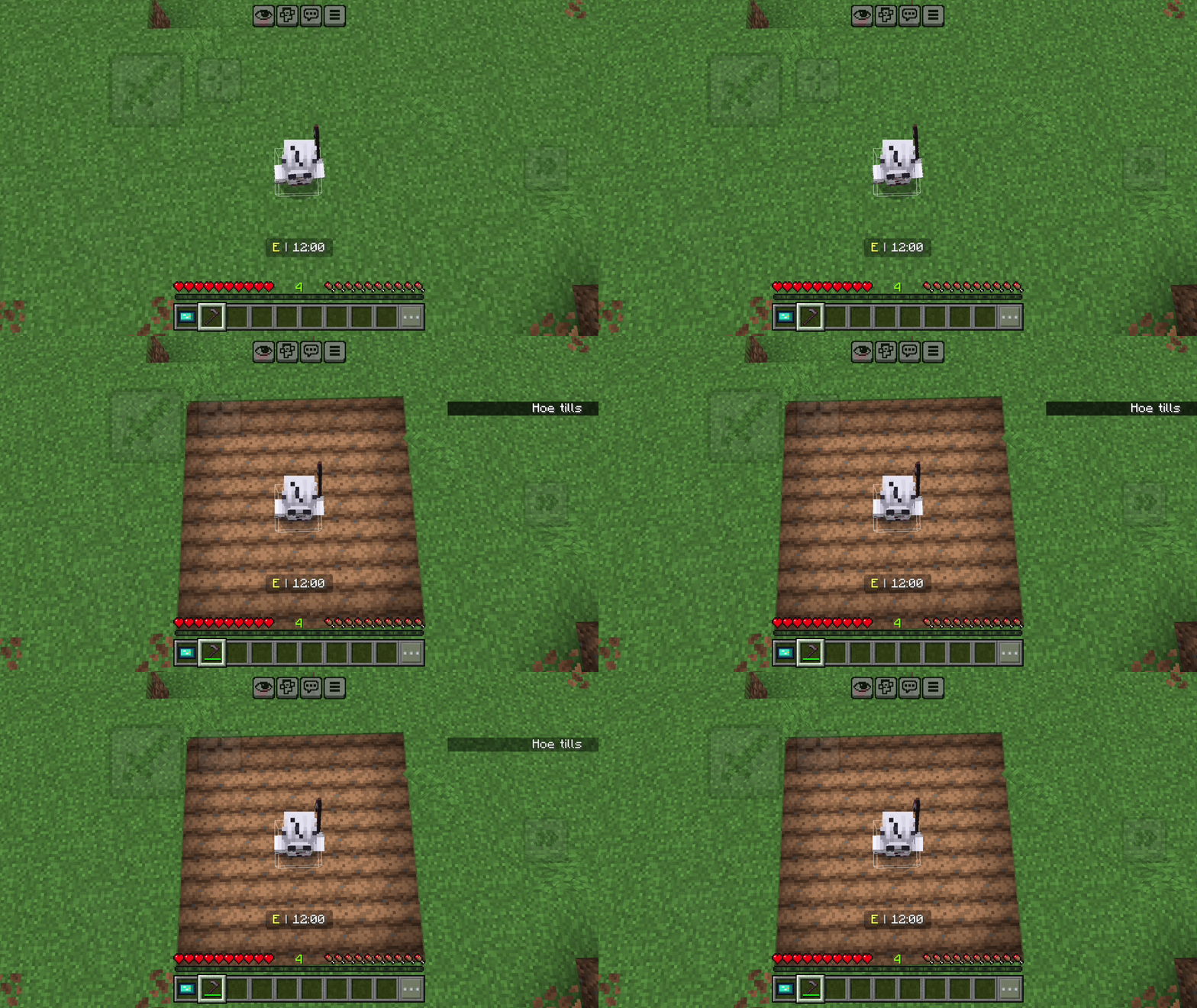
Area Hoe
Till a whole area (choose width and length up to 15) with one click of a hoe. It only tills, nothing is harvested. Sneak to till a single block.
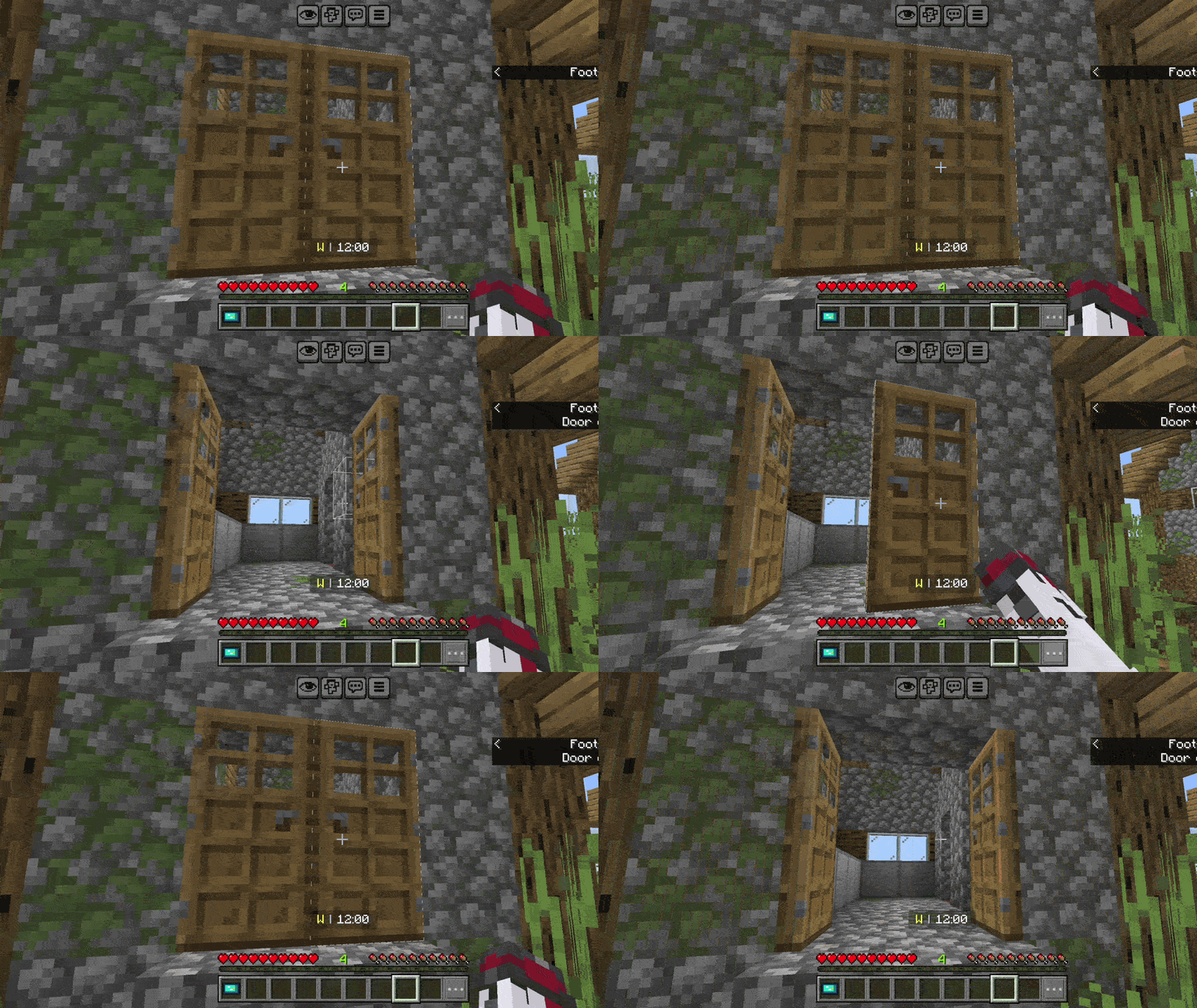
Double Doors
Open or close one door of a pair and the door next to it follows. Iron doors are not affected.
Dynamic Light
Hold a torch, lantern or another light item and the area around you lights up as you move. Sneak + right-click with a torch or lantern to move it to the off hand.
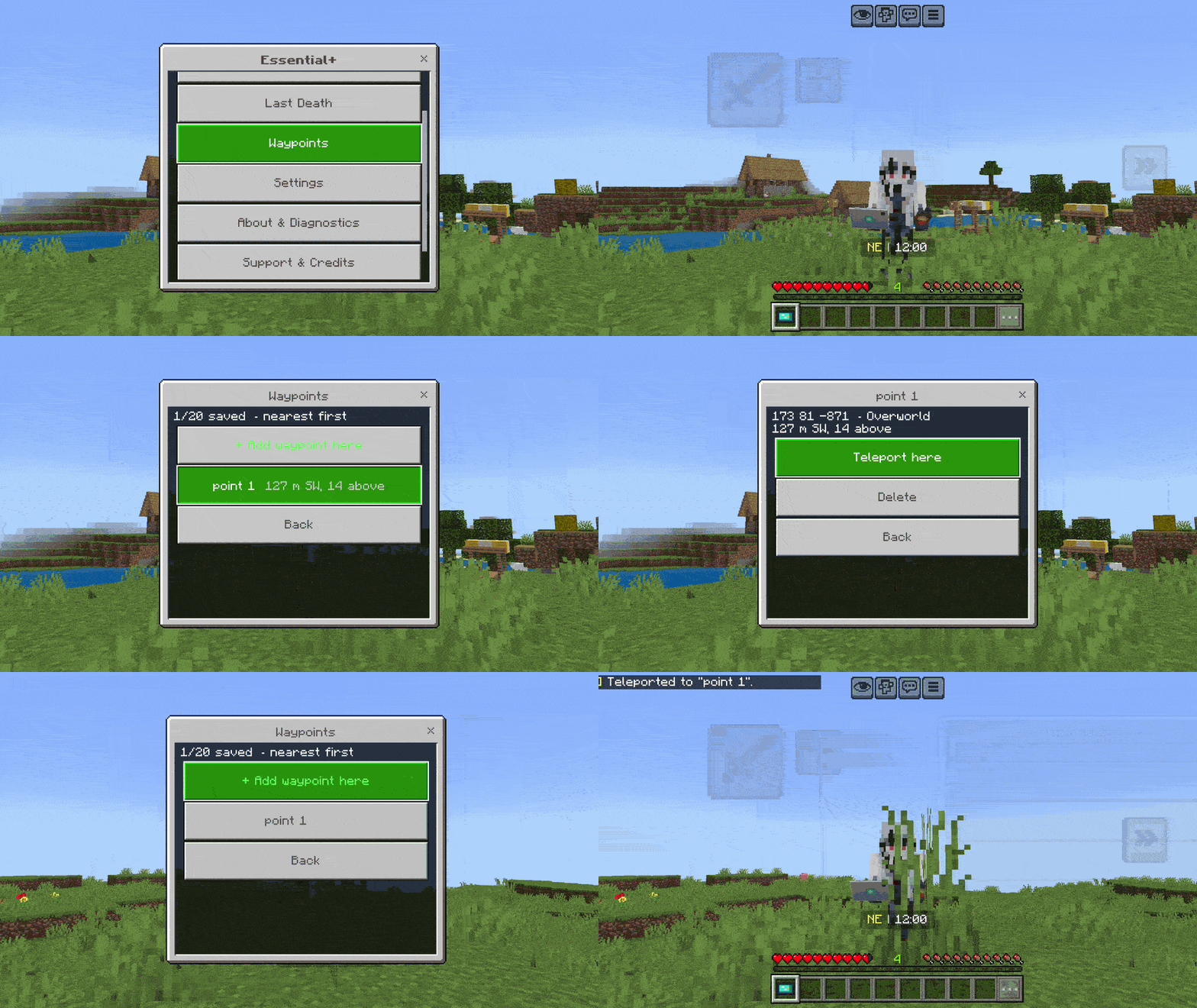
Waypoints and Death Coordinates
Save named places (home, mine, portal…) and see how far and which way they are. Optional teleport to a waypoint with a cooldown. After you die, the addon remembers where, with a short history under "Last Death".
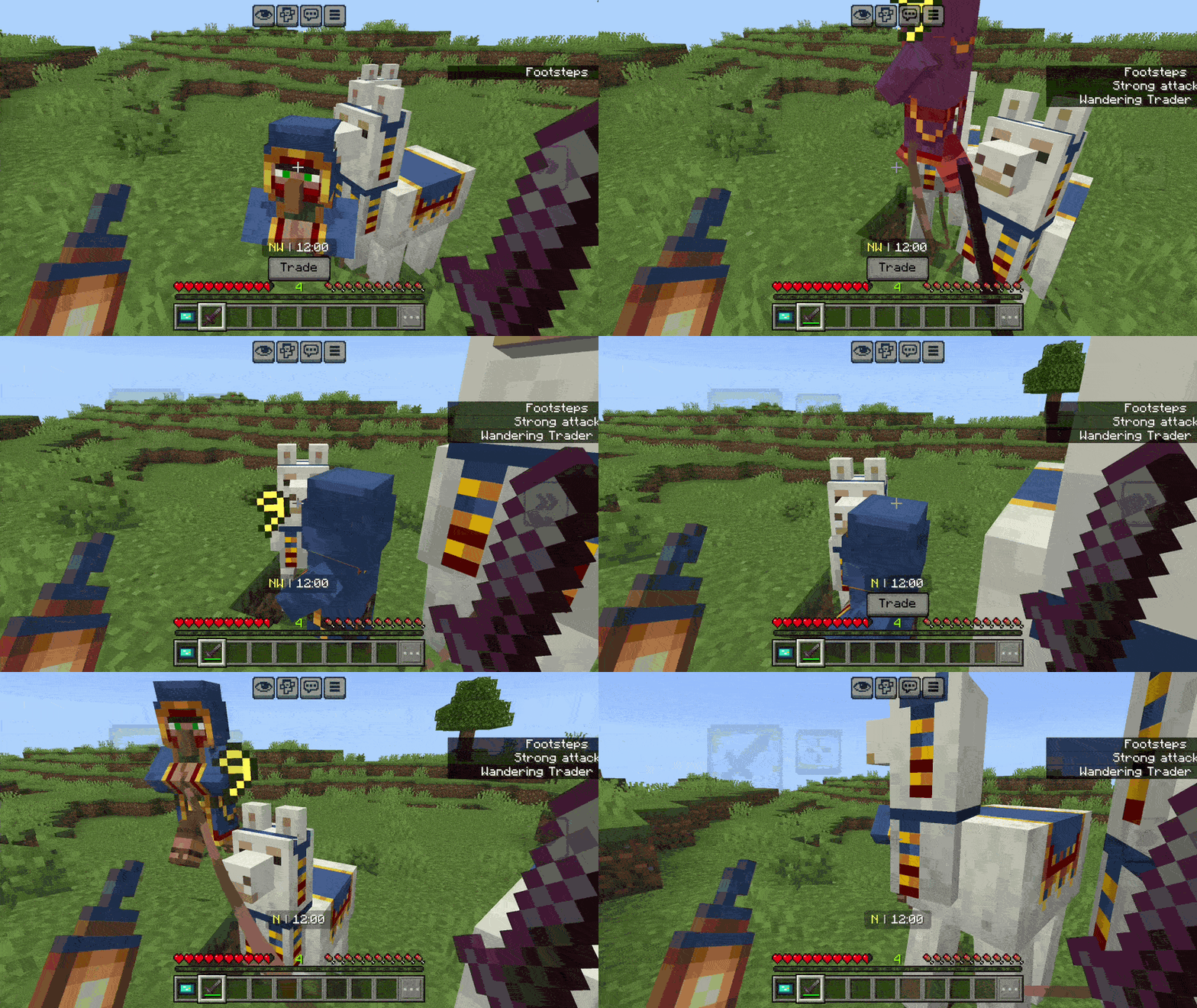
Damage Text
Damage numbers burst out of mobs as particles.
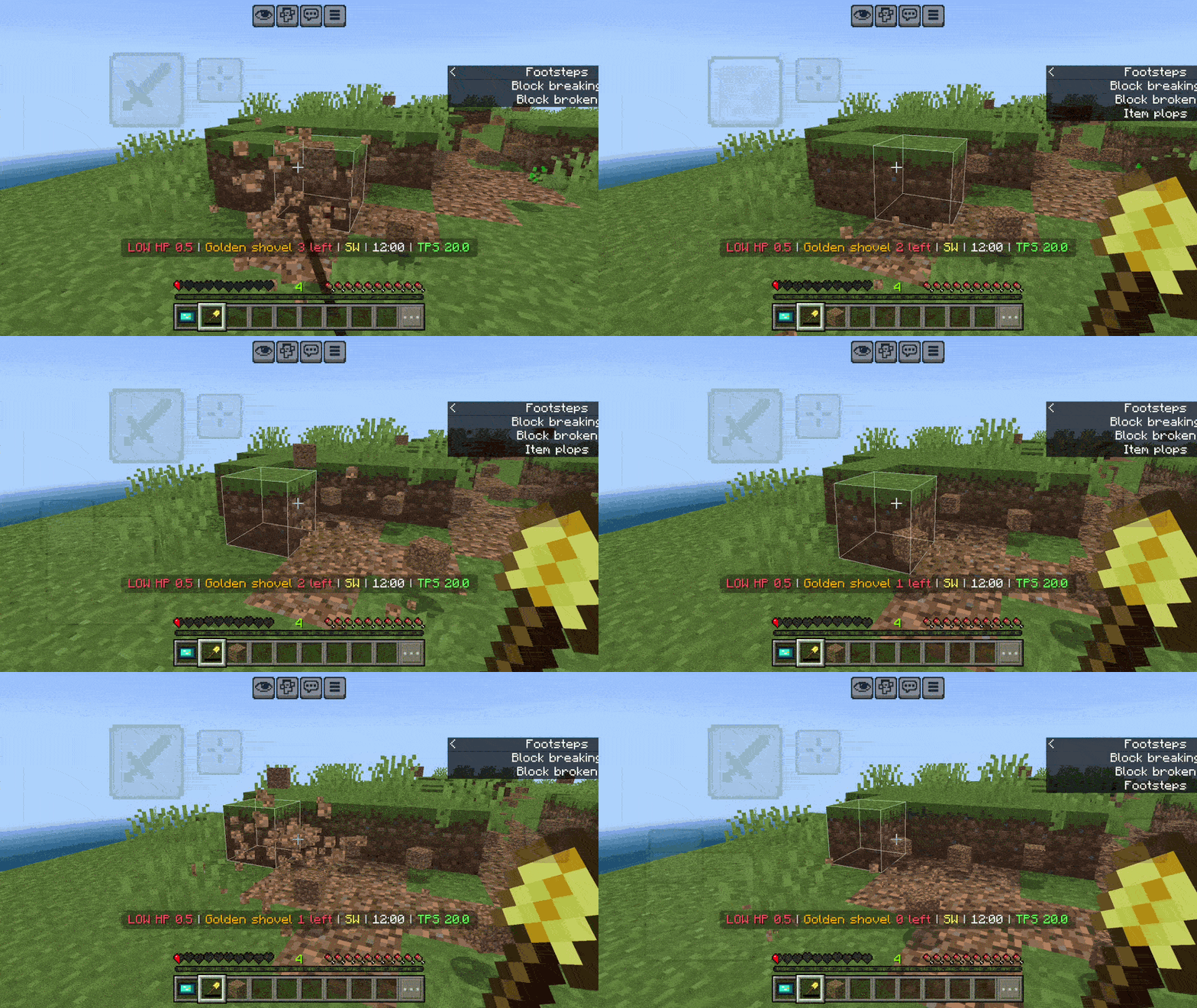
HUD
Direction compass, in-game time, a Low Health warning and a Durability warning, kept small so they do not block your view. Each one can be switched off.
How to install
- Import the
.mcaddon file.
- In your world, activate both packs: [BP] All-in-One Essential+ and [RP] All-in-One Essential+. The resource pack holds the tablet, icons and damage text.
- If you use standalone TreeCapitator+ or VeinMine+, turn them off for that world (Essential+ includes both).
No experimental toggles are needed.
Support
YouTube: @siaizhu
TikTok: @siiaizhu
Instagram @endviii
Donate:
Discord Community: Aizhu comunity
More addons and texture packs: https://legacy.curseforge.com/members/aizhu/projects
If you enjoy this addon, consider following me on CurseForge so you don't miss future updates and new projects.
© All rights reserved by Aizhu.