MCPEDL
Description
Advanced Storage Network finally fixes your storage problem.
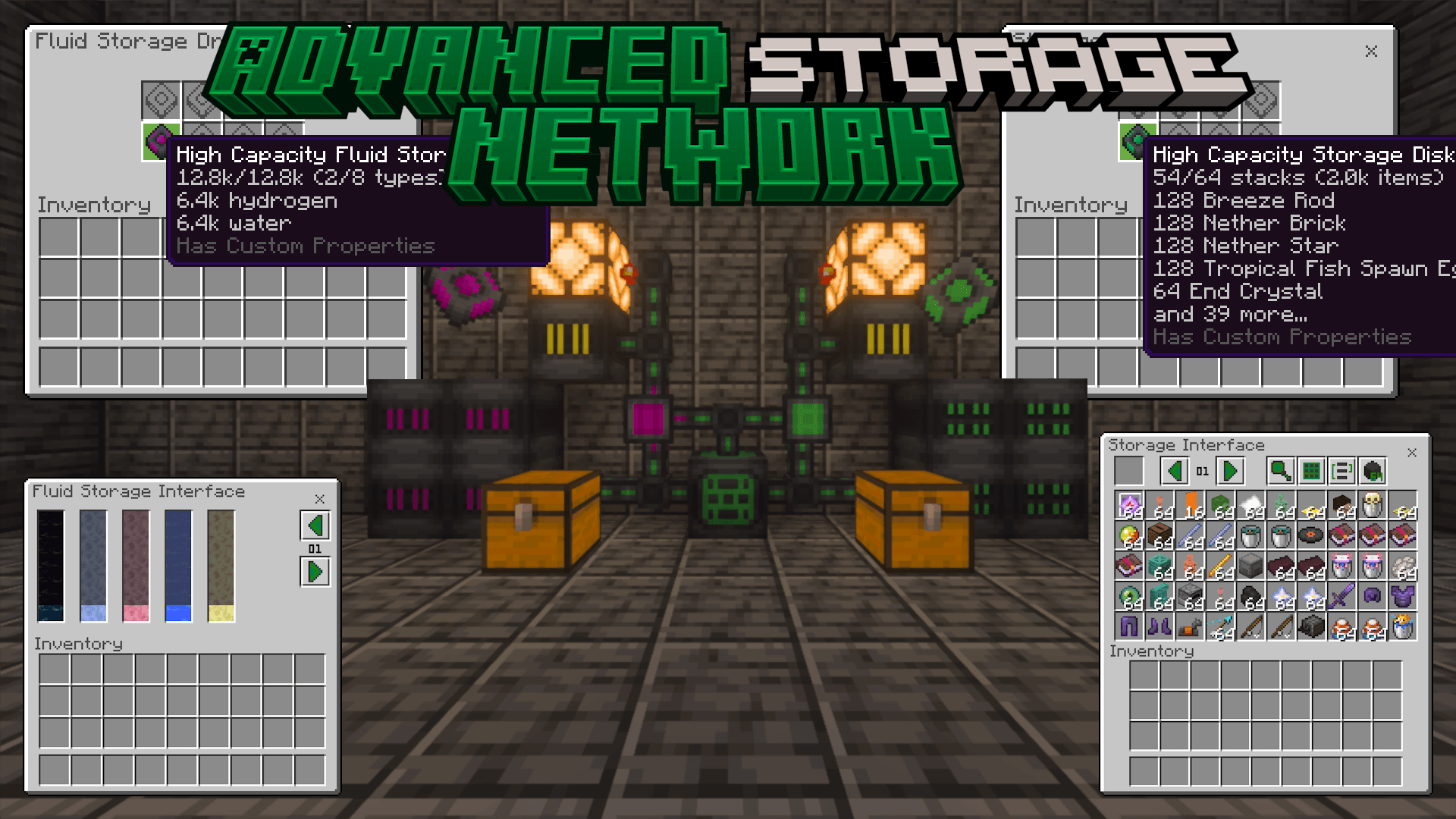
One network holds every item you own, and you reach all of it through a single screen. Browse it, search it, and craft out of it without ever opening a chest.
Features
- Store anything. Any item and any fluid can go on the network, including ones from other add-ons, and it grows as far as you build it.
- Custom UI for the whole network.
- Automate it. Devices to move items in and out on their own, keep an item in stock, and drive redstone off what's stored.
- Reach it from anywhere. Wireless access to a network, and relays that join its distant parts across any distance and any dimension.
- Compatible with other Bedrock Energistics Core add-ons. Any Core add-on can power the network or pipe fluids into it.
Requirements
- Minecraft: Bedrock Edition v26.30 or later.
- Bedrock Energistics Core v0.12.0.
Version Support
| Version | Support |
|---|---|
| v3 | Full support. |
| v2 | Bug fixes only. |
| Older than v2 | Not supported. |
Getting Started
You get the Advanced Storage Network Tutorial Book the first time you spawn into a world, and can craft another from a book and an emerald. Hold it and interact to view all entries, or interact with a device to open that device's entry, which gives you what the device does and what it needs. You can also view the tutorial book online.
This add-on adds no generators, so power your network from another Bedrock Energistics Core add-on such as Bedrock Energistics, or run /asnrule useEnergy false to play without energy.
Configuration
Add-on rules can be changed in-game. These commands need operator permissions:
/asnrule help— list every rule and what it does./asnrule <rule>— read a rule's current value./asnrule <rule> <value>— set a rule. Numbers must be quoted, for example"123"rather than123./asnrulereset <rule>or/asnrulereset all— put rules back to their defaults.
For anything the commands don't cover, edit scripts/<span style="text-decoration: underline;">config.js in the behavior pack with any text editor. It sets the default value of every rule and can lock a rule so players can't change it in-game, and it holds the options that aren't rules, such as whether new players are given the Tutorial Book.
Every option is optional and is documented with a comment in the file. Remove an option to use its default. If an option is missing or set to the wrong type, its default is used and a warning is logged to the content log.
Bundling With Other Add-Ons
Crafting. Every recipe the network can craft is listed in BP/scripts/generated/</span>recipes.js, which by default covers vanilla and ASN recipes only. To let the network craft another add-on's items, regenerate that file with the recipe generator in this repository, passing it the extra recipes:
node scripts/recipegen.ts <vanilla recipes> <asn recipes> [additional recipes]Commands. One add-on cannot have multiple custom command namespaces, so if ASN is merged into a single add-on with other content that has its own commands, set customCommandNamespace in scripts/__config.js to that add-on's namespace. The commands are then reached through it, as in /<namespace>:asnrule.
Links
The Advanced Storage Network Team


Owner