ADS CleanPvP
- By
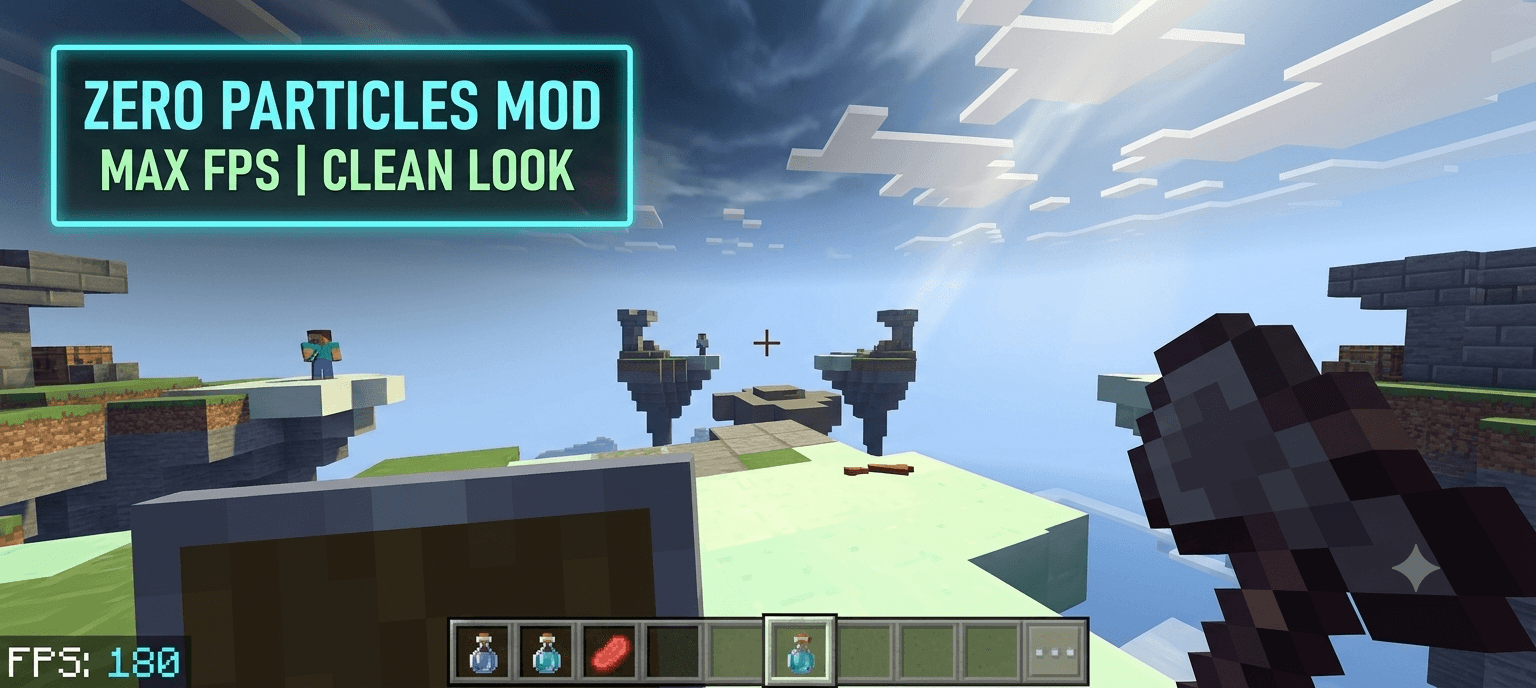
Boost your FPS, remove particles, and get a clean look for competitive PvP.
1783355901327.png
Description
# ⚡ ADS CleanPvP | Ultimate FPS Boost & Clean Visuals
Are you tired of frame drops, screen clutter, and lag during intense PvP fights? **ADS CleanPvP** is here to fix that.
Designed specifically for Minecraft Bedrock Edition (MCPE, Windows, and Consoles), this lightweight performance pack optimizes your game's rendering engine, completely removes unnecessary visual clutter, and guarantees a massive FPS boost. Whether you are playing on massive multiplayer servers, grinding in duels, or participating in competitive events, this pack ensures your game runs flawlessly.
---
### 🔥 Core Features & Enhancements
**1. 🚀 Massive FPS Optimization**
* Optimizes default rendering rules to reduce the strain on your device's processor.
* Perfectly tailored for mobile devices and low-end PCs, ensuring smooth gameplay without overheating during long gaming sessions.
**2. 🧹 Zero Particle Clutter (Clean View)**
* **No More Potion Particles:** Completely removes those annoying, view-blocking status effect swirls (like Speed or Jump Boost particles) from above your head.
* **Reduced Lag:** Disables unnecessary environmental and mob particles that cause sudden frame drops in crowded server lobbies.
**3. ⚔️ Competitive PvP Advantage**
* **Unhindered Vision:** With visual clutter removed, tracking your opponents' movements and aiming becomes significantly easier.
* **Essential Combat Feedback:** While junk particles are removed, crucial combat indicators like Critical Hit (Crit) stars and Sharpness particles are kept intact so you always know when your hits connect.
**4. 🔋 Battery & Device Friendly**
* By reducing memory and GPU usage, this pack helps your device run cooler and saves battery life during long Minecraft sessions.
---
### 📱 Compatibility & Usage
* **Platform:** Works flawlessly on all versions of Minecraft Bedrock Edition (Mobile/Tablet, Windows PC, and Consoles).
* **Server Safe:** This is a purely visual resource pack. It is 100% safe to use on all major multiplayer servers (Hive, Mineville, Lifesteal, Custom SMPs) without any risk of getting banned.
---
### ⚙️ How to Install & Setup
1. Download the `.mcpack` file from the "Files" tab.
2. Open/Click the downloaded file to automatically import it into Minecraft.
3. Open Minecraft and go to **Settings > Global Resources**.
4. Find **ADS CleanPvP** in your packs and click **Activate**.
5. **IMPORTANT:** Make sure this pack is at the *very top* of your active resource packs list.
6. Restart your game to clear the cache and enjoy the lag-free experience!
---
**Disclaimer:** This is an independent visual optimization resource pack. It modifies textures and particle JSON files natively to
boost performance and clear screen clutter.
ADS CleanPvP Team