Admin log
- By
Admin Container Logger is the ultimate moderation tool for Realm owners and Server admins on Minecraft Bedrock. Keep your economy safe, catch griefers, and resolve disputes instantly with detailed transaction logs.
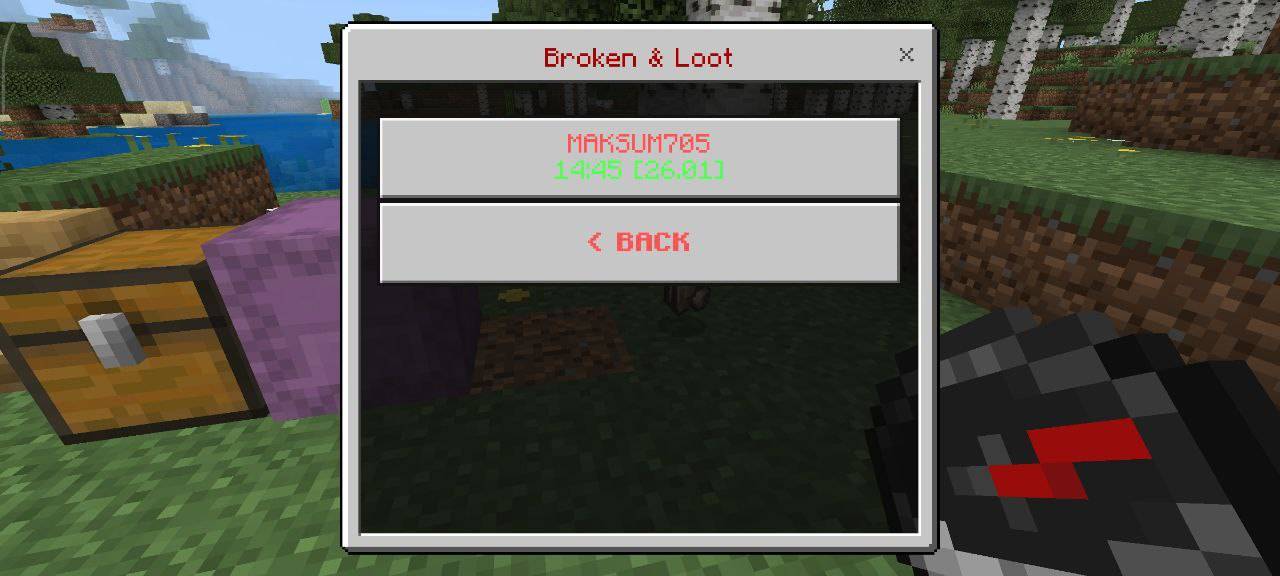
photo_2026-01-26_16-27-38.jpg
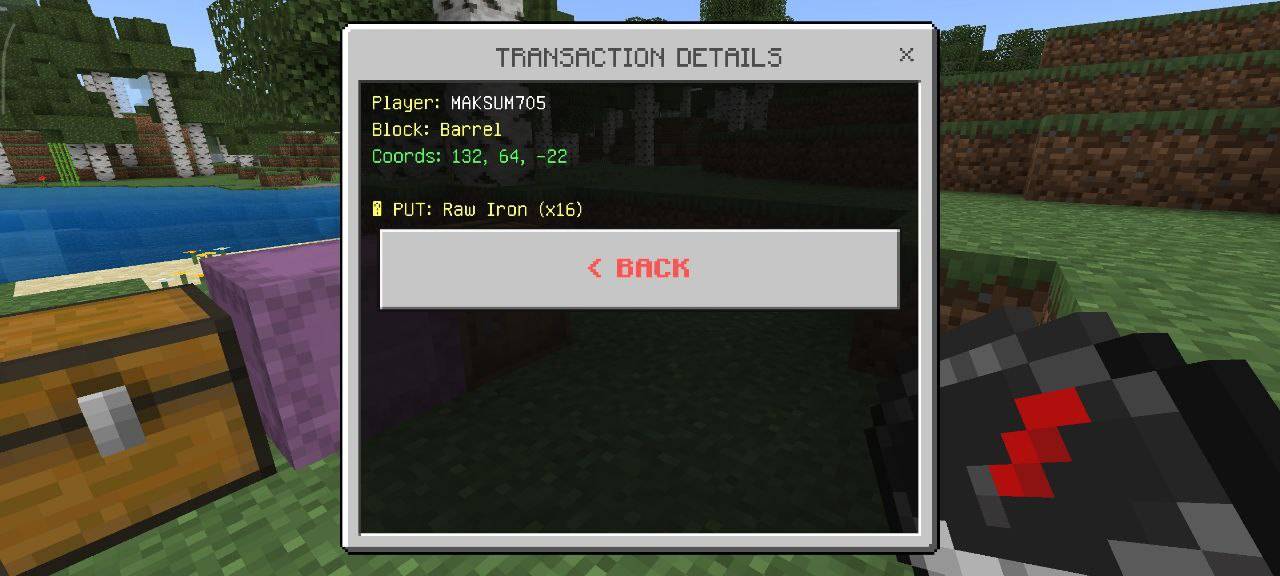
photo_2026-01-26_16-27-37 (9).jpg
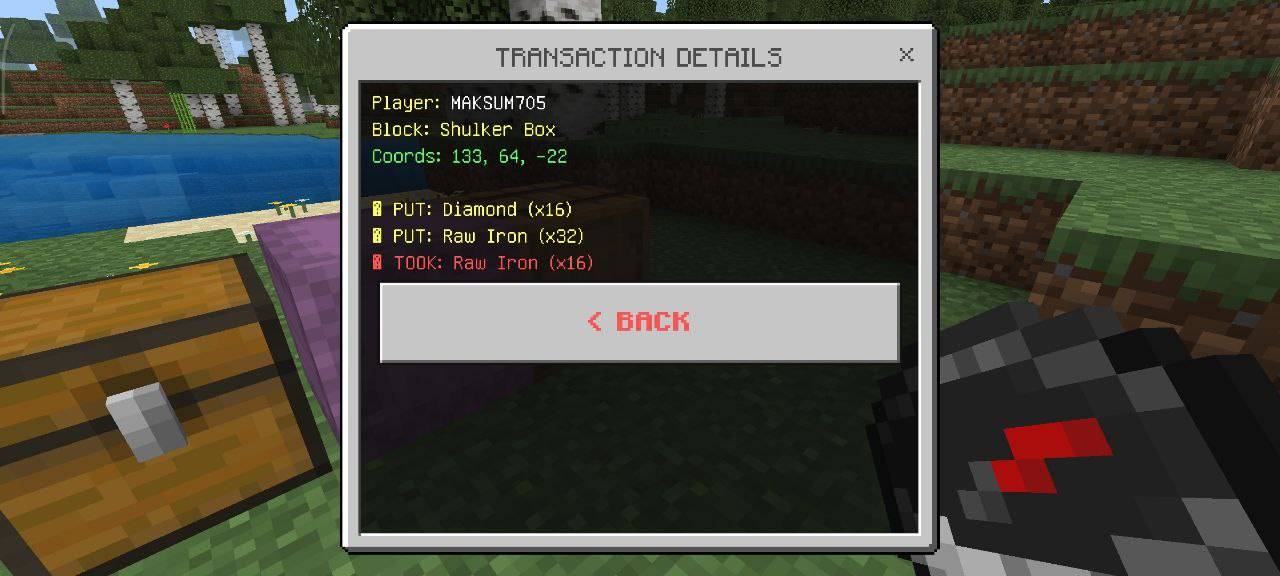
photo_2026-01-26_16-27-37 (8).jpg
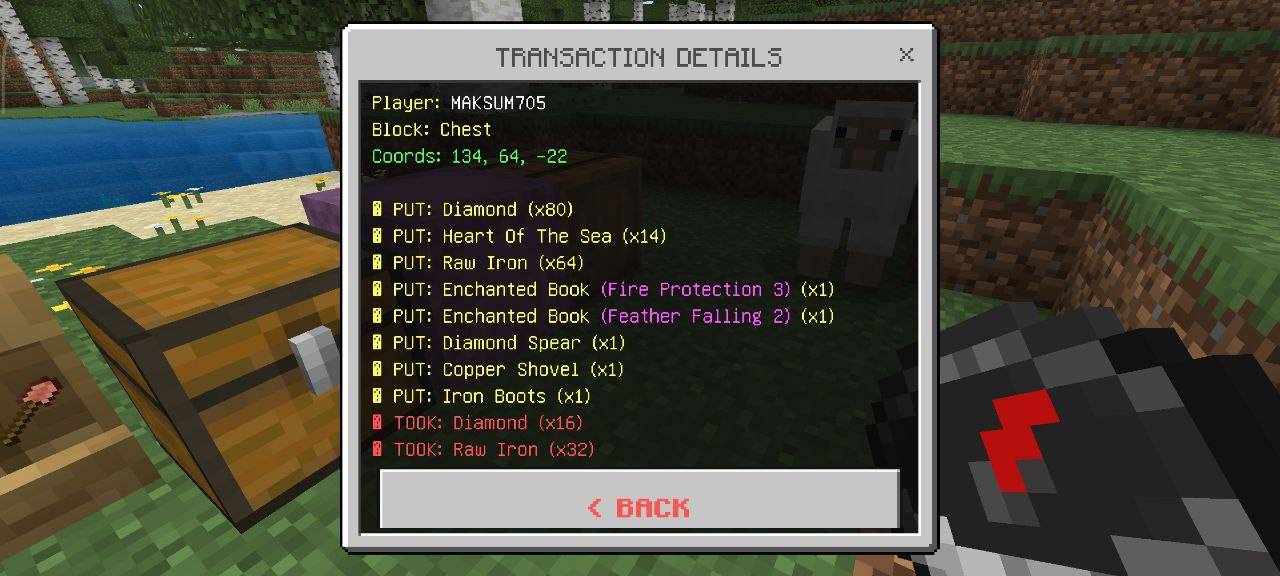
photo_2026-01-26_16-27-37 (7).jpg
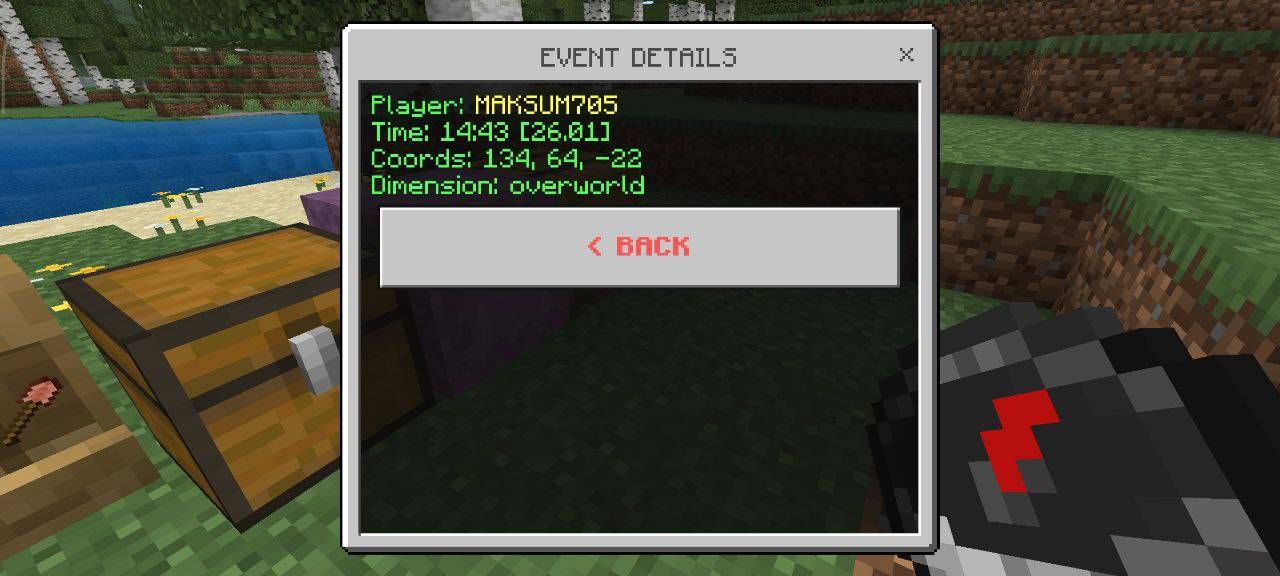
photo_2026-01-26_16-27-37 (6).jpg
Description
Admin Container Logger (Bedrock Edition)
Catch thieves, settle disputes, and protect your realm — without guessing who touched your chests.
Admin Container Logger is a moderation addon for Minecraft Bedrock 1.26.20+ (including 1.26.23 and newer 26.x releases). It records who opened storage, who took or placed items (with enchantments), who broke containers for loot, and risky grief actions like TNT and lava — then lets trusted admins review everything in a clean in-game menu.
No more “who stole the diamonds?” — the answer is in the log.
🔗 Links & Community
📢 Discord: Join our server ✈️ Telegram: Join the channel
Follow us for updates, bug reports, and new addon releases!
🎉 What’s New in v1.0.48
🔍 Chest Scanner — per-container history
Hold the Chest Scanner and use it on a chest, copper chest, barrel, or shulker to open a script menu with that block’s take/put history (who moved what and when). Normal click without the scanner still opens the container so players can store items.
👤 Player profiles
Admins can open Player Profiles in the main menu — PvP kills, mob kills, and deaths per player (saved per world).
📦 Double chests
One shared history for both halves of a double chest — no split or missing logs.
⚙️ Timezone in settings
Set your timezone as text (UTC+2, +3, -5:30, etc.) in Settings → Edit limits — timestamps follow your offset.
✨ Vibrant Visuals compatible
Resource Pack includes "capabilities": ["pbr"] so Vibrant Visuals / shaders stay enabled (MC 1.21.120+; release targets 1.26.20+).
🔧 Stable Script API
Uses stable @minecraft/server — no Beta APIs experiment required on 1.26.20+.
🇺🇦 / 🇬🇧 Localization
Admin menus, danger labels, and items in English and Ukrainian.
✨ Key features
🕵️ Advanced transaction logging
See who, what, when, and how much was taken from or put into storage — including enchanted items (e.g. Netherite Pickaxe (Efficiency 5, Fortune 3)), not just raw item IDs.
📦 Full container support
- Chests & double chests
- Copper chests (all variants) — separate category in the menu
- Barrels
- Shulker boxes
- Chiseled bookshelves
💥 Break / anti-grief logger
If someone breaks a container, the log saves everything that dropped — amounts and enchantments included.
🚪 Interaction history
Tracks who opened chests, barrels, shulkers, shelves, or doors — even if nothing was taken. Ideal for spotting snoopers.
⚠️ Danger actions
- Placing and igniting TNT (placing and igniting — not breaking TNT)
- Flint and steel (fire placement)
- Lava (block or bucket)
- Breaking beacons
📋 Organized admin dashboard
- Filter by category: transactions, broken loot, danger actions, each container type
- Per-chest history with the Chest Scanner
- Coordinates, dimension, and timestamps on every entry
- Merge repeated actions so spam doesn’t flood the list
⚙️ In-game settings
Adjust log limits, per-chest history size, timezone, and repeat-merge window — saved per world.
🎒 How to get the tools
| Item | How to use |
|---|---|
Admin Tablet (mx:admin_tablet) |
Use in the air → main log menu |
Chest Scanner (mx:chest_scanner) |
Hold it and use on a storage block → that container’s history only |
- Craft on a crafting table (recipes below)
- Creative → Items → Tools
/give @s mx:admin_tablet·/give @s mx:chest_scanner
🔨 Crafting recipes (crafting table)
Admin Tablet
Opens the full admin log menu — use in the air.
        [Lapis Lazuli]
[Paper] [Compass] [Paper]
[Book]| Slot | Item |
|---|---|
| Top center | Lapis Lazuli |
| Middle row | Paper · Compass · Paper |
| Bottom center | Book |
Recipe unlocks after you have a compass in your inventory.
Chest Scanner
Shows take/put history for one container — use on chest, copper chest, barrel, or shulker.
      [Iron Ingot]
[Glass] [Spyglass] [Glass]
[Book]| Slot | Item |
|---|---|
| Top center | Iron Ingot |
| Middle row | Glass · Spyglass · Glass |
| Bottom center | Book |
Recipe unlocks after you have a spyglass in your inventory.
⚙️ How to use
- Open the menu — hold the Admin Tablet and use it in the air (authorized admins only).
- Browse logs — pick a category (Transactions, Copper Chests, Danger Actions, Player Profiles, etc.).
- Inspect an entry — player, time, location, and full item details.
- Scan one chest — hold the Chest Scanner and use it on that chest, barrel, shulker, or copper chest.
- Use chests normally — click a container without the scanner in hand to open inventory and play as usual.
- Tune limits — Settings in the main menu (per world).
Note: Flint and steel used in empty air may not always appear in logs due to how the game reports that action.
🛠️ Installation & requirements
| Requirement | Details |
|---|---|
| Game version | Minecraft Bedrock 1.26.20 or newer |
| Packs | Install both Behavior Pack and Resource Pack from .mcaddon |
| Beta APIs | Not required — stable Script API only |
| Vibrant | Compatible when Vibrant is ON (RP includes pbr) |
🔐 Adding admins
Only players on the admin list can open menus and use the scanner.
- Open the addon folder (or unzip the
.mcaddon). - Edit
BP/scripts/constants.js. - Set your in-game names:
const ADMIN_NAMES = ["YourGamertag", "AnotherAdmin"];- Save, reinstall the pack if needed, and reload the world.
Use the exact name shown in-game (Xbox gamertag / realm name).
Admin log Team