


AdiStudio - Cinematic Camera & Animation Tools
- By

Create professional Minecraft Bedrock cinematics with ultra-smooth cameras, keyframes, actors, 100+ poses, animations, and powerful in-game filmmaking tools.
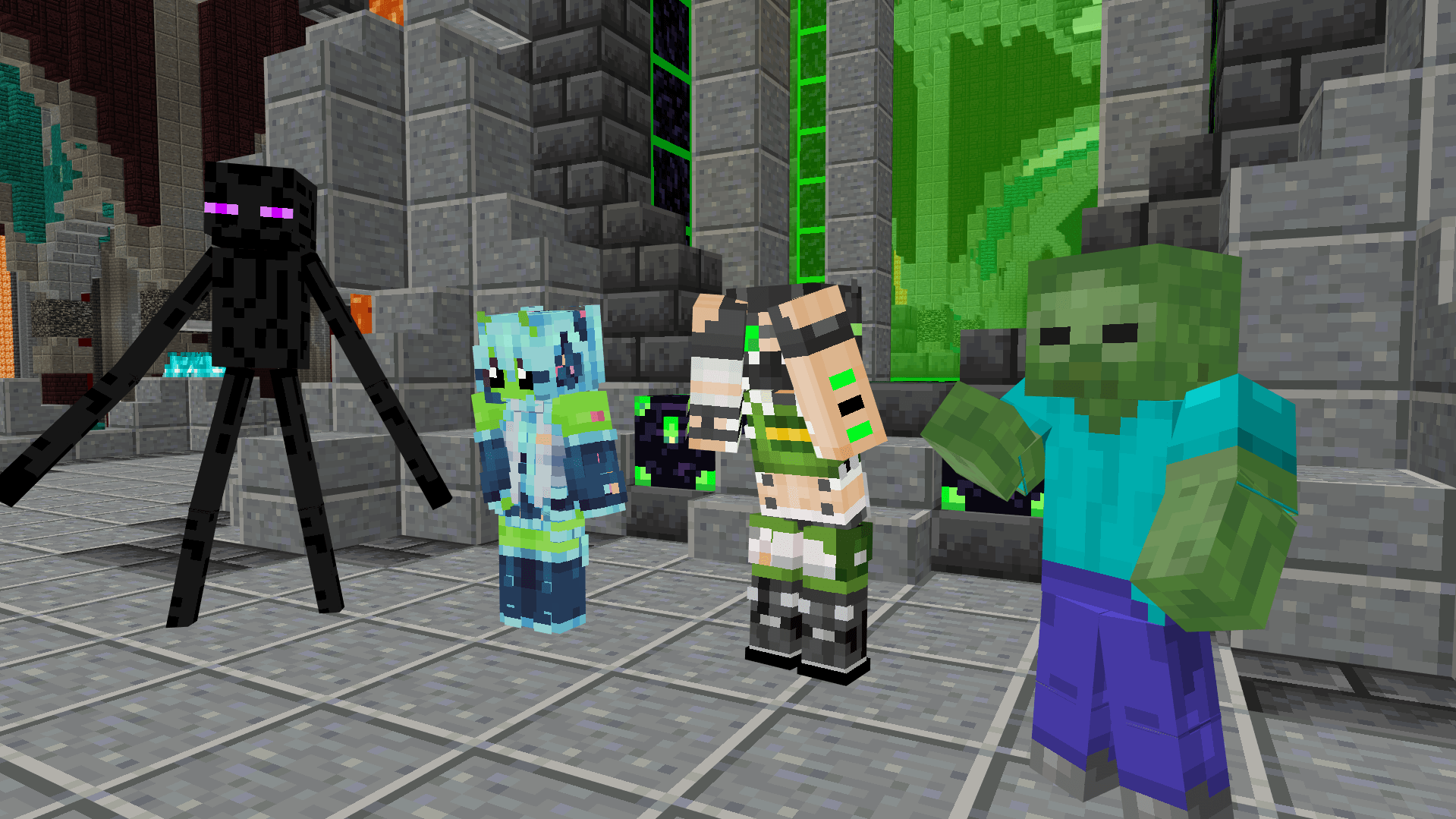
Create dynamic cinematic scenes with animated actors, mobs, custom characters, poses, and movements — all directly inside Minecraft Bedrock.
CINEMATIC TUTORIAL
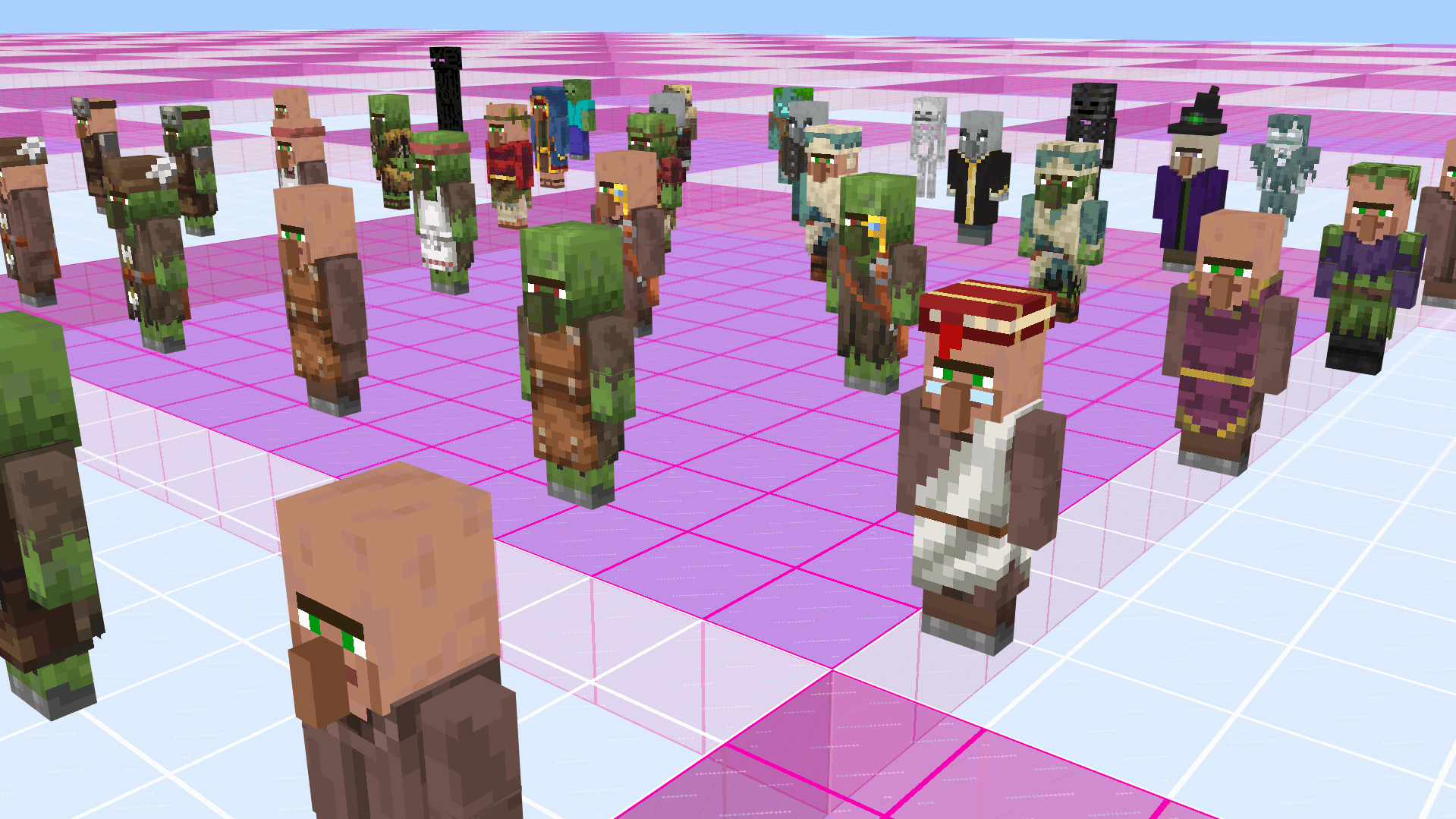
Turn Minecraft mobs and characters into cinematic actors. Place, organize, pose, and animate them to build large and dynamic scenes for your cinematics.
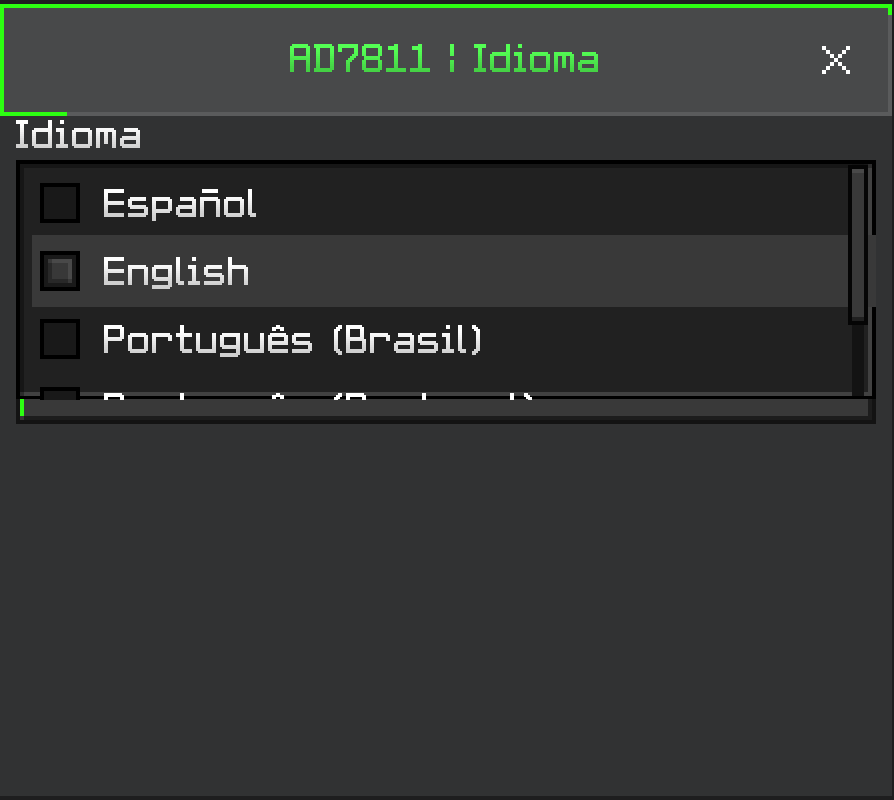
AdiStudio includes a built-in language system, allowing players around the world to use its cinematic tools and menus in their preferred language.
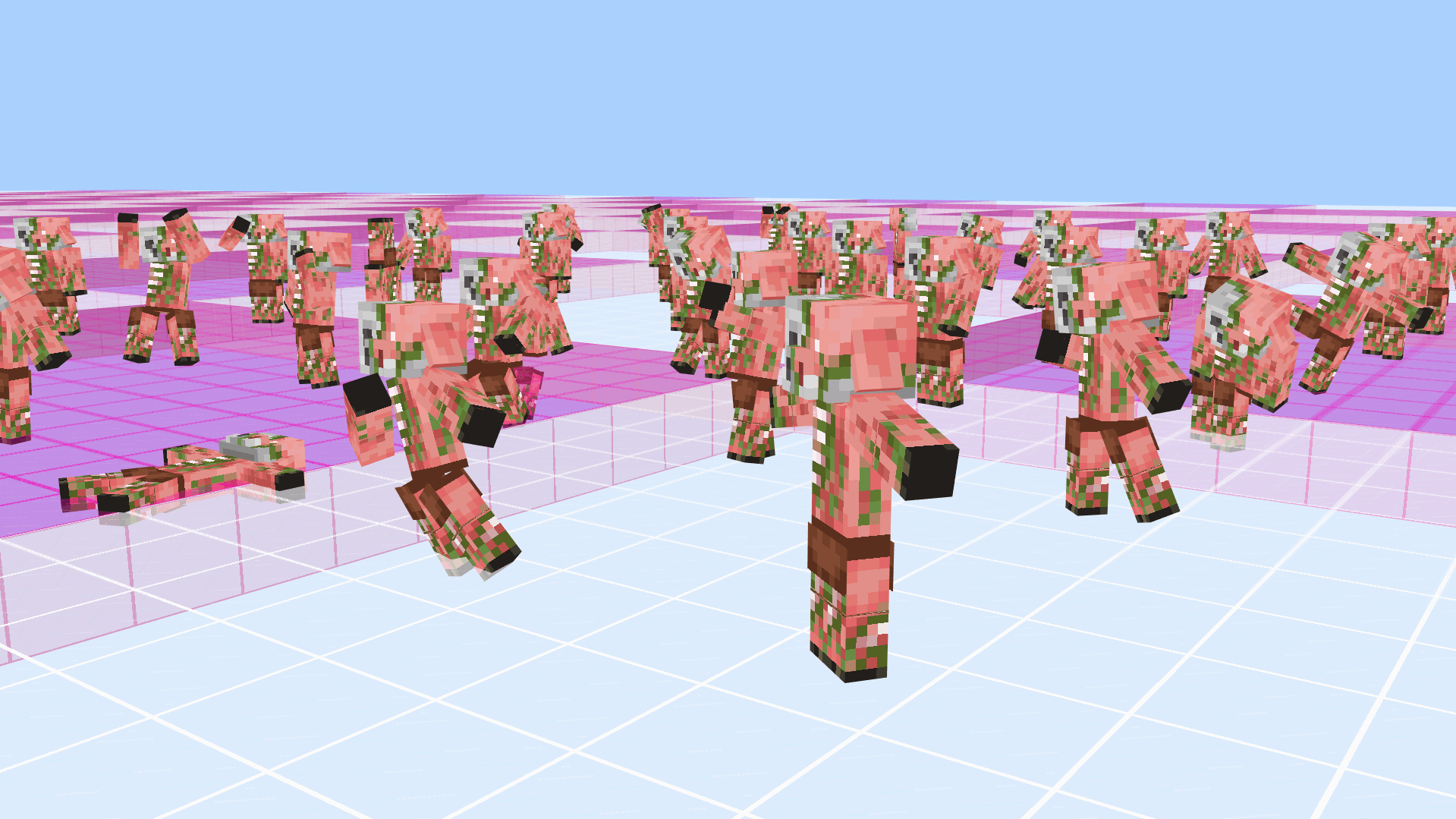
Bring your actors to life with a wide variety of animated movements designed to create dynamic, expressive, and immersive cinematic scenes.
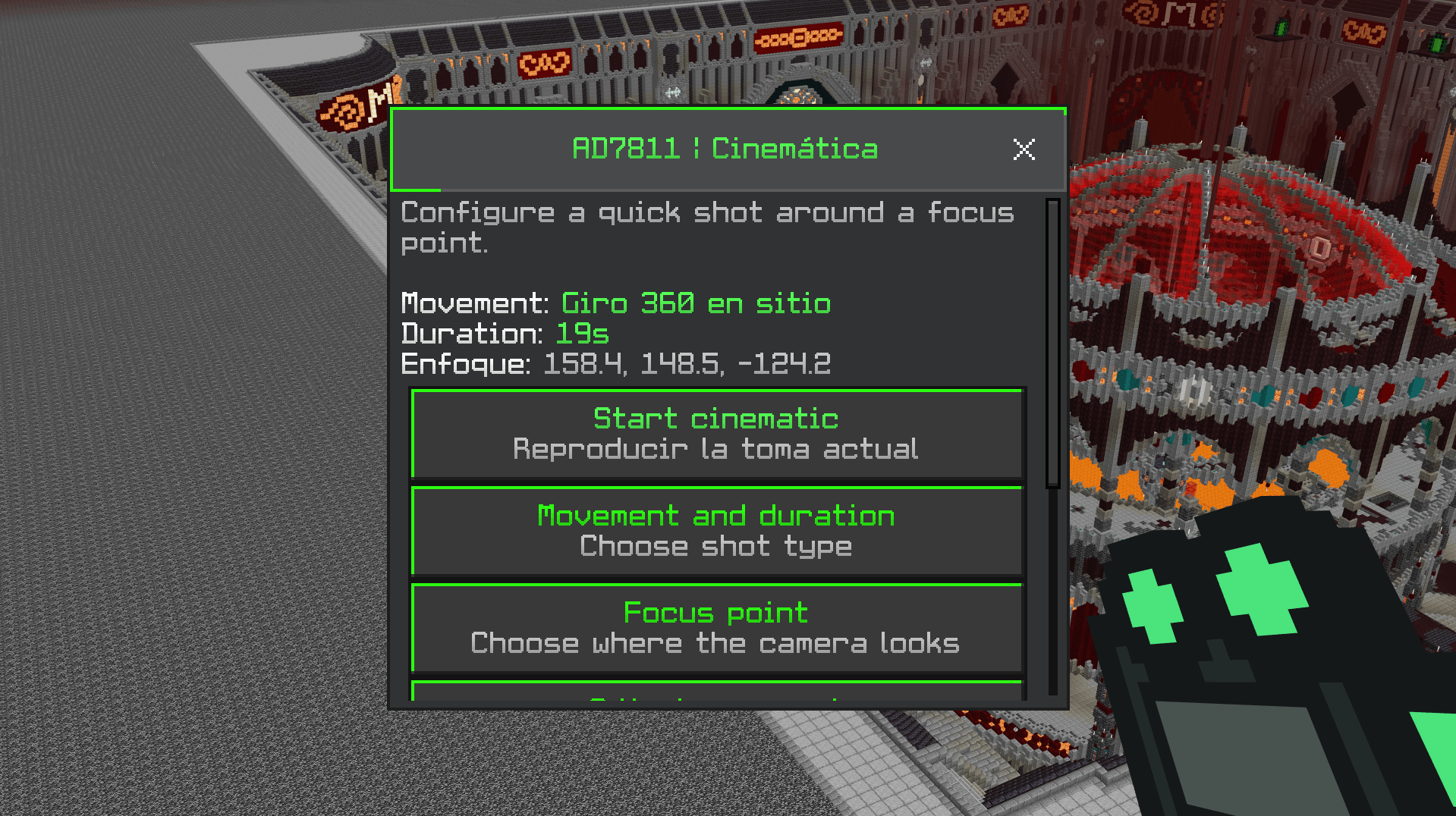
Configure cinematic camera movements, duration and focus points directly in-game to create smooth shots around your builds.