Actual Music Player
- By
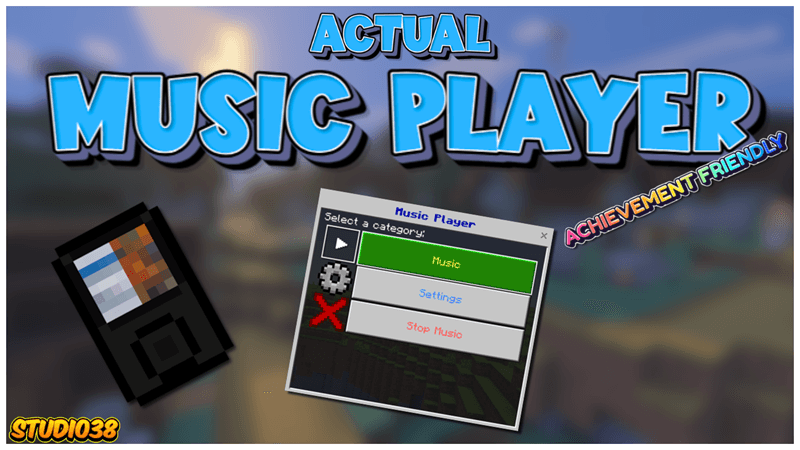
Ever wanted to hear your favorite songs whilst mining for diamonds or chilling in your base? With the Actual Music Player, you can curate your favorite tunes into a playlist and keep the music playing on your adventures.
 Project Description:
Ever wanted to hear your favorite songs whilst mining for diamonds or chilling in your base? With the Actual Music Player, you can curate your favorite tunes into a playlist and keep the music playing on your adventures.
Important Information:
- ✅No Experiments will need to be activated to play.
- 👨💼No Player files are used in this project.
- ⚡️Actual real-time music.
- 💡Dynamic playlist feature.
- 🔊Add your own songs.
- ⛽️UI powered interface.
- 📦Behaviour & Resource packs are both required for the project to work.
- 💻Have something to say? Join the Discord.
- 💯This Project is 100% achievement compatible.
Add your own songs
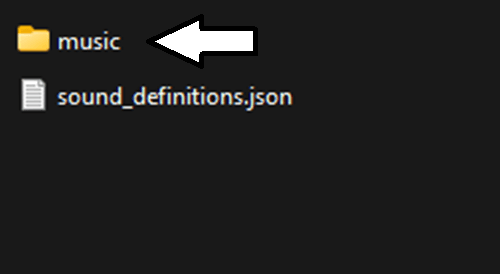 Go to the Resource Pack and open the Sounds folder, there you will find the Music folder. Open it.
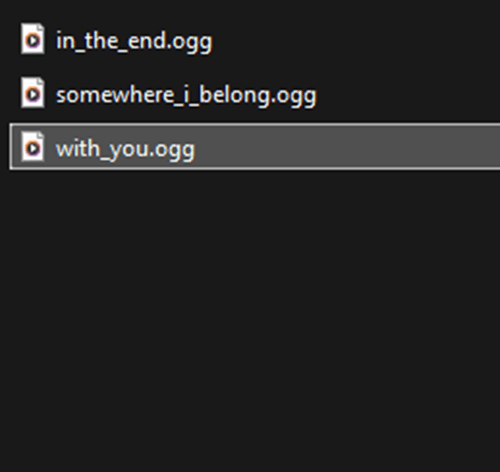 In the Music folder place any songs you like just make sure they are in the format "ogg" and have underscores between the names and not spaces.
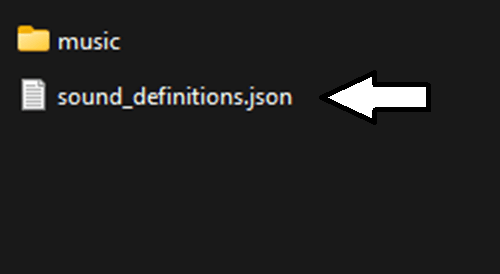 Go back to the Sounds folder and open the sound_definitions file.
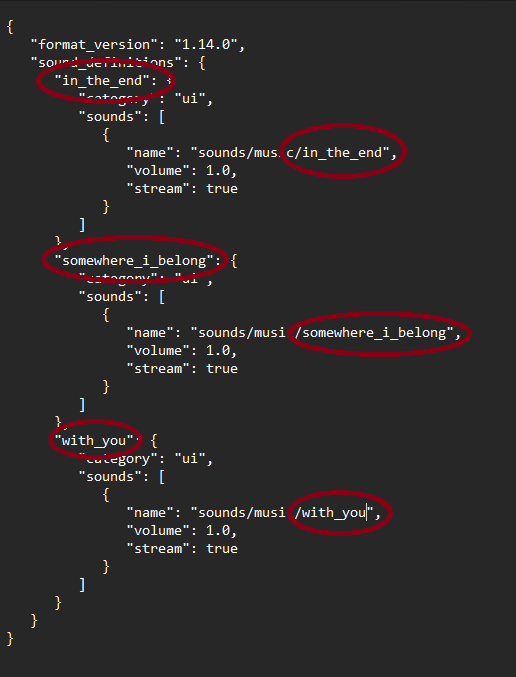 In this file there will be a sample section that you can copy and paste, just edit the sample with your songs names in both places indicated in the red.
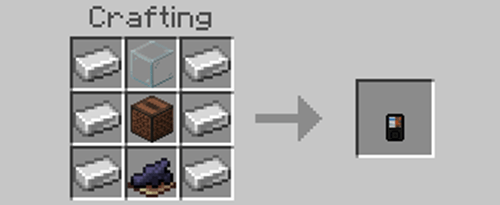 Now you can open Minecraft and craft your Music Player.
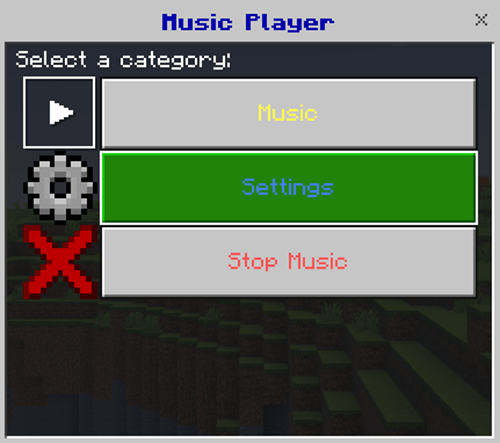 Open your Music Player and go to the settings.
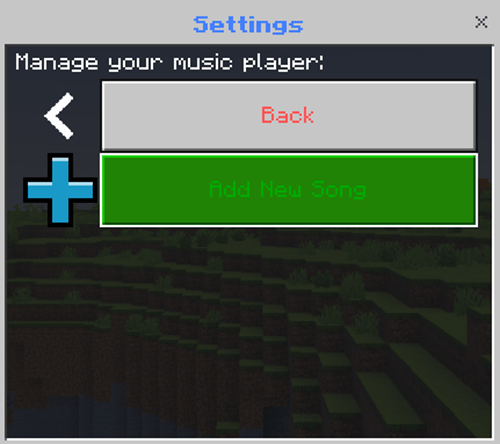 Choose the Add New Song button.
 In this section add the Artist of the song, the Title of the song and the Sound ID, this will be the name you input into the sound_definitions file earlier. You will also need the add the duration of the song for the Music Player to add the song to the Music List.
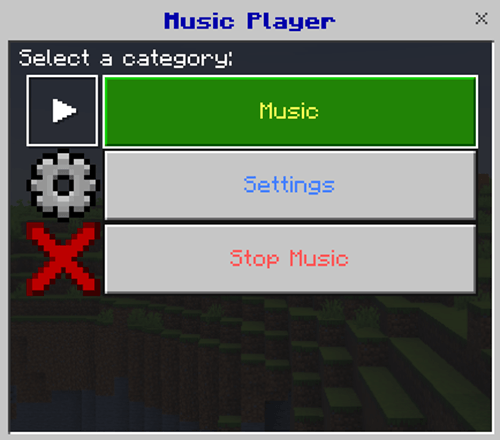 Go back to the main menu and tap the Music button. All the songs you have added will be there.
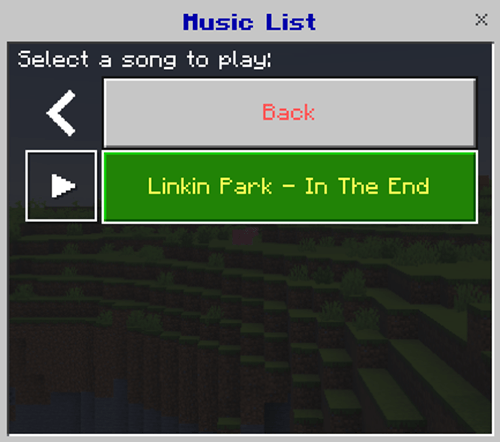 From the song you choose to start on the Music Player will then just keep playing the next song then the next song as a playlist.
The Actual Music Player Team


Owner