aceofnawa's RPG HUD (Achievement Friendly)
- By
1000904616.png
1000901278.jpg
1000901282.jpg
1000901283.jpg
1000901284.jpg
Description
RPG HUD
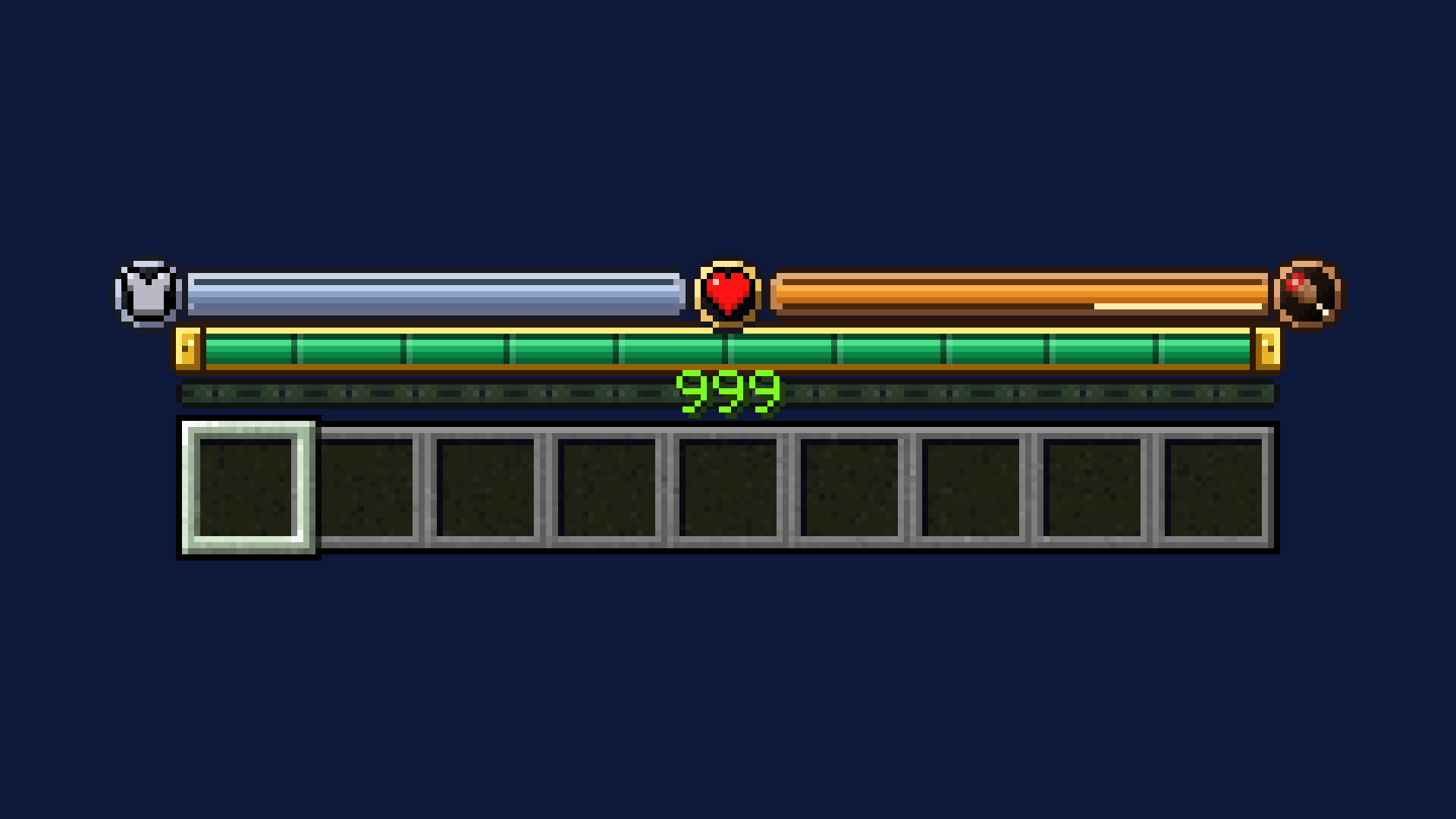
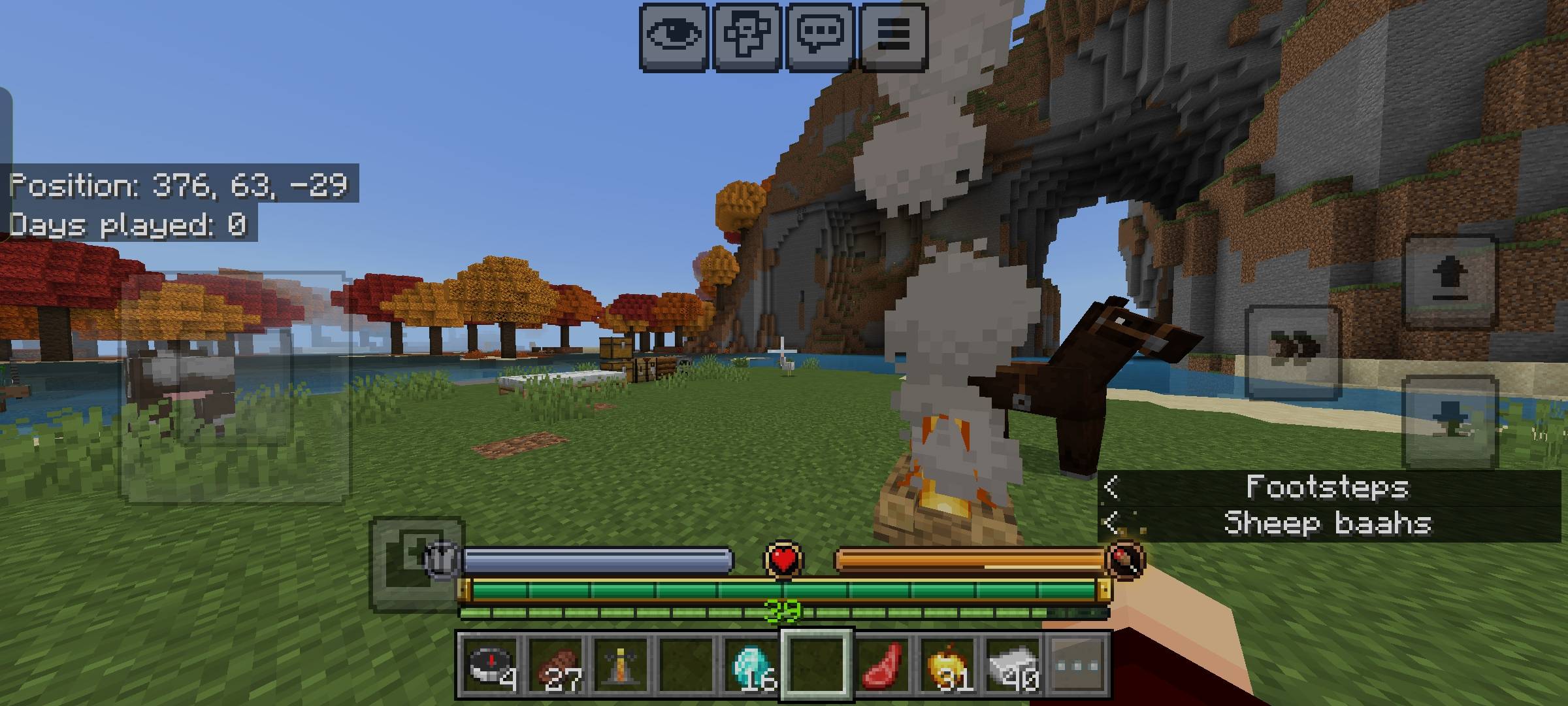
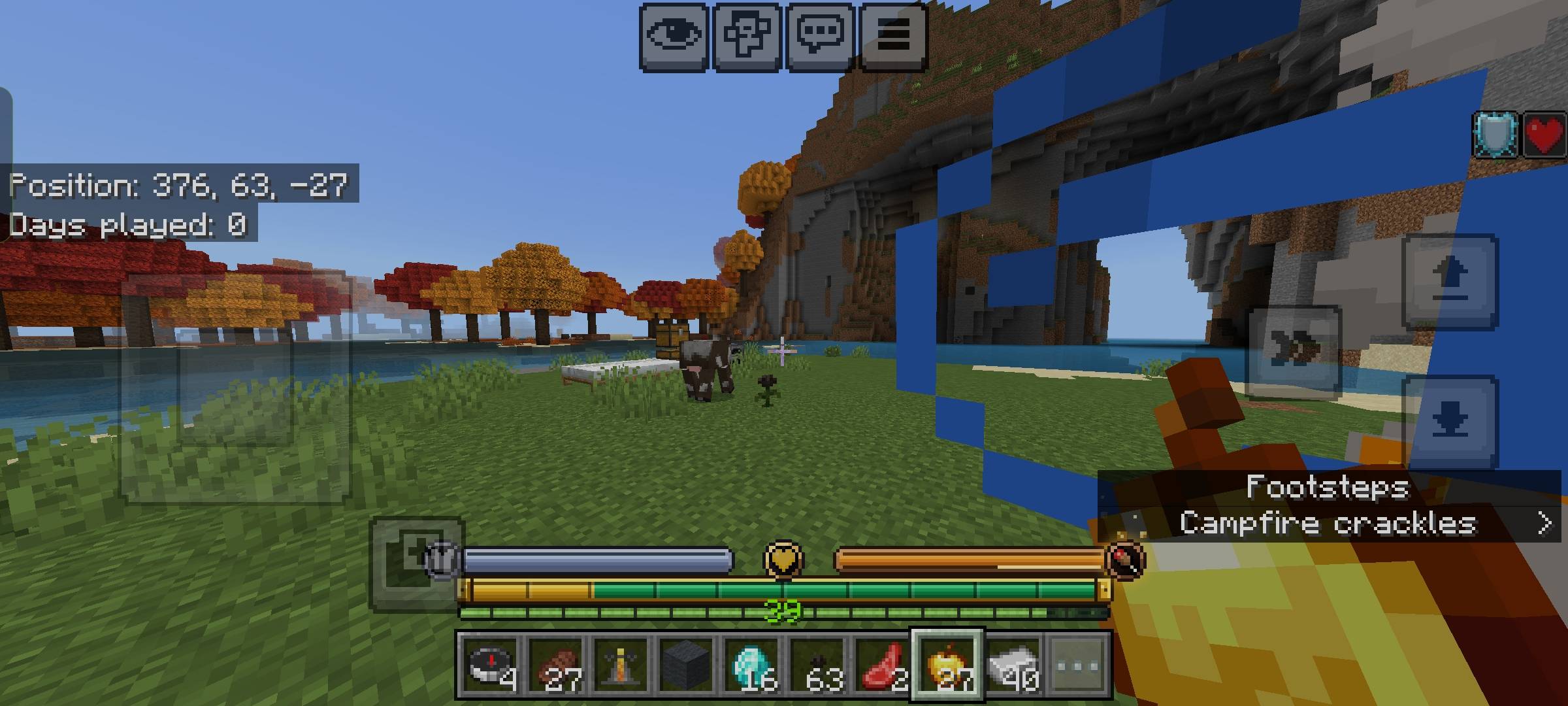
A simple RPG-style HUD for Minecraft Bedrock Edition. Replaces the default hearts, hunger and armor with cleaner bars, adds a Genshin-inspired breathing arc when you’re underwater, and shows mount health when you’re riding something.
Works on both touch and desktop. Requires Minecraft 1.26.60 or higher. You need both the resource pack and the behavior pack enabled.
Features
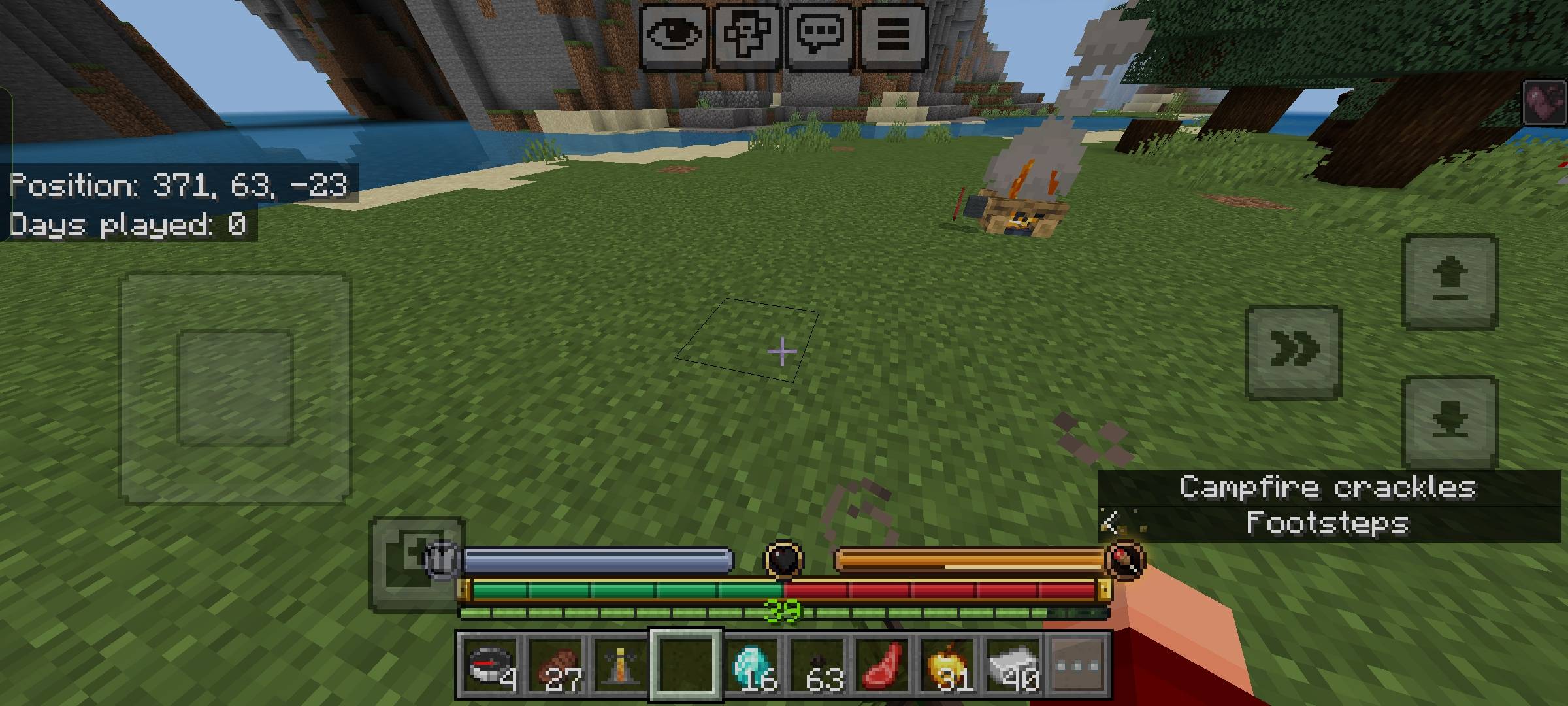
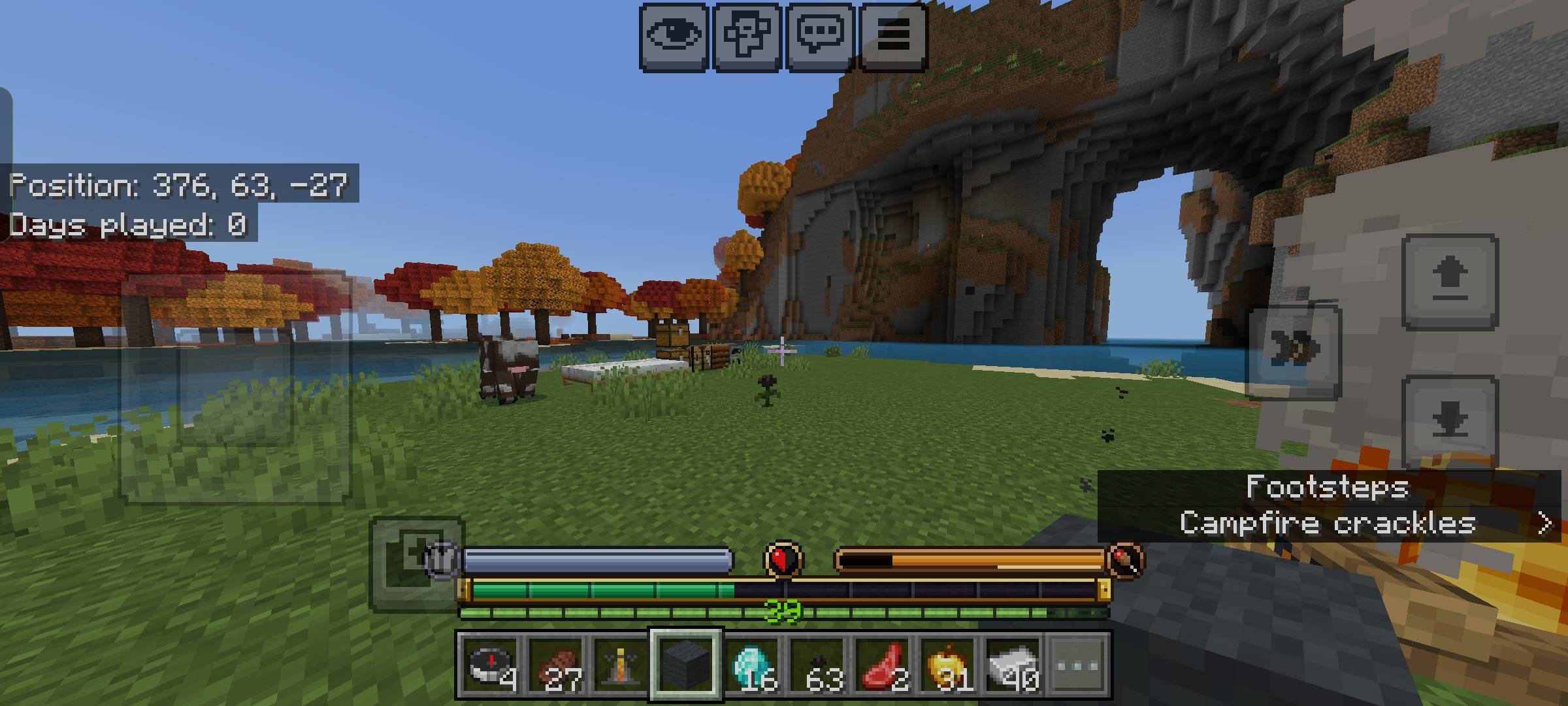
- Emerald health bar with damage trail (red) and heal trail (dark green). Supports multiple health layers if you have more than 20 HP.
- Absorption shown as a gold overlay on the health bar (estimated).
- Armor bar.
- Hunger bar + saturation aura when your hunger is full and you still have saturation.
- Exhaustion meter (the little bar that fills as you sprint/jump/etc).
- Breathing arc that appears when you’re underwater or low on air. Fades out smoothly when you surface. Also estimates Respiration enchantment.
- Mount health overlay (horses, pigs, striders, etc.). Boats and minecarts don’t show anything since they have no health.
- Status effects like poison, wither, and freezing are indicated on the health icon.
- Debug command: `/rpgbar:hud_debug` (outputs to the content log).
Known Issues
- Absorption and air supply are estimated because Bedrock doesn’t expose stable APIs for them yet. They work pretty well in normal play but can be slightly off in edge cases.
- Hunger bar only appears if the script can read the hunger component. On some versions it falls back to the vanilla icons.
- Title channel is used to pass data to the UI, so any other addon that also forces titles might conflict.
- Very high health (lots of layers) can make the bar a bit hard to read at a glance.
That’s pretty much it. Install both packs, make sure the resource pack is above the behavior pack if you have ordering issues, and you’re good. Feedback and bug reports are welcome.
aceofnawa's RPG HUD (Achievement Friendly) Team