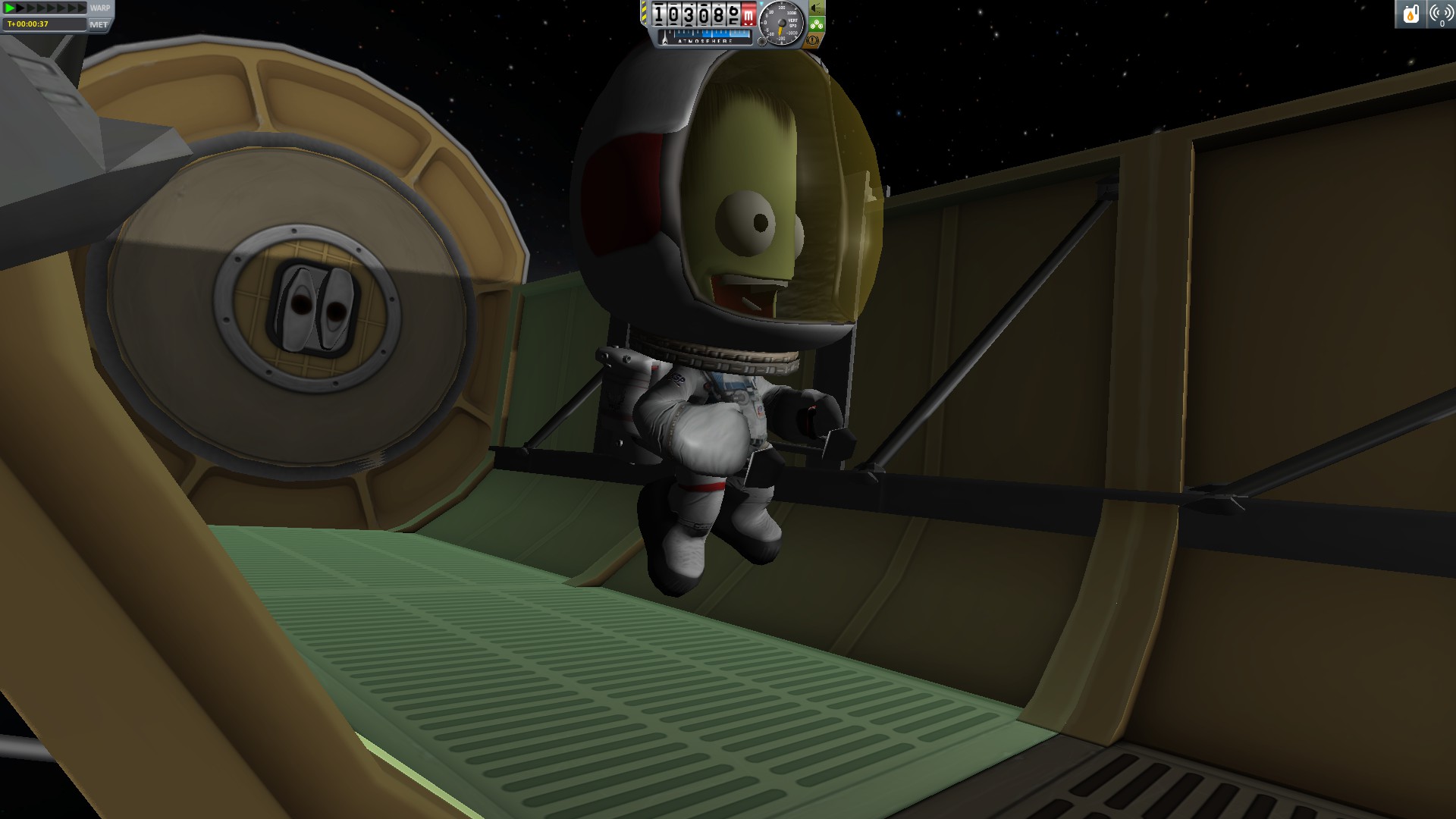
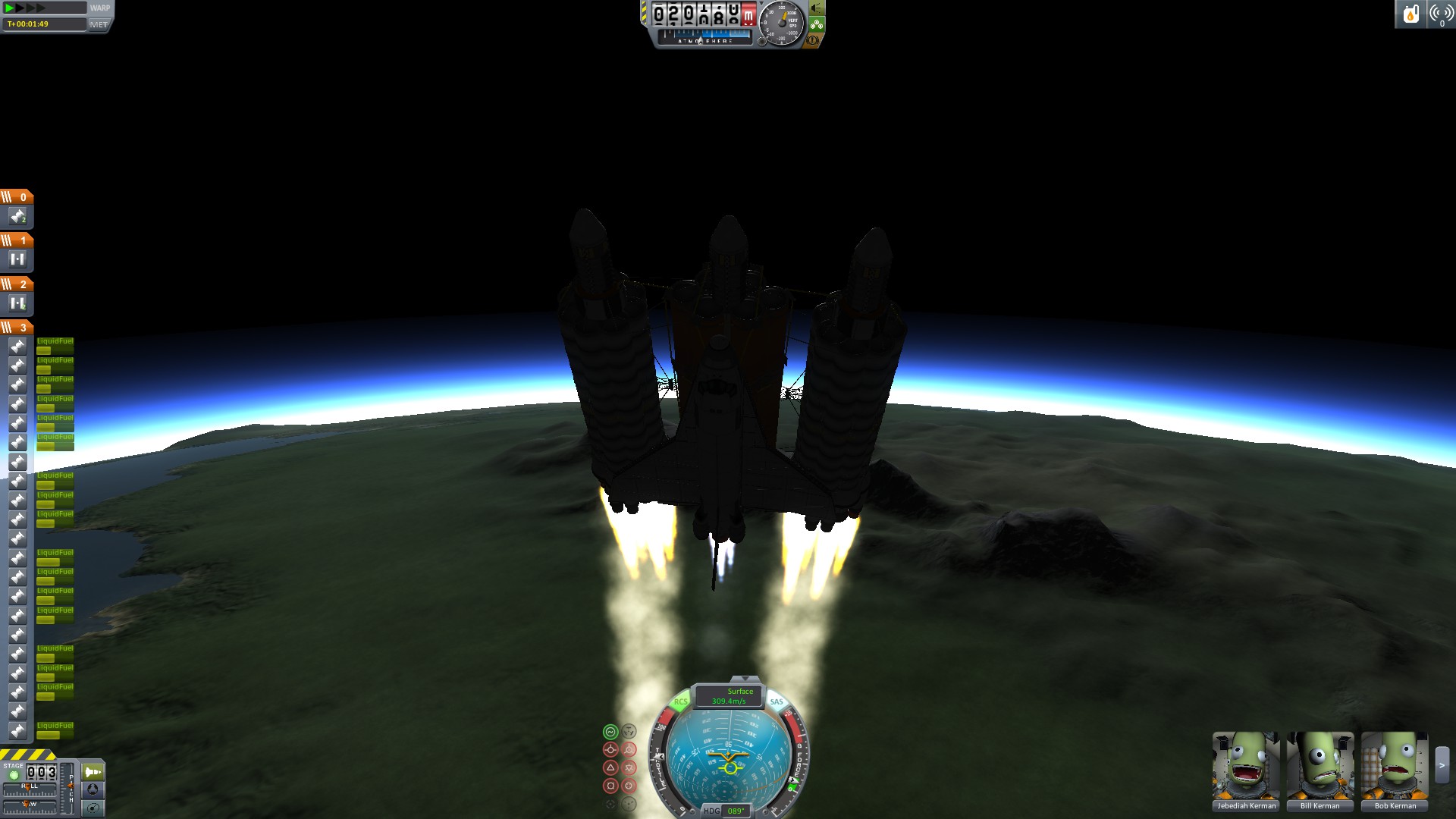
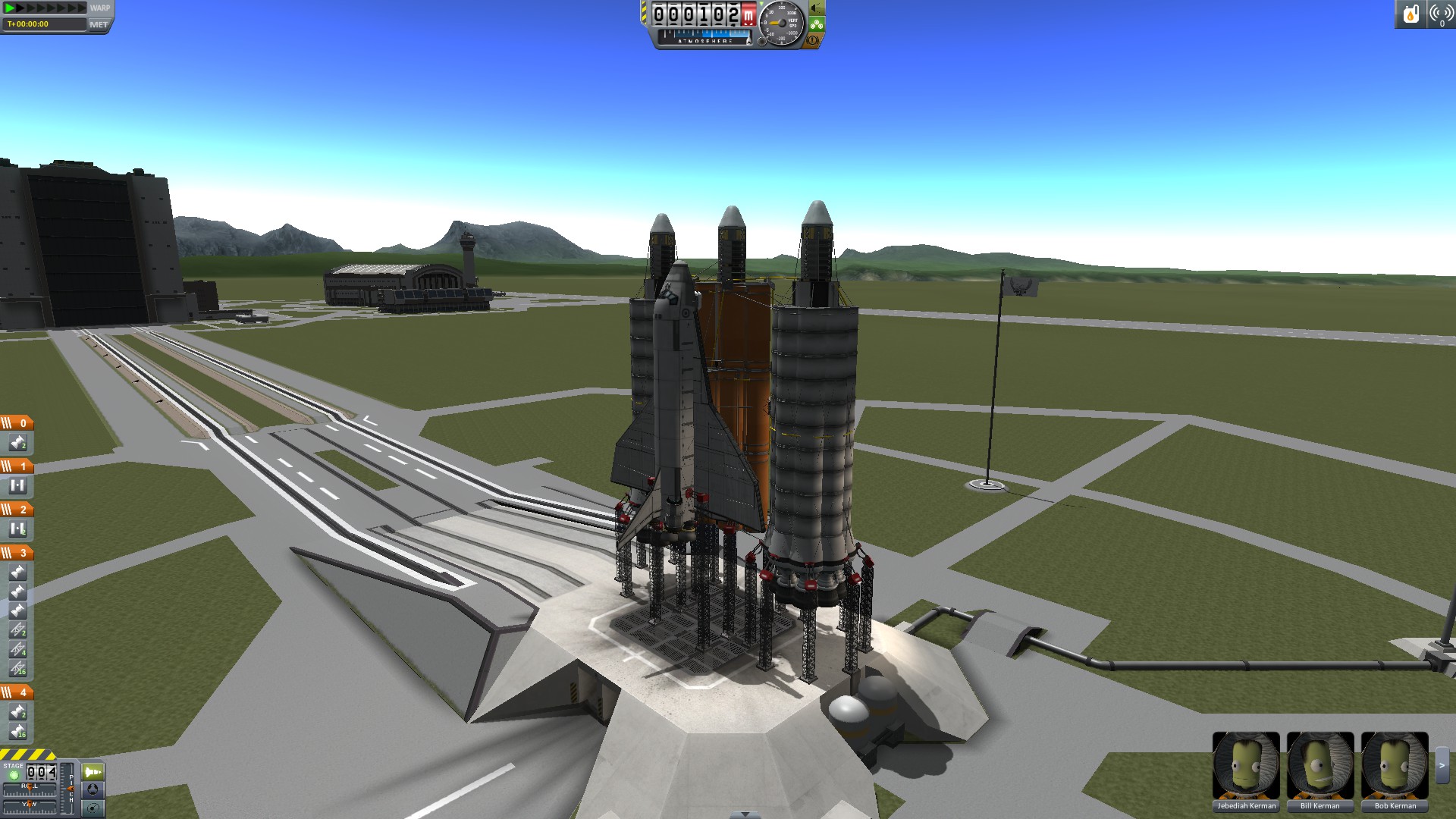
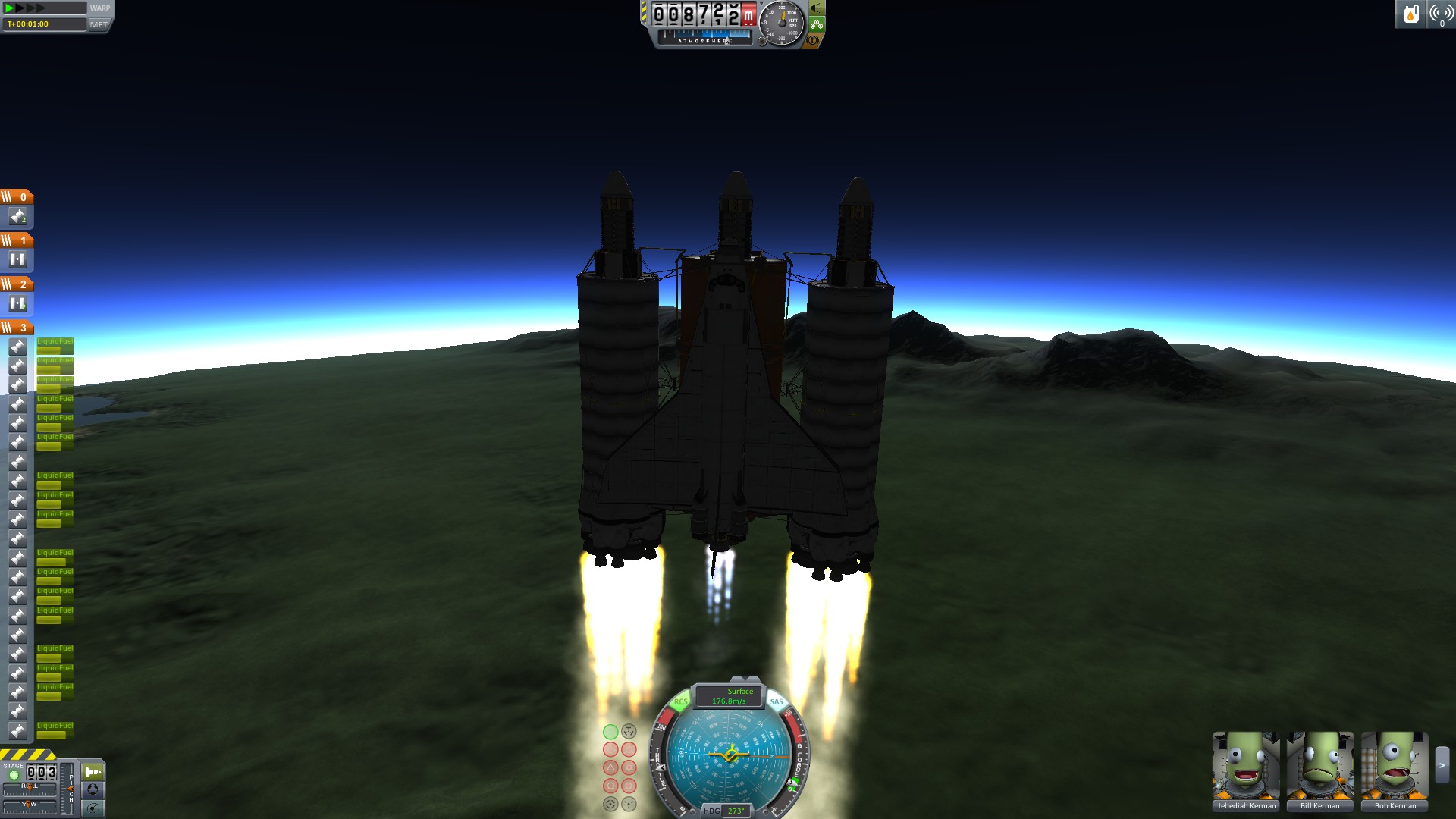
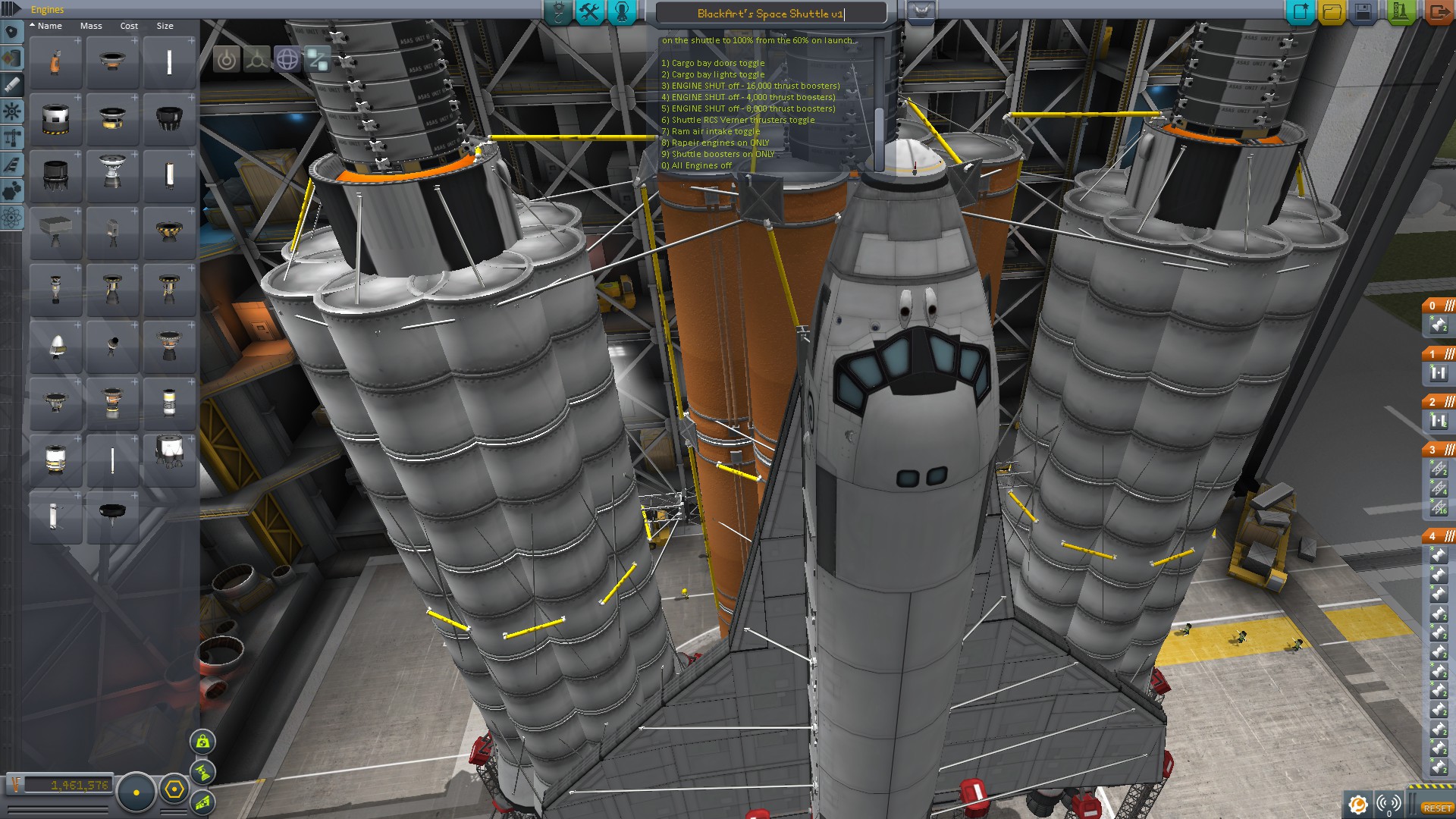
This shuttle is vanilla KSP 100% and require no mods.
This Shuttle is massive so some computer systems may have a very hard time launching it with any decent FPS (Note: RCS thrusters cause a huge FPS drop when active)
Let me first say this is not the final iteration of my space shuttle, but it is a working version that i have spent many hours in, and before Kerbal v1.0 was released. Once Kerbal 1.0 was released i had to make some minor changes to my existing Space shuttle to get this working. (I had to change some of the booster engines' since the thrusts were changed.)
What you need to know when taking it out for the first time.
First off are the keybindings:
1) Cargo bay doors toggle (i have 2 smaller doors that open together but you can manually open just 1 with right clicking on the door itself)
2) Cargo bay lights toggle
3) ENGINE Toggle - 16,000 thrust boosters)
4) ENGINE Toggle - 4,000 thrust boosters)
5) ENGINE Toggle - 8,000 thrust boosters)
6) Shuttle RCS Verner thrusters toggle
7) Ram air intake toggle
8) Rapier engines on ONLY
9) Shuttle boosters on ONLY
0) All Engines off
Notes when launching:
NOTE: When flying the shuttle this model uses a balist system to balance the plane (front and rear fuel tanks on the shuttle itself).
LAUNCHING With boosters:
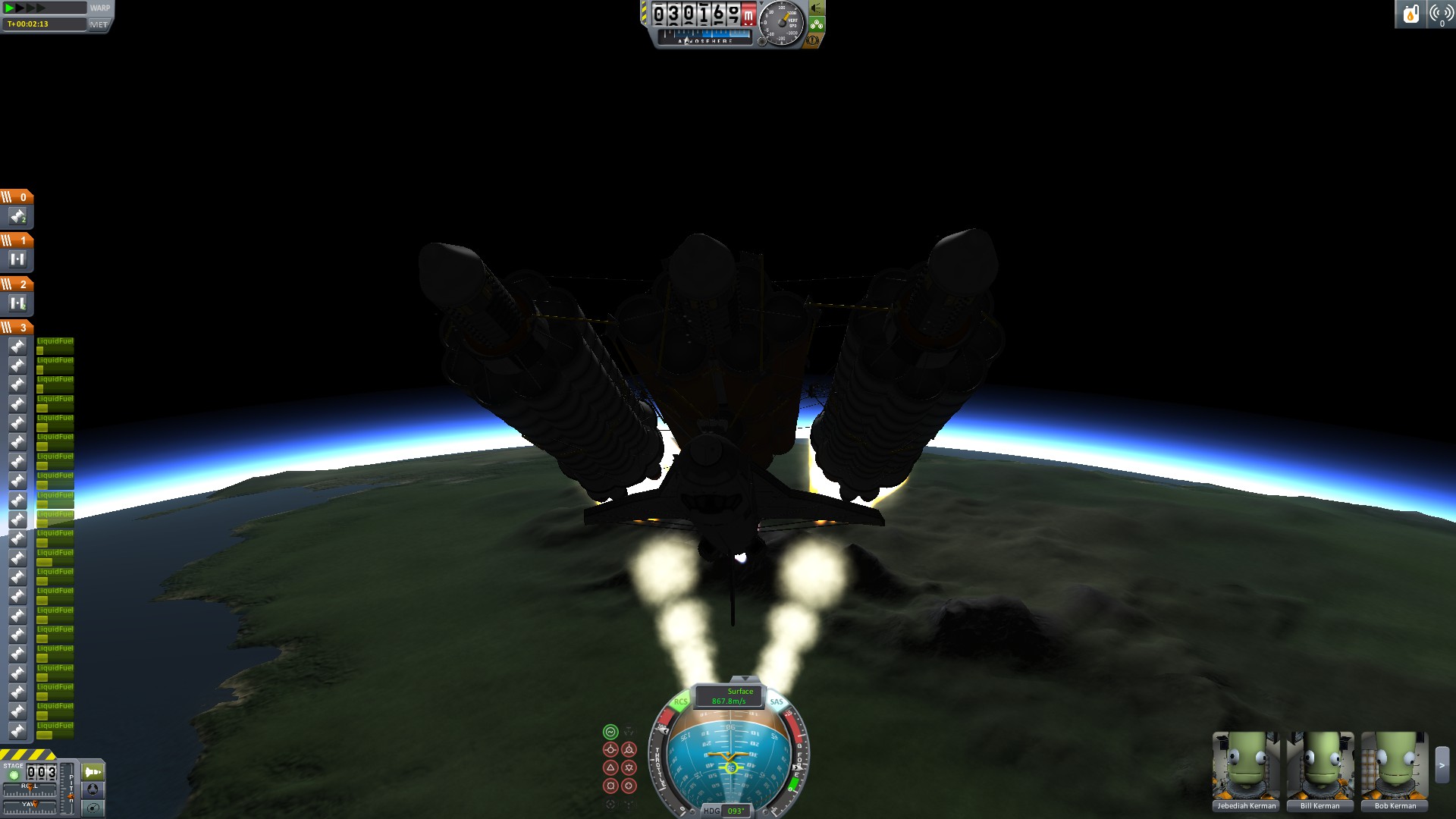
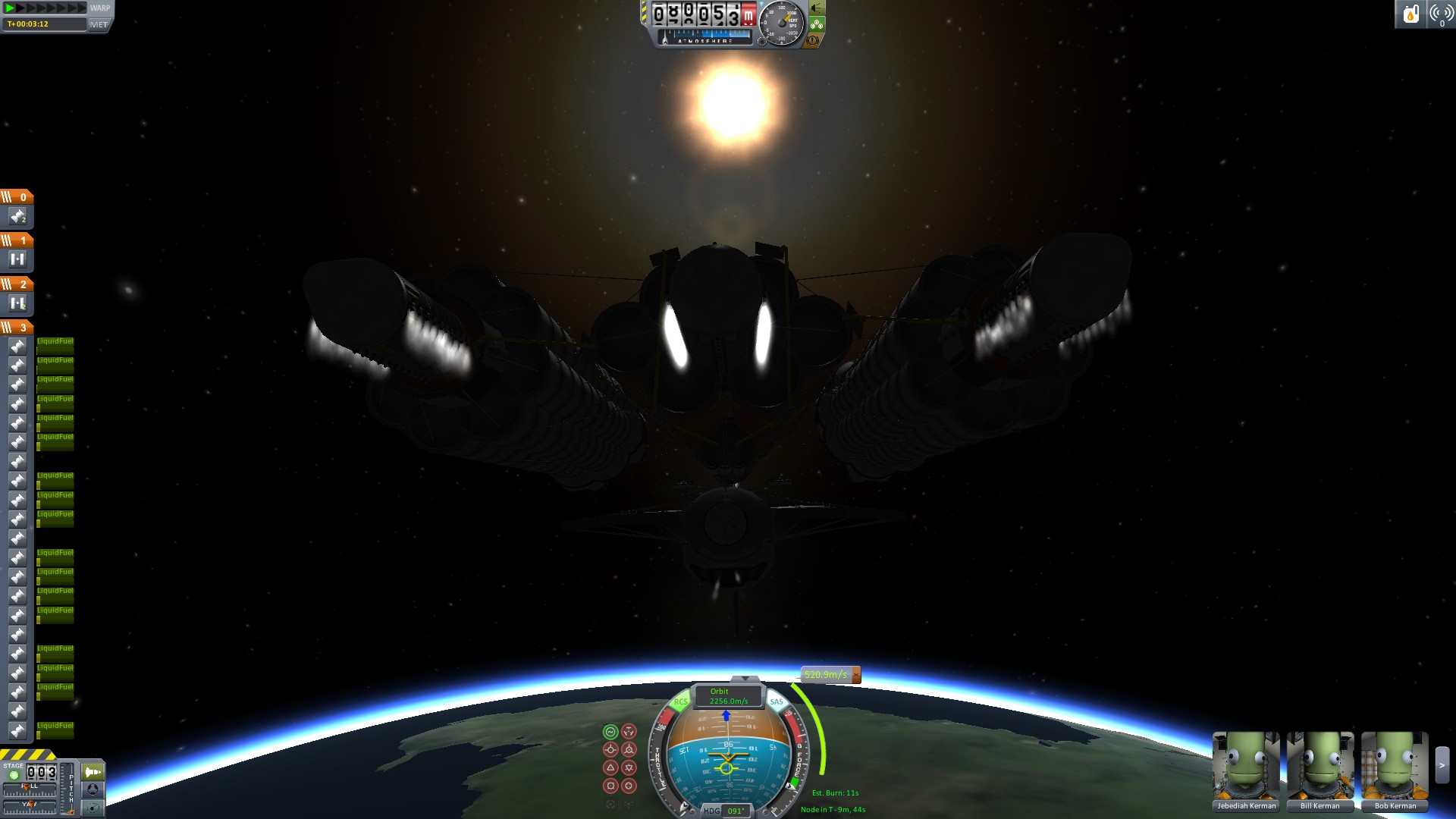
Do not bring the speed above 200 m/sec ascending on launch while you are below 20k altitude. Try to keep your rate of climb to around 100 to 200 m/sec. Failure to do this will rip the shuttle apart before it reaches 20k meters.
Roll the shuttle in a counter-clockwise rotation by 90 degrees at around 5k to 10k km up. After your done with the rotation and stabilized the shuttle you can change the boosters on the shuttle from the 51% to 100% that they are set to on launch.(This must be done manually by right clicking each engine on the shuttle). This is essential for the balist on the shuttle boosters to keep the shuttle stable while burning and losing fuel mass.
Quick checklist:
A) Throttle to full (hold left shift) and turn on SAS (hit the letter T)
B) First start the engines by hitting space once wait for them to ignite fully then hit space again to drop the docking clamps
- use the key bindings to shut off boosters to keep the speed at appropriate levels (ie... 3, 4, 5)(You will need full boosters to take off from the launch pad but once your moving you don't need them all)
- at ~20k meters up manually Change Engines on the shuttle itself for 100% thrust from 51%
- boosters to full above 20k Altitude (turning on boosters you turned off prior with the same key binding (ie.. 3, 4, 5)
- turn on RCS above 30k meters when you feel the need (now is a good time with the letter "R" key)
- 30k altitude start pulling the shuttle back to get in a good orbit trajectory (roughly 30 degree from vertical on the ball)
- 40k - 50k you will pull the shuttle even more down towards the horizon during the burn
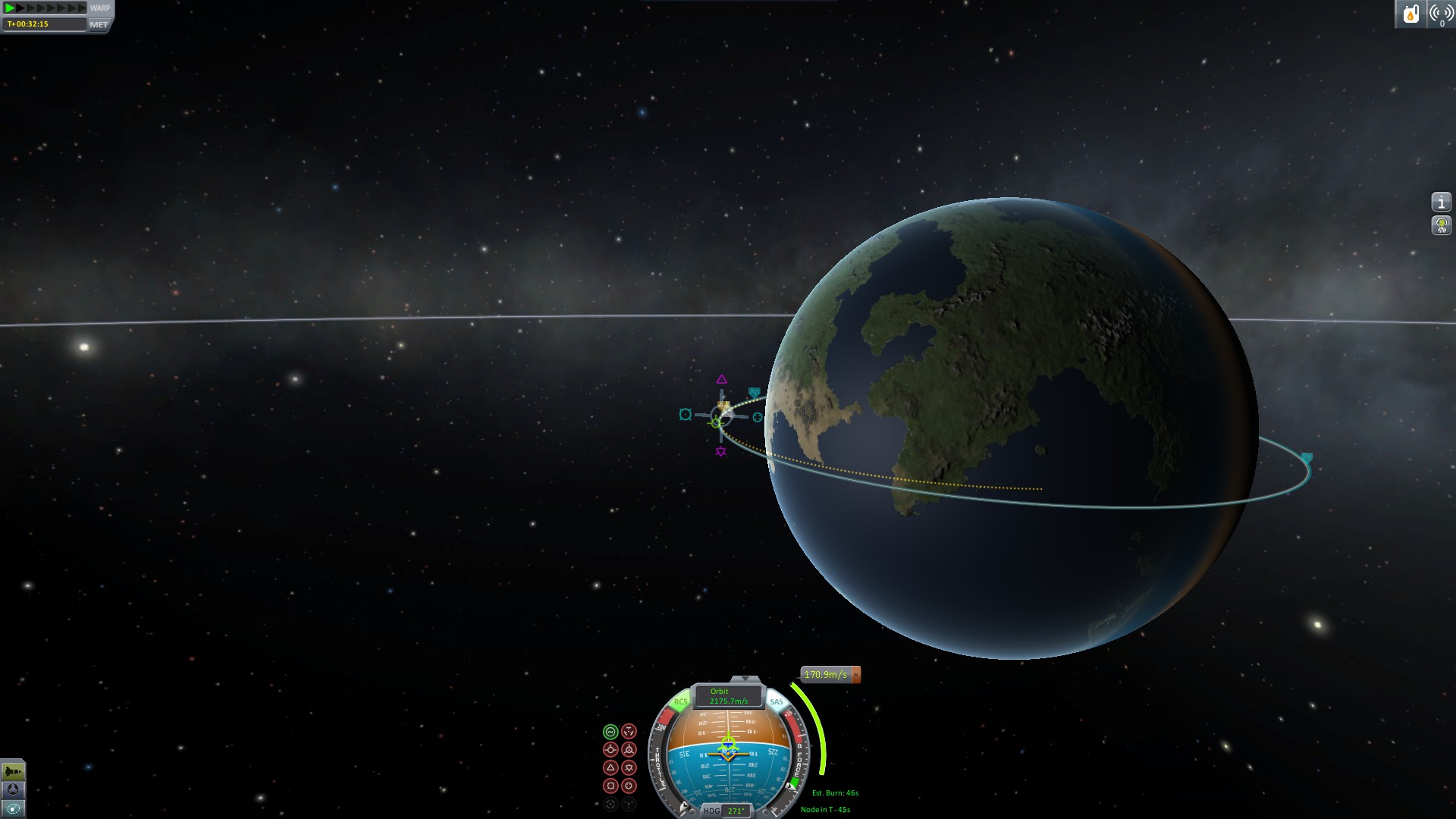
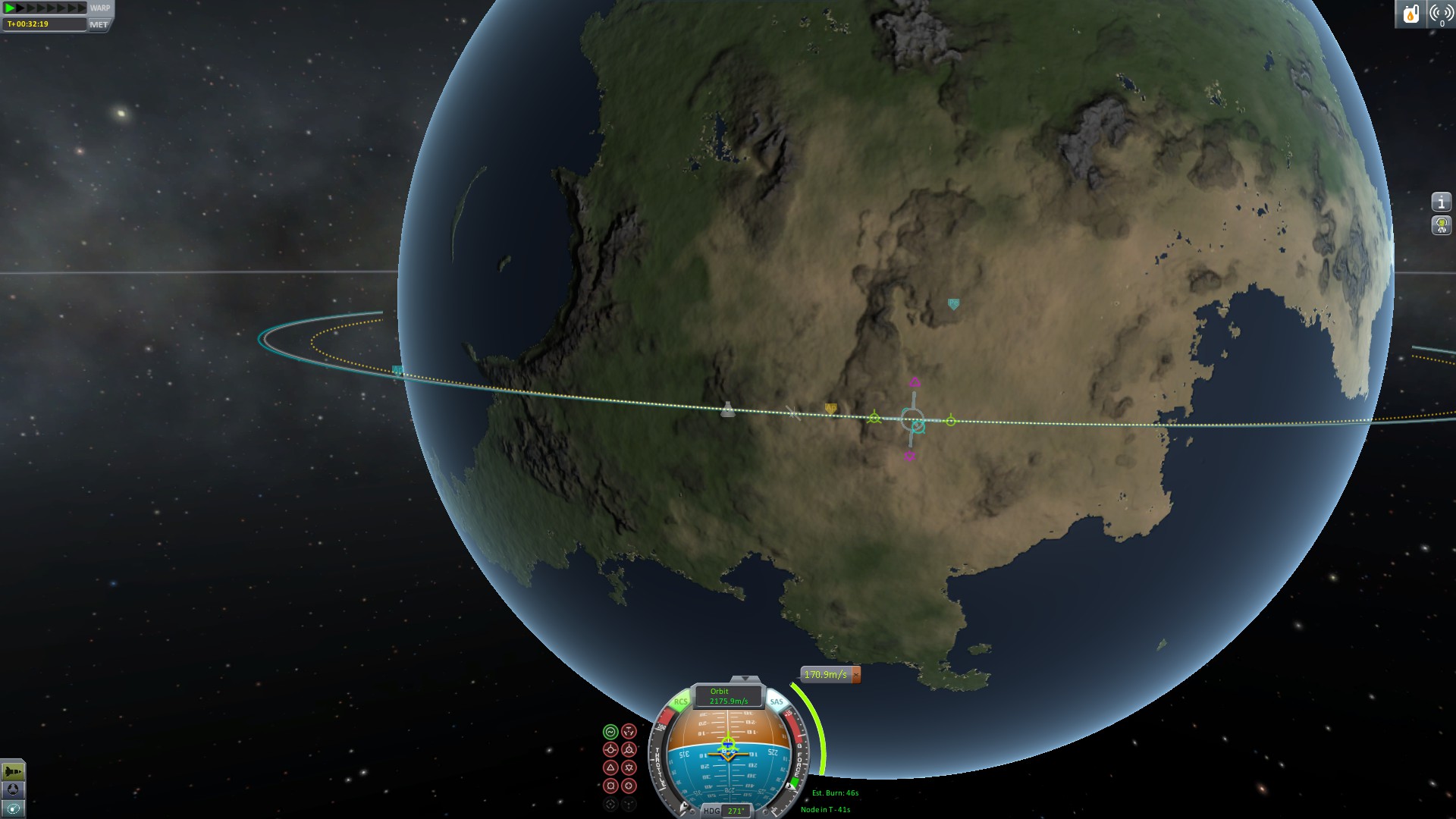
- Go in orbit mode to make a maneuver node for orbit then burn towards that with the engines off until you need to burn for the final orbit.
Last note:
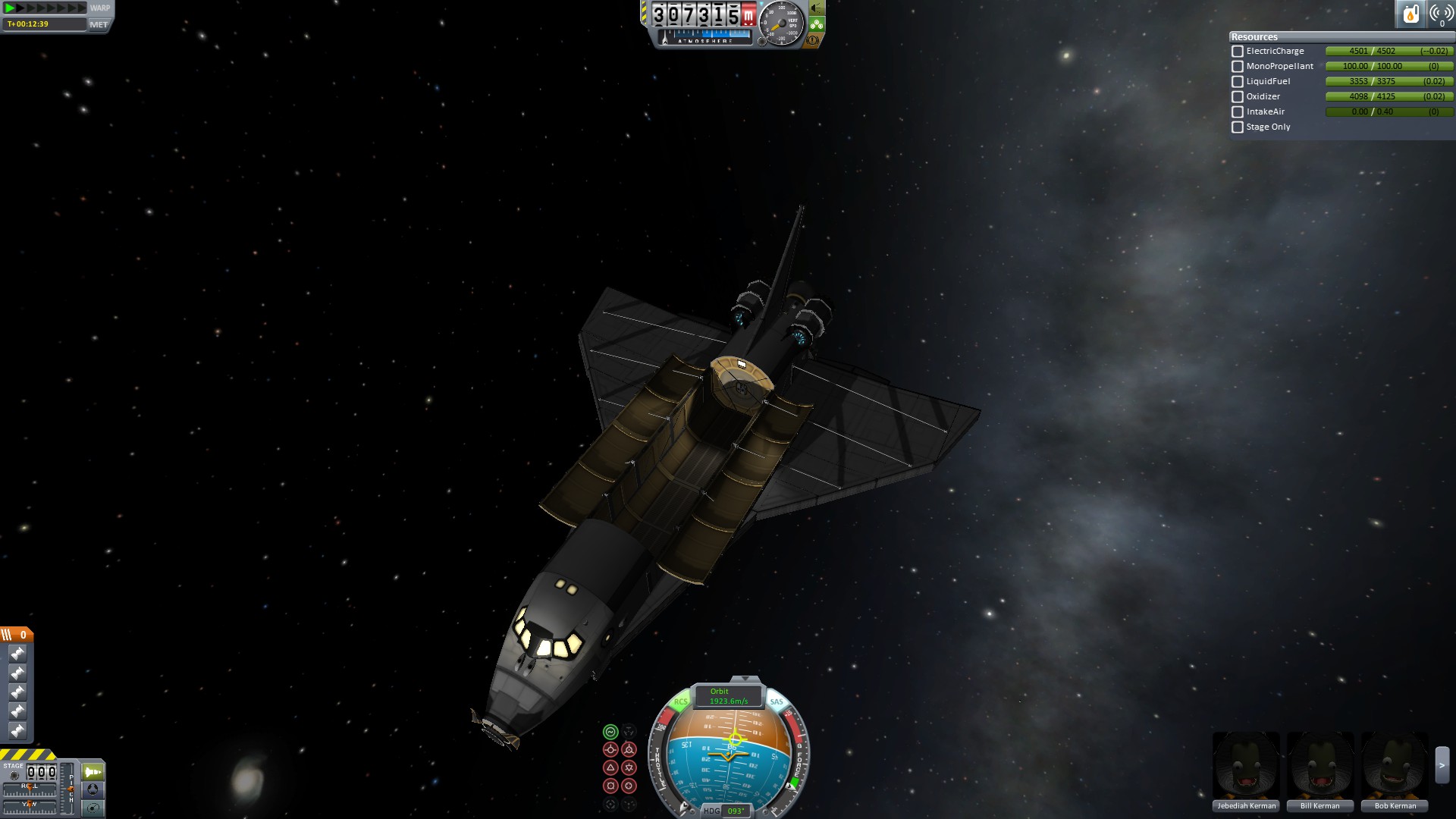
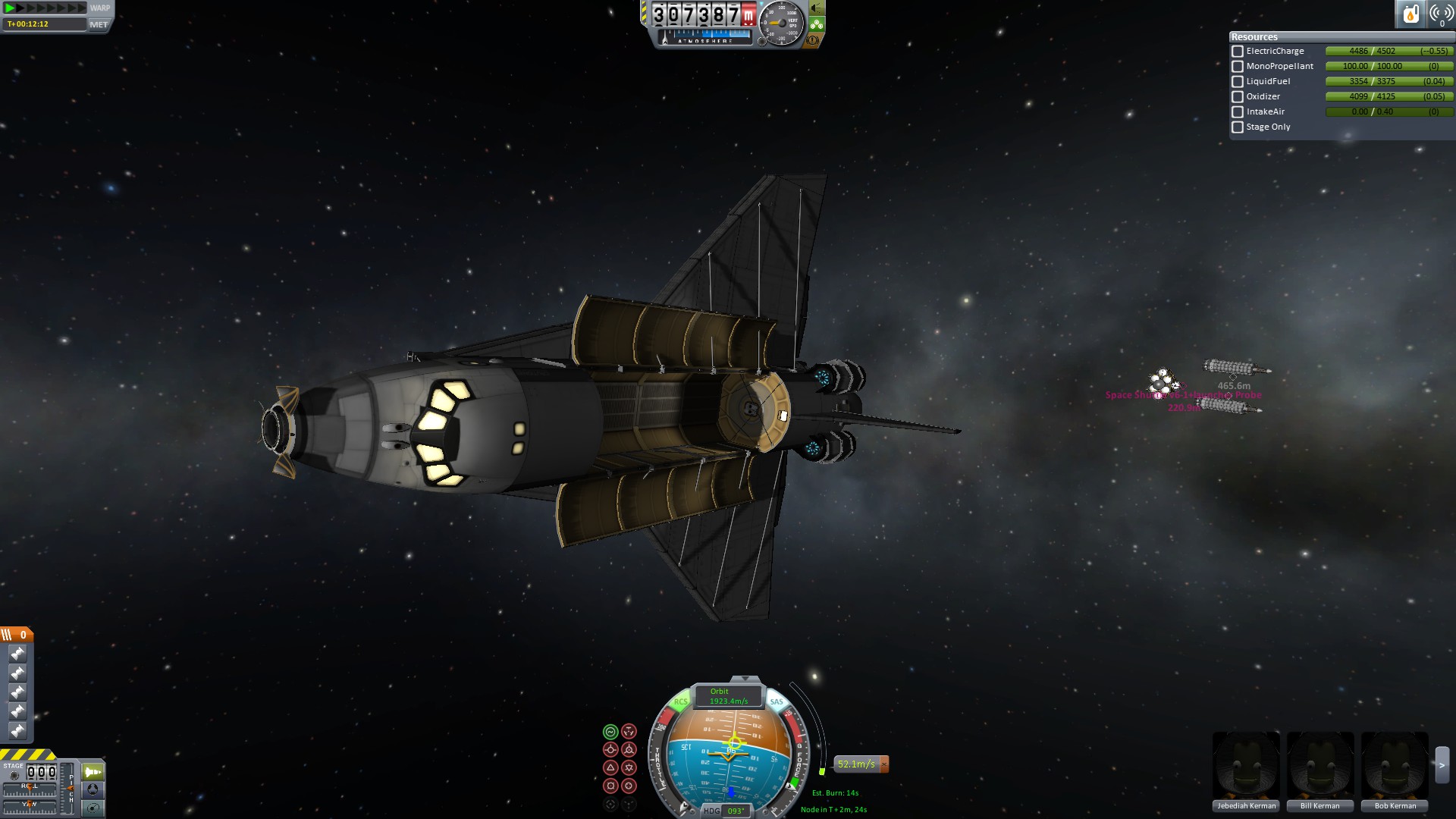
The rapier engines have 2 modes one is air breathing and is very economical while the other is rocket mode, and in this mode it will burn fuel faster then dumping it over the side of the shuttle. The reason i use these engines is because on reentry the shuttle can fly very far on just those engines before requiring to land at very low air speeds, and I also use them in space to de-orbit or rendezvous with a station After you have reentered in orbit you may need to manually switch the mode of those engines manually to air-breathing from closed-circuit and toggle the vents on.
I don't know in kerbal 1.0 what the exact stall speed of the shuttle is on reentry with full fuel and an empty cargo bay, but previously it was around 50 m/sec airspeed. Closed vents = good for reentry since its low drag but they have huge drag when they are open which could, in turn, rip the shuttle apart depending on your reentry.
Changelog in spoiler:
Version: 1c
- Fixed some key-bindings with the rcs ports on the shuttle itself.
Version: 1b
- Changed shuttle in hanger to eliminate the need for the 90 degree rotation during flight
- fixed the key-bindings for the boosters so you can shut some down to make it easier to ascend.